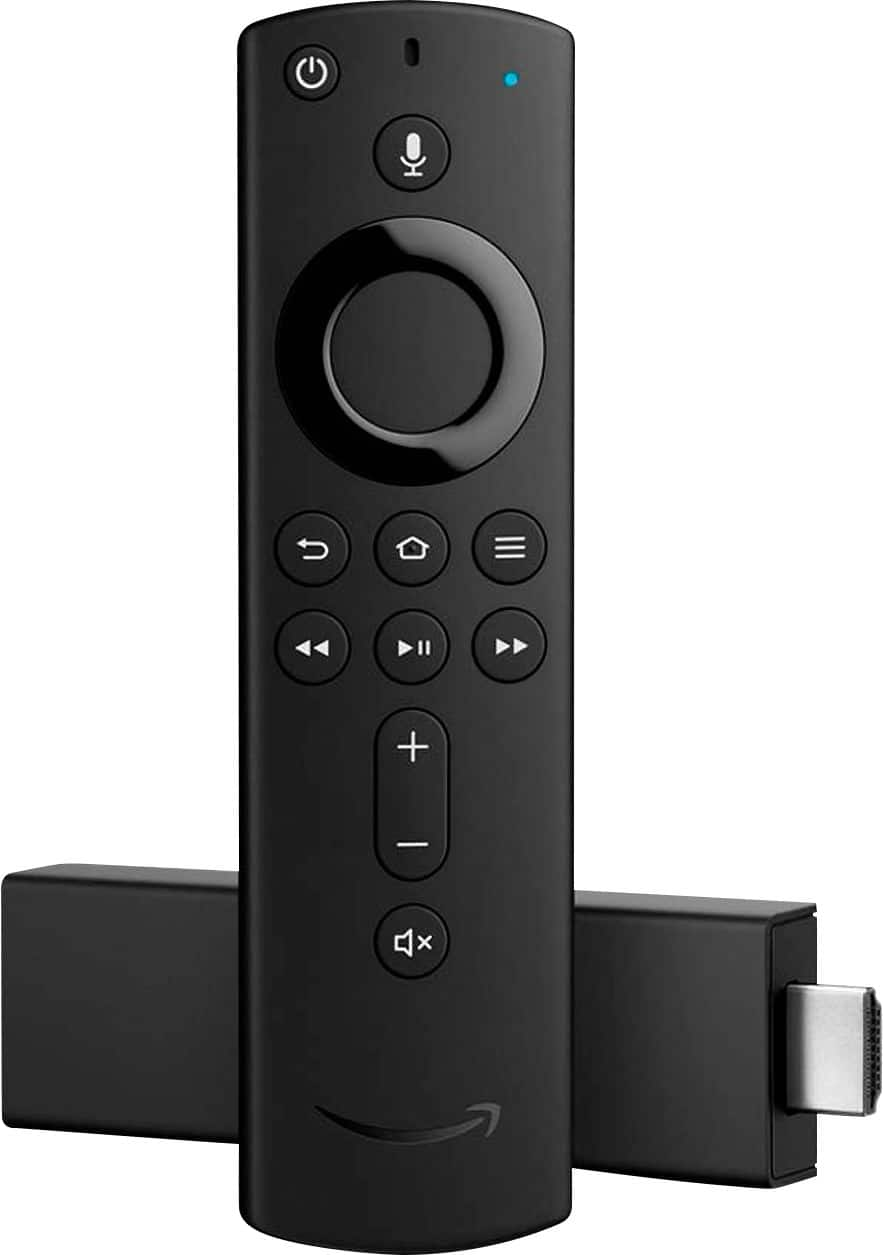
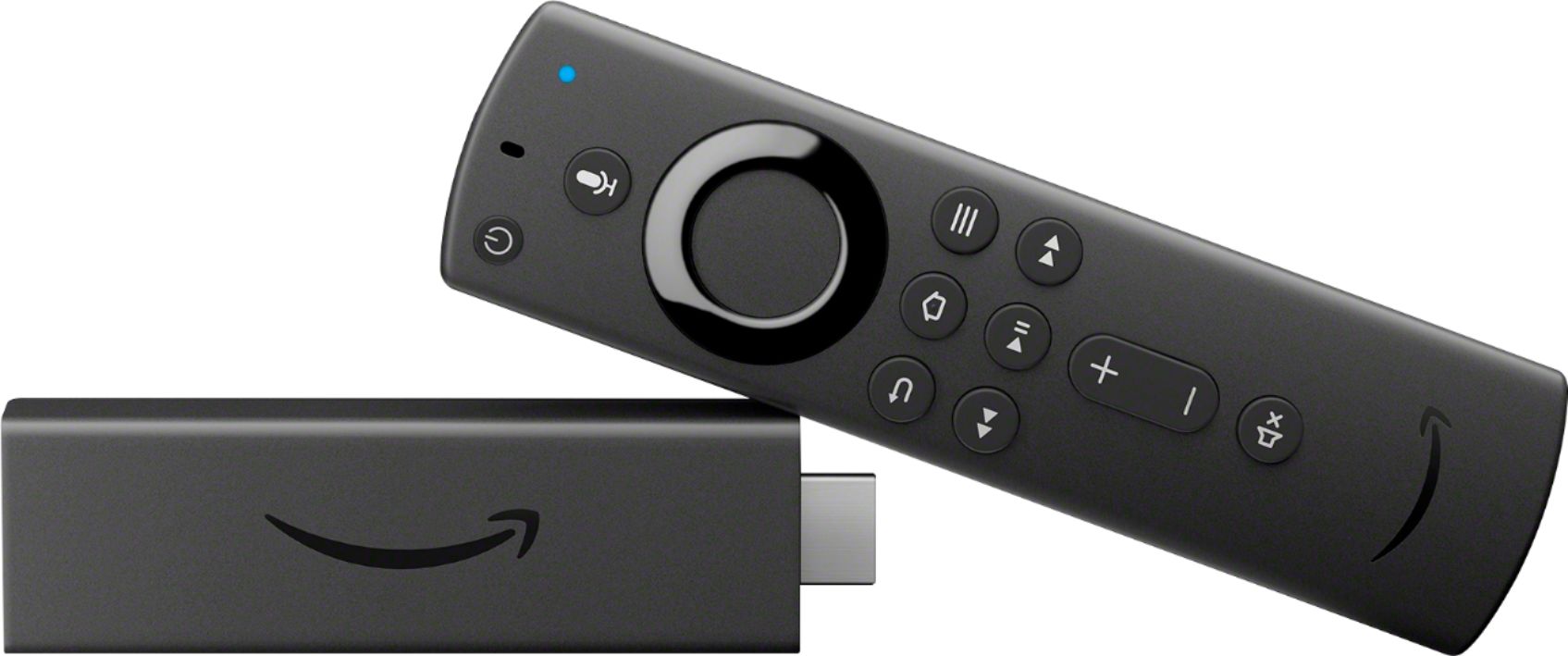
A:AnswerThe fire stick remote changes channels for fire stick not regular tv channels. TV remote will switch inputs to get to the fire stick. TV remote will change regular tv channels but not fire stick channels. fire stick can voice change some channels on fire stick but not all. Channel up button on tv remote will bring you from fire stick input to regular tv channels. Play with it, you'll figure it out in no time. you can also put a fire stick remote app on your phone which is kind of a cool feature. You can mysteriously change channels on your friends tv if he insists on watching brady bunch reruns.
A:AnswerUse the one that comes up when you turn on yr firestick when you see it as a choice to sign into or make one of yr choice. It might not be compatible with yr harmony remote did you call or chk on Logitech.
A:AnswerYes, you can access the web on your Amazon FireStick by downloading the Amazon Silk web browser. Just select the magnifying glass icon in the menu and search for Silk Browser then download and install it (Amazon Silk is a free download). Once you have Silk installed, you can launch it and use it to browse web sites and even play videos on web sites.
A:Answeras long as you have wifi and the password you can take it anywhere tv should have hdmi ports if not you will have to convert the signal from the stick into the TV via an hdmi to read adapter.