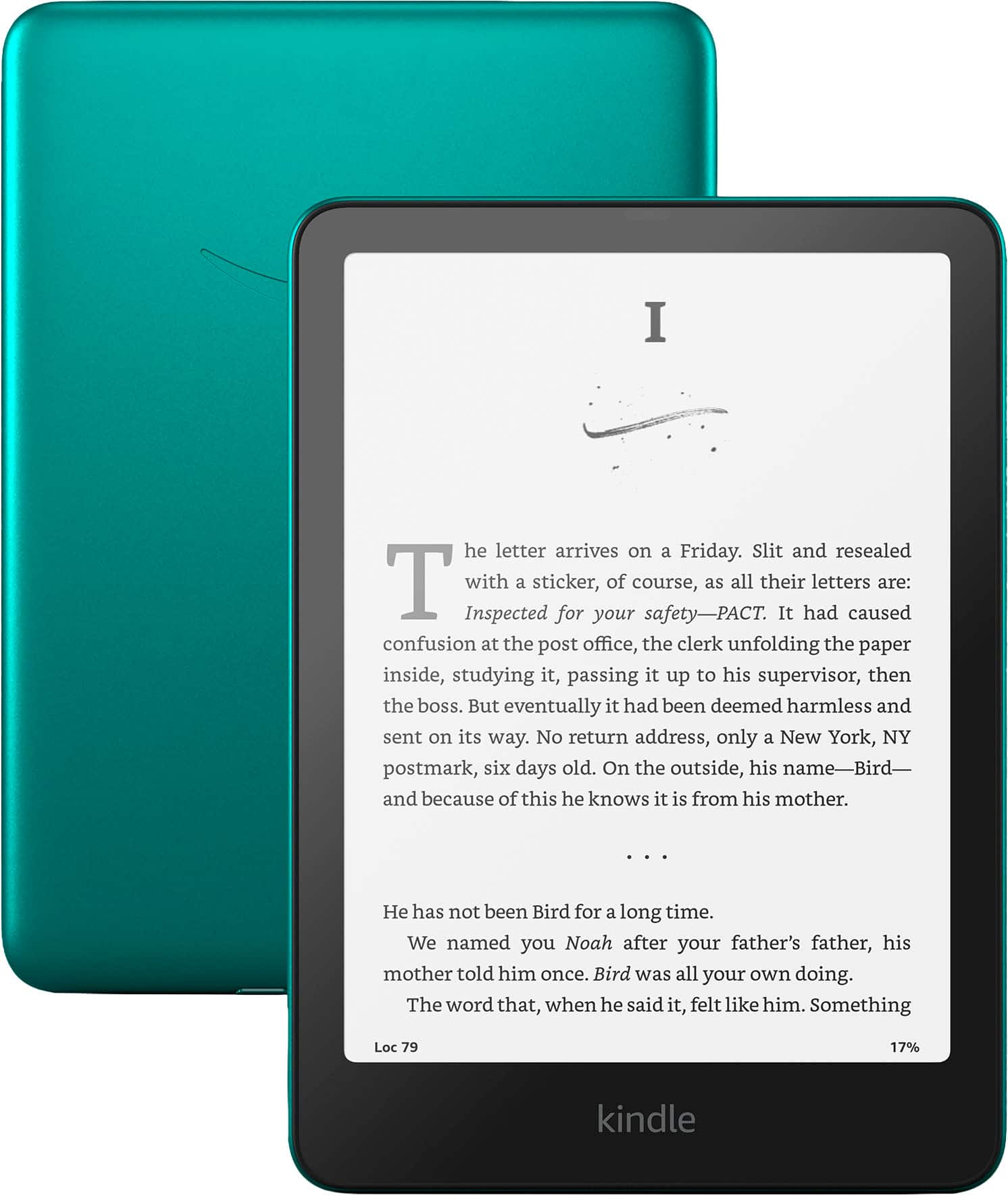
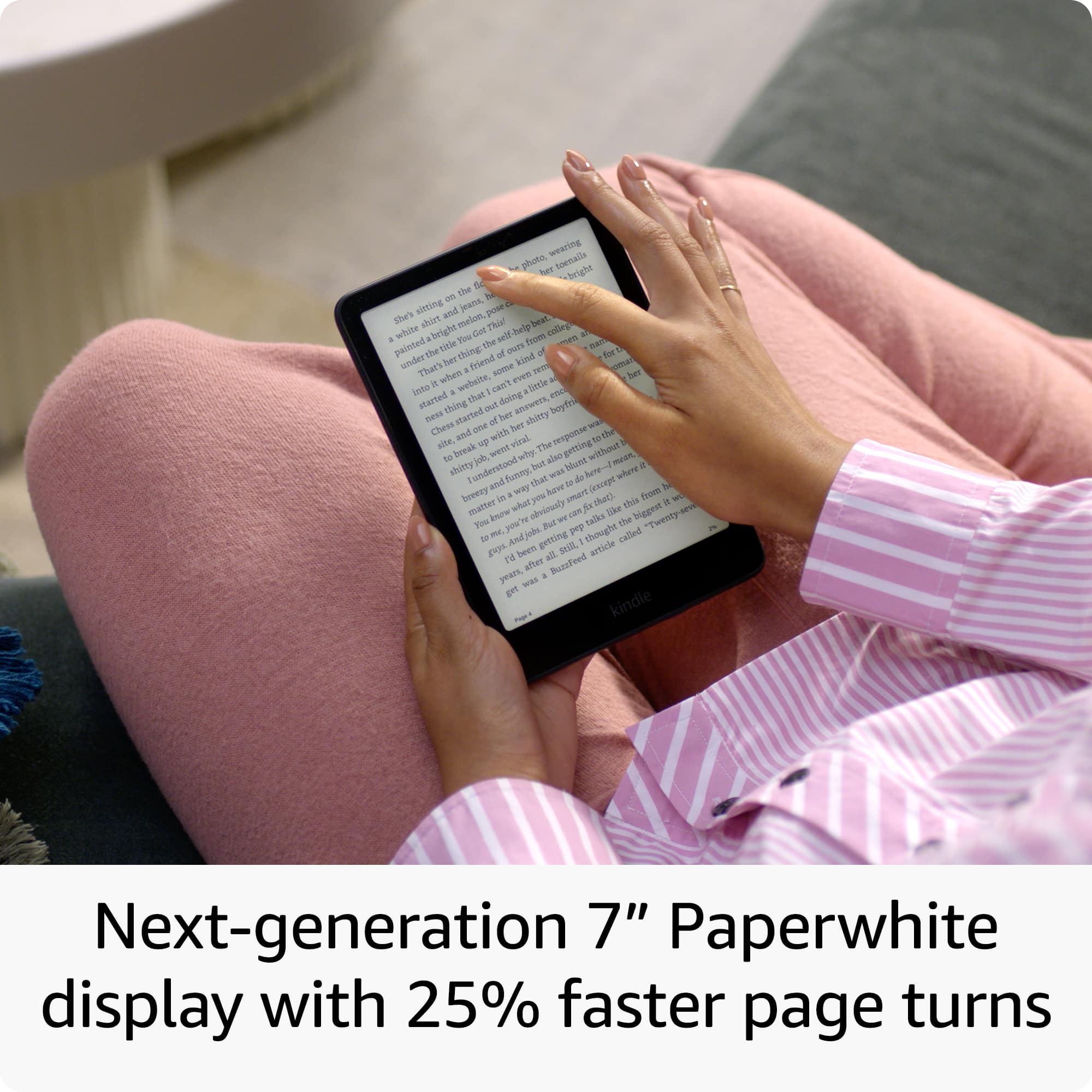
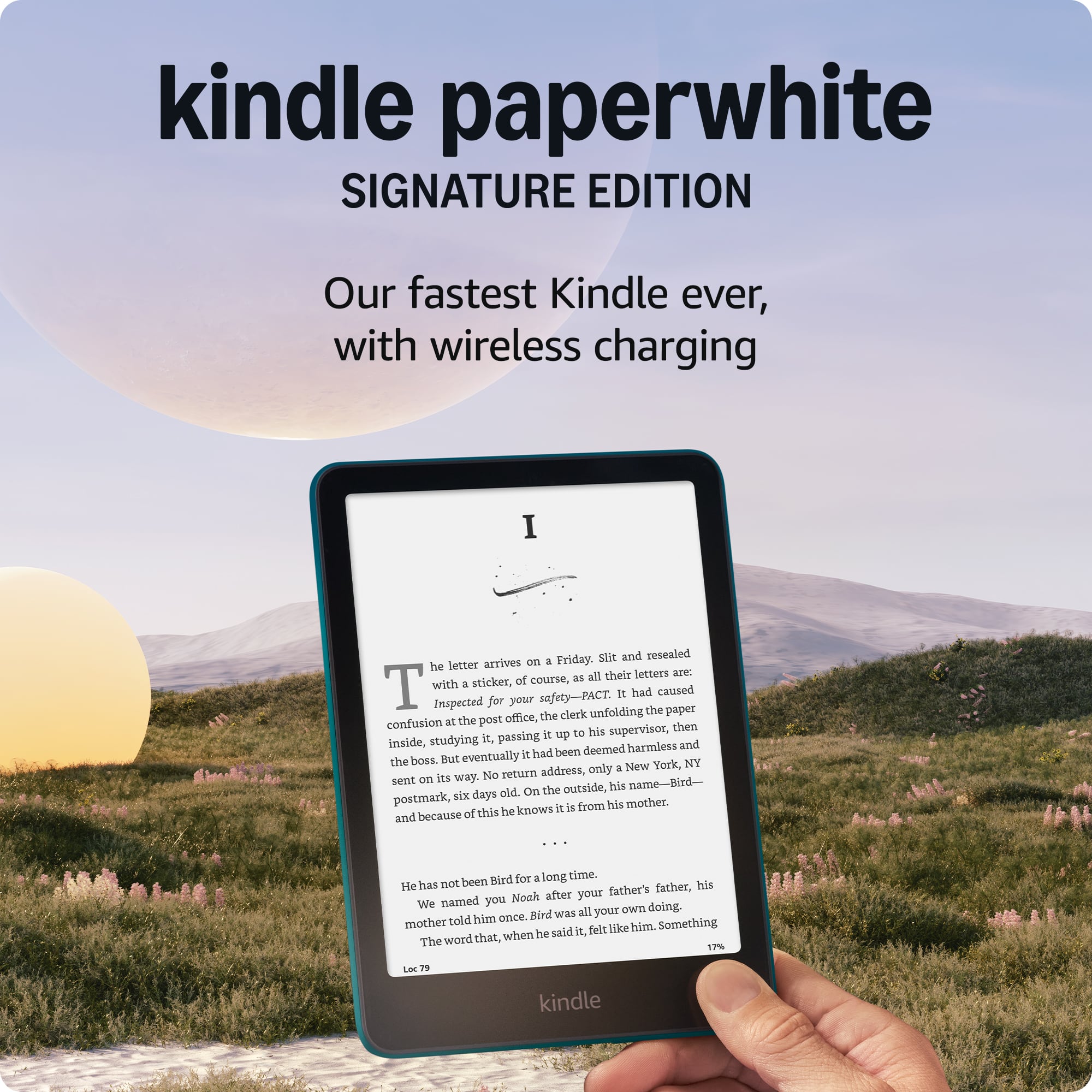
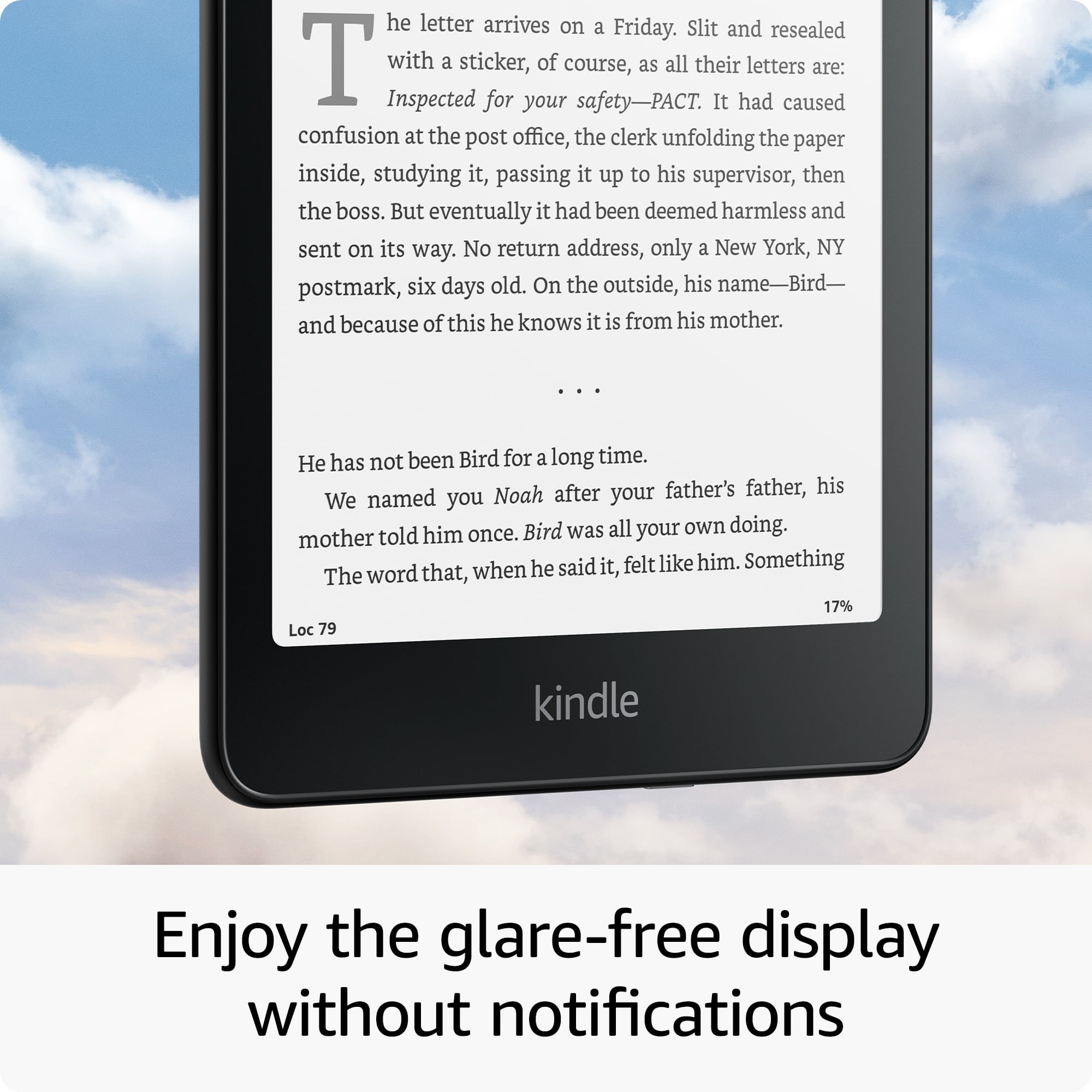
A:AnswerHi there! The font is extremely customizable on the Kindle Paperwhite, by default I would say it's about the same size as a standard mass market paperback book that you'd find at the library. To adjust the font sizes just tap at the top of the screen and then the 'Aa' symbol. Not only will this allow you to adjust font size, you can adjust things like the margin or even the orientation of the device! I hope that helps, have a great rest of your day!
A:AnswerHi sara! Yes, this device does have special offers. Special offers are ads that are displayed as a screensaver when your device is in sleep mode and at the bottom of your device home screen. Connect your device to Wi-Fi to receive the latest offers. Have a great day!
A:AnswerHi Shirl,
Yes, you can delete books from your Kindle device without removing them from your Amazon library by using the "Remove from Device" or "Remove download" option on your Kindle.
This action only removes the book's content from the physical device, leaving it in your cloud library to be downloaded again in the future.
I hope this answers your question!