A:AnswerHi AvidReaderwithBadVision!
The Kindle Paperwhite Signature Edition supports VoiceView, which is Amazon's screen reader and text-to-speech feature. It also includes other accessibility features like high contrast and text settings, as well as the ability to pair with Bluetooth devices for audio output.
I hope this helps!
A:AnswerHi Nanca2! The Kindle Paperwhite Signature Edition is specifically an e-reader, so there won't be any apps you'll need to transfer to a new device. All of your purchases are available to redownload via your library on the Kindle itself, as long as you are registering the device to the same Amazon account. I hope that helps, have a great rest of your day!
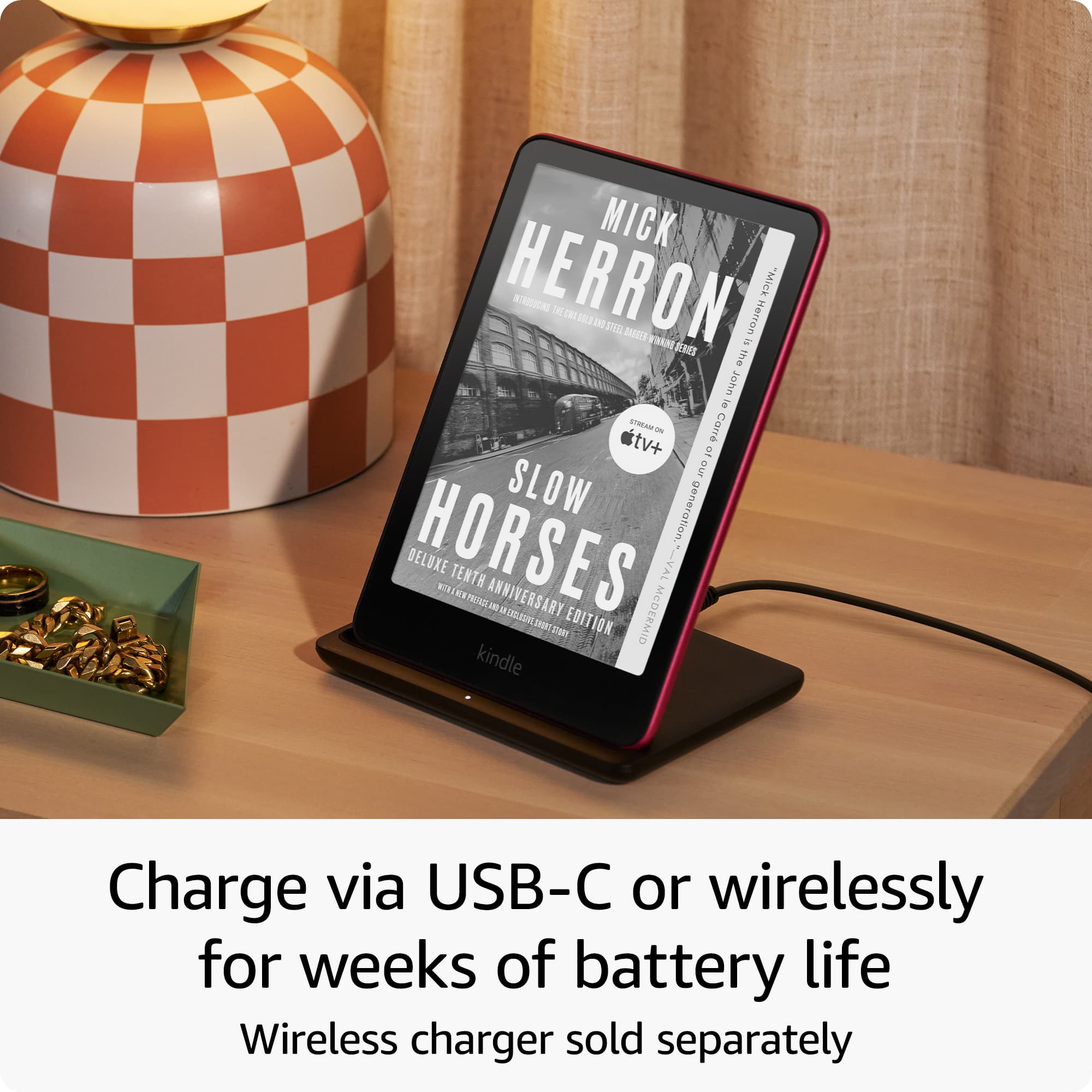
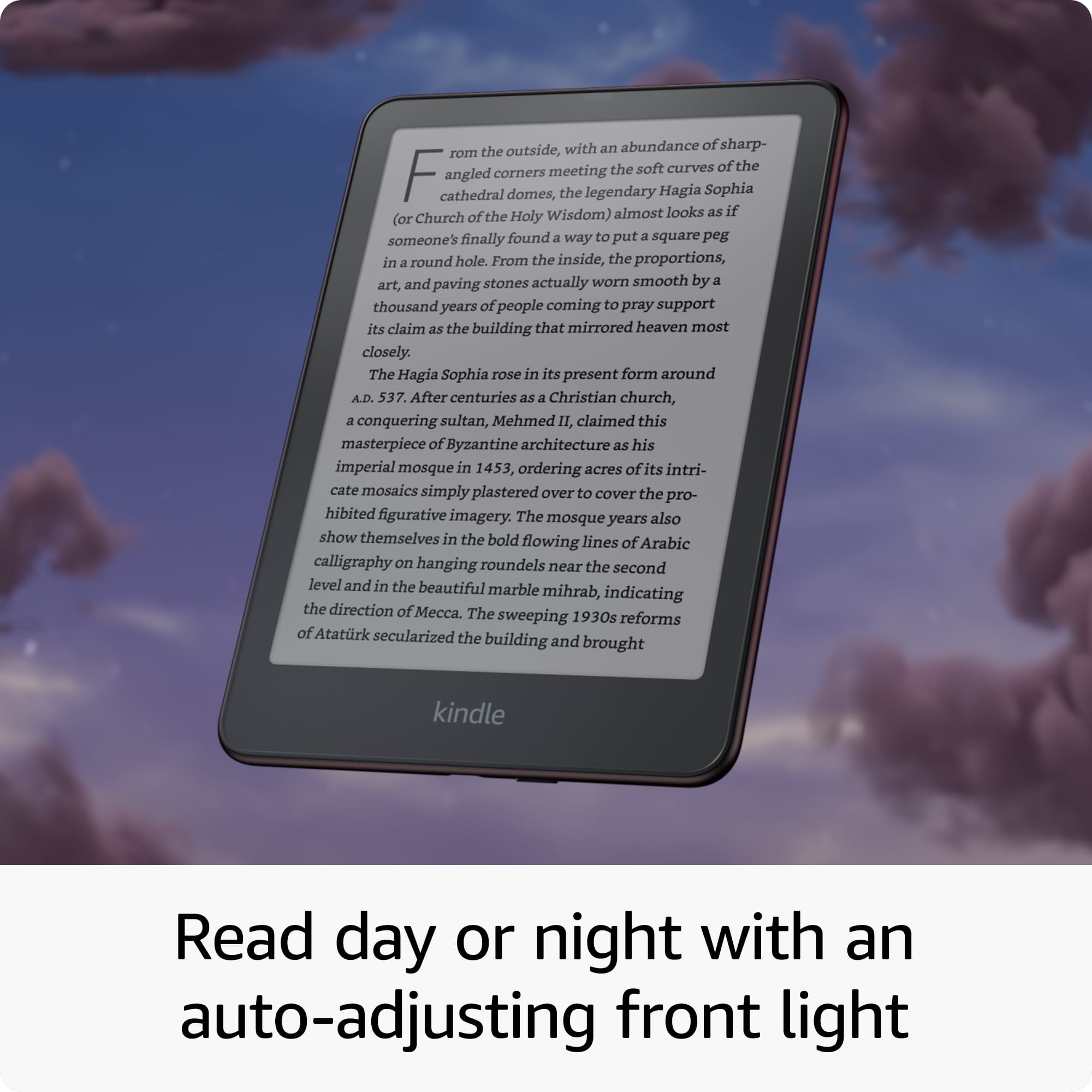
A:AnswerHi there! All Kindle Paperwhite Signature Edition models are sold without lock screen ads. The Signature Edition also features wireless charging, an automatically adjusting front light, and with double the storage capacity of the normal version. I hope that helps, have a great rest of your day!
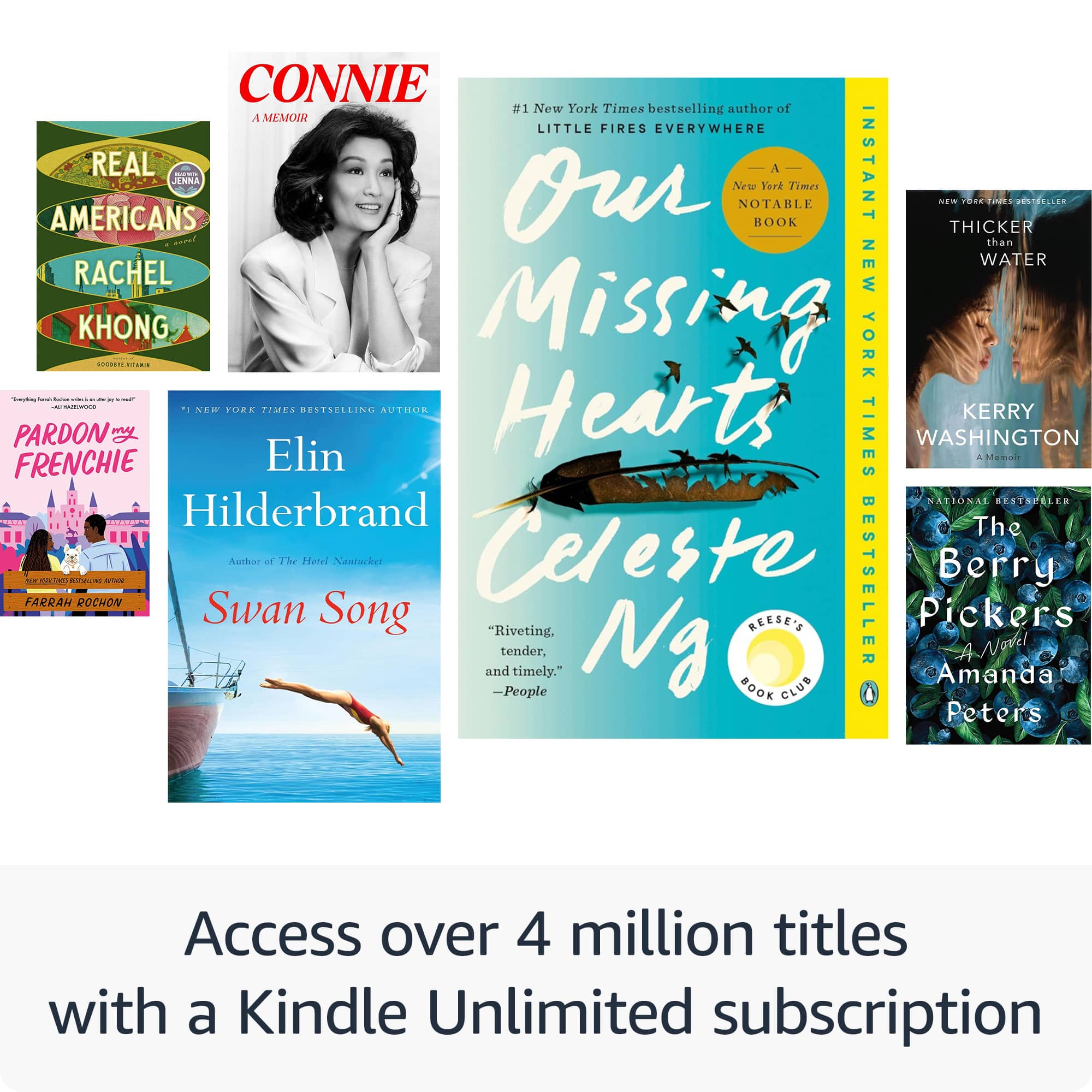
A:AnswerHi there! Currently the version sold in physical retail does not include the same Kindle Unlimited offer. When setting up a new Kindle, if you are not currently a Kindle Unlimited customer, you'll be offered a free trial as part of that process. I hope that helps, have a great rest of your day!
A:AnswerHello Kindle,
Thank you for your question. Yes the Kindle Paperwhite Signature Edition is waterproof. The Kindle can withstand immersion in up to 2 meters of fresh water for up to 60 minutes and 0.25 meters for 3 minutes in seawater). Also your Kindle to withstand exposure to water in many popular places to read. However, your Kindle is not intended for underwater use and may experience temporary effects from exposure to water. Do not intentionally immerse your Kindle in water or expose it to seawater, salt water, chlorinated water, or other liquids (such as beverages). Hope this helps, have a nice day!
A:AnswerHello, Amd! Yes, you can absolutely warm up the screen color on the Kindle Paperwhite Signature Edition (2024 model).It features a dedicated Built-in Adjustable Warm Light that lets you shift the display tone from a crisp, cool white to a soft, amber hue. Swipe down from the very top of your screen to open the Quick Settings panel. Use the Warmth slider to instantly change the color temperature to your preferred level. I hope this helps!
A:AnswerHi Max!
Yes, you can easily enlarge the font on a Kindle Paperwhite by tapping the top of the screen while reading a book, selecting the "Aa" icon, and then adjusting the font size using the plus/minus buttons or by pinching/spreading your fingers on the screen; this lets you customize text for comfortable reading.
I hope this answers your question!
A:AnswerHello. Thank you for your question. Yes, the Kindle Paperwhite Signature Edition supports Whispersync! This feature allows you to seamlessly switch between reading on your Kindle and listening to the Audible audiobook version without losing your place. When you own both the Kindle ebook and its Audible audiobook companion, Whispersync keeps your reading progress synchronized across formats. You can read on your Kindle, then switch to listening to the audiobook on your phone during your commute, and pick up reading again right where the audio left off. Please note that you'll need to have both the ebook and audiobook versions of the title for Whispersync to work. I hope that helps and have a great day!
A:AnswerHi!
While you can play some games via the web browser on the Kindle Paperwhite Signature Edition, it's not designed for extensive gaming.
I hope this answers your question!
A:AnswerHello and thank you for asking this question. This product is new and should arrive in a sealed package. I hope this answers your question and that you have a great day.
A:AnswerHi!
To delete dictionaries in languages you don't use on your Kindle Paperwhite, you can remove them from your device's storage. This won't remove them from your Kindle's library, but it will free up space on the device.
Go to your settings > Device options > Storage management > Manual removal > Books> Select Dictionaries > tap "remove".
I hope this answers your question!
A:AnswerHello a,
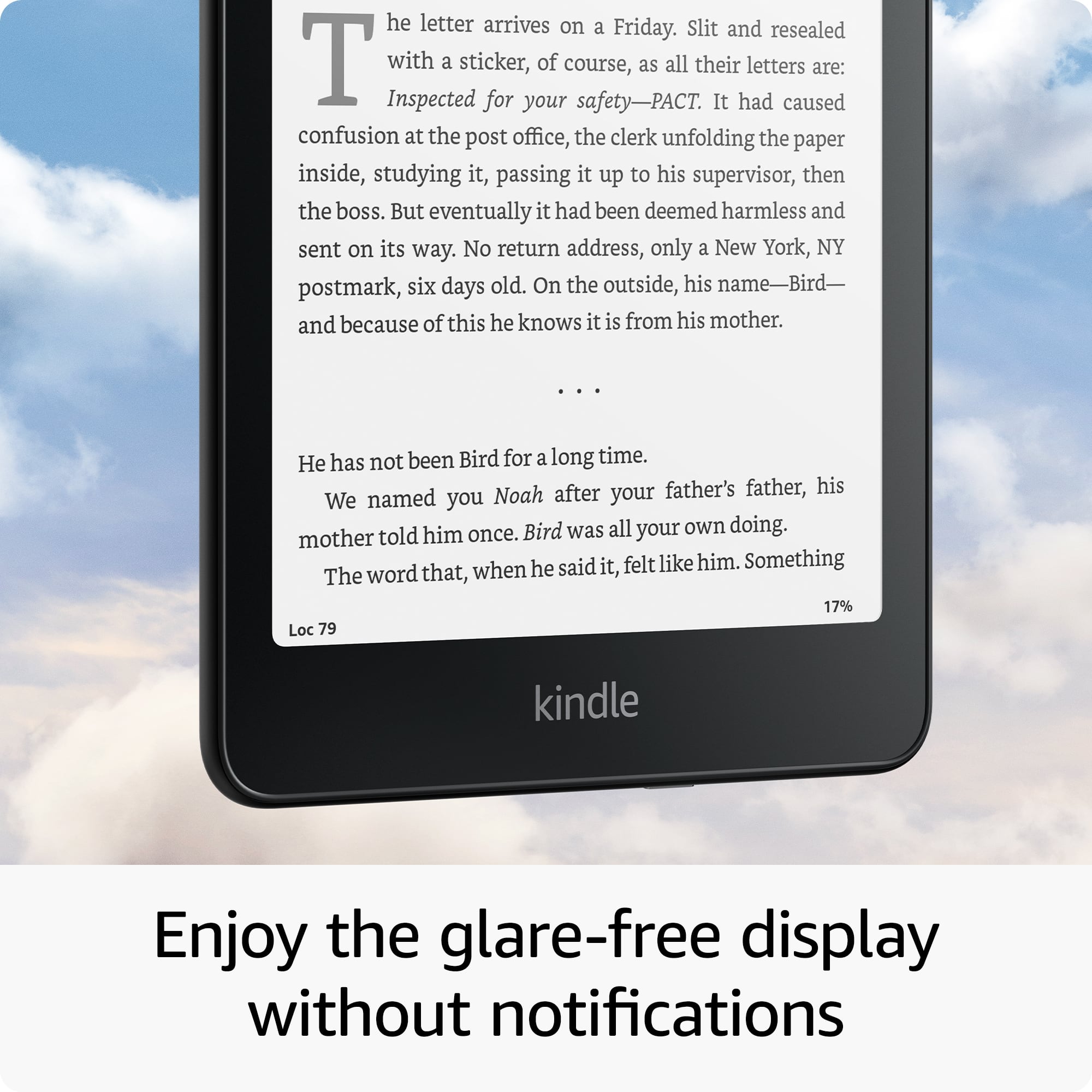
Yes, the Kindle Paperwhite Signature Edition does have an anti glare screen allowing for reading in bright conditions. The Kindle Paperwhite is very similar to reading a paper book and will not be affected by natural or artificial light. This will allow you to read your Kindle in any sort of lighting without glare or eye strain.
I hope this answers your question!
A:AnswerHi Lydia,
Unfortunately it's not possible to get the New York Time digital publication isn't directly available on the Kindle Paperwhite. However, the only workaround is to save the webpage on a computer and send it to your kindle using the "Send to Kindle" feature.
Hope this helps!
A:AnswerHello and thank you for reaching out! I am not seeing that listed on Best Buy's website at the moment, however special offers can be removed from any Kindle. To remove lockscreen ads (also known as "Special Offers") from your Kindle, you can make a one-time payment through your Amazon account's "Manage Your Content and Devices" section, permanently removing ads from your device's lock screen and home screen. I hope this answers your question and I hope you have a wonderful day!
A:AnswerGood Morning-
Thanks for reaching out.Yes, the Kindle Paperwhite is designed to be glare-free.The Paperwhite uses E Ink technology, which is fundamentally different from the LCD or OLED screens found in tablets and smartphones. E Ink displays reflect light like paper, rather than emitting light like traditional screens. I hope this helps, Have a great day!
A:AnswerHello Ve, this is an Amazon Kindle Paperwhite which you would use to download and read books. Kindle Unlimited is a service that Amazon offers to allow customers to pay a monthly fee for unlimited books in the Kindle Unlimited library.