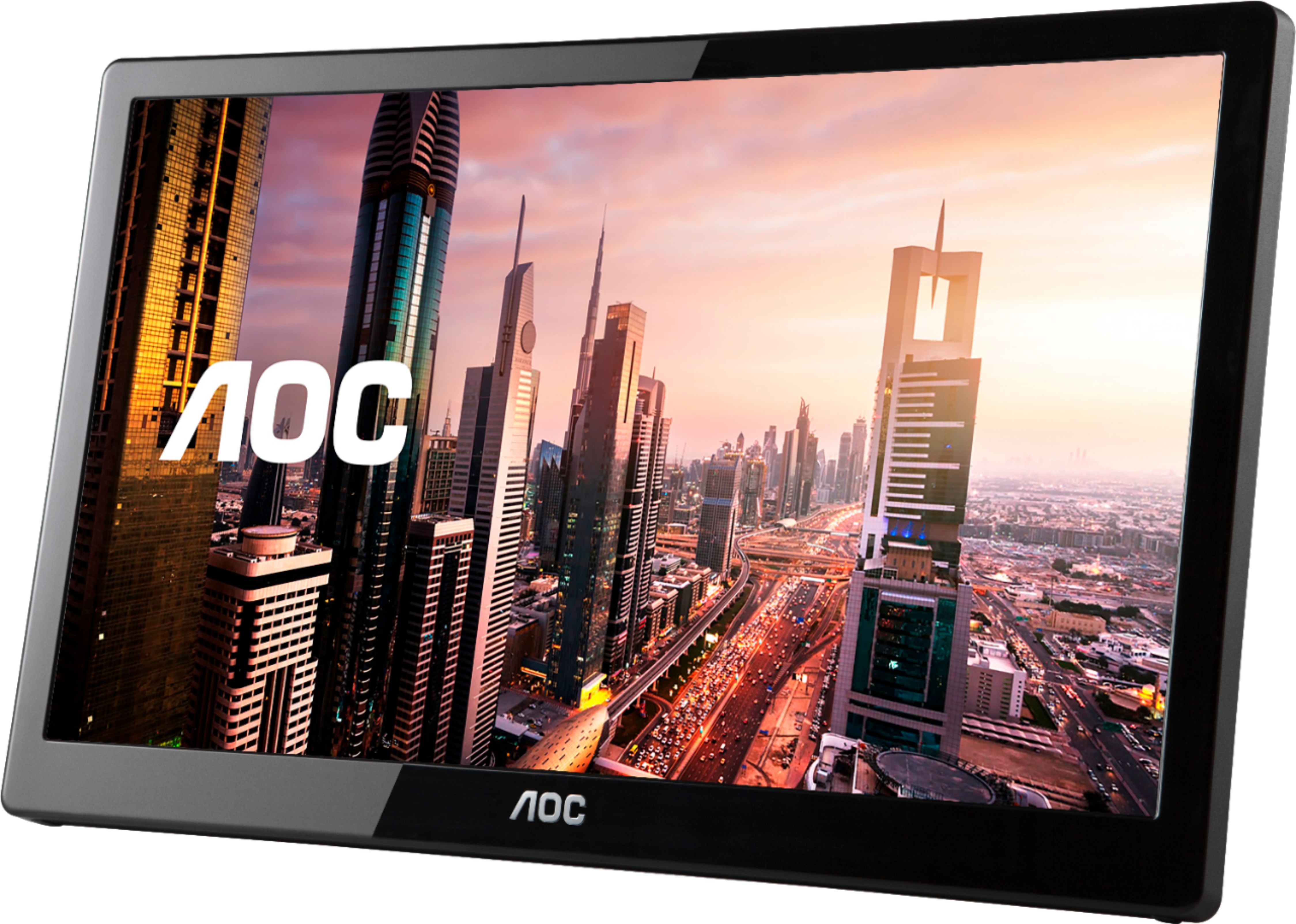
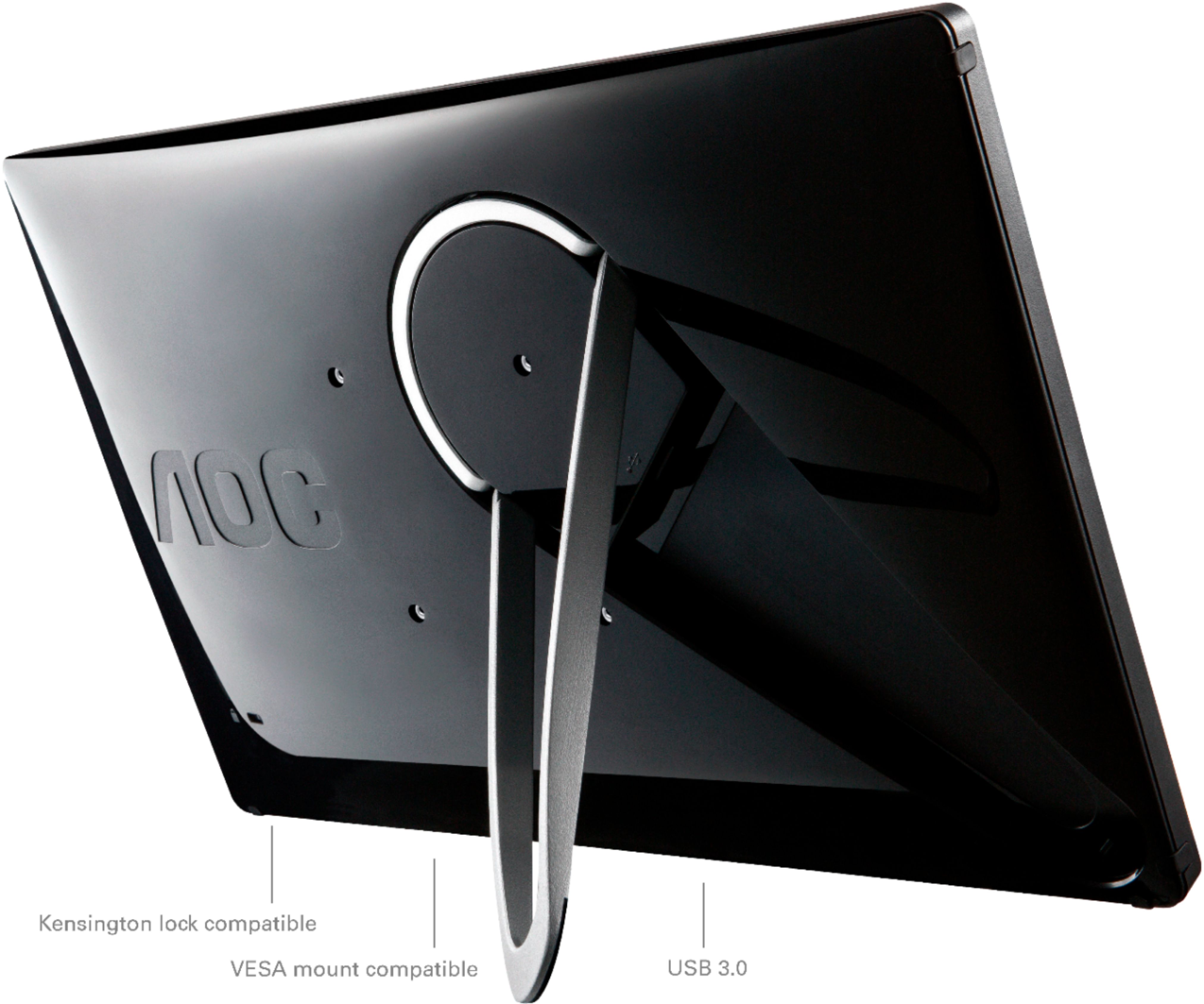
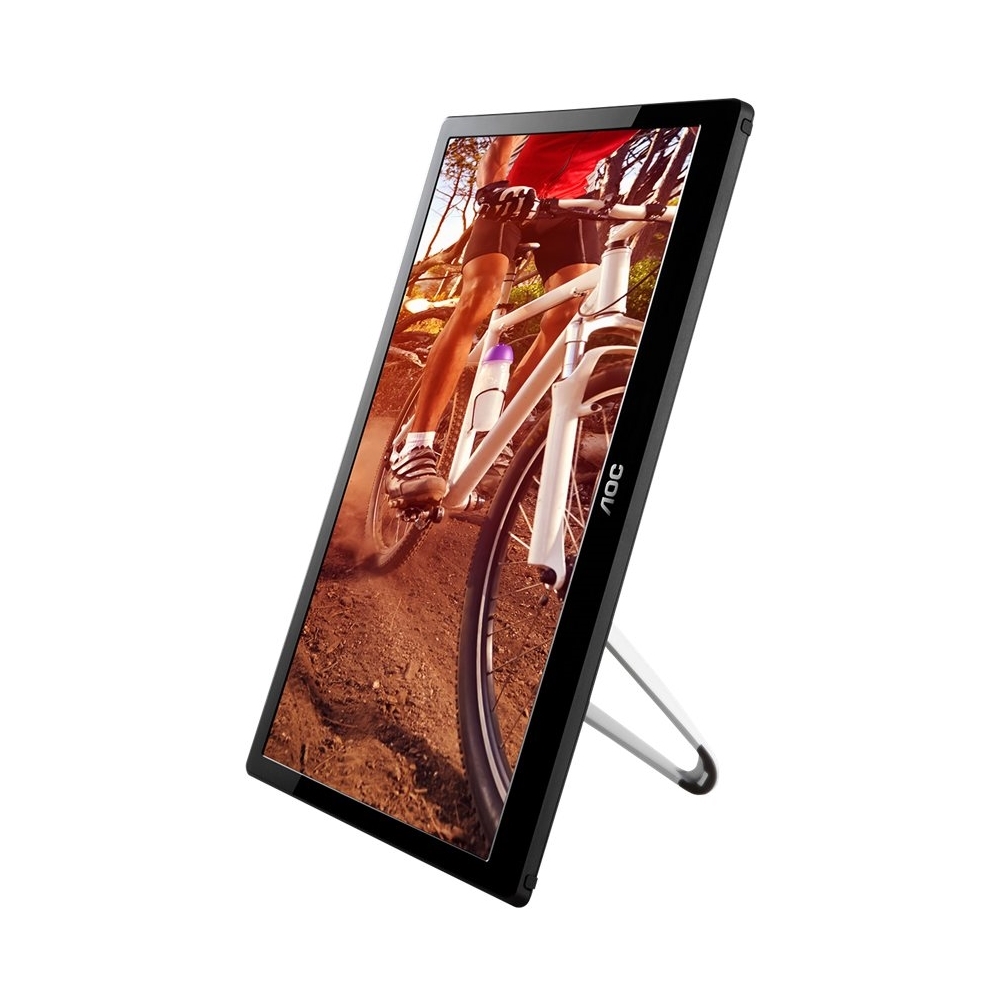
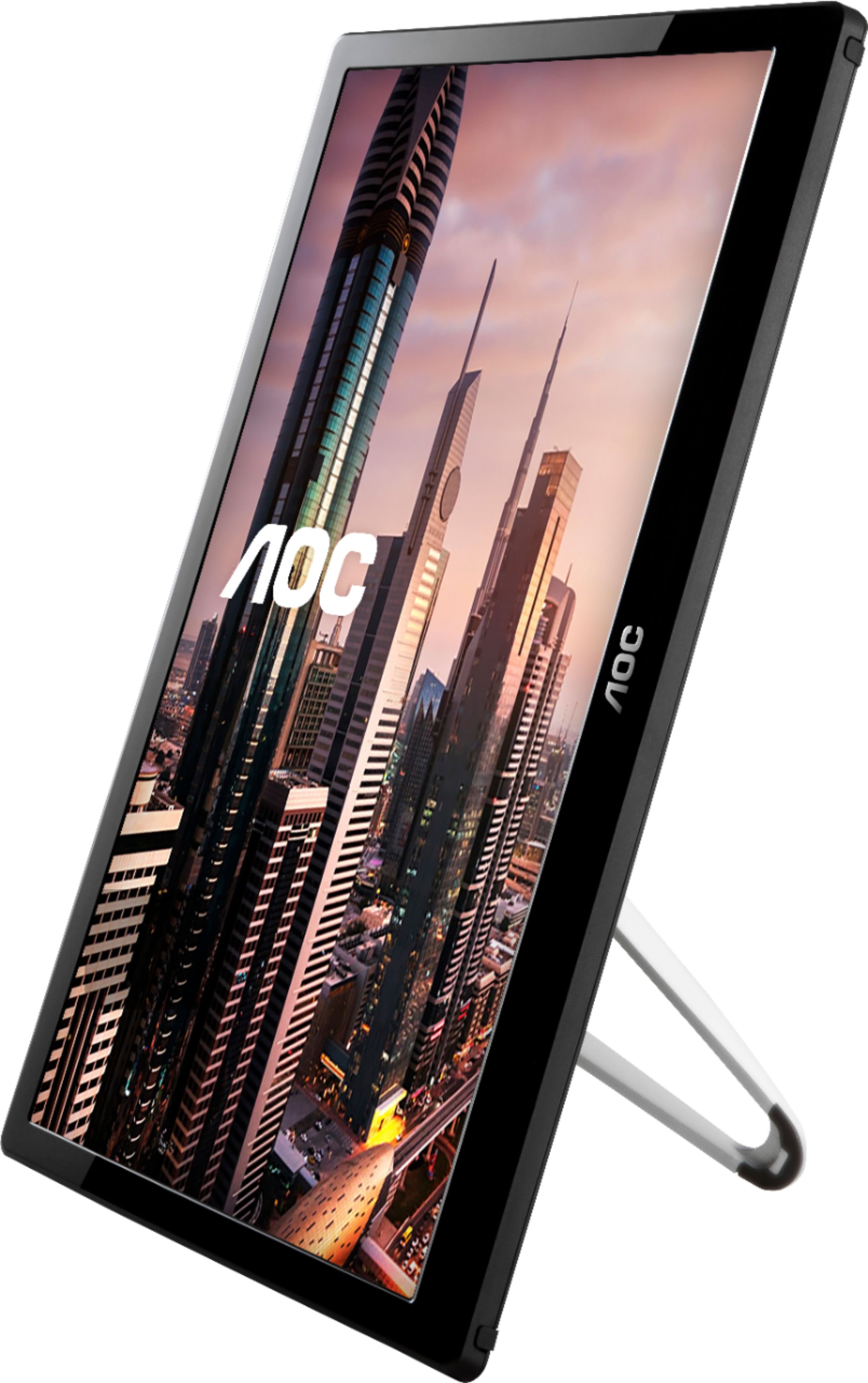
A:AnswerYou’ll need to download the display link driver first. Google “display link Mac driver AOC usb monitor” and it should point you in the right direction. The software in the box is garbage. You pretty much need manual drivers every time. Hope that helps.
A:AnswerHello... The monitor is not a touch screen monitor. So you cannot use a stylus or other pointer device (finger) to draw on it. But it should display anything you can do on the device (tablet, laptop, PC) that is driving the USB monitor.
I purchased them for myself and friends who use then as 2nd monitors when traveling. Several of us use them when traveling as IT consultants so we aren't slaving over a laptop all day. They are great for displaying multiple documents or systems. They are light weight and fit in our laptop bags with our laptops.
One friend uses the USB Monitor when doing charitable work teaching underprivileged children technology on weekends. With a laptop and the USB Monitor, she and her student can easily see training material.
They have very good resolution. Newer laptops are able to find its drivers and they are plug and play. For an older laptop, we had to download the driver which took awhile find and download.
Hope this helps.
A:AnswerI had to update Windows by applying an optional patch from Windows Update AND download and install the most recent DisplayLink software. For my Lenovo Ultrabook and Windows 7 there was not plug-and-play functionality.
A:AnswerThis monitor model, E1659WFU comes with a USB Y-cable and features plug and play feature of your computer. Make sure that both USB cables are connected to the computer's USB ports to provide enough power. Please refer to the user manual located on the AOC website: https://us.aoc.com/en-US/products/monitors/e1659fwu/downloads Please reach out to our support team at: https://aoc.com/us/support if you need further assistance.
A:AnswerThis monitor model, E1659FWU supports plug and play feature for a compatible computer. It requires the use of the supplied USB cable in the box. It needs to be connected to the computer's USB ports to provide enough power to provide display.
A:AnswerThis monitor model, E1659WFU requires a computer with 2 available USB ports for installation to provide enough power. Please refer to User Manual for installation information: https://aoc.com/us/products/monitors/e1659fwu/downloads
A:AnswerThis monitor model, E1659WFU supports plug and play feature to one computer system only. It comes with a USB cord where both USB cables need to be connected to the computer's USB ports to provide enough power.
A:AnswerThis portable monitor model E1659FWU is not wireless. It comes with a USB 3.0 y-cable and supports plug and play style feature with a compatible computer. You may need to use both USB cables to connect to the computer's USB ports. Please reach out to our support team at: https://aoc.com/us/support if you need further assistance.
A:AnswerThis portable monitor model, E1659WFU must use the USB cable included in the box. Make sure that both USB cables are connected to the computer's USB ports to provide enough power. Please refer to the user manual located on the AOC website:
https://us.aoc.com/en-US/products/monitors/e1659fwu/downloads
Please reach out to our support team at: https://aoc.com/us/support if you need further assistance.
A:AnswerWe highly appreciate your honest feedback regarding your experience. We read from your feedback that you were having trouble with the product, and we would be pleased to assist you with this further, but we must switch to a platform that allows us to have back-and-forth conversation.
Please reach out to our support dept. at: https://aoc.com/us/support and we'll be pleased to see what we can do to help!
A:AnswerHello Arturo,
This monitor model, E1659FWU requires USB 3.0 ports for video display to your external device. Please reach out to our support team at: https://aoc.com/us/support or by phone 888- 838-6388 (M-F, 09:00-17:00 PST) if you need further assistance.