A:AnswerThank you for reaching out to us. Unfortunately we don't recommend using our BackUPS units with a motorized load. One potential issue is the inrush current draw for a motor can easily overload a BackUPS unit. BackUPS are ideal for computer equipment and may result in the erratic behavior when connected to a motor. To protect this type of equipment, APC recommends first determining the appropriate size UPS for the motor load in question and ensure the UPS is large enough to handle the start-up inrush current draw of the motor. Secondly, select a UPS which outputs a pure sine wave when on battery, such as a Smart-UPS.
A:AnswerThis unit does NOT have a replaceable battery
The next model number up BN650M1 does have a replaceable battery and pricing is slightly more than this unit. Well worth it when the battery dies out the you can just buy a new battery rather then trowing out the less expesive non replaceable battery APC.
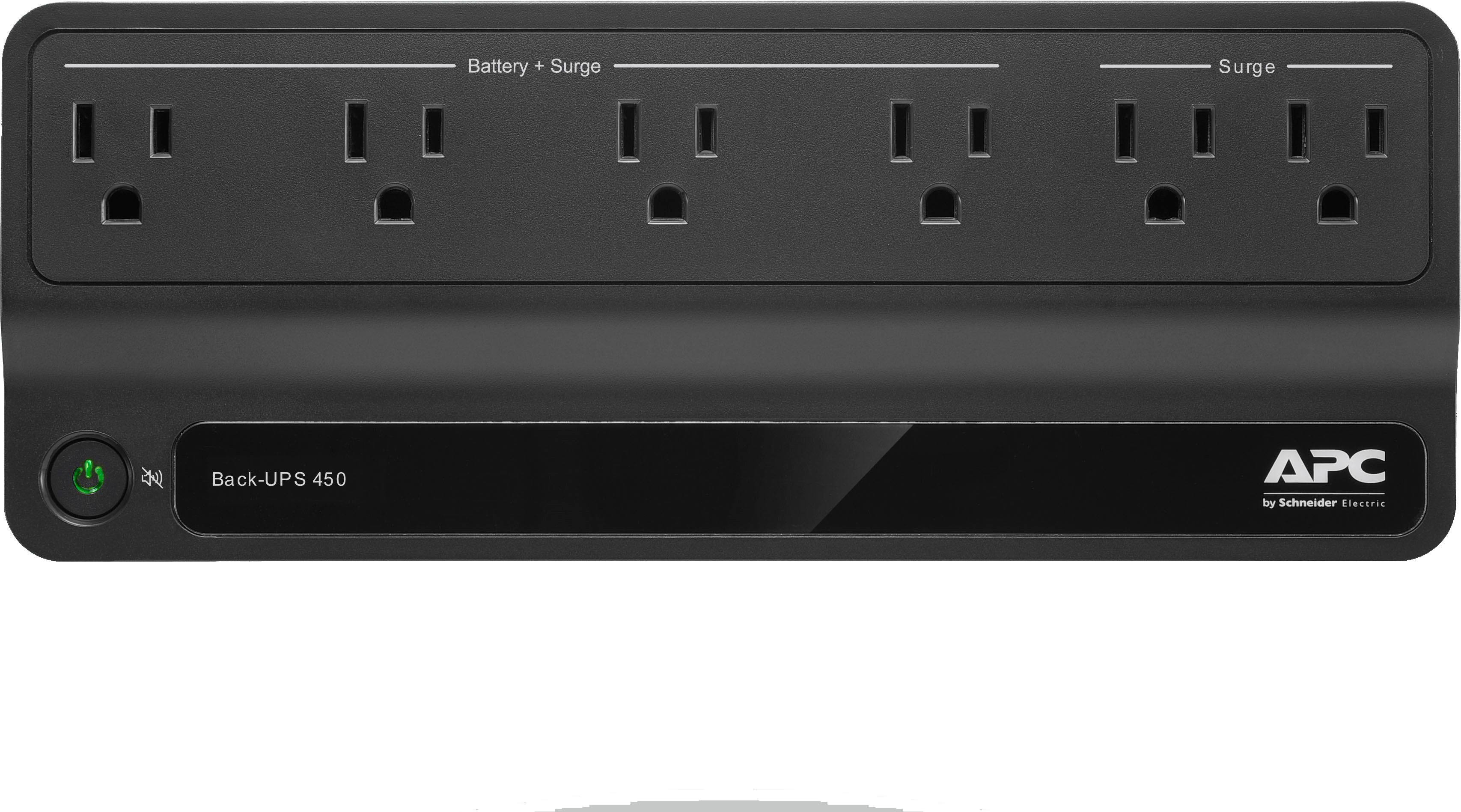
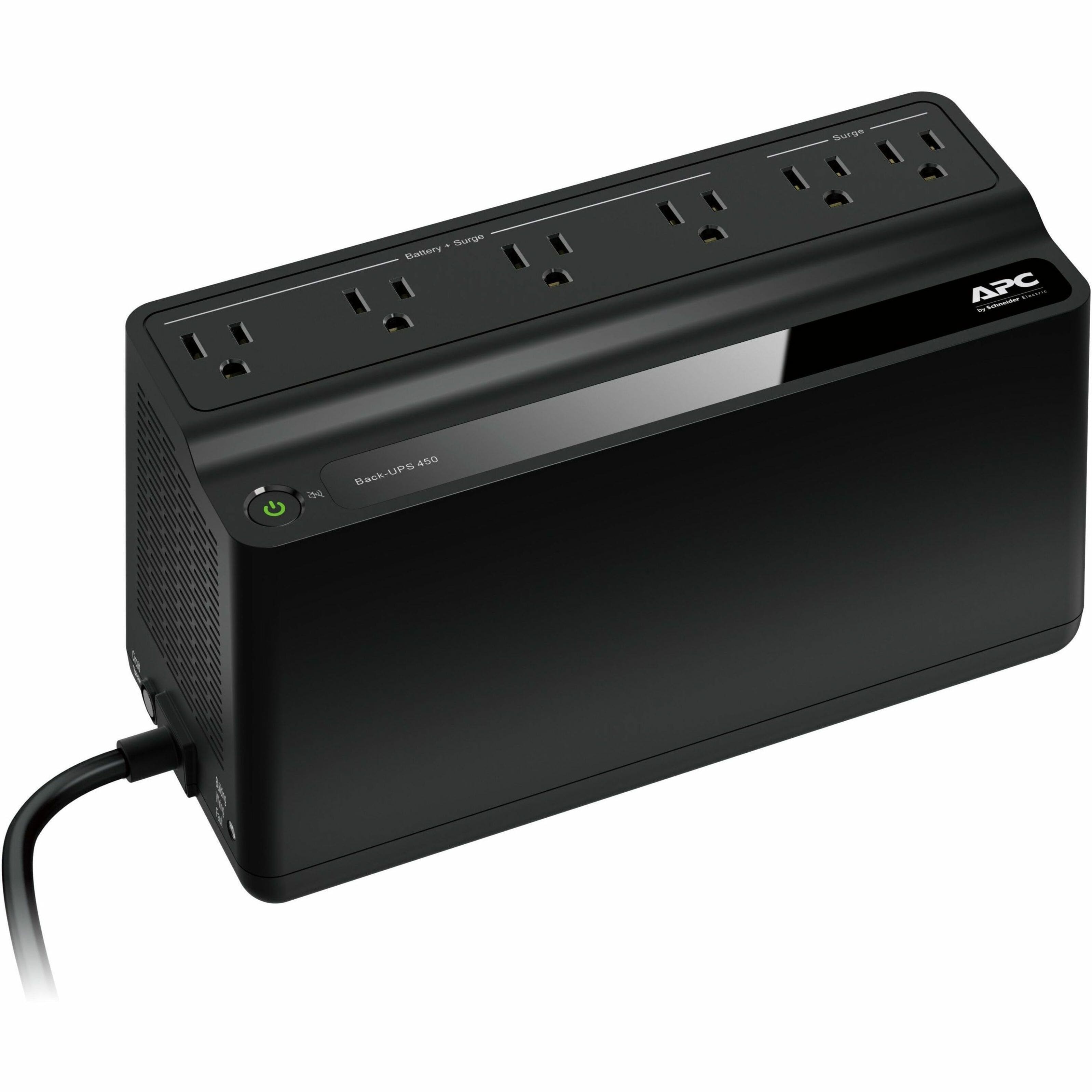
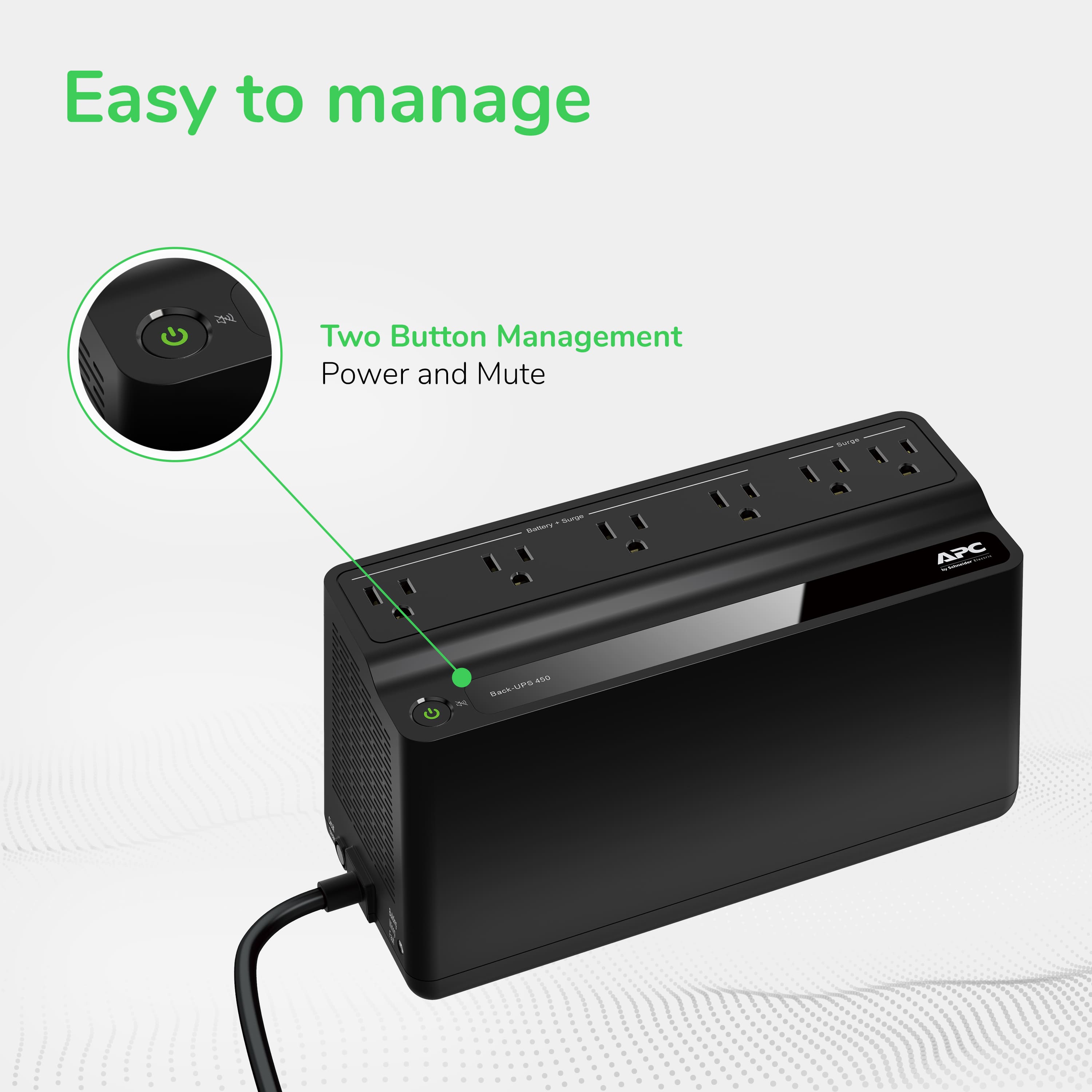
A:AnswerThank you for your inquiry. The BN450M has a quick mute button which allows you to temporarily silence alarm. You can also configure the unit not to alarm at all using the Power button. No software is required. The steps for silencing the alarm are available in the user guide.
http://www.apcmedia.com/salestools/AHUG-A7DC9U/AHUG-A7DC9U_R1_EN.pdf?sdirect=true
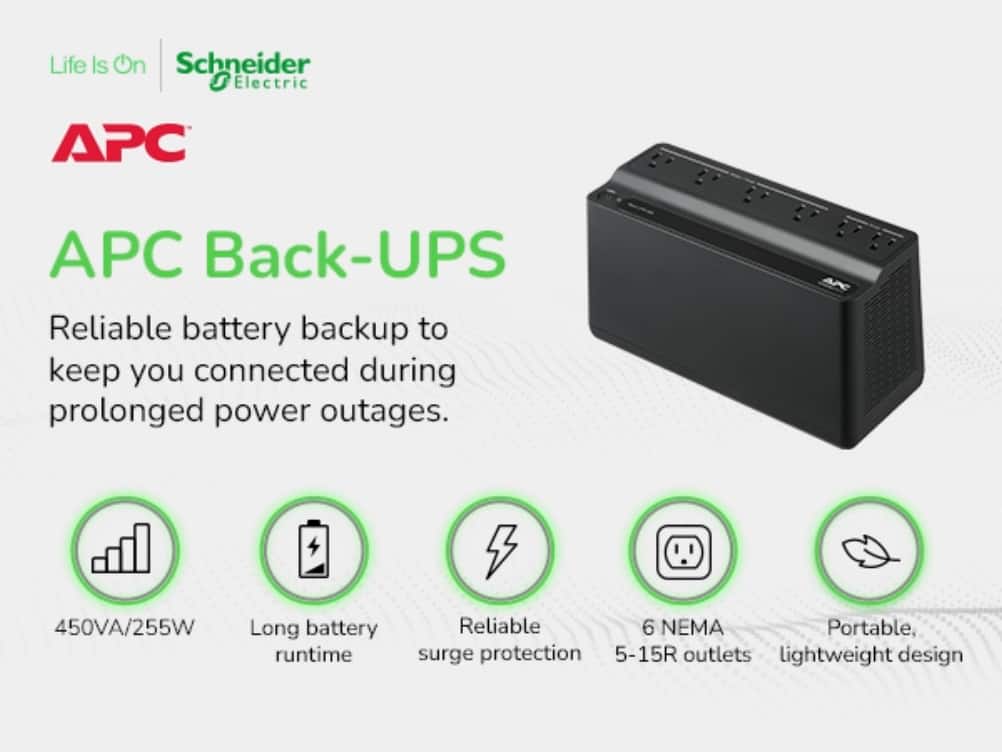
A:AnswerThank you for your interest in our products. The BN450MNW would support 255 watts of power connected to it. The average sewing machine would draw around 100 watts of power which would be fine with the BN450MNW. I would just check on the technical specs of the machine to make sure it isn't over 255 watts.
A:AnswerYou can you will have to mute it by pressing the power button as it goes off when the battery is dead. It will basically only work as a power strip till you replace the battery.
A:AnswerThank you for your interest in our products. Unfortunately we don't recommend using extensions cords with our UPS. We recommend plugging the UPS directly into the wall outlet.
A:AnswerThank you for your inquiry. Yes the unit will start back up when power returns. Just note that battery would have to be around 10% before it turns back on. This should only take a few minutes after power returns though.
A:AnswerThank you for your interest in our products. Unfortunately the BN450M wouldn't have the option to shutdown the PC. We do have the option on our BN650M1 which is the next step up. You can connect the BN650M1 via the USB port on the unit to you PC to provide a graceful shutdown. The shutdown would be down by on native energy management or our PowerChute software.
A:AnswerThank you for your inquiry. We recommend either taking the old battery to your local recycling center or you can check out this link to create a prepaid label to send the battery to our recycling center. https://www.apc.com/us/en/who-we-are/sustainability/rbc-recycling-program.jsp
A:AnswerIt will power anything, but this is a small unit and it will probably not last all night. You need to find out how much power your unit uses per minute, guess the number of minutes your electricity will be out and then figure out how big a unit to get.
A:AnswerThe UPS will switch instantly between power-lose of power-power and anything plugged into it will not lose power. The only caveat to the items plugged in to the UPS exceed its power ratings.
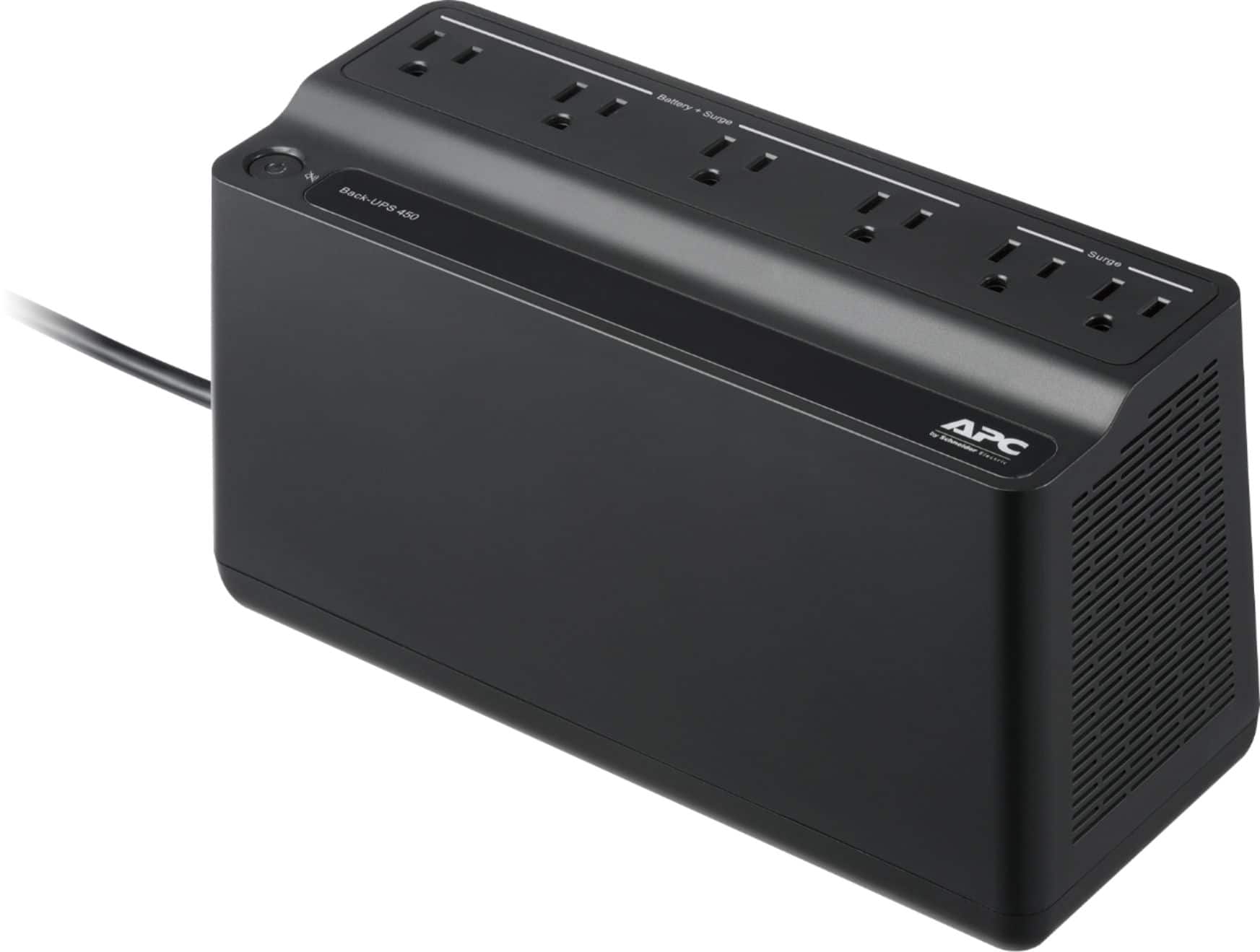
A:AnswerThank you for your inquiry. The BN450M is a relatively small unit in terms of capacity. It is rated for 255 watts or 450 VA. We would not recommend connecting an electric heater into it, but the unit should be able to support the TV and game console without issue.
A:AnswerHello! For the APC Back‑UPS Connect 450VA, the battery runtime depends on how much power (watts) your devices use. Actual runtime varies depending on battery age, charge level, and environment. The more devices you plug in, the shorter the backup time. You can always contact Schneider Electric Technical Support for further assistance.
A:AnswerThe Back UPS model BN450MNW is designed as not user replaceable battery. Once the battery needs to be replaced, it will need to replace the internal battery. You may check our website for purchased another new unit or if the unit is still under warranty, Please reach out to us directly so we can address this issue and provide you with the support you need. You may reach us at 800-800-4272 or via chat service through our support site - https://www.apc.com/us/en/support/. Support is available Monday – Friday, 8am – 8pm EST
A:AnswerIt really depends on how many and what kind of devices are plugged into it. If you are powering an internet modem it should run for hours or days. If you are keeping a pc running it could be only minutes or hours.
A:AnswerThere are no fans in the unit. It does generate a little heat. I'd allow at least a few inches of clearing around it. Yes the surge suppressor the unit should stop any surges before they even get to your existing surge suppressor.