A:AnswerThank you for taking time to provide feedback about our BVN650M1 unit.
Runtime will depend on how much wattage the CPAP machine consumes and it may vary by model
Go to Product page of UPS and enter Value on Runtime for load
https://www.se.com/us/en/product/BVN650M1/apc-back-ups-650va-360w-floor-wall-mount-120v-7x-nema-515r-outlets-usb-type-a-port/
on average CPAP machines run from 30-60 watts which could give you around 42min
Also please be aware that we do not recommend UPS for medical devices that is necessary to support life.
See our Life support policy
https://www.se.com/us/en/faqs/FAQ000270822/
If you have other questions
We offer email and chat services through our support site. You may also contact us directly at 800-800-4272 option 4 or visit https://www.se.com/us/en/work/support/ and look for the chat icon available from 8AM-8PM EST.
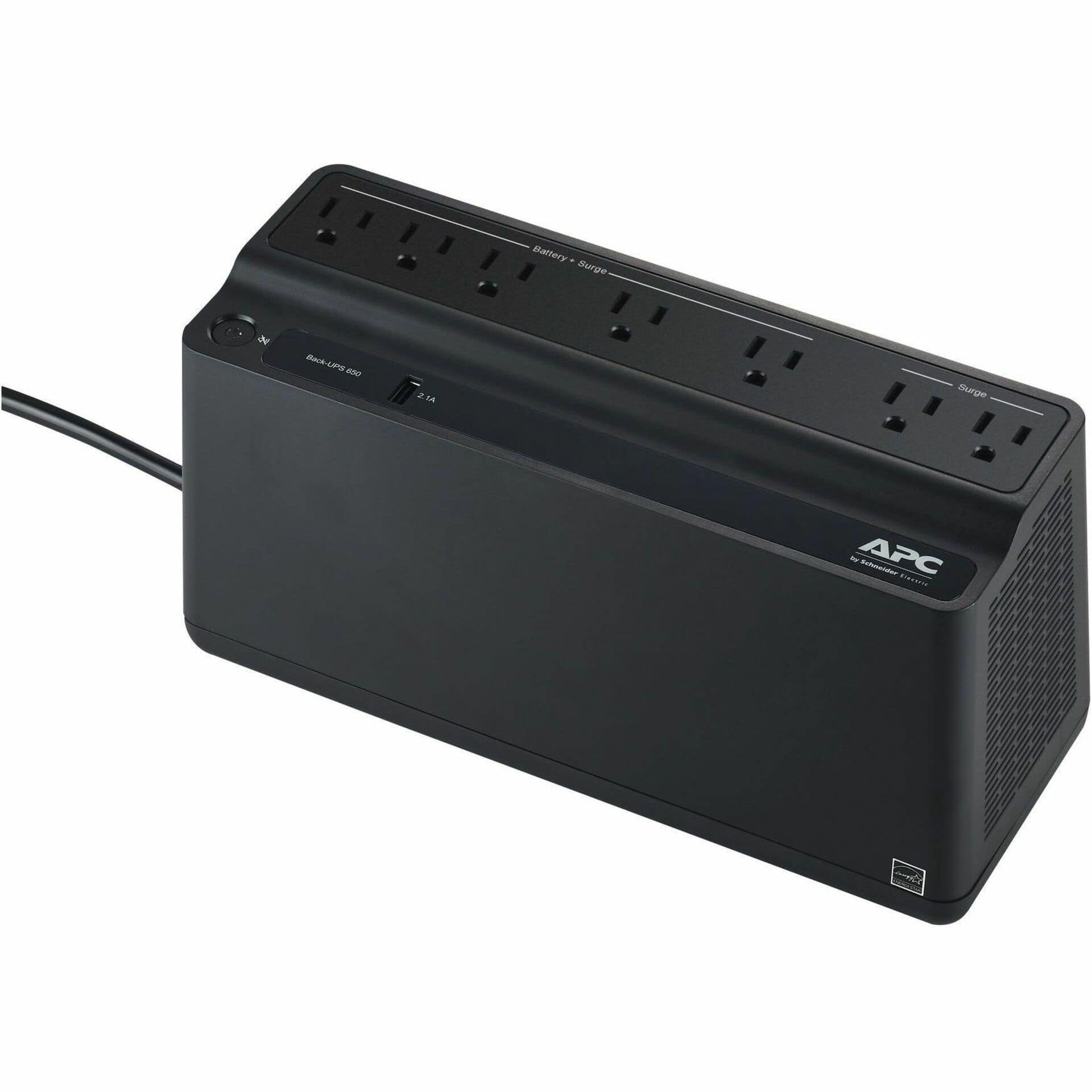
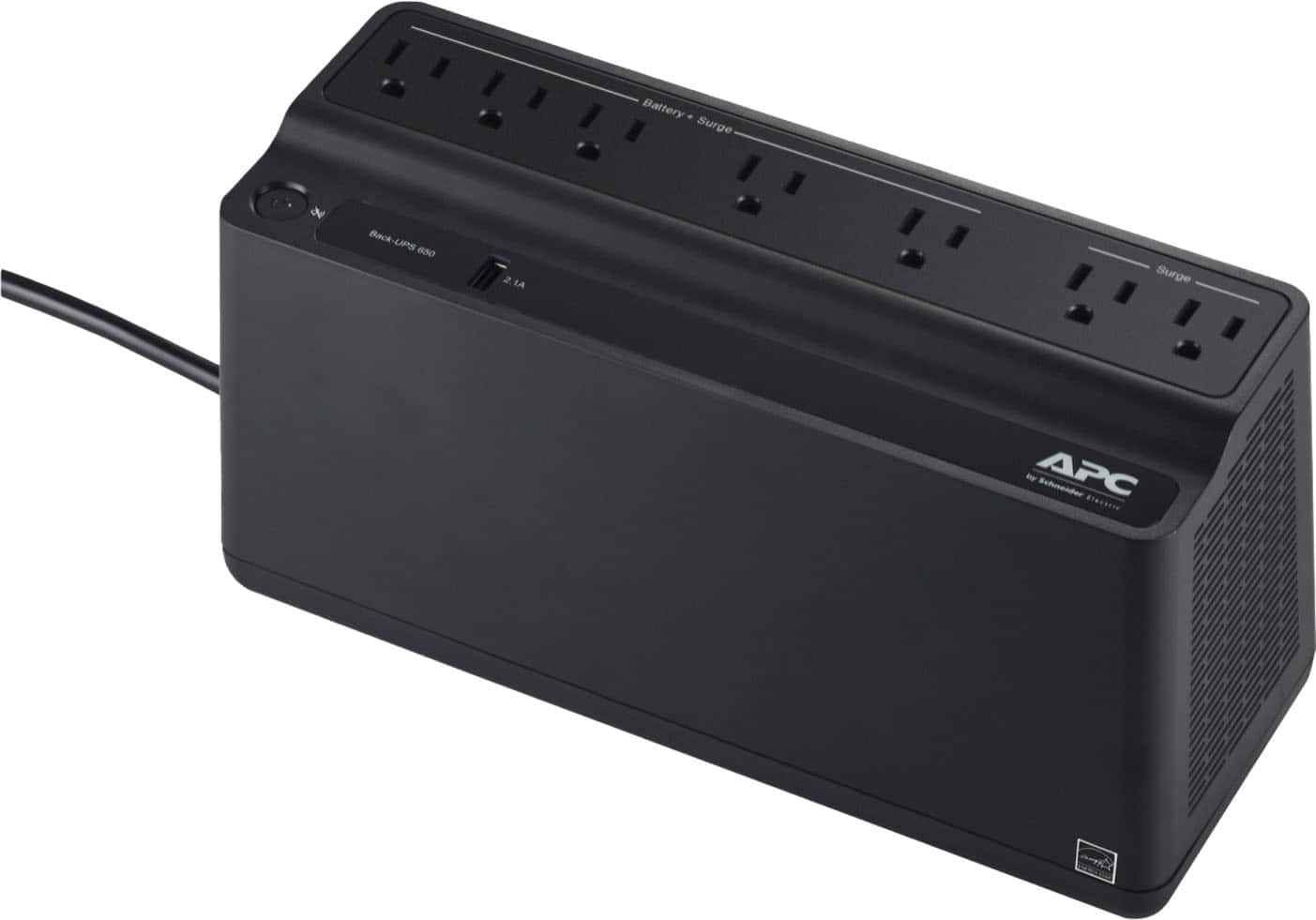
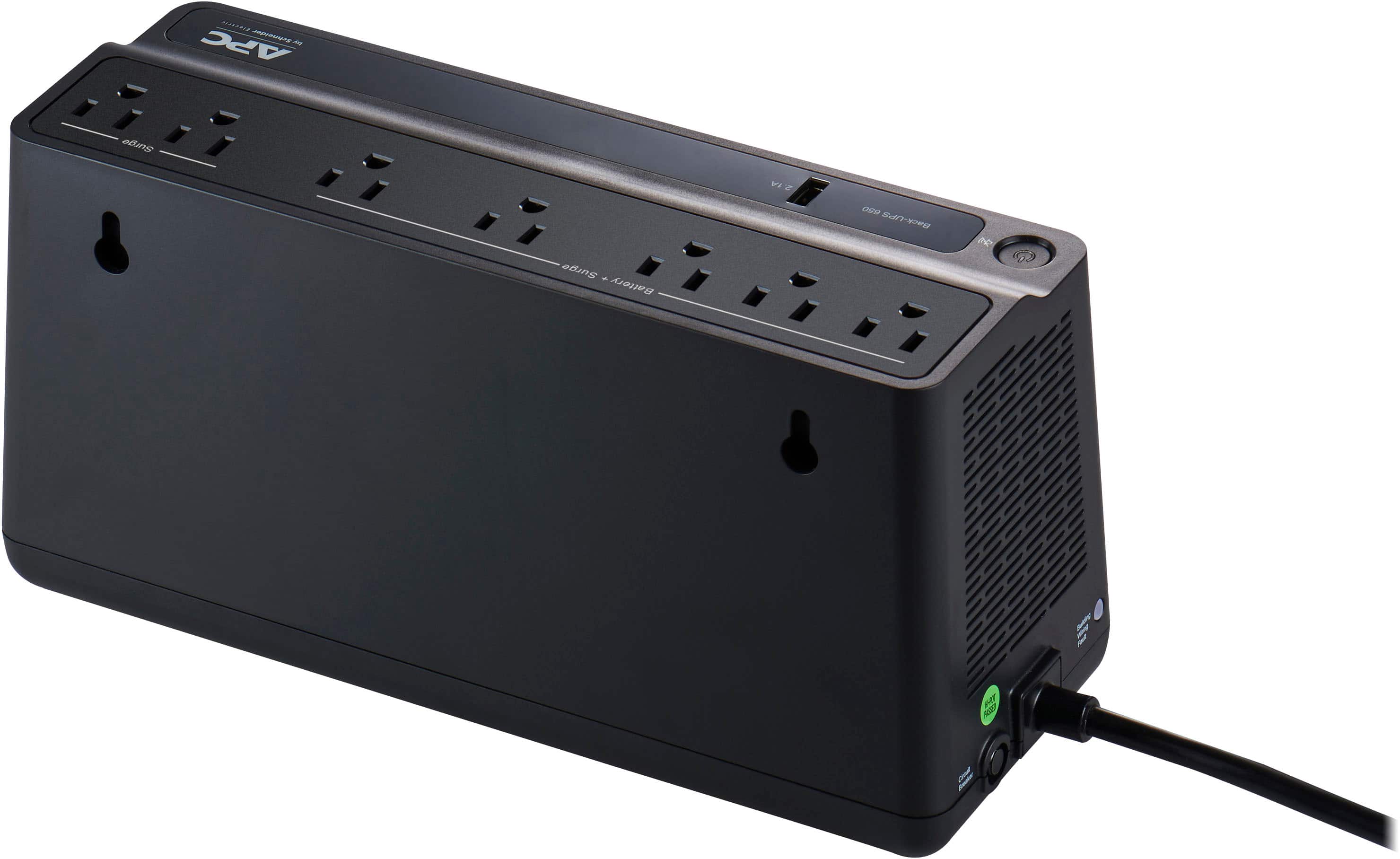
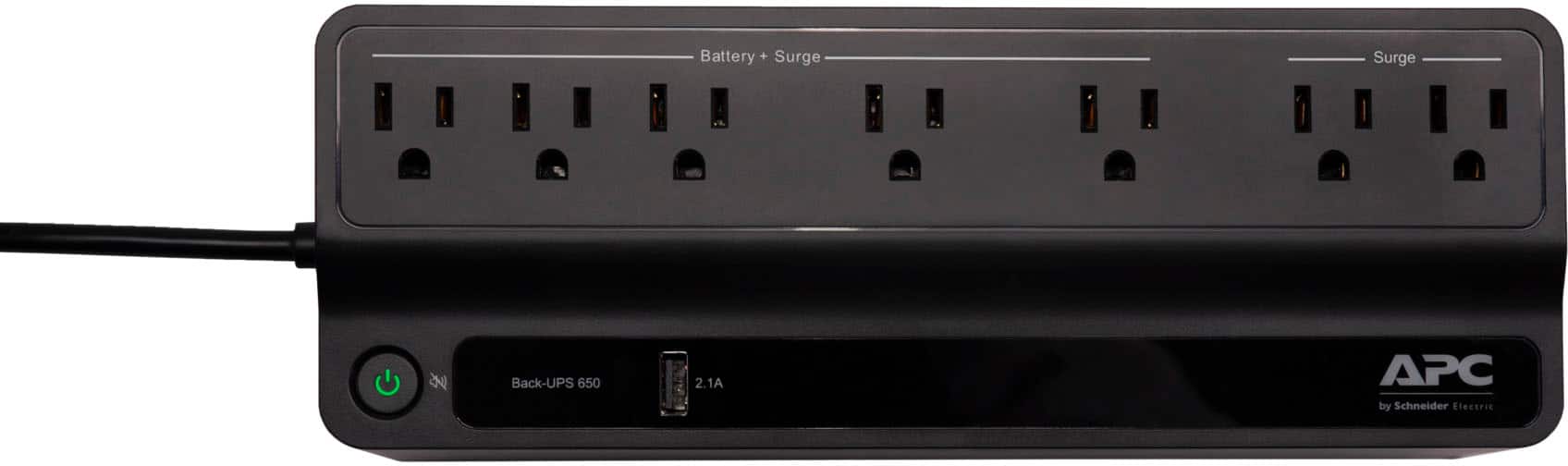
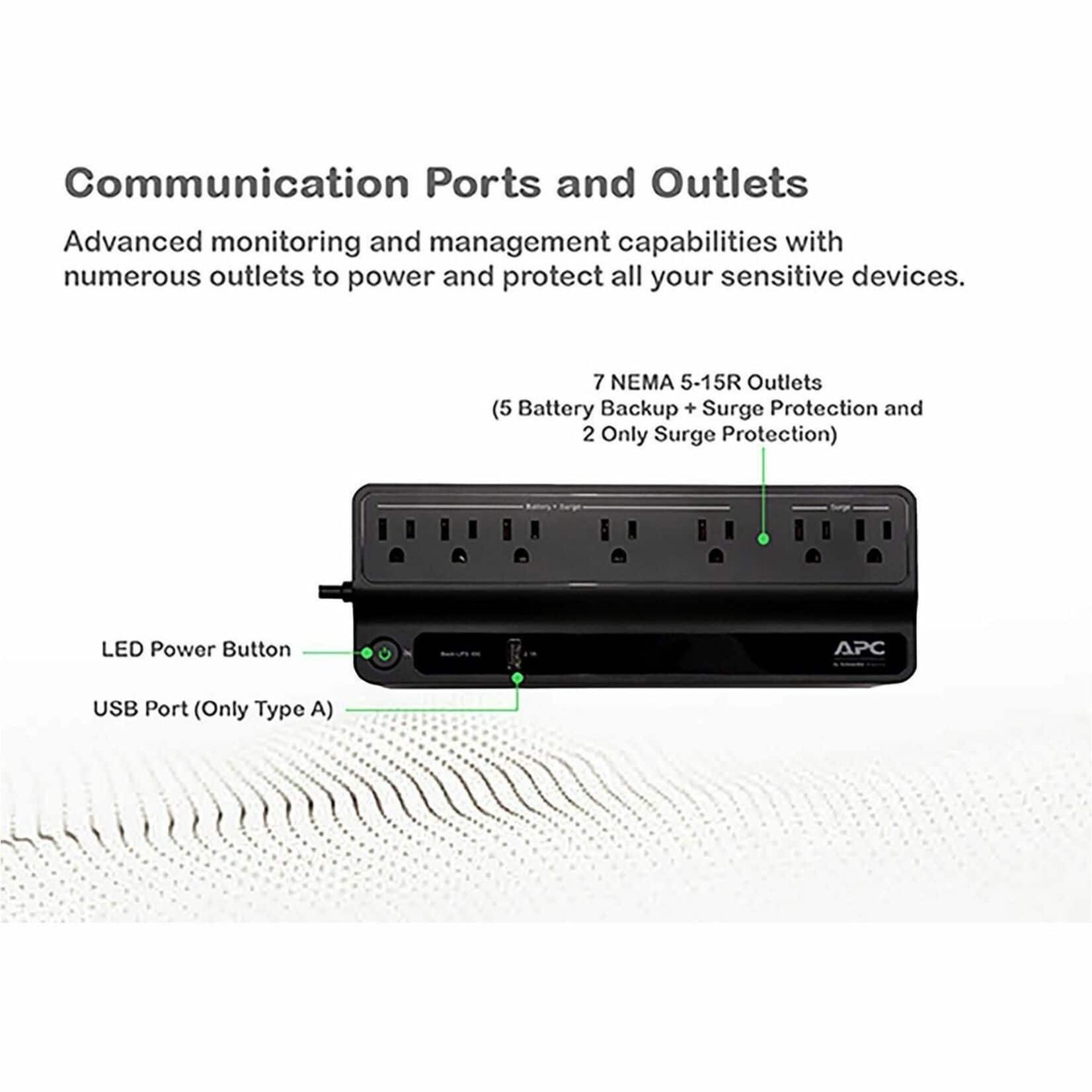
A:AnswerNo, the two outlets are surge only protection outlets. It does provides protection from surges or spikes. You can connect non-critical devices that do not need to remain on during power outages or AC problem. In case you need additional assistance, please reach out to us directly at https://www.apc.com/us/en/support/ so we can address this issue and provide you with the support you need. Support is available Monday to Friday, 8am to 8pm EST.
A:AnswerAPC's Back-UPS and Smart-UPS SC product lines are designed for use with computer type loads only. They are not designed to be used with motor loads which includes fridge/ cooling equipment and/or any type of machinery. You may refer to this FAQ link for more information - https://www.apc.com/us/en/faqs/FA158851/.
If you need additional assistance, please reach out to us directly at https://www.apc.com/us/en/support/ so we can address this issue and provide you with the support you need. Support is available Monday to Friday, 8am to 8pm EST
A:AnswerYou misunderstand what a UPS is for. It's not meant to generate enough power to keep your equipment running. It's meant to provide only enough power to allow you to shutdown equipment safety, and it provides protection to your equipment to reduce potential damage from surges when the power to your house resumes.
A:AnswerThank you for your interest in our products. Yes you can mute the unit. The unit offers a quick mute option by shortly pressing the power button for less than 2 seconds during an alarm. There is also the option to turn off the on battery alarm completely. With the UPS turned on, you can configure the on battery indicator modes by holding down the power button and waiting for the third beep. At the third beep, the power button will cycle red/green. Release the power button and its color will indicate the mode it is in. You can mute the on battery alarm permanently by pressing the power button so the mode selector is flashing red. Once the mode as been selected please wait 5 seconds for the settings to be saved to the UPS.
A:AnswerThank you for your interest in our products. The BVN650M1 would support 360 watts of power connected to it so the quilting machine may overload it. I would just confirm that the power draw of the machine is 450 watts like their website is saying. If it does you may need to go up to something like our BVN900M1 which supports 480 watts of power connected to it.
A:AnswerYou want to use the Battery side for devices to have Uninterruptable power. The Surge side just acts like a surge protector/power strip and will not keep a device going when the power from the wall "flickers"
A:AnswerI have my computer, modem, back up hard drive and printer plugged into this and it is working just fine and we need it because I power fluctuates.
A:AnswerAlthough this is a good unit:
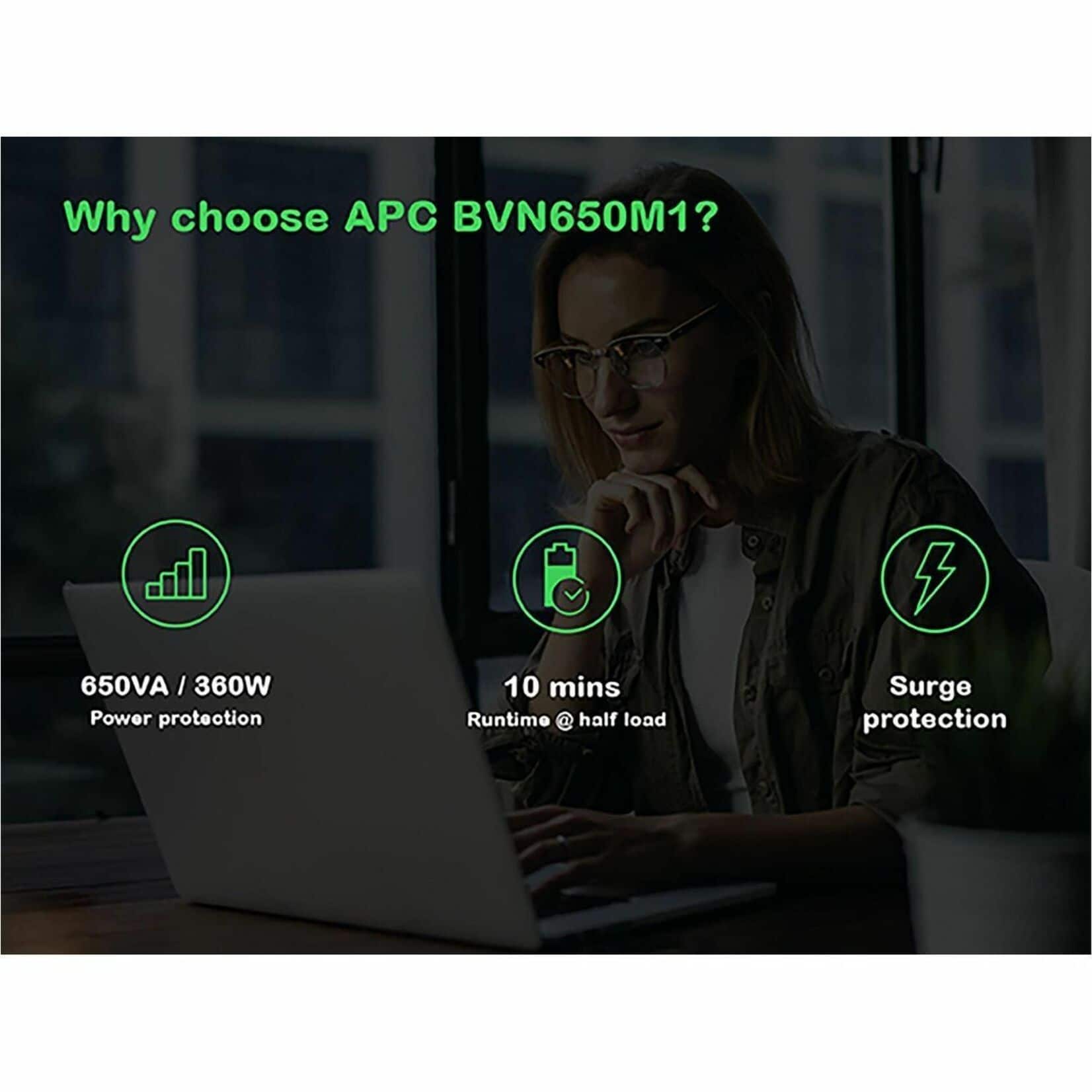
Be Aware, THIS UNIT the 650VA 7 outlet has only a load runtime of about around 10 minutes on a full load I have found (from experience) and DOES NOT come with the Powerchute software or cable to hook up to the PC that monitors the total battery system or shutdown procedure. I was disappointed that I made this mistake. I found that most of these units don’t. I guess it will do the job for my other computer, but I'll have to be here when the power goes out to safely shut down the computer. Next time I'll thoroughly look at the specs.
Nevertheless, APC makes great units.
A:AnswerNot sure it could mean there has been a power interruption and the battery did its job to get a solid green light you need to press the power button for 5 seconds to turn off the unit, wait 15 secs and press the power button and it will come back on then you may have to reboot your electronics again.
A:Answeryou need to depress the power button for a hard 5 secs and that should turn it off, wait 15 secs and press the power button again to turn it on depending on if you have power. You will have to reboot your electronics,
A:AnswerPress on the power button for 5 secs it will turn off the unit then wait 15 secs and press it again to turn it on. You will have to reboot your electronics.