A:AnswerThank you for your interest in our products. The BN1500M2 would run on 120V. If you set the UPS to low sensitivity it can accept up to 142V but anything higher than that would put the UPS on battery. Unfortunately this unit would not work on 220V.
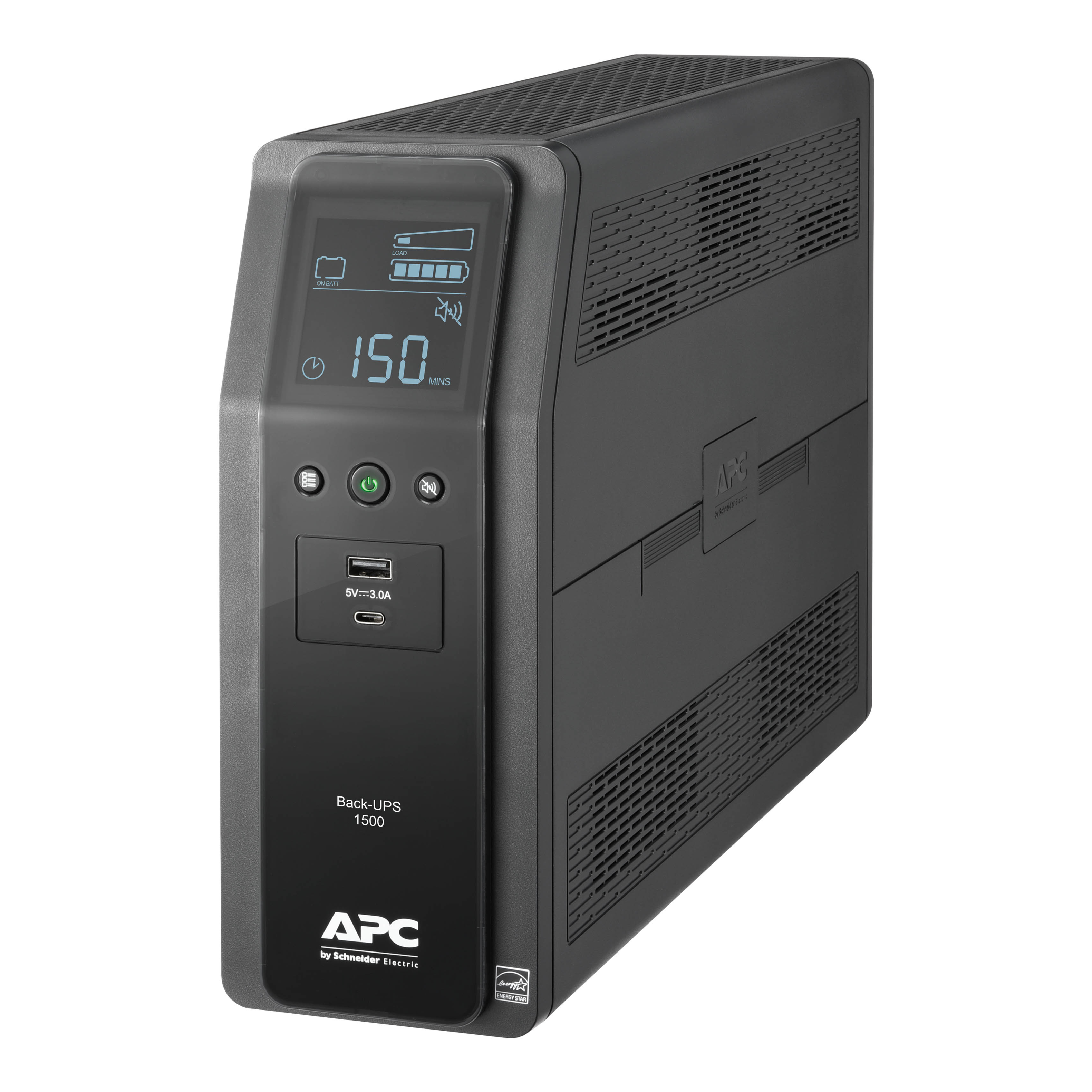
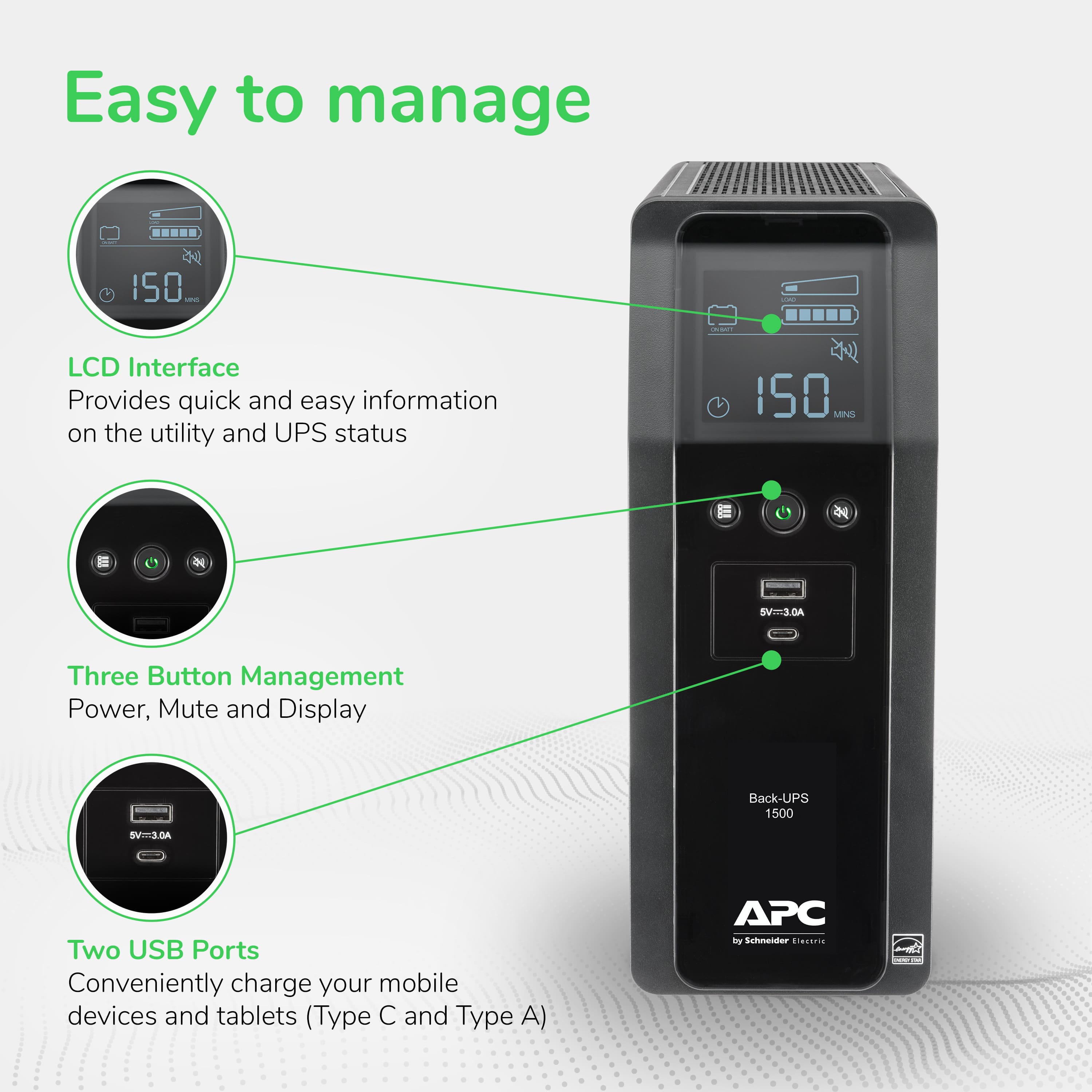
A:AnswerFrom the manual: "While in Power-Saving Mode, the LCD
will illuminate if a button is pressed, then darkens after
60 seconds of no activity."
Press the display button for 2 seconds to enter power save mode. Note, the small green power led will remain illuminated when the display goes out.
A:AnswerYou are right, this power factor is lower than the p.f. for typical household equipment. I am not sure why, but I think that it is related to the fact that the power is received through a battery. Apparently the chemical interaction brings about some power loss.
A:AnswerThank you for your interest in our products. From what I located online the system should draw around 78 watts. I rounded the power draw up to 100 watts which would put you at around 55 watts of runtime. If the power draw is less the runtime will be longer.
A:AnswerI have not seen an F02 error on my unit but I did charge it before I connected anything to it. You also need to plug in the battery. The battery is in the unit but not connected.
I looked up the error and the APC troubleshooting guide says:
F02 = On-Battery Output Short
Troubleshooting Procedure::
Turn the Back-UPS off. Disconnect all equipment from the Battery Backup outlets and the turn Back-UPS on. Re-connect equipment one item at a time. If the output is tripped again, disconnect the device that caused the error.
I hope this helps.
A:AnswerDepends on the power draw of the system. I have one system that at load pulls over 400 watts from the wall and another that will pull less than 100 watts. it all depends on the hardware