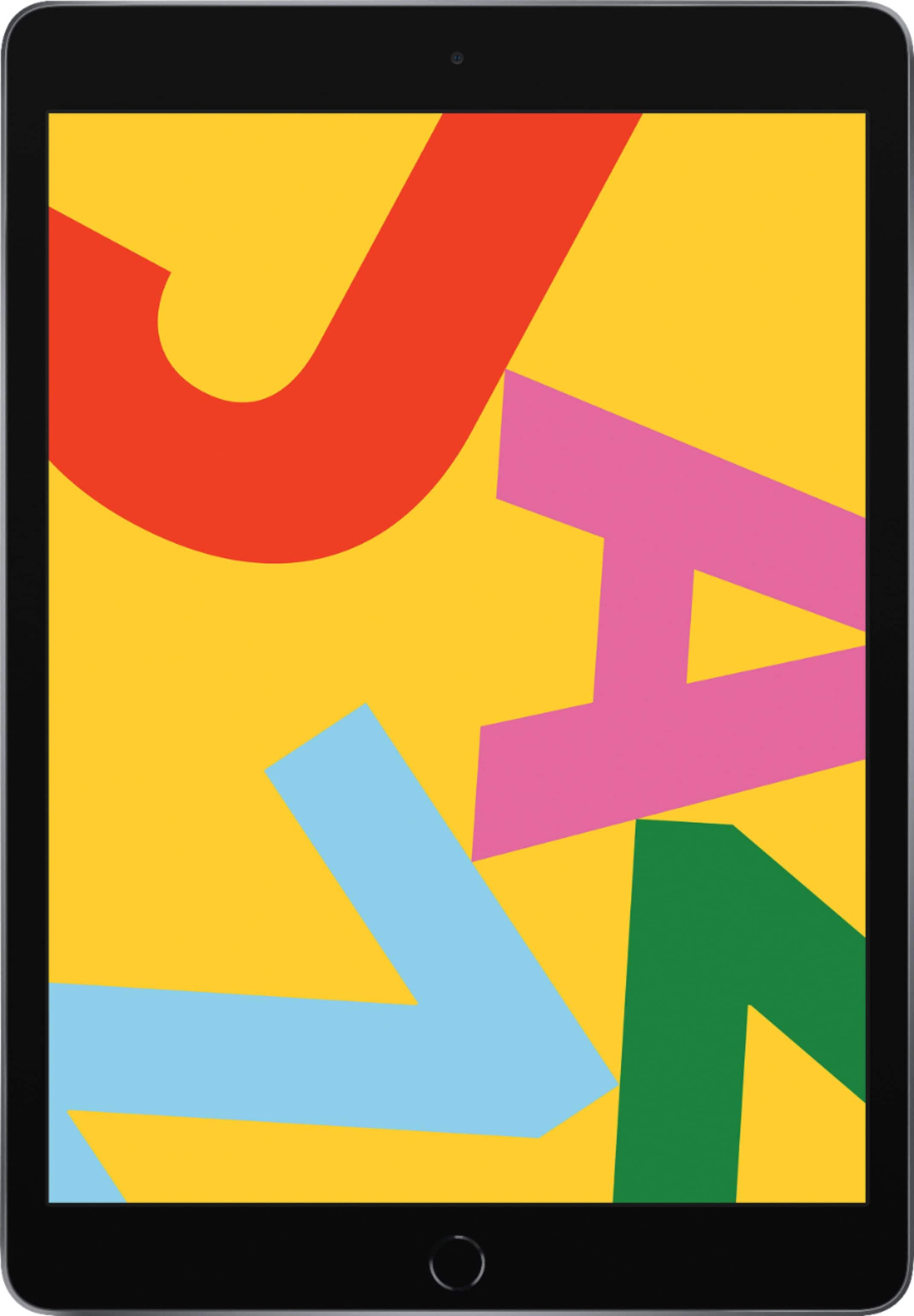
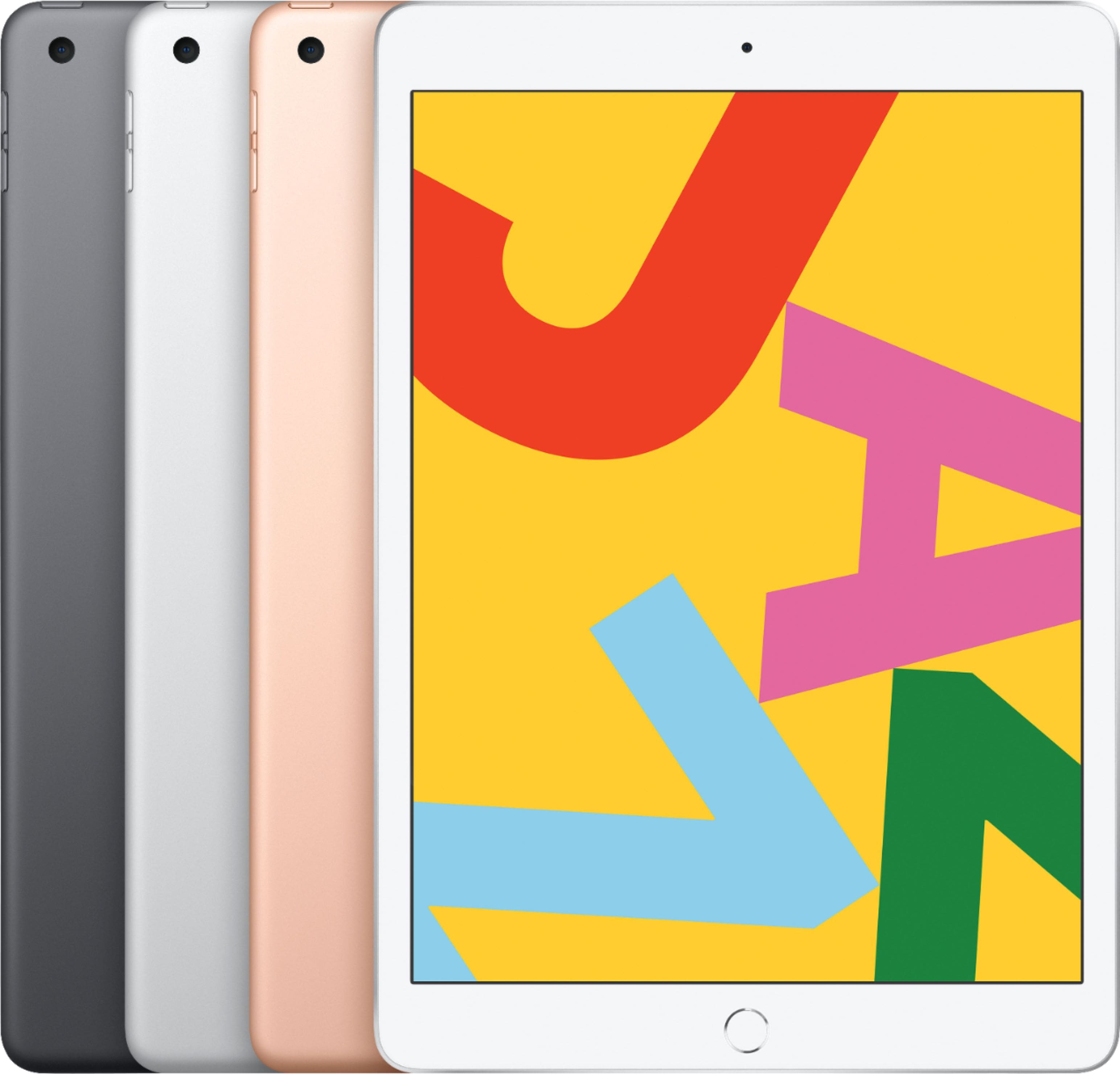
A:AnswerAccording to Apple website, "the iPad (2019) has a 10.2-inch screen with a resolution of 2,160 x 1,620 pixels which translates to 264 pixels per inch". I'm not that geekish to get into the numbers but I will say that I watched a late 1950's black and white sci-fi movie on my new Ipad (3 weeks old) and the picture was incredibly clean and clear, actually better resolution than an old non-led tv I have.
A:AnswerIt depends on how much you will use it away from home and what you will be using it for. There’s no advantage for me since my grandson use it here mostly and connect to my WiFi. Once I download his games no WiFi is needed away from home. Plus i can use my iPhone to connect away from home, I have unlimited data and hotspot access.
A:AnswerAll Ipads come with Wifi connection capability built in, which allows connection to any local Wifi network. If you want to use it as a cell phone, i.e., to place phone calls, then you have to purchase a 'Wifi + Cellular' version which is more expensive due to the additional software/hardware that has to be built in to the Ipad. With Wifi only, you can still video/audio chat with anyone else with an Apple phone, Ipad, or computer via the "Facetime" application that comes installed on the Ipad, or download Skype, Zoom, or other video chat applications from the internet. If you buy the + Cellular model, you will be able to use the Ipad just like a smart phone, however you will have to additionally purchase a service contract with a cell phone service such as AT&T, Verizon, Sprint, etc. in order to use it as a phone.
A:AnswerThe WiFi version of any iPad would mean that it can connect to the internet by wireless or WIFI access, which means if you are not connected to a WiFi, you can use it offline only. But with the WiFi Unlocked, it is the same with WiFi connectivity, but you can also access the internet by using cellular plan just like on your phone. Keep in mind that the WiFi unlocked will be more expensive than the WiFi only variant