A:AnswerYou don’t have to charge anyone to transfer data if you have an iPhone the iPad will turn on and ask to scan a picture and it will transfer EVERYTHING to you iPad instantly. If you don’t have an iPhone then I don’t know how to transfer data
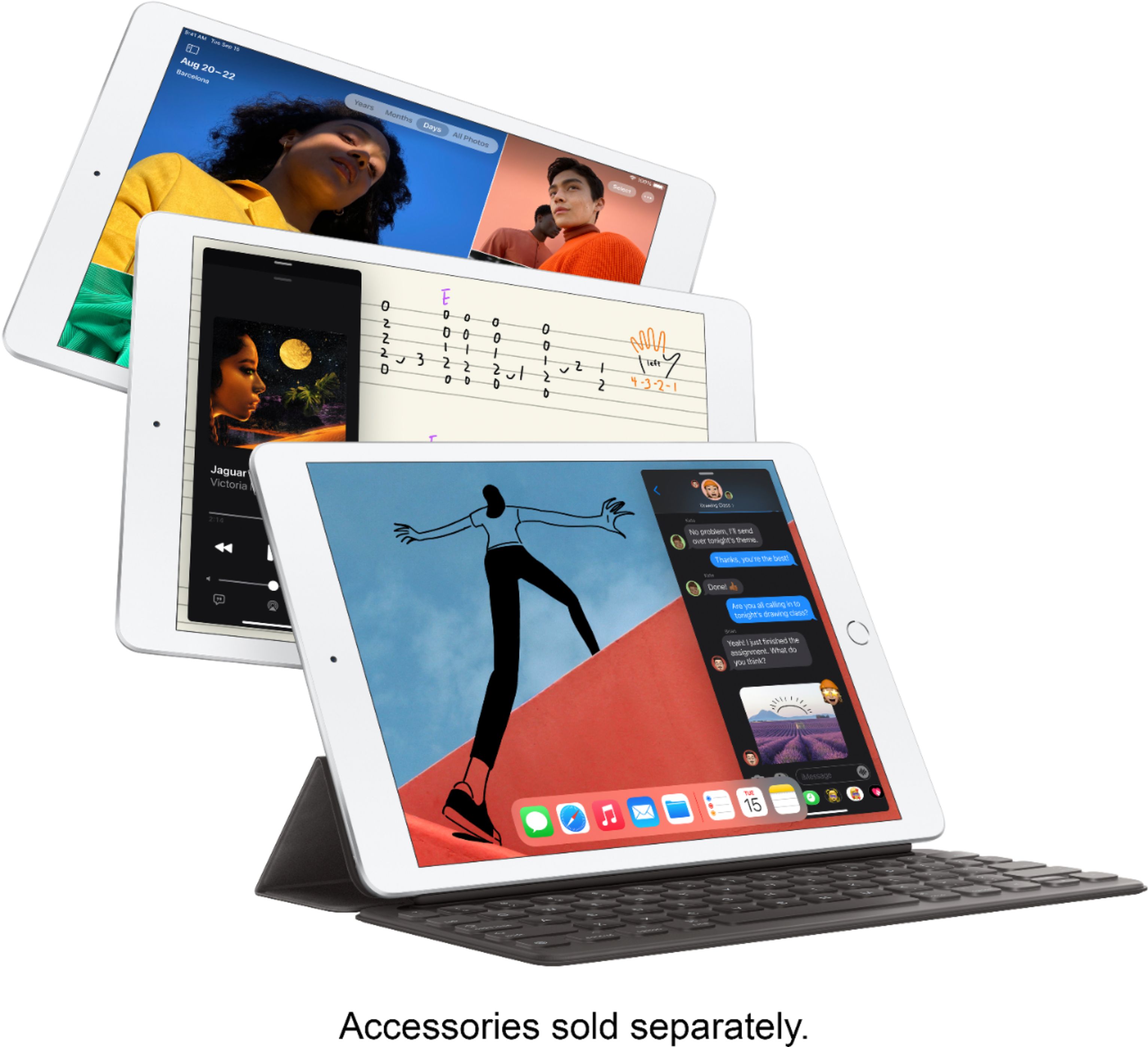
A:AnsweriPads vary by screen size, processing power and acceptance of certain external accessories. They are all going to have the same operating system generally if you are buying (or upgrading often) new. The power of the iOS is what makes them superior as tablets. The Pro model will have better processing power due to the new M1 Apple chips. Some things like doing 4K videos and playing advanced gaming and other intensive tasks will really shine on the Pros. The entry level iPad 8 is a great iPad for internet use, doing artwork with 1st gen Apple Pencil (or Logitech Crayon) and some other tasks to allow you to take some strain off your computer as a mainstay. Do keep in mind that the PC or Apple computer will have some software that are specific to it, and even some sites are more accessible for them that are better than the mobile versions of tablets. Yet mobiles have greatly improved and are projected to do so even more. If you are wanting to use the 8th gen iPad for general things, it is well worth the investment. If you want to do lots of video creation with 4K resolution output consider the Pro model. Take into account of getting as much internal storage space so you can store those future files.
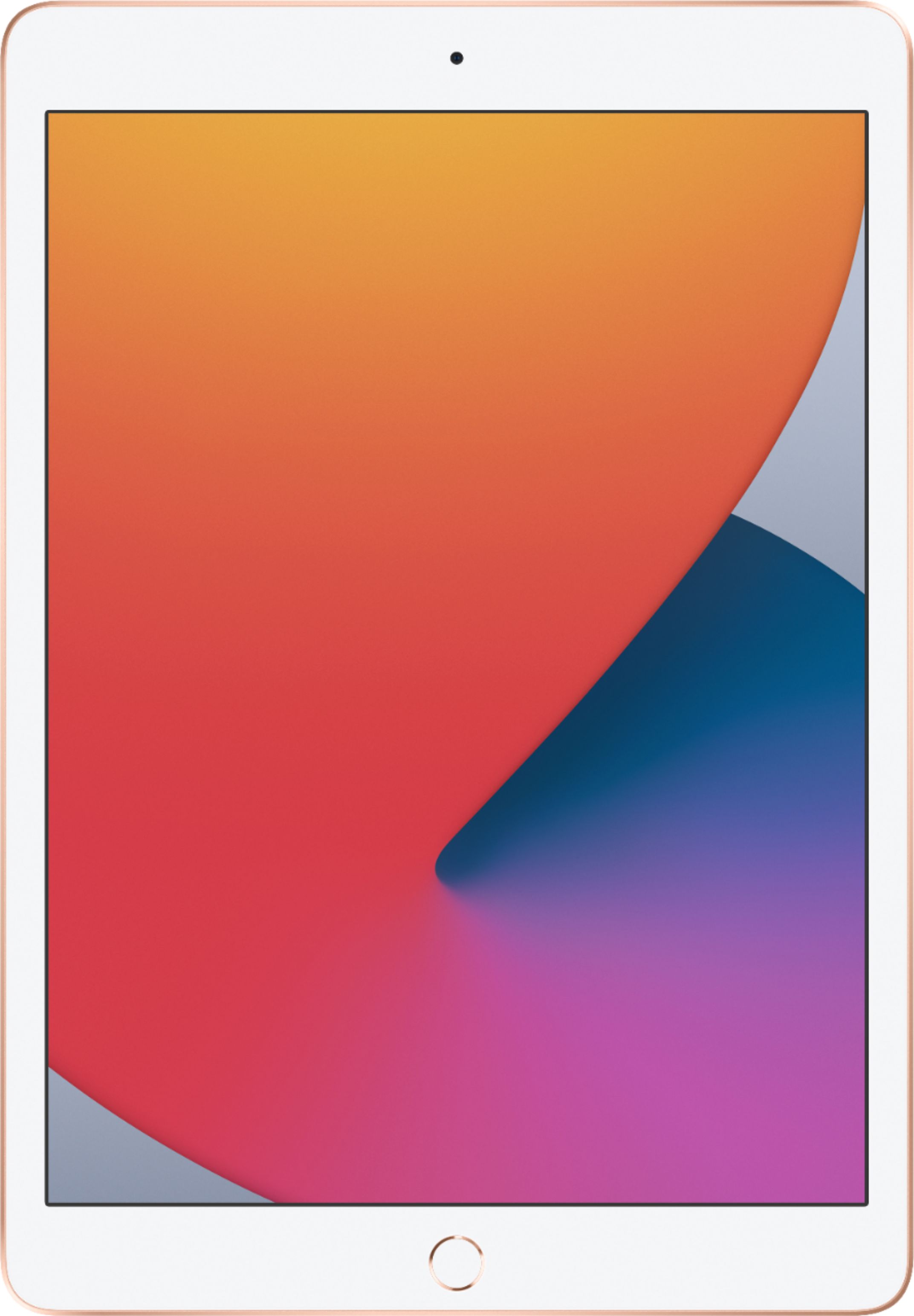
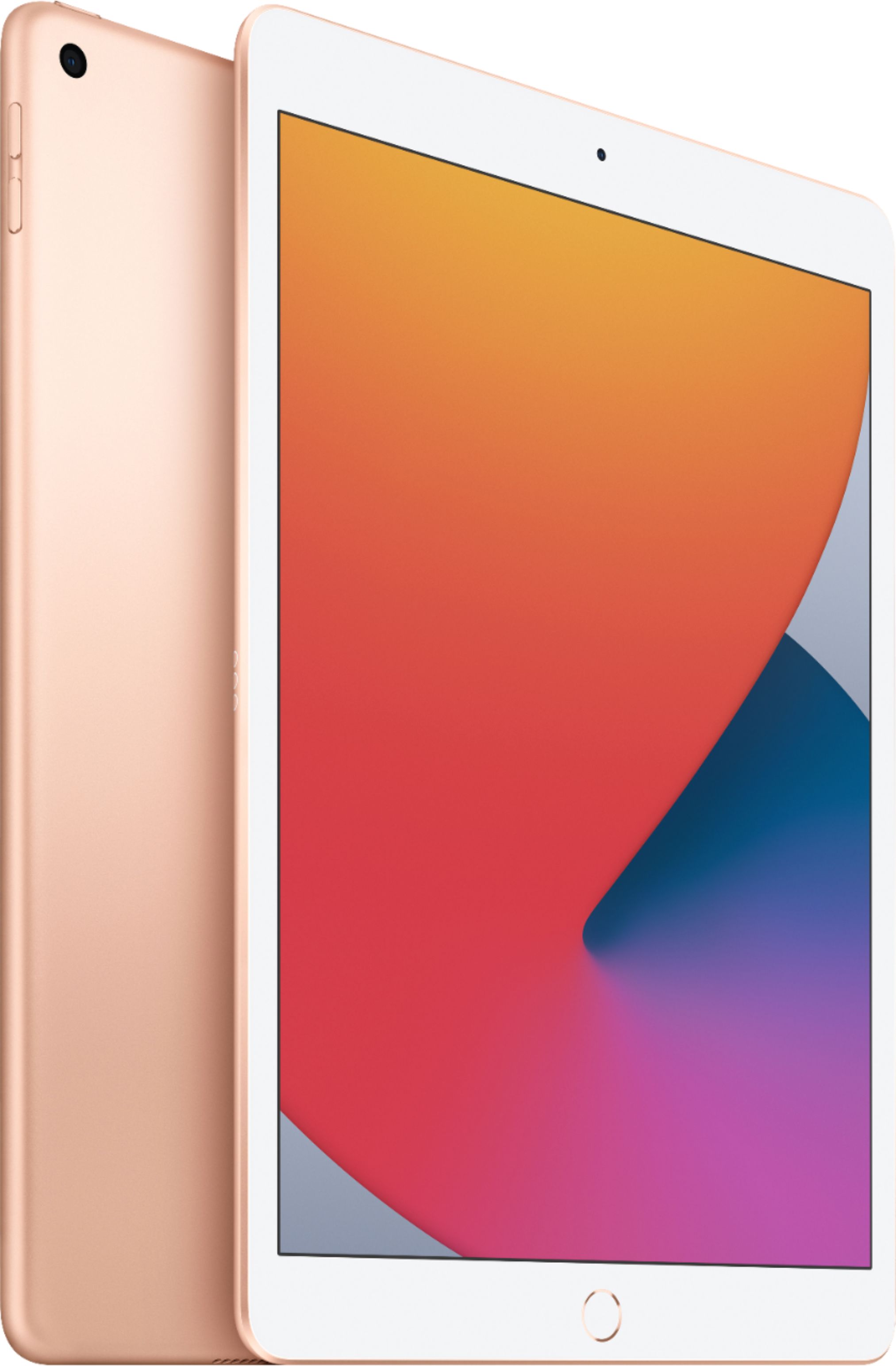
A:AnswerHi, the iPad you are looking at best buy that says "Latest model," I can assure you that it is new and also the 8th gen 10.2. The only way if its refurbished is that the description says it or state it being used or anything. If there is no mention of it being used or refurbished, then it should indicate that it is new. I hope this is helpful and have a wonderful day!