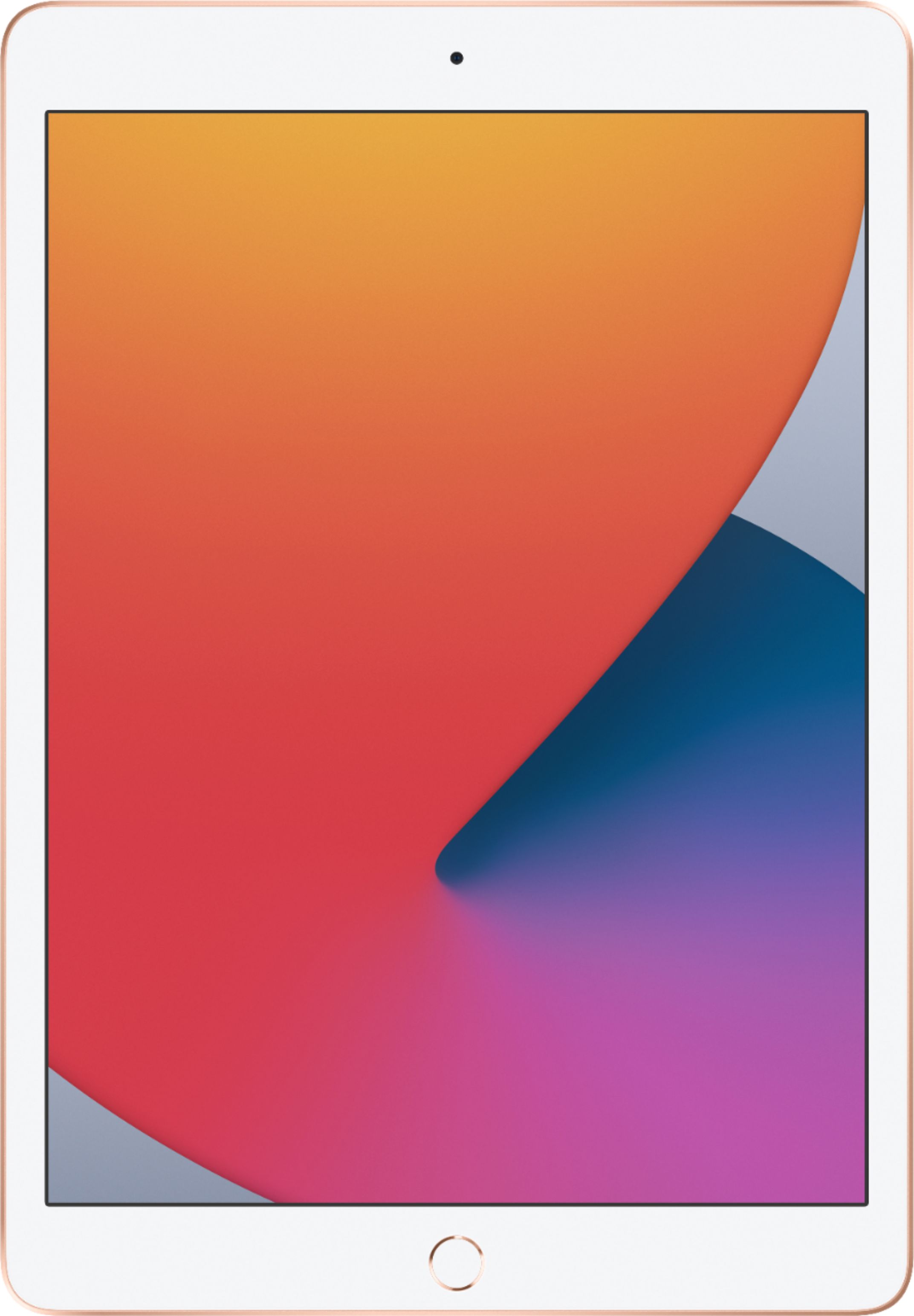
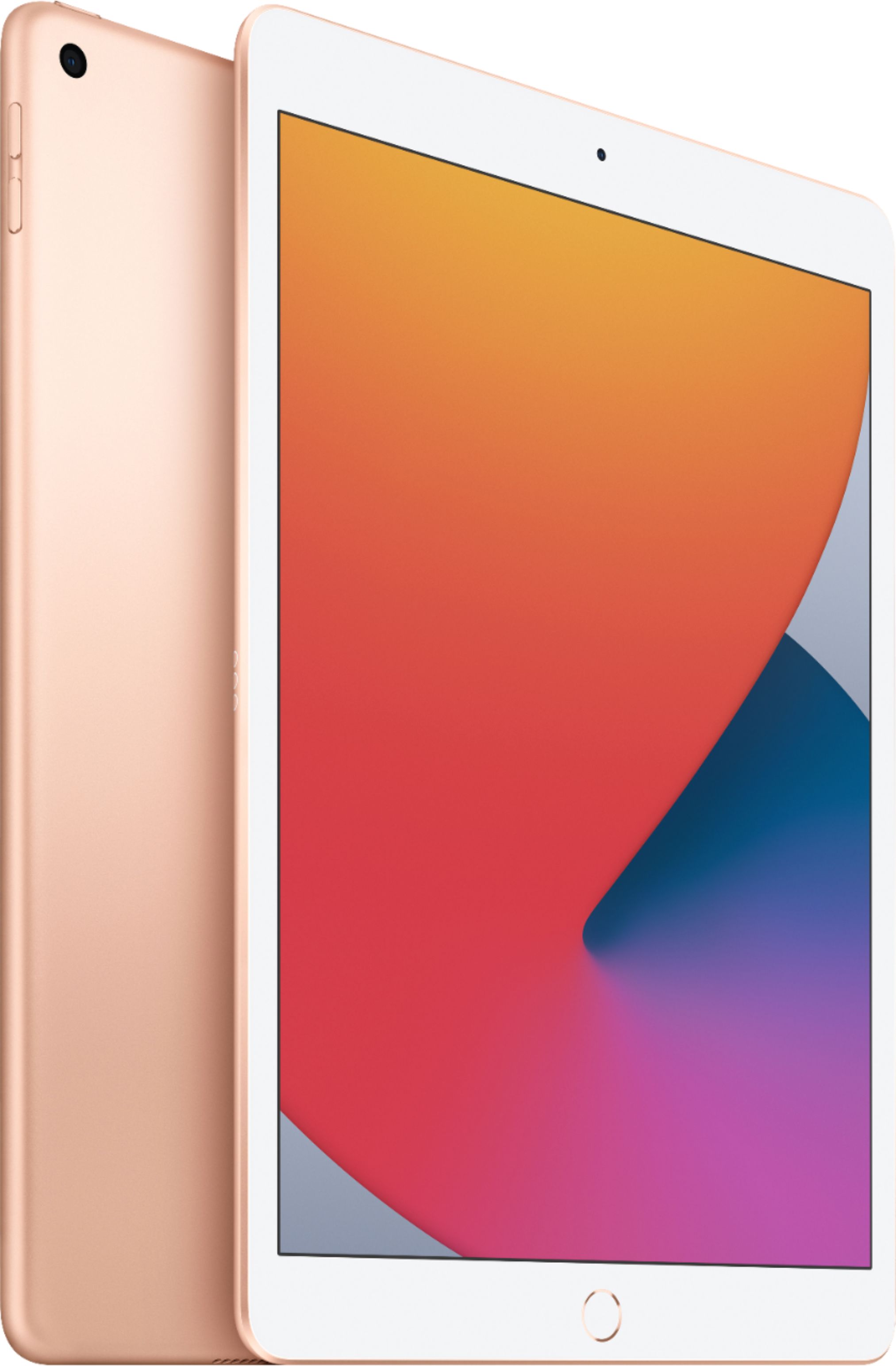
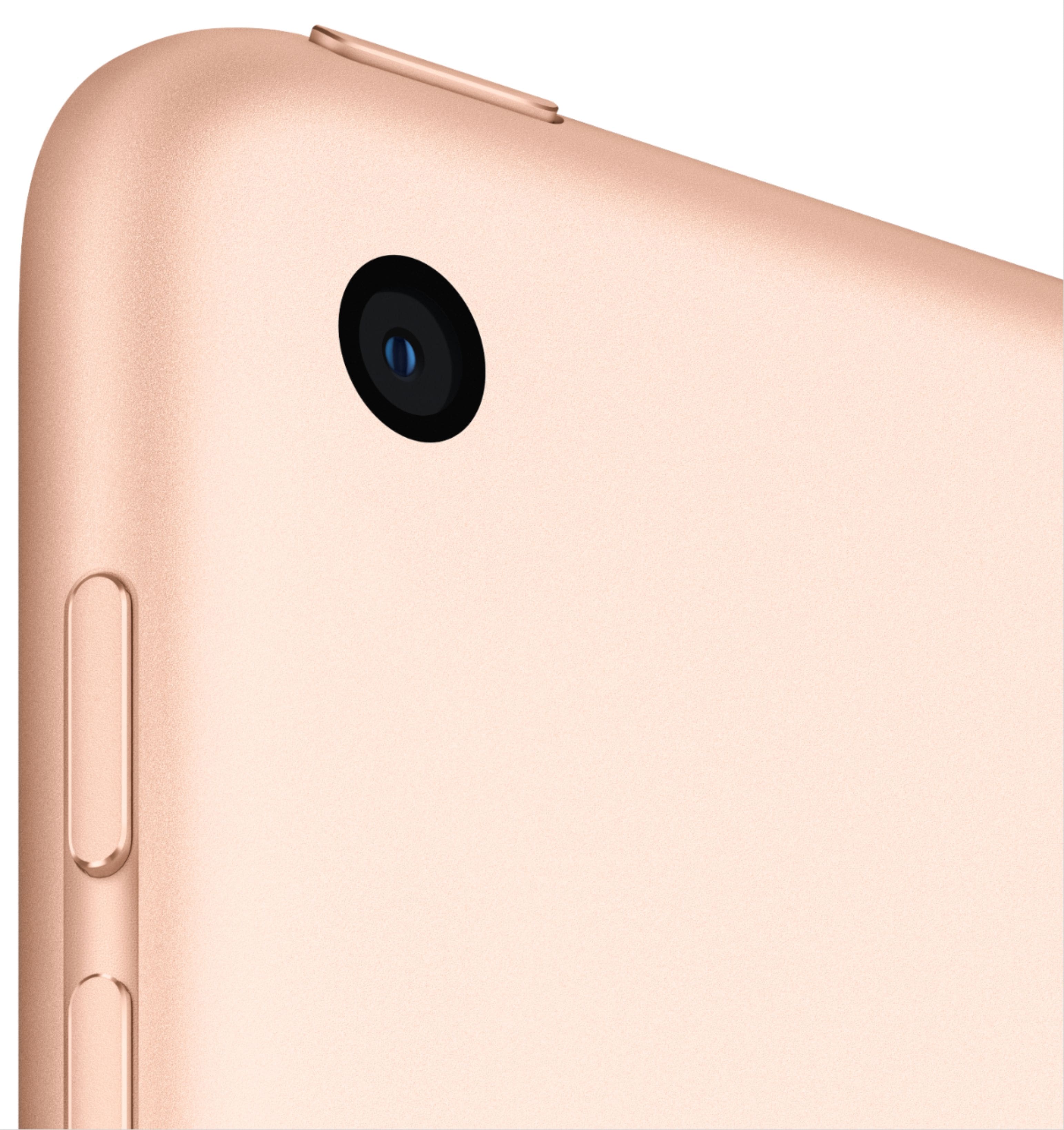
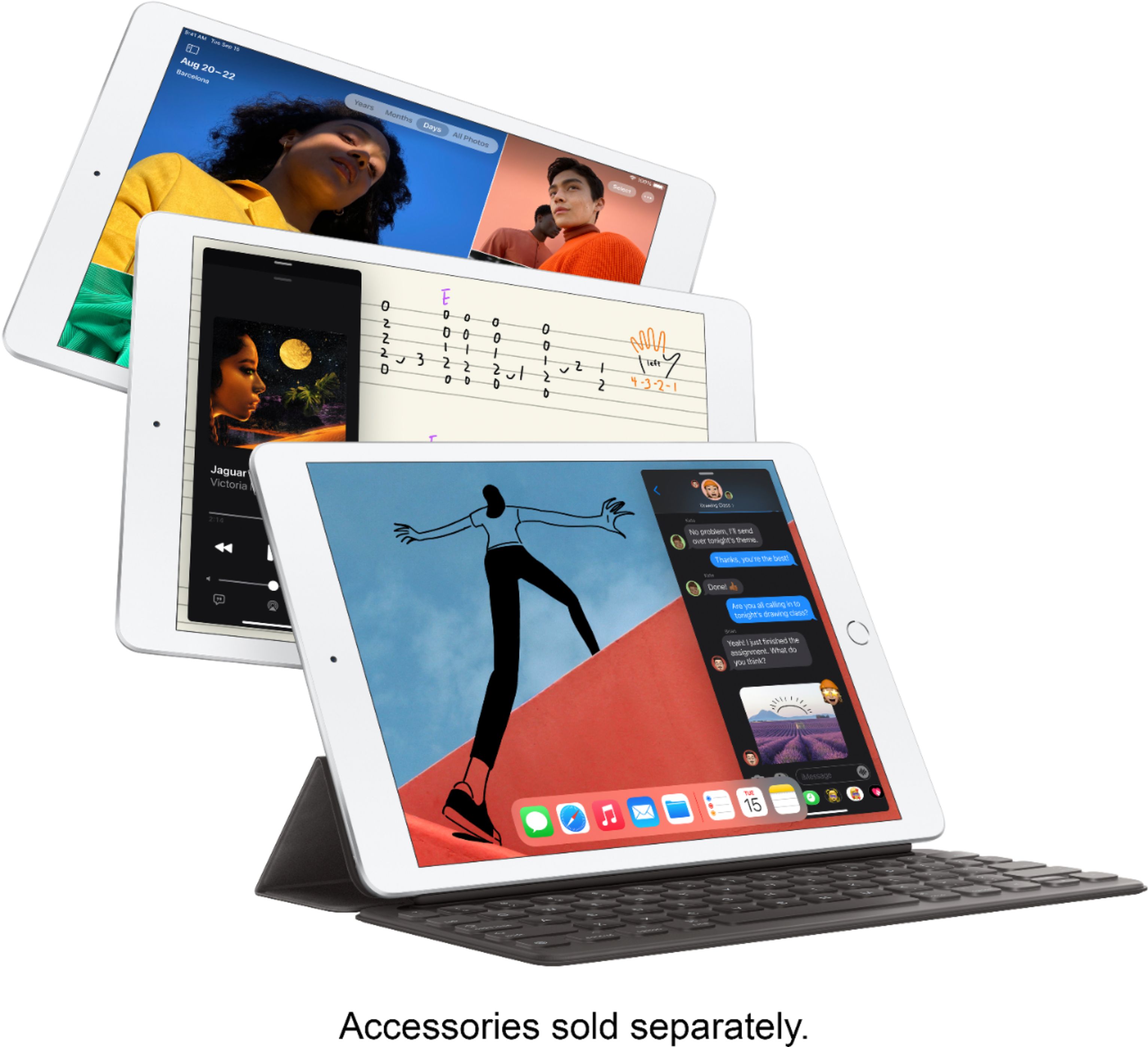
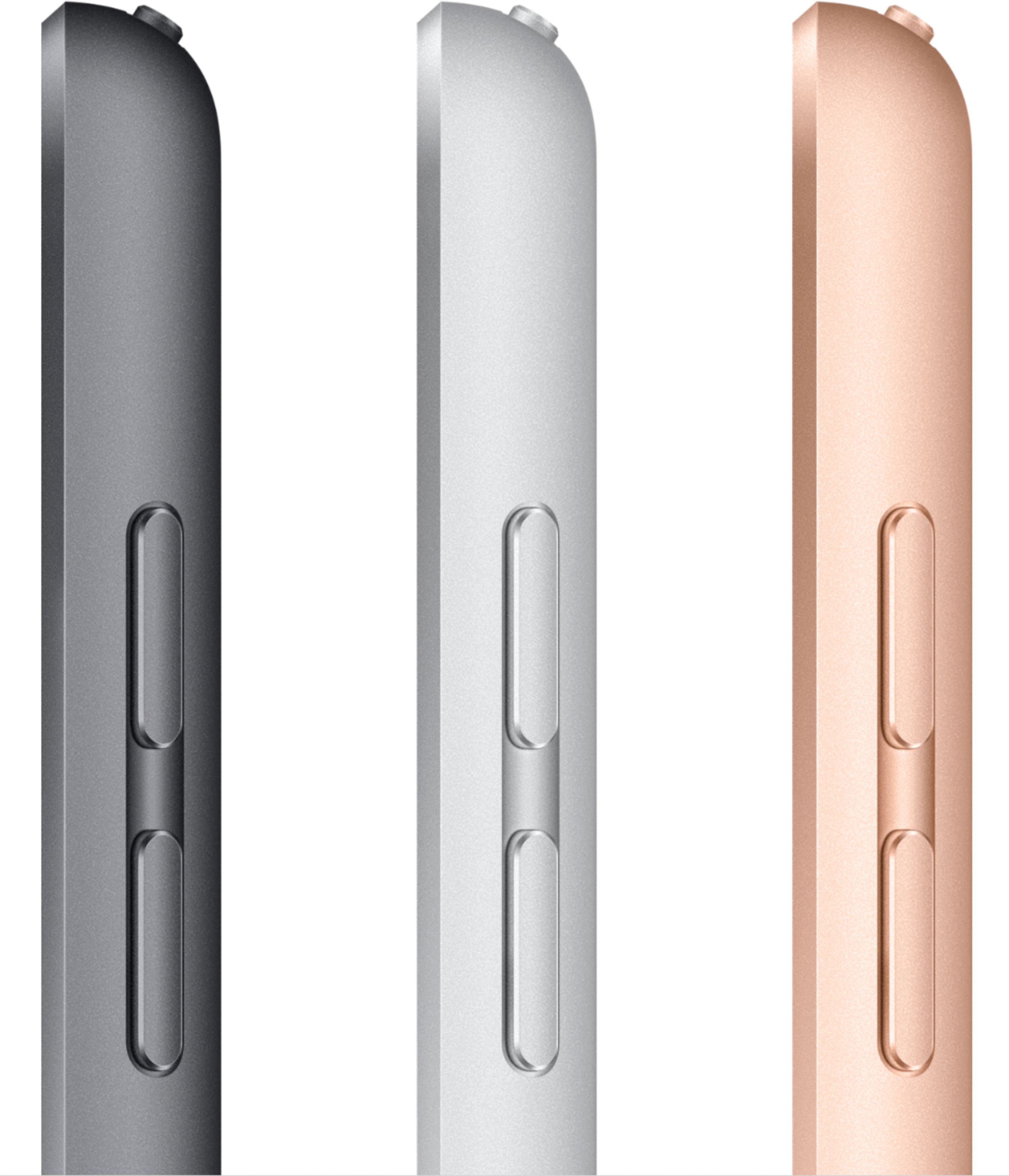
A:AnswerPull it up on line at bestbuy.com. Choose Carrier on the drop down menu, Wi-Fi or Wi-Fi + Unlocked are the choices. Then choose Total Storage Capacity on the drop down menu, 32GB or 128GB are the choices. I advise the larger storage capacity personally. Then choose the Color on the drop down menu. The choices are Gold, Space Gray, or Silver. Scroll down and there is a yellow band — Add to Cart.click on it. Then pull up your cart. Mine has two choices: Pick up at ....( town your Best Buy store is in), or FREE Shipping to ......( zip code of your location) If it is not the correct zip code, it has Update location so you can put in the correct zip code. If you have everything in your cart that you are buying, scroll down to the yellow band that has Checkout on it. Click on it. You will go to a screen that shows store pickup info. .........or Switch to Shipping. Then you will go to the .....Continue to Payment information. Click on that. You will go to a screen where you can enter your credit card number, ...... or choose Other payment options. That will take you to the other payment options......Apple Pay.......or.....PayPal checkout. Pay for your iPad, and it will be delivered to your home
A:AnswerAll iPhones have the capability of being a personal hotspot to share the cellular data connection of your iPhone when you don't have access to a Wi-Fi network. Please check your carrier for compatibility and plan availability.