A:AnswerYes, using the Files app on the iPad you can access files saved to a flash drive. Connecting a USB-A flash drive, use the Lightning to USB Camera Adapter, or Lightning to USB 3 Camera Adapter. (sold separately)You can print wirelessly using any AirPrint compatible printer.
A:AnswerI didn't have any luck with the open boy item I purchased. It was supposed to be in excellent condition but when I went to apply a screen protector I noticed that it has a small crack near the home button so I returned it and then reordered a new product. I have purchased open box items before with no issues. They have always come with everything that you get with a new item. Just be sure to read the description.
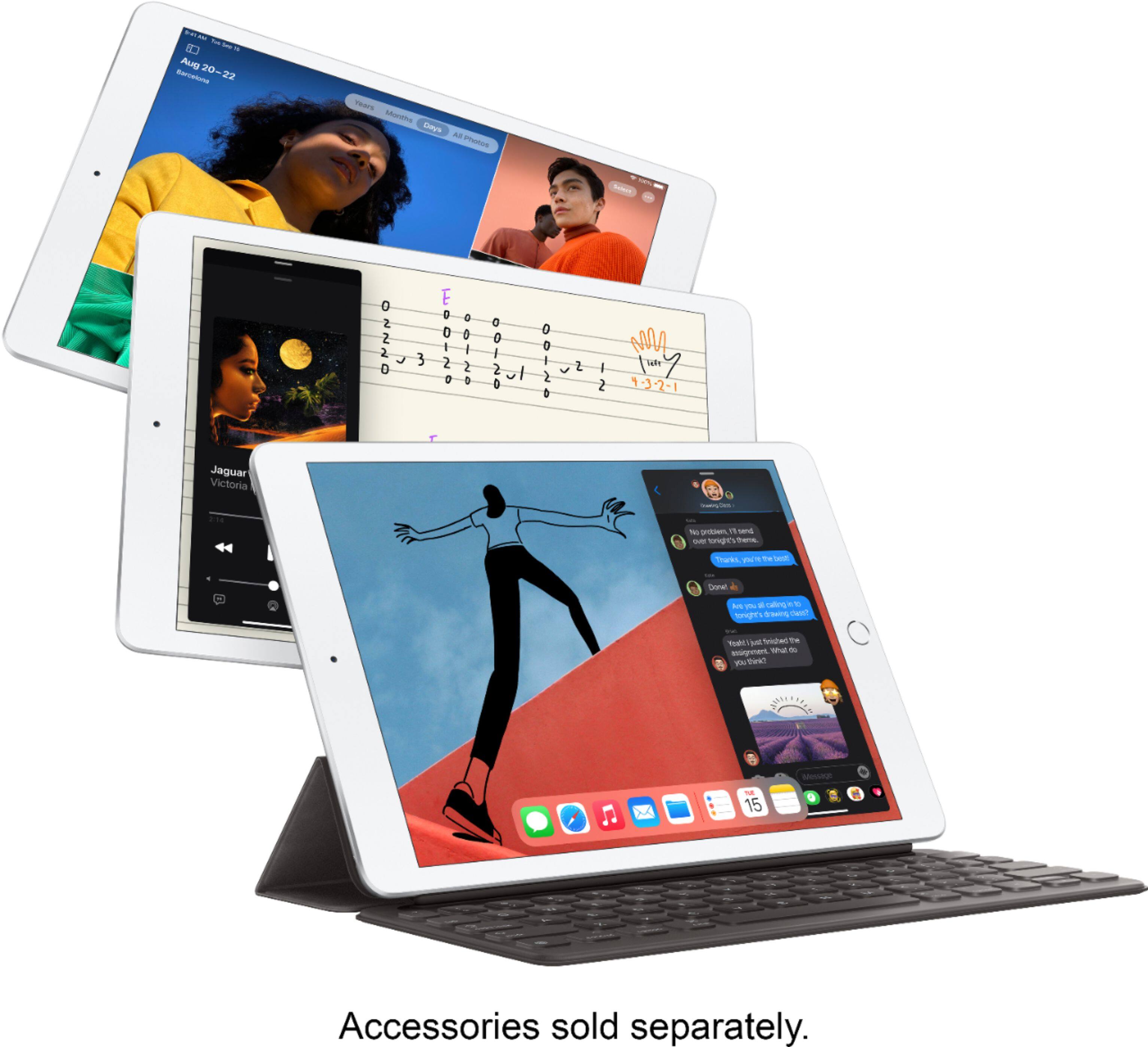
A:AnswerOn iPad, you can use the onscreen keyboard to enter and edit text. You can also use an external keyboard, Apple Pencil, and dictation to enter text. (External Keyboards and Apple Pencil sold separately.)
A:AnswerWith an internet connection and an Apple ID, you can make and receive calls in the FaceTime app (first sign in with your Apple ID, or create an Apple ID, if you don’t have one).
A:AnswerYes, there is a ‘built in’ keyboard, same as the other iPads and similar to smart phones where you can use a keyboard to type messages etc but also can hide it when you are watching a video or something where the keyboard is not needed
A:AnswerGeek Squad has people who work on iPad software to help you move data from one to another or go to chat or call them and if you need further assistance there are tutorials available to guide you through the process. Disposal would be Best Buy recycling.
A:AnswerYes, there are millions of apps on the App Store designed to take advantage of the large display on iPad. Many are designed specifically for drawing or painting digitally. To take full advantage of drawing apps, you may want to use Apple Pencil (sold separately).