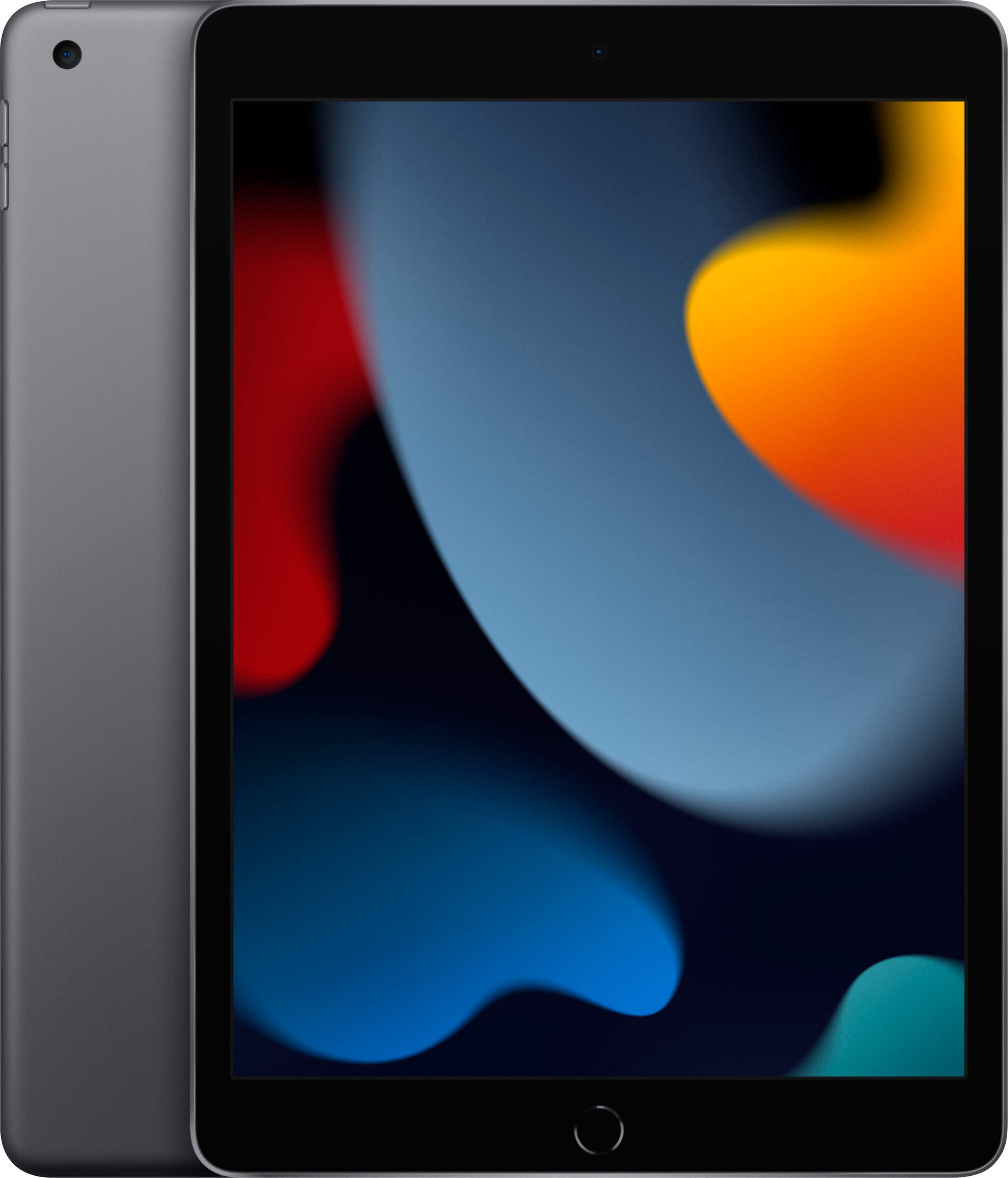
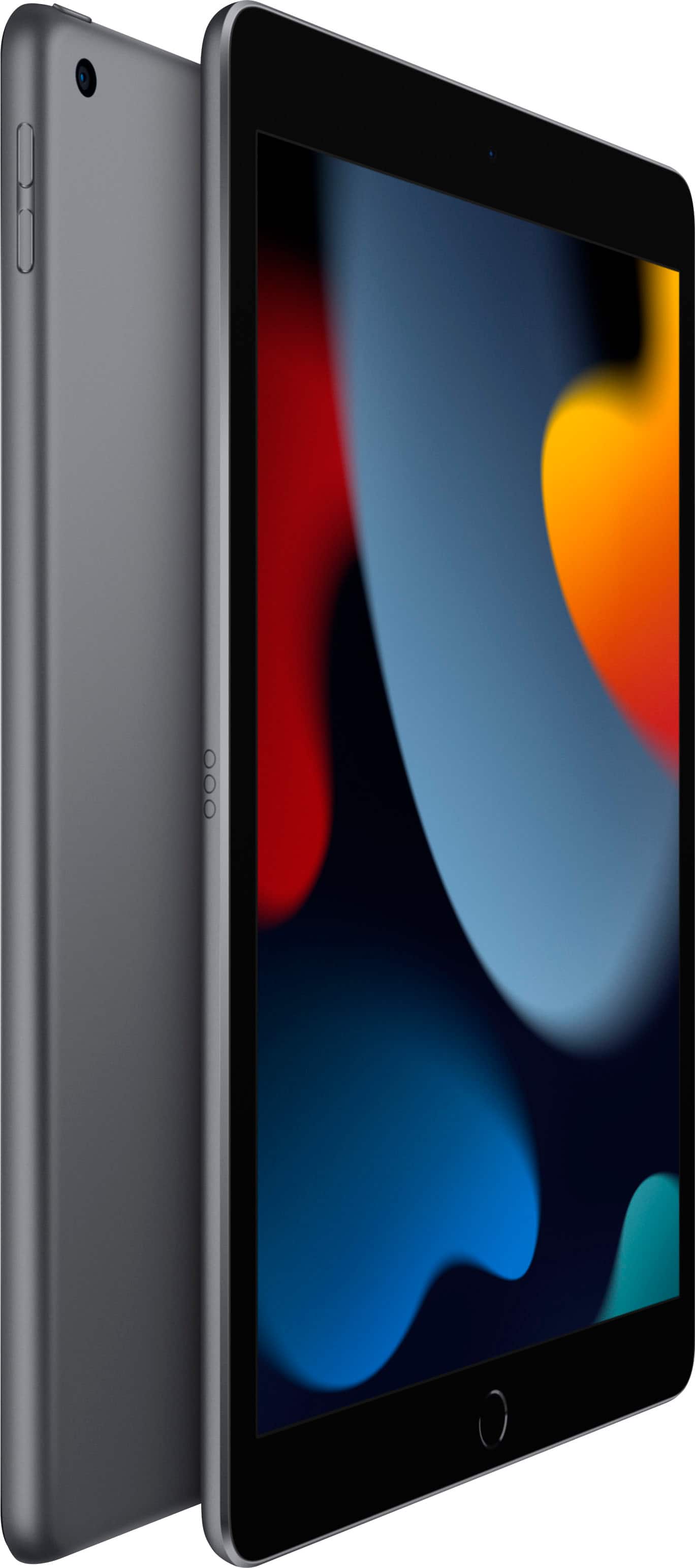
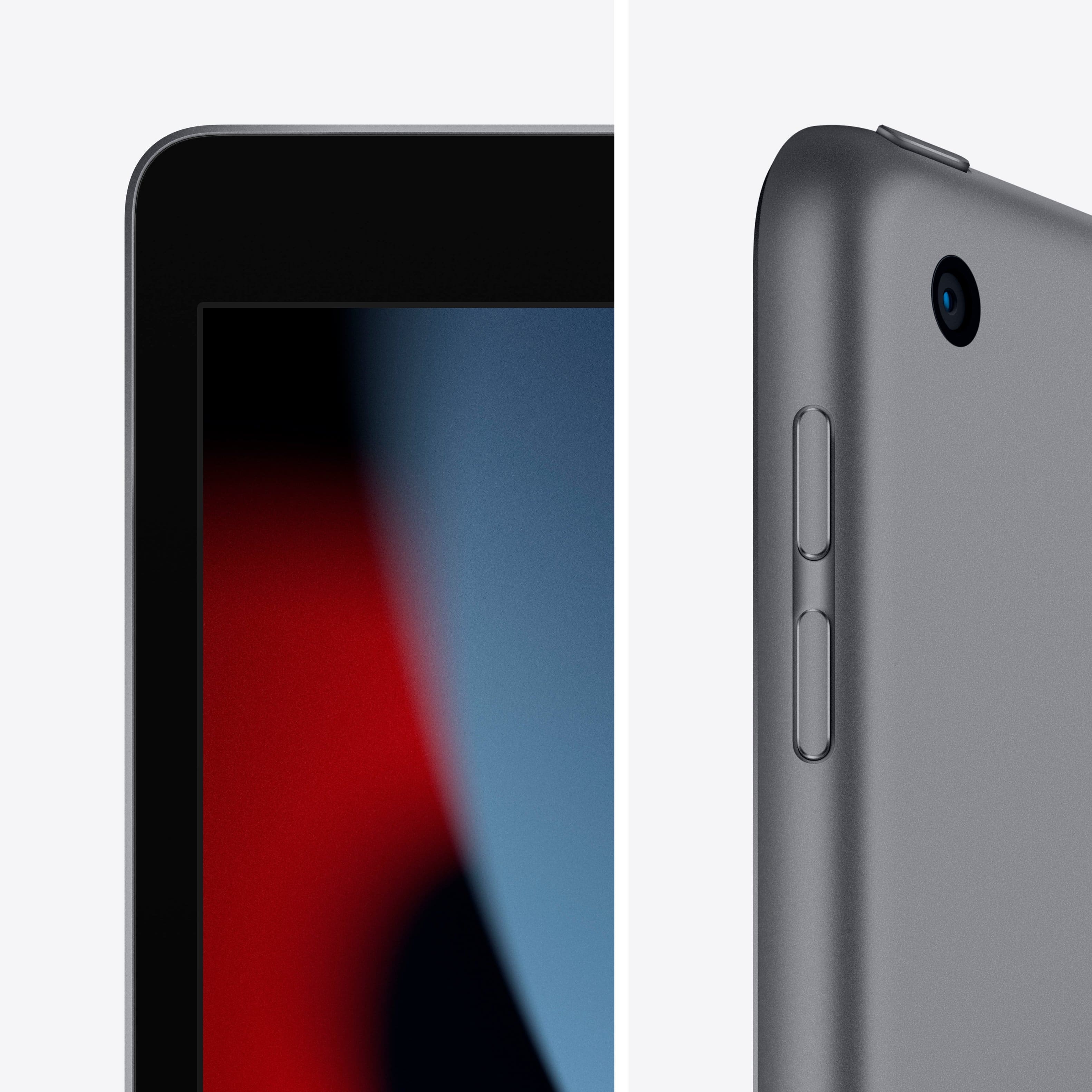
A:AnswerIt is the 9th generation. Best Buy puts the generation number once it becomes replaced by a new one. In this case, they use the "Latest Model" description while on the previous model they changed it to "8th Generation". Before the announcement of this new iPad, the 8th Generation iPad was described as "Latest Model". So, my guess the reason why they do not explicitly say what generation it is is because they want to be clear and obvious. In the other case, you would be having tons of people asking if this 9th Generation iPad is the latest model.
A:AnswerThe six months free is really for new Apple users. Which means that if you want to get those six month free, you will need to do a new Apple ID account.
A:AnswerNo. The only iPads that support Face ID are the Pro models. The rest of them have Touch ID. This one in specific is placed on the Home Button. The iPad Air and the new iPad mini have their Touch ID on the Power/Wake button.
A:AnswerMost iPads have Bluetooth as well as Wi-Fi capability. But do you need cellular capability? Cellular capable iPads come with built-in GPS receivers. These receivers will work without linking to a cellular service provider. Even if you have no interest in using the cellular capability of the iPad, you very well might want the ability to use the iPad’s GPS receiver to access GPS data built into EFB apps. That way, your iPad can be used as a backup navigation device as a last resort, if necessary.
All of that to say Yes it will work.