A:AnswerThe IPad comes in two versions, Wi-Fi only and Wi-Fi with cellular. If you choose the cellular, you will need a cell plan, if you choose the Wi-Fi only, you can do like I do and use your IPhone ( I have the 12 Max) as a hot spot when your not in a Wi-Fi environment.
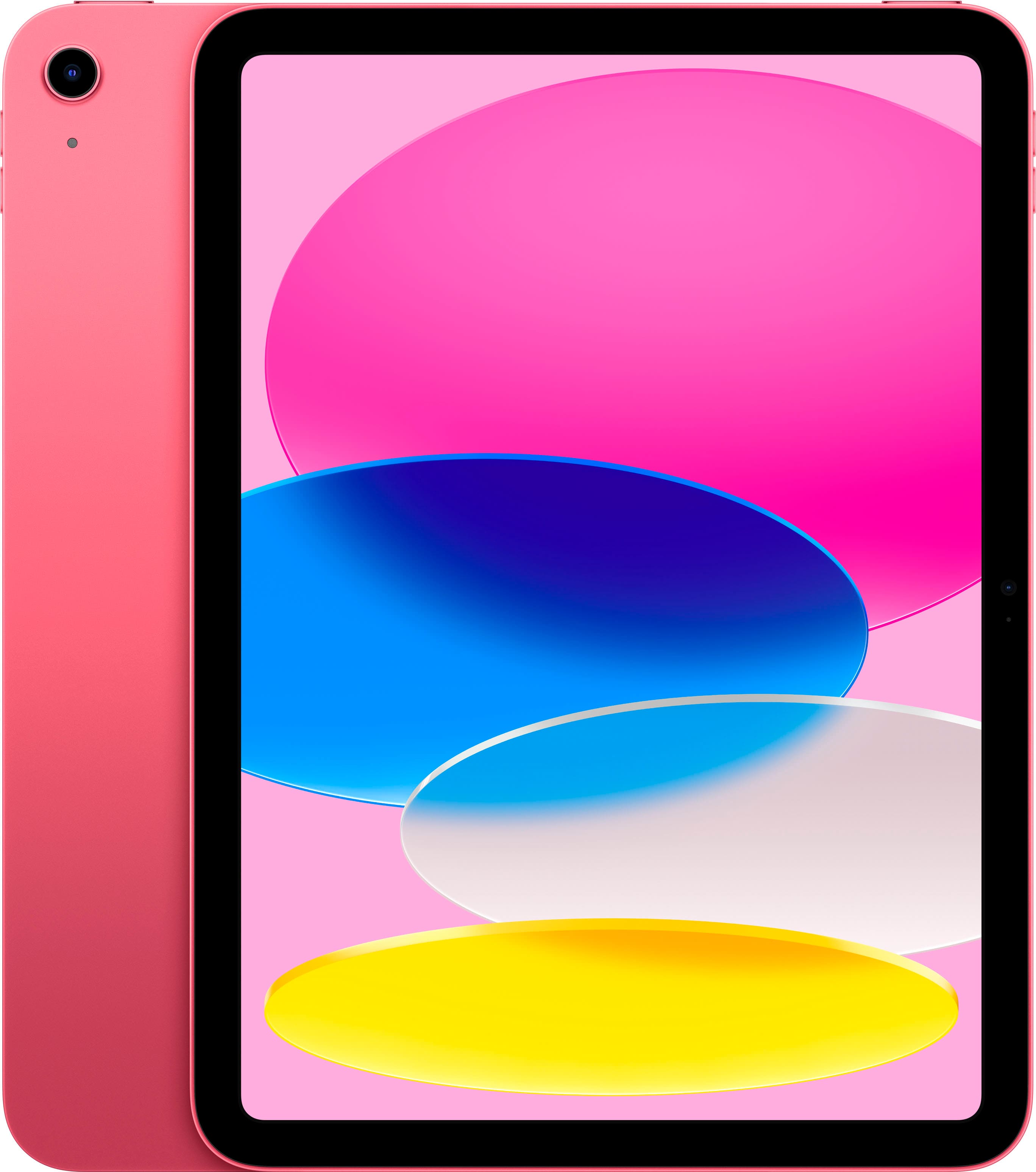
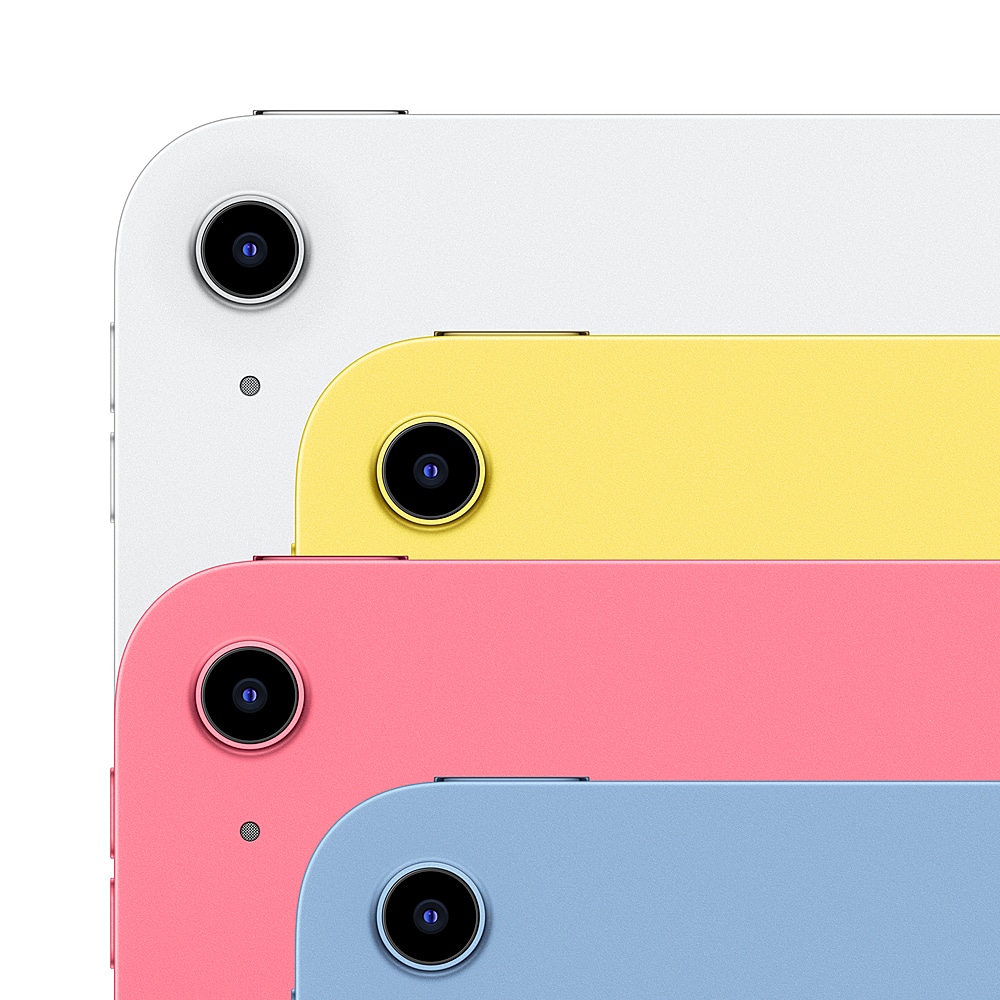
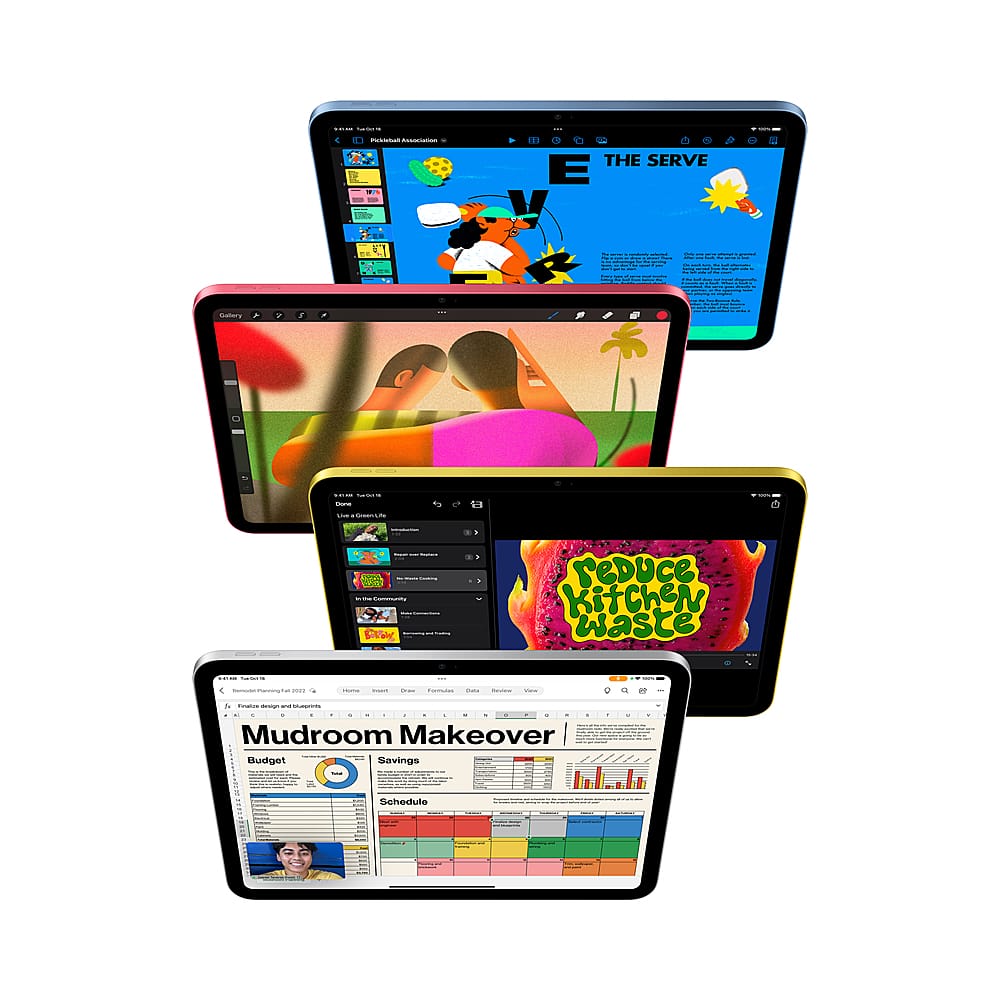
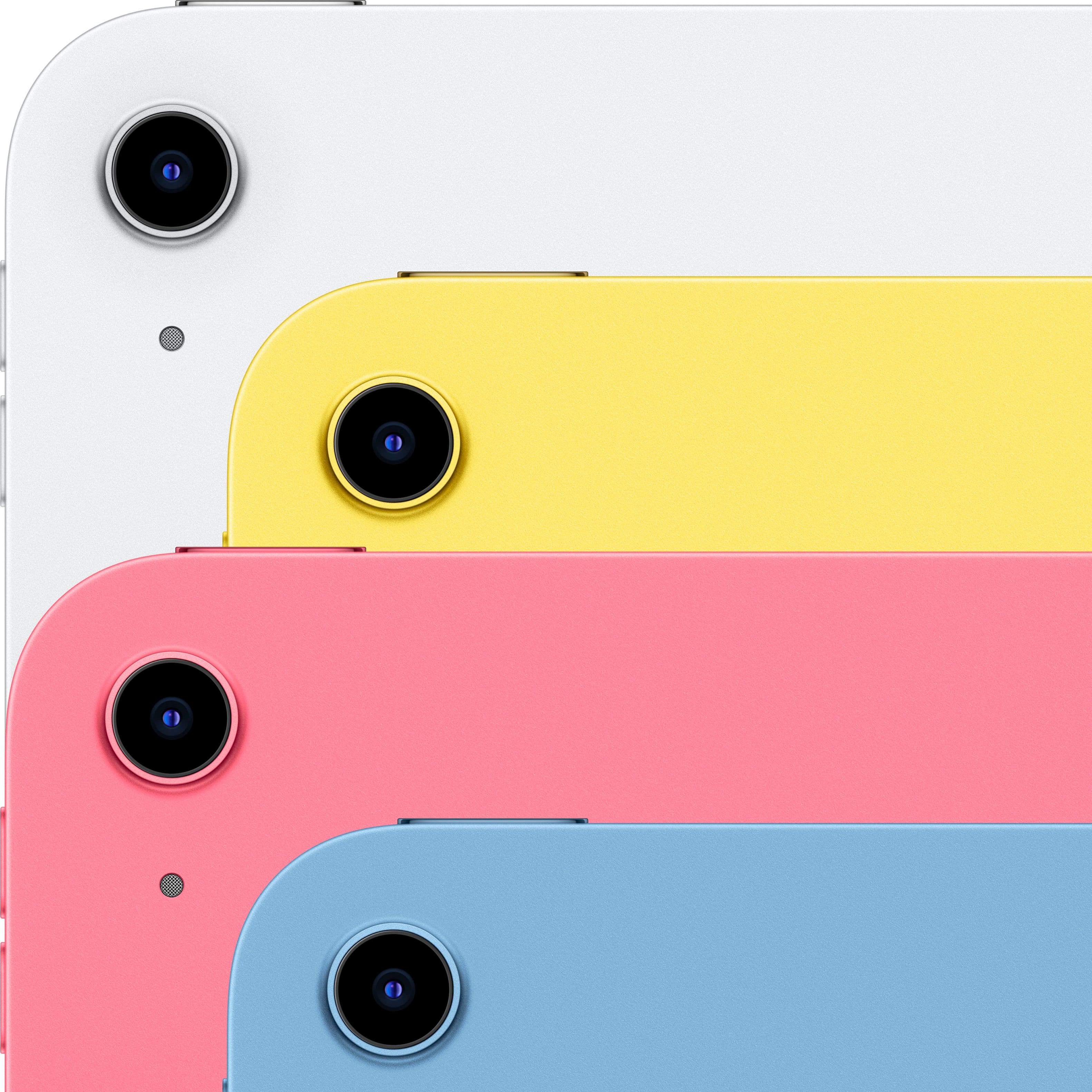
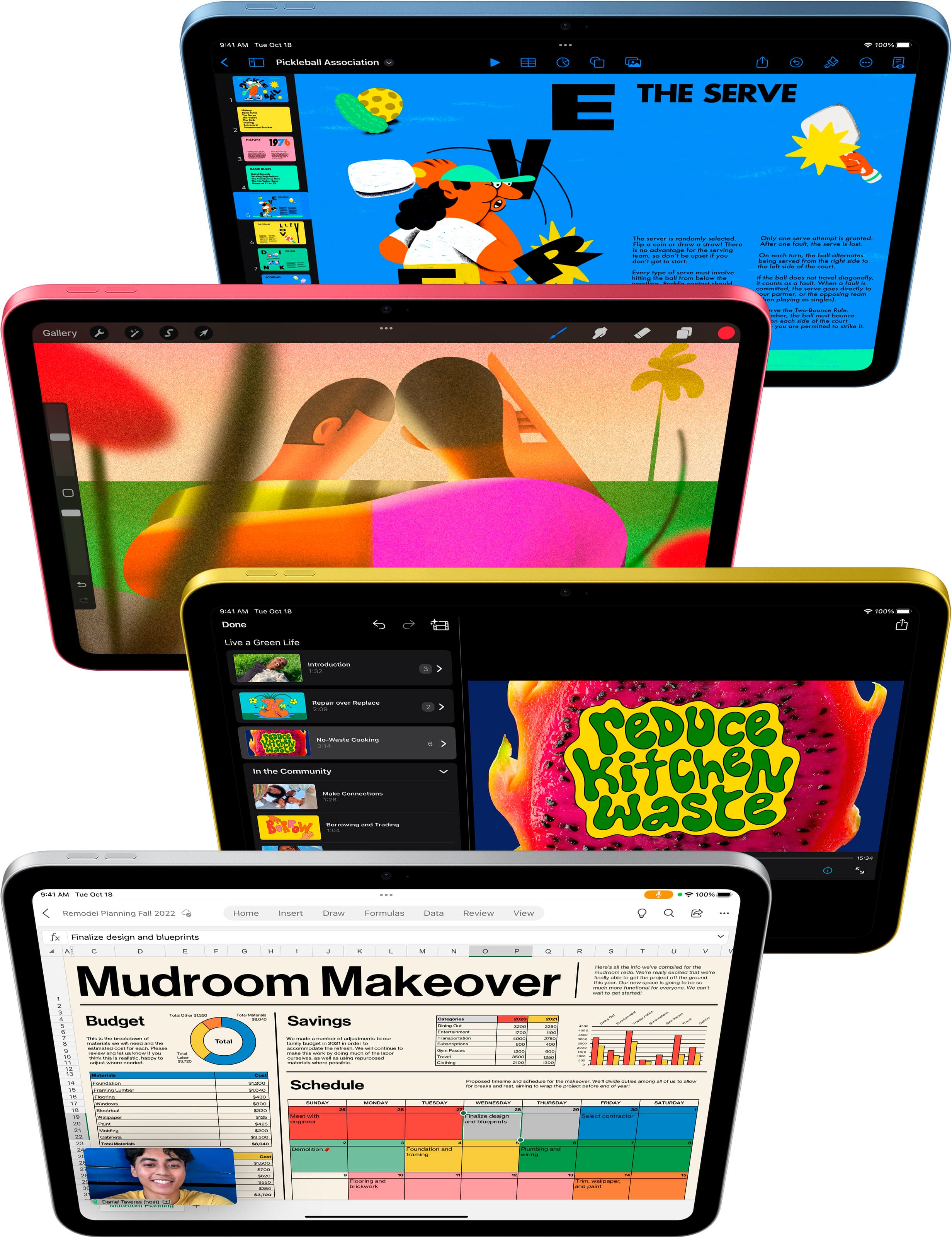
A:AnswerThe new iPad is thinner and lighter despite having a screen that’s about an inch larger than its predecessor’s. It packs a faster processor, uses a new USB-C port, and comes in four festive finishes. It also lacks a home button and headphone jack — features that have been on the base-model iPad since it launched back in 2010.
A:AnswerNo, unfortunately there is no earphone jack. You either have to use a Bluetooth headphone or purchase a USB-C to headphone jack adapter (pictured below).
A:AnswerApple devices can’t have their memory expanded via SDcard. You may be able to attach external storage, but as far as needing more internal memory it will be better to get a larger storage capacity at the start and then subscribe to cloud storage on top of that.
A:AnswerI personally made an appointment and went to BestBuy to purchase my iPad. If you are trading
in an iPad, make sure you know your Apple password, so the salesman can reset your old iPad.
Also, ensure all iCloud backups are on and up to date for data transfer to new iPad. I recommend
going to the store, than by mail, for this process, as there will inevitably be questions. The process will be easier and faster.
A:AnswerBluetooth does not require the USB adapter. That adapter is for a 2.4 GHz mouse which is completely different. Any Bluetooth mouse will pair with your iPad.