A:AnswerThe iPad M3 (Air/Pro) comes with a one-year limited warranty covering manufacturing defects and 90 days of technical support. It does not cover accidental damage.
A:AnswerWhat you’re seeing is actually pretty typical with newer iPads—especially right after setup.
During the first few days, the system is doing a lot in the background (iCloud syncing, photo indexing, app downloads, and system optimization). This can significantly impact battery life until everything settles.
Also, newer iPads have more powerful chips and brighter displays, so they can consume more power under the same usage compared to older models.
A few things to check:
• Go to Settings > Battery and see which apps are using the most power
• Reduce screen brightness and disable Background App Refresh for non-essential apps
• Make sure you’re on the latest iPadOS version
In most cases, battery performance improves after a few days. If it’s still draining unusually fast after about a week, then it could be a software bug or a hardware issue worth checking with Apple.
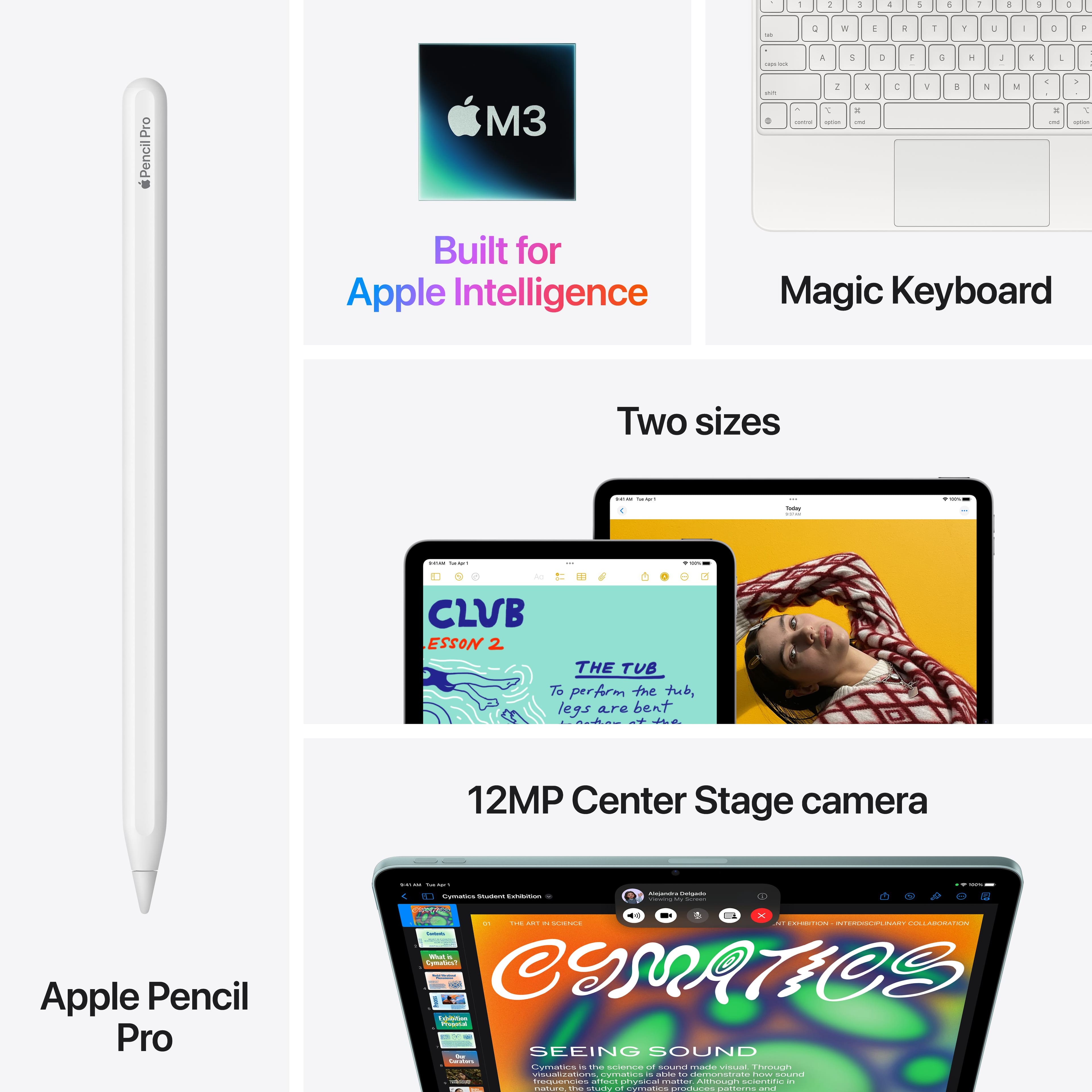
A:AnswerIt doesn’t include the pencil, that’s something that could be purchased additionally, but yes, you could write notes to study which I find very practical and comfortable
A:AnswerAs long as it is the model with cell service connectivity. The listing/model name must say CELLULAR CONNECTIVITY in order to pair this iPad with a line. If it says WIFI ONLY, you cannot connect a cell line to it.