A:Answeryou will need a
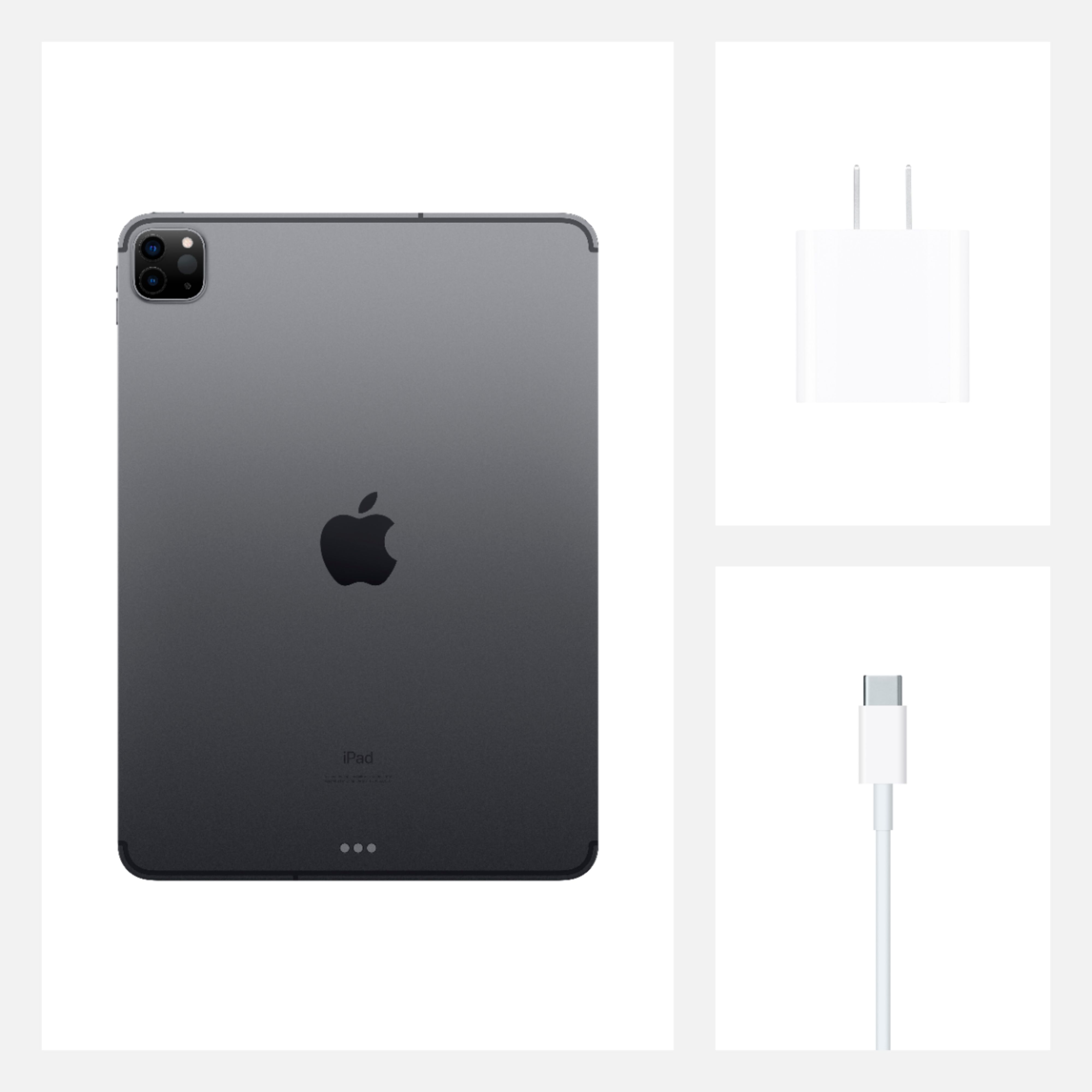
USB Type C-to-USB Type A Charge-and-Sync Cable - White
I bought one Dynex brand
It works perfect
https://pisces.bbystatic.com/image2/BestBuy_US/images/products/6403/6403432_sd.jpg;canvasHeight=130;canvasWidth=130
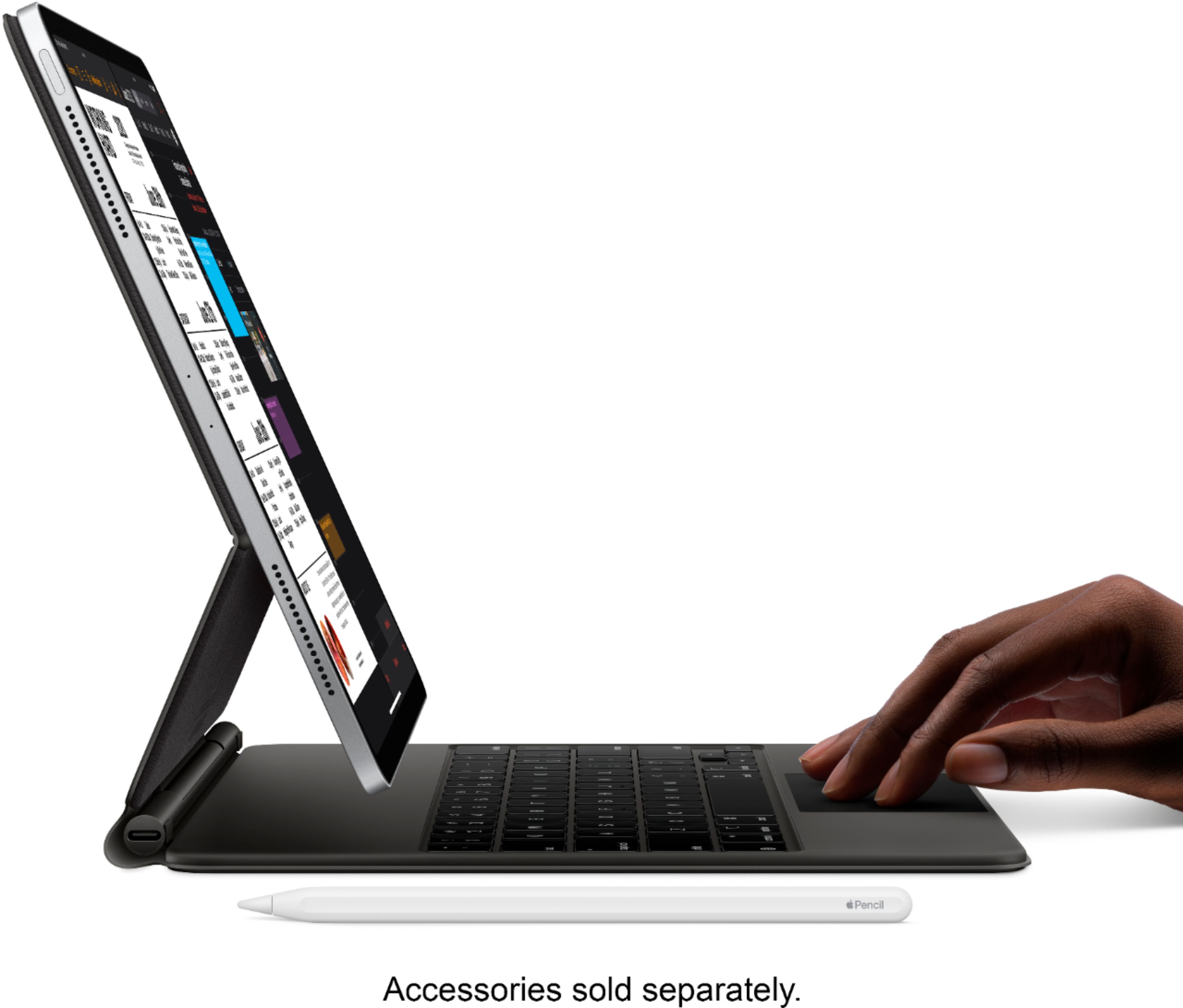
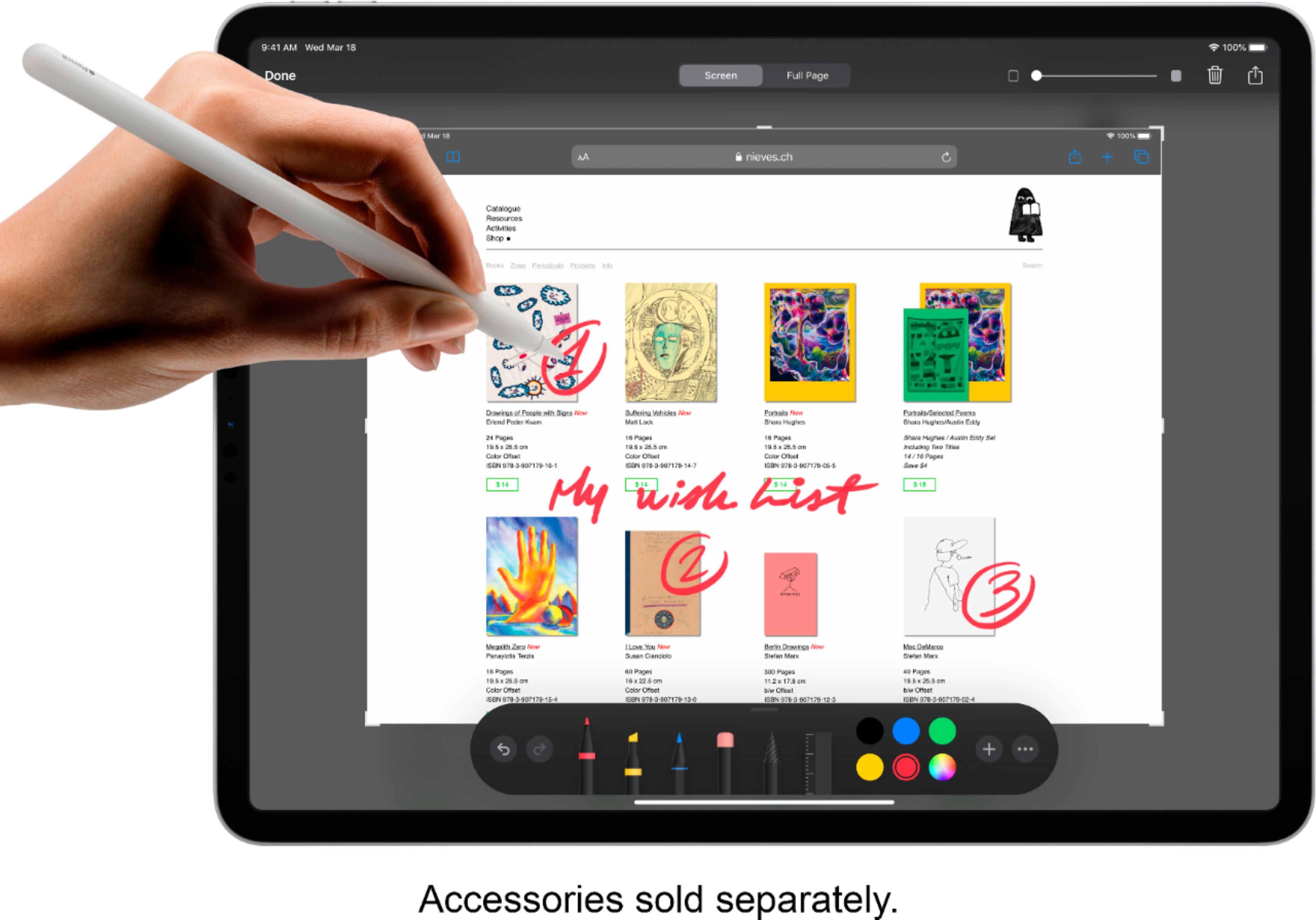
A:AnswerNope - you have to buy keyboard, pencil, case, screen protector etc. separately.
Frankly, keyboard isn't really necessary. But, the pencil is very handy.
A:AnswerIt can, but you need to choose the option when buying the iPad. Visit your cellular data company to learn how to install a cellular plan, and how much it would cost.
A:AnswerYes, using the Files app on the iPad you can access files saved to a USB-C flash drive. If connecting a USB-A flash drive use the USB-C to USB-A adapter. (sold separately)
A:AnswerIf you are within your return window, in my experience, you can take your receipt back in to the store for a price adjustment. Once you are outside the return window, I believe that is no longer an option.
A:AnswerApple products do not include a case or screen cover/protection in the box. There are plenty of options out there from Apple or other third party companies. I would not waste your money on a clear screen protector. Apple coats the glass with several layers of protection from scratches and oil from your fingers, and the clear protectors are just not worth it. However, a solid case would be good in the event you were to drop your iPad.