A:AnswerNo, the iPads do not have DVD/CD drives or support for those types of drives. You would need to get a Mac with an external DVD drive to have that access.
A:AnswerEvery iPad Pro comes with one year of hardware repair coverage through its limited warranty and up to 90 days of complimentary technical support.
A:AnswerYou most certainly can use the Zoom app on this iPad. This one is a WiFi only, but can be tethered to your cellular device or you can buy one of the LTE models.
A:AnswerI would its expensive and once you have one you need to keep buying news because they don't allow updates when they get to old on apple so its best to save money and the pro is way better
A:AnswerIf the iPad Pro is WiFi + Cellular it uses a Nano-SIM card slot. It also supports eSIM. The iPad Pro also has an embedded Apple SIM that is built into the iPad. Check with your carrier for compatibility and plan availability.
A:AnswerIt will depend.on the apps, but for the most part everything will transfer. You just sign in with your Apple ID, and everything happens automatically.
As long as both devices are on IOS 12.4 or higher, they will automate the transfer of anything stored locally on the iPad, and anything stored in iCkoud will always be available, since that's in the cloud.
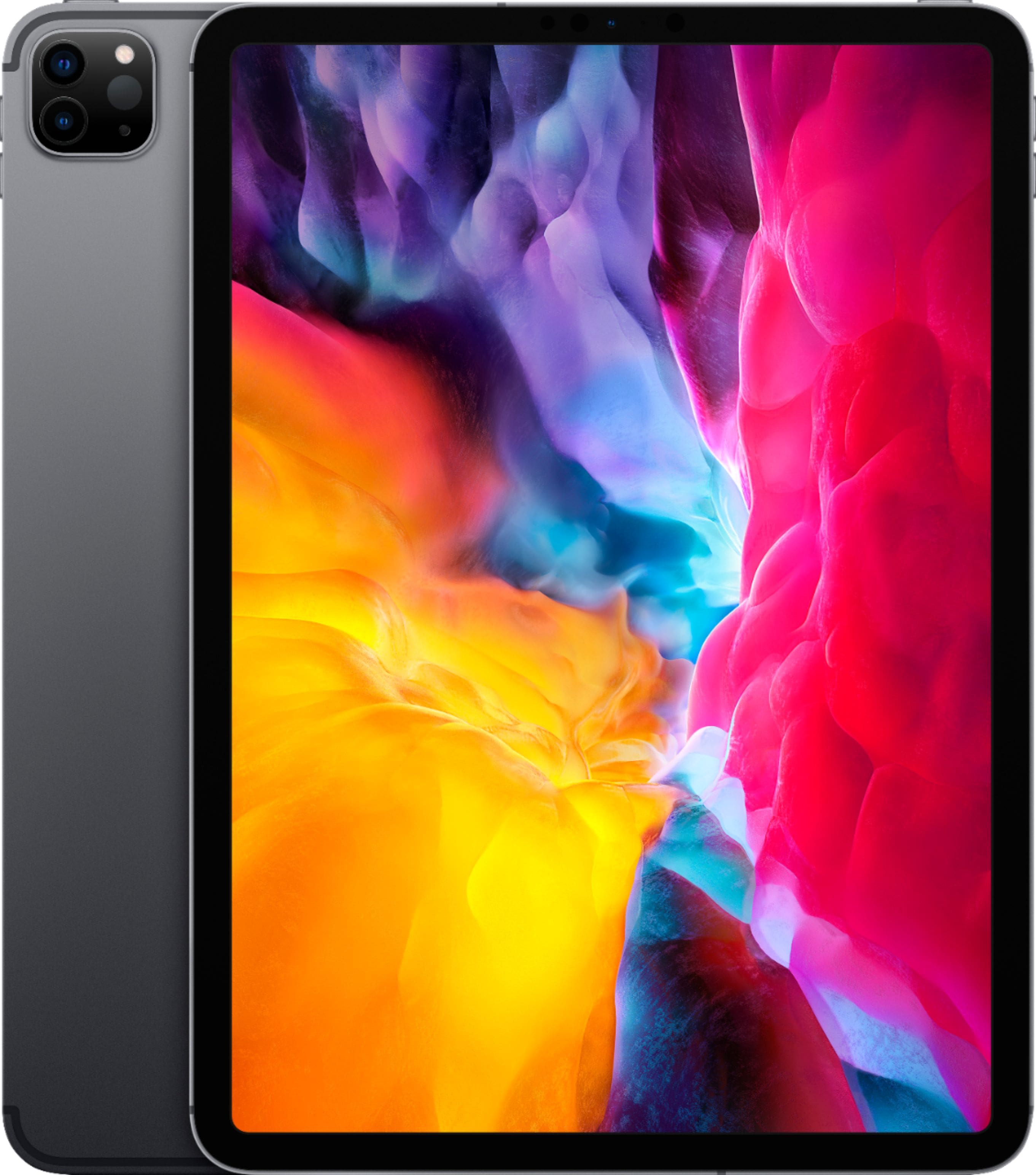
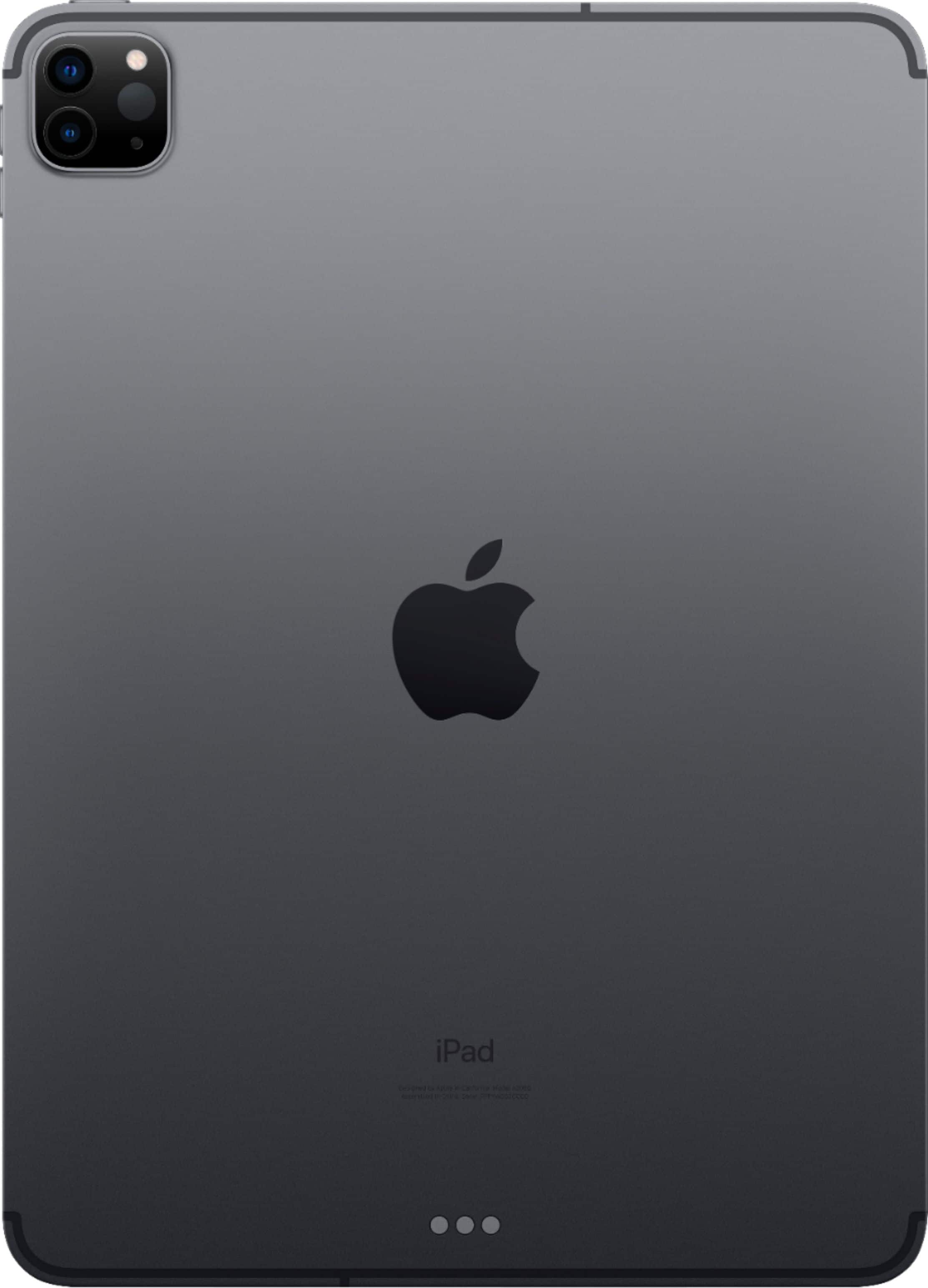
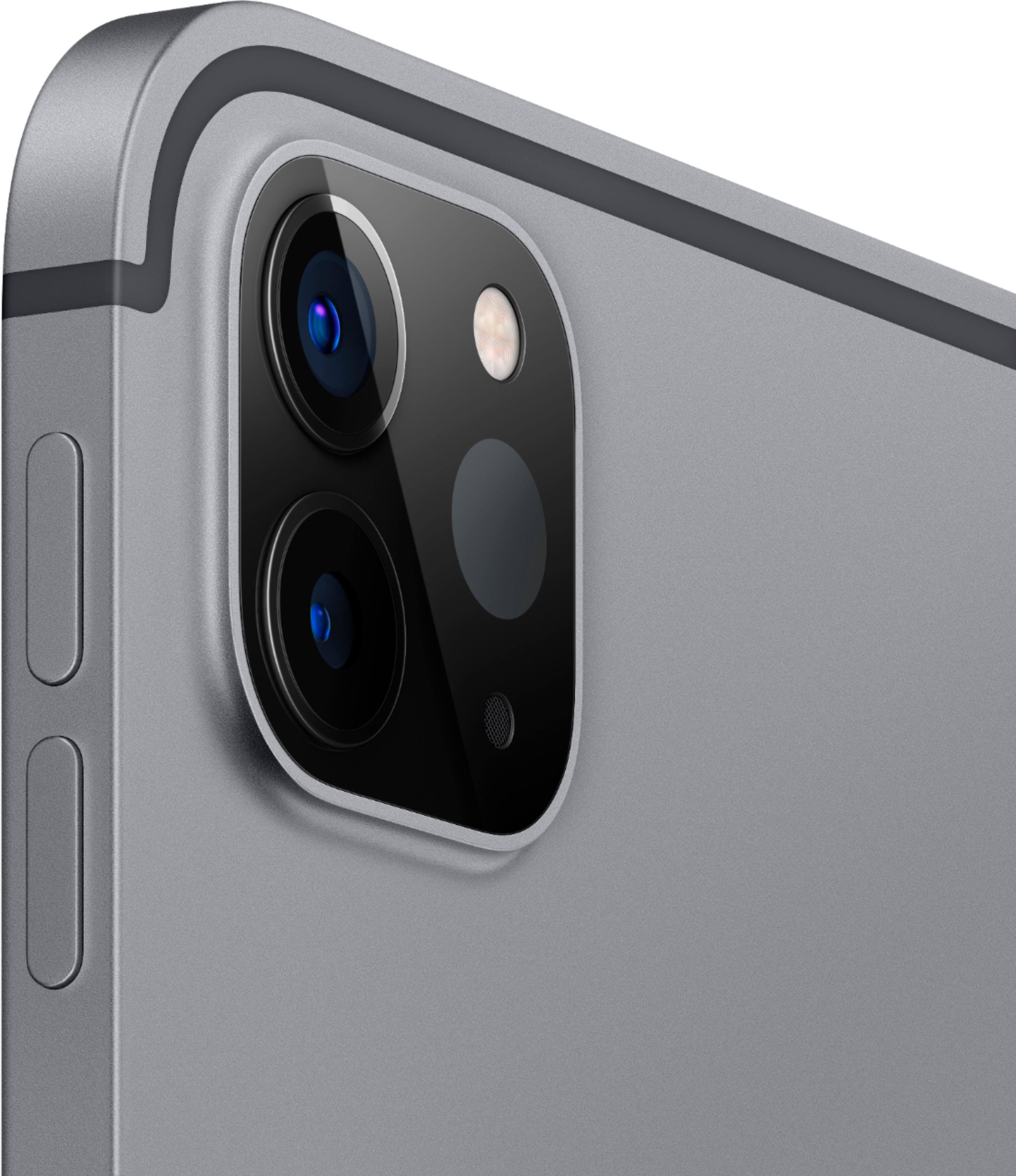
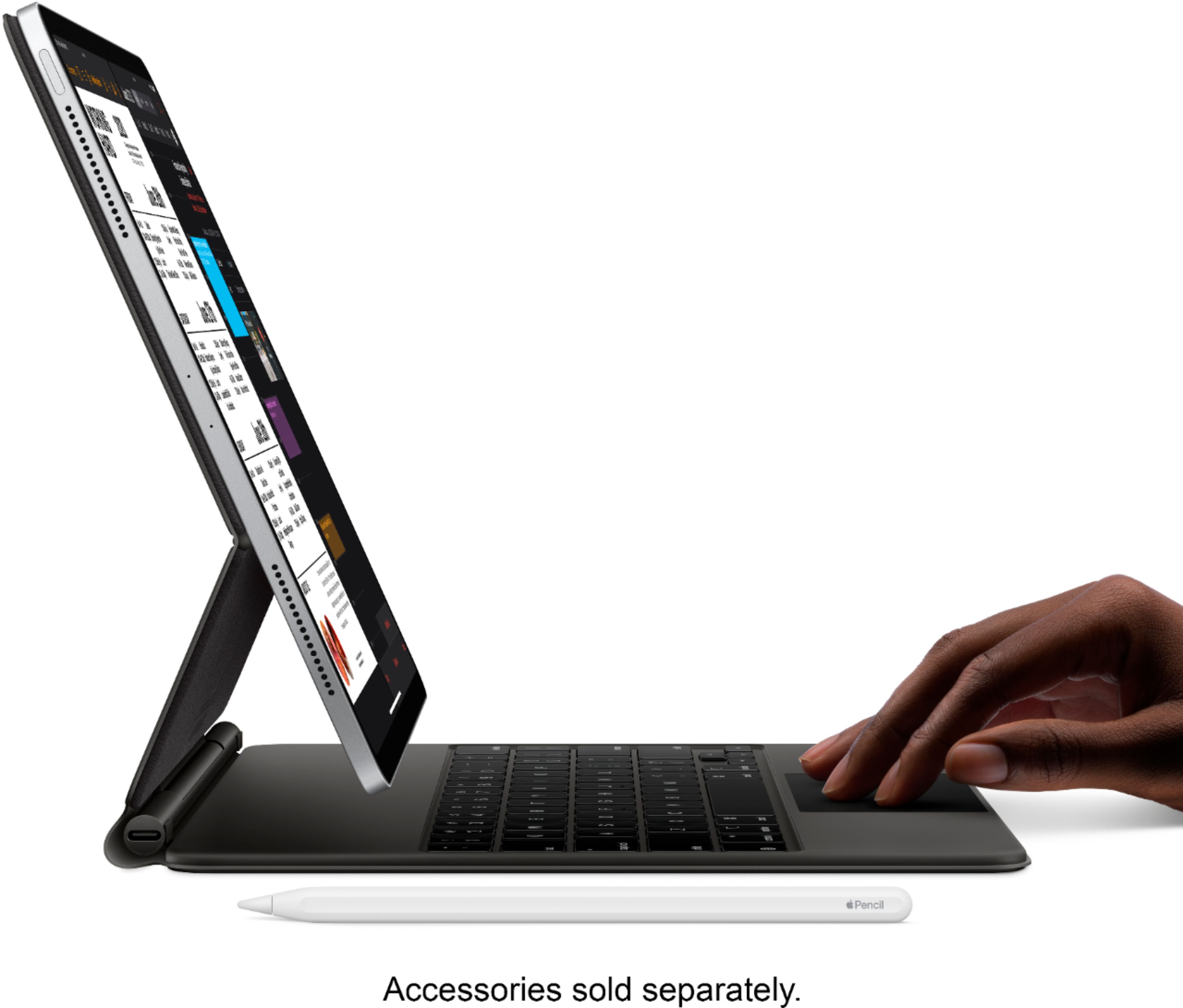
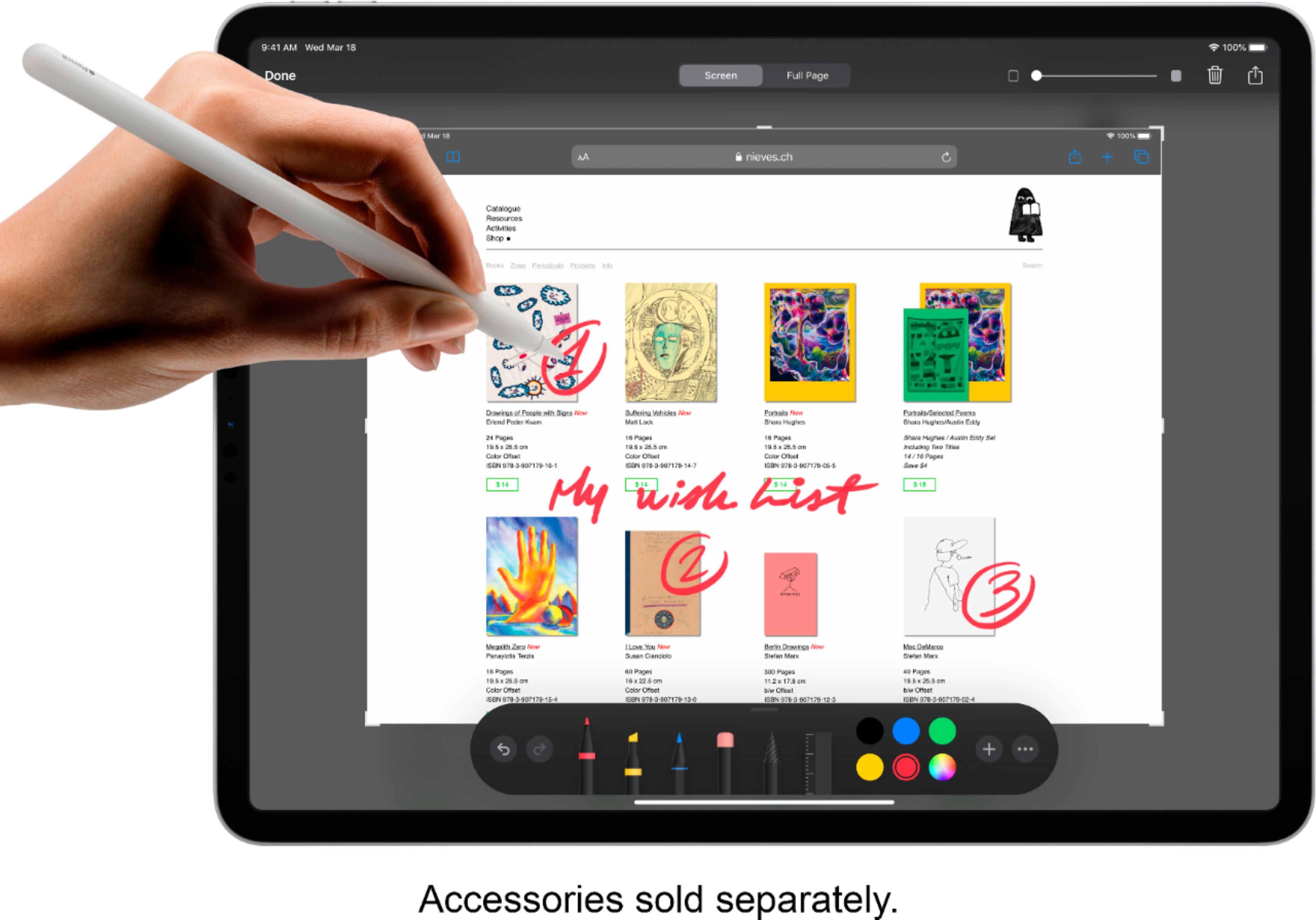
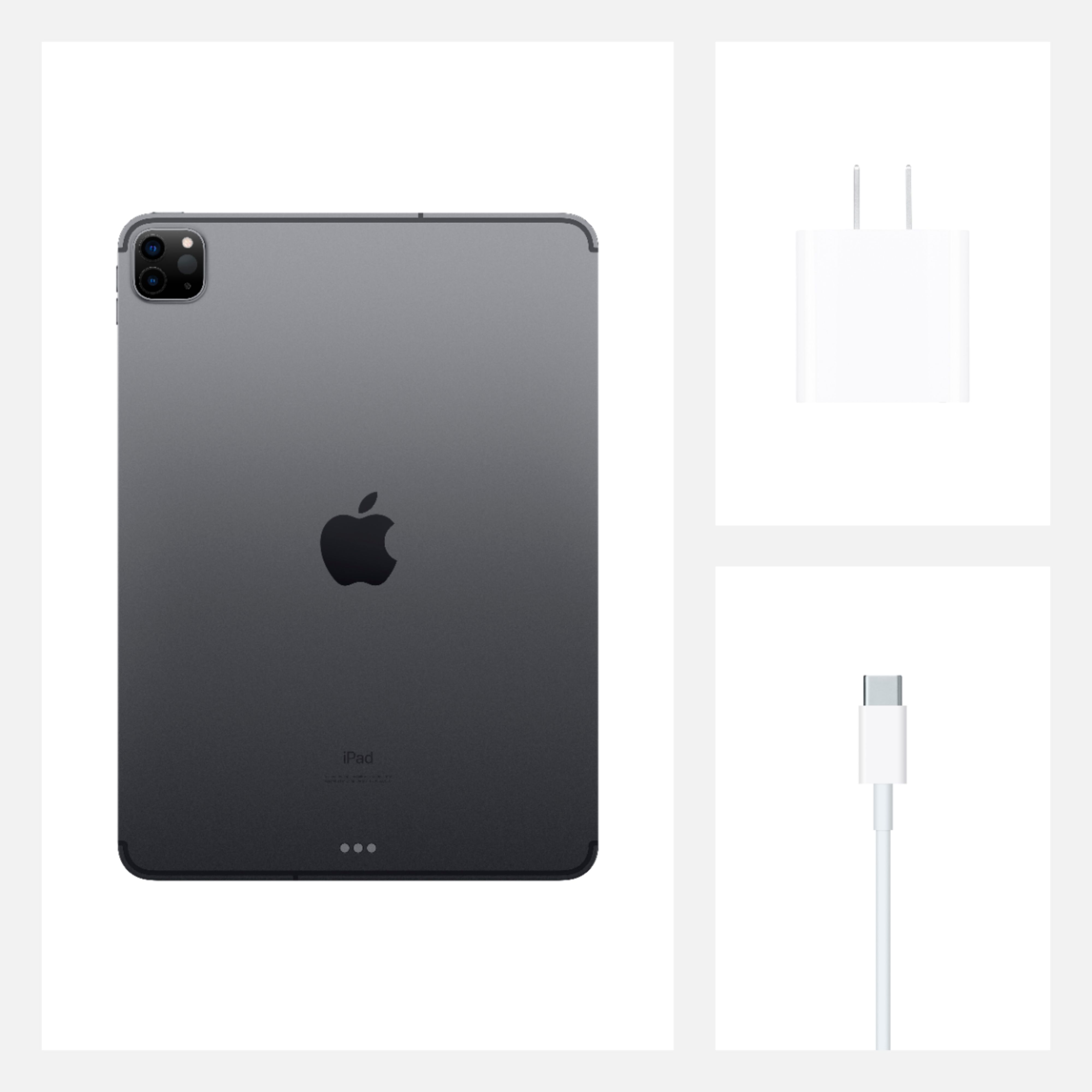
A:AnswerIt's a different device altogether. The iPad pro has faster hardware, larger screen, has Apple Pen support, has 3 cameras plus a lidar scanner, sharper screen, et cetera.
A:AnswerGet a scanner or go to Walmart Walgreens or CVS even a lot of various office supply stores and use their photo centers to upload your photos into a flash drive and then upload the pictures via that method or photograph your photographs.
A:AnswerI believe you can take as many in as you like to trade in. You get store credit for them that then can be applied to any purchase. Trade-ins can’t be done online.