A:AnswerUnlocked refers to a device being able to be connected to all major telecommunication companies cellular network. The opposite would mean the device is locked too only work with a specific network example: An AT&T locked device would only work with AT&T unless you unlocked it and then it would work with other companies like Verizon, Sprint or T-Mobile.
A:AnswerAccording to my mobile service carrier you can use just the WiFi or connect to your mobile service provider if you want a cellular connection as long as the device has cellular and WiFi Capabilities.
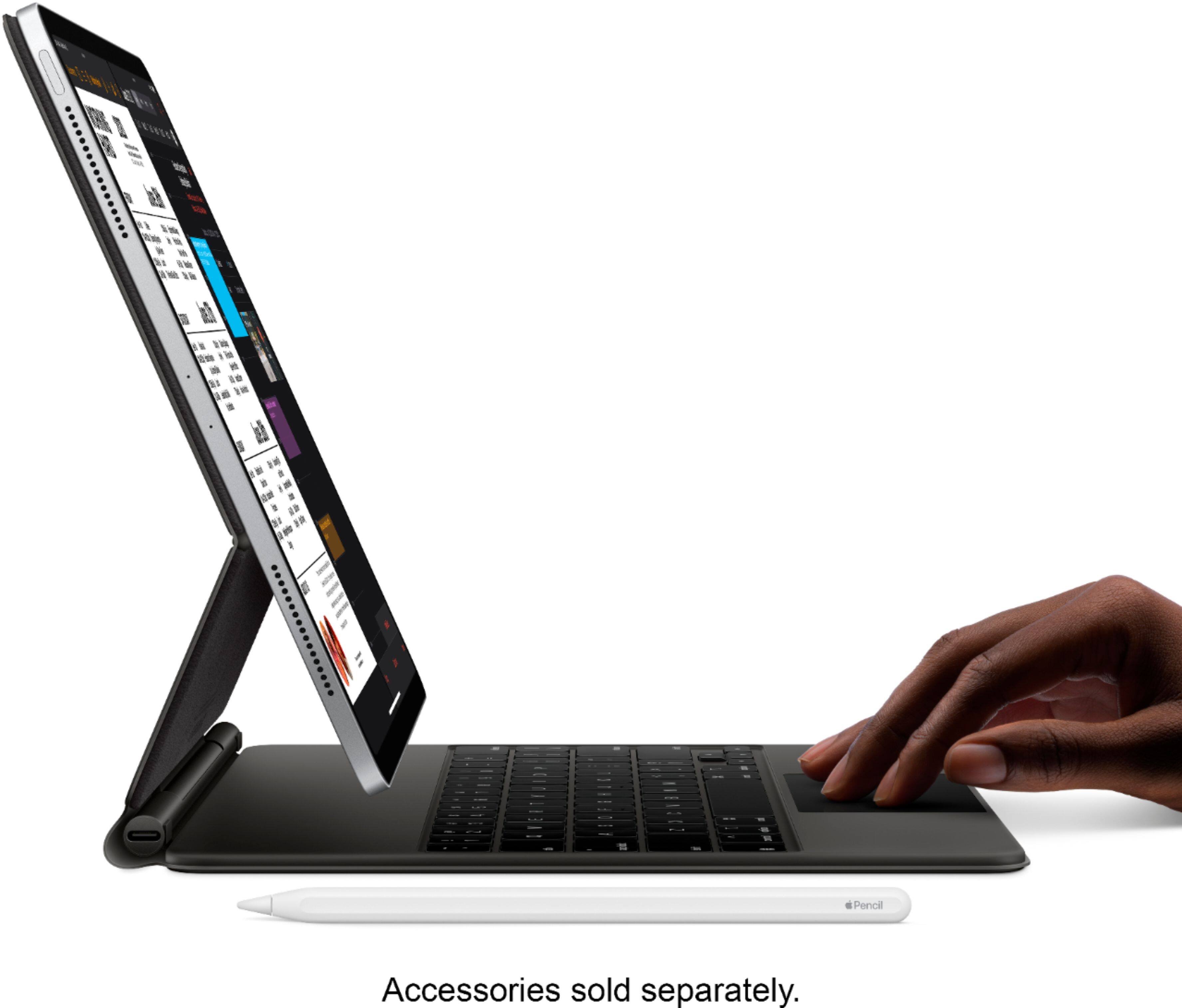
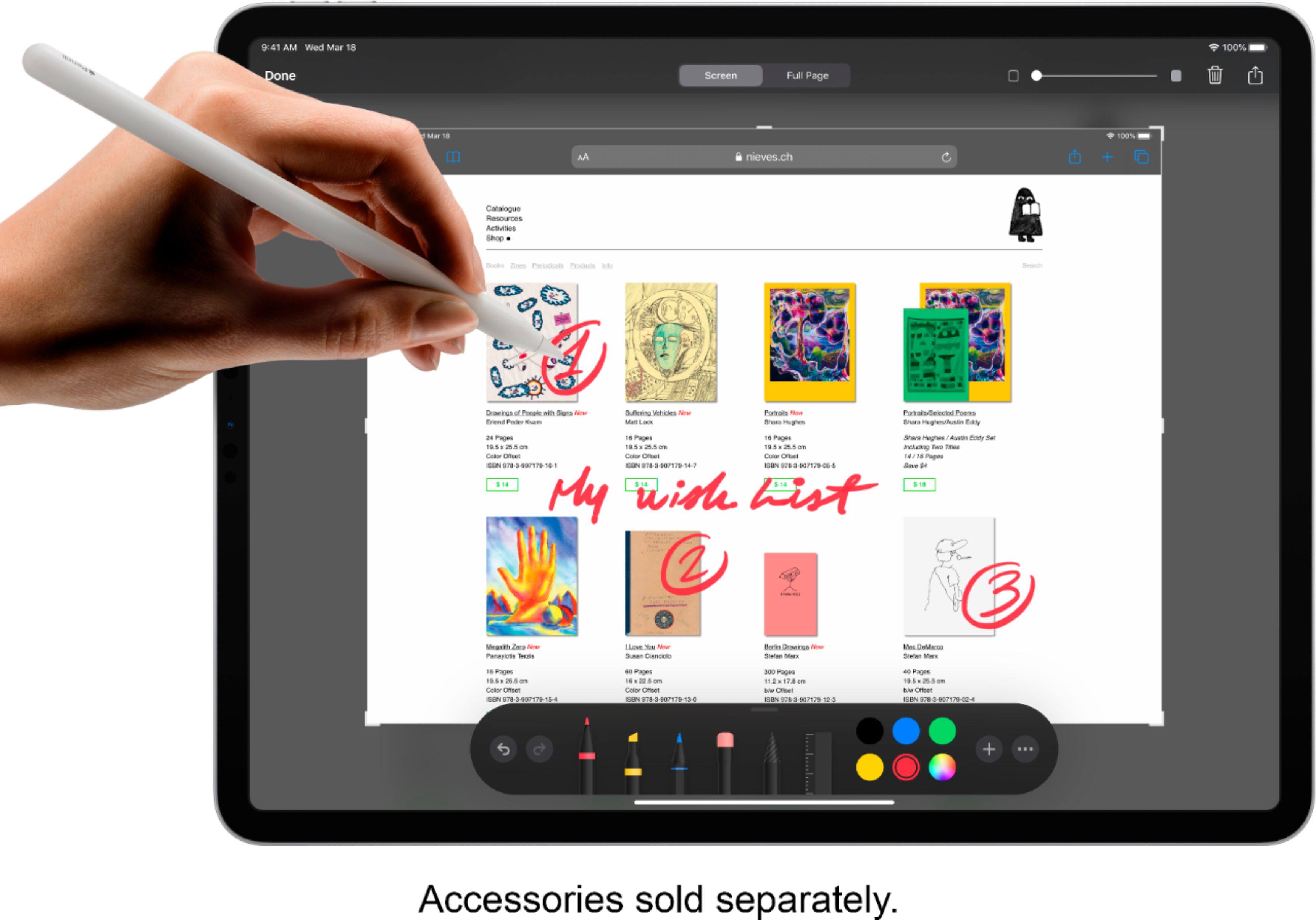
A:AnswerThe pen is purchased separately. Must say that I had the original iPad Pro and loved it. Only negative to it was the short battery life. This new one has a great battery life and seems to charge quickly. Love the Magic Keyboard with all its amenities and the docking station on the iPad for the pen to charge. So far, I have not been disappointed with this entire purchase.
A:AnswerFrom what I understand it cannot be a sim that has voice calling on it. I was told that only data sim will work so if the sim you're looking into id for data only it will work. I have a data only sim in mine and its working fine
A:Answerit is sort of like a hybrid between what you can do with your iPhone and what you can do with a desktop. You can do more than an iPhone like manage files and split screen, but less than a desktop like being unable to install desktop only software and move windows around.
A:AnswerU would need to use google maps and while online with Wi-Fi , download the route your needing to go and save it. Then you can use the offline google maps to get where your going. You just won’t have turn by turn prompts.
A:AnswerThis model is configured to work with WiFi or select cellular providers. Check with your carrier for compatibility and cellular data plan availability.
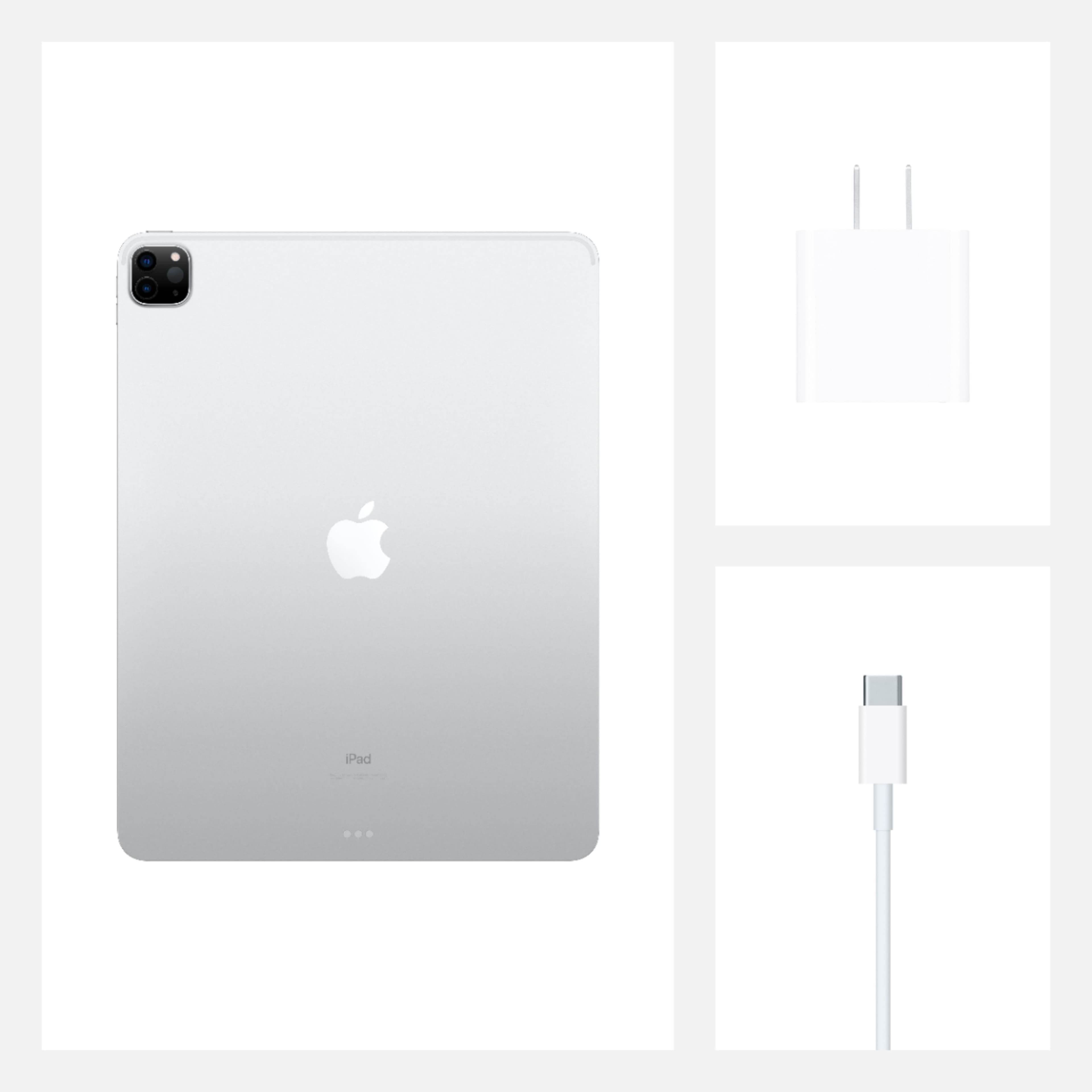
A:AnswerApples new way of making you need other stuff. The Usb c is supposed to give faster charge. It only has a 3 ft cord. If you want old school get a Usb A to c
A:AnswerThe answer is not. But the correct answer is; does it matter, the application will normally add frames that take screen space.
If you are looking for a 1:1 ratio. Then it may not be correct.
Remember a^2 + b^2 = c^2 ?
8.5^2 + 11^2 = c^2
c= 13.90
c > 12.9 for a small margin.
A:AnswerYou can make and receive calls from the device. I assume you need to also have an iPhone. In order to set it up, I think you have to have your Facetime also set up to be able to receive calls through your phone number and not just through an email address. Then to set up receiving calls on the iPad, you go to Settings on your iPhone and click "Phone". Then you click on "Calls on Other Devices." If you turn on "Allow Calls on Other Devices" it will use your iPhone cellular account to make and receive calls on devices signed into your iCloud account when they are nearby and on WiFi.