A:AnswerWhatever storage you purchased the iPad with is all the physical storage that you will receive. You can purchase extra iCloud space for backups, or you can use a storage device outside the iPad.
A:AnswerThe iPad that says Cellular/Wifi can use both … if the description just says WiFi, then it will ONLY be WiFi compatible. Not even a place to insert a SIM or digital SIM.
A:AnswerThis version is wifi only. It does not have an any cellular option. You would have to set up a wifi hot spot on your other consumer cellular device, have your new iPad use tha t wifi “bubble” and pay the data fees thru consumer cellular if you have that plan with them.
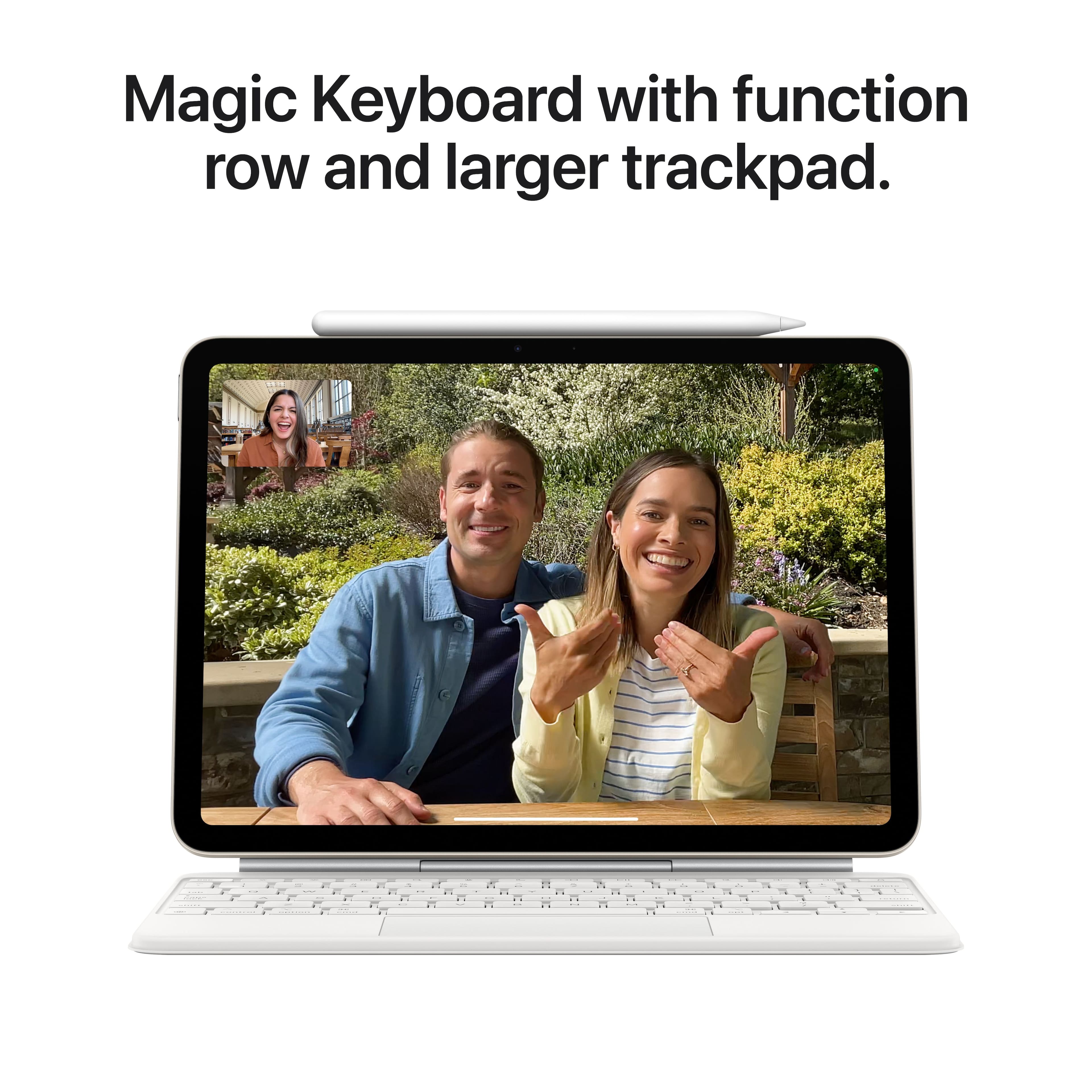
A:AnswerYes, I use my touch screen and my bluetooth keyboard. If you need to type on a regular basis then the bluetooth keyboard / case would be a wise investment as an accessory. As well as a pen would be a good accessory. These are the two I purchased with my.
A:AnswerYou’ll need to be paying for a subscription in order to use Microsoft applications on any Apple Products. I believe the basic price is $9.99/month for access to all Microsoft products.
A:AnswerI connect my Sansdisk extreme pro portable external usb my iPad Air 13 and was able to transfer files back and forth including pictures, pdf, etc.