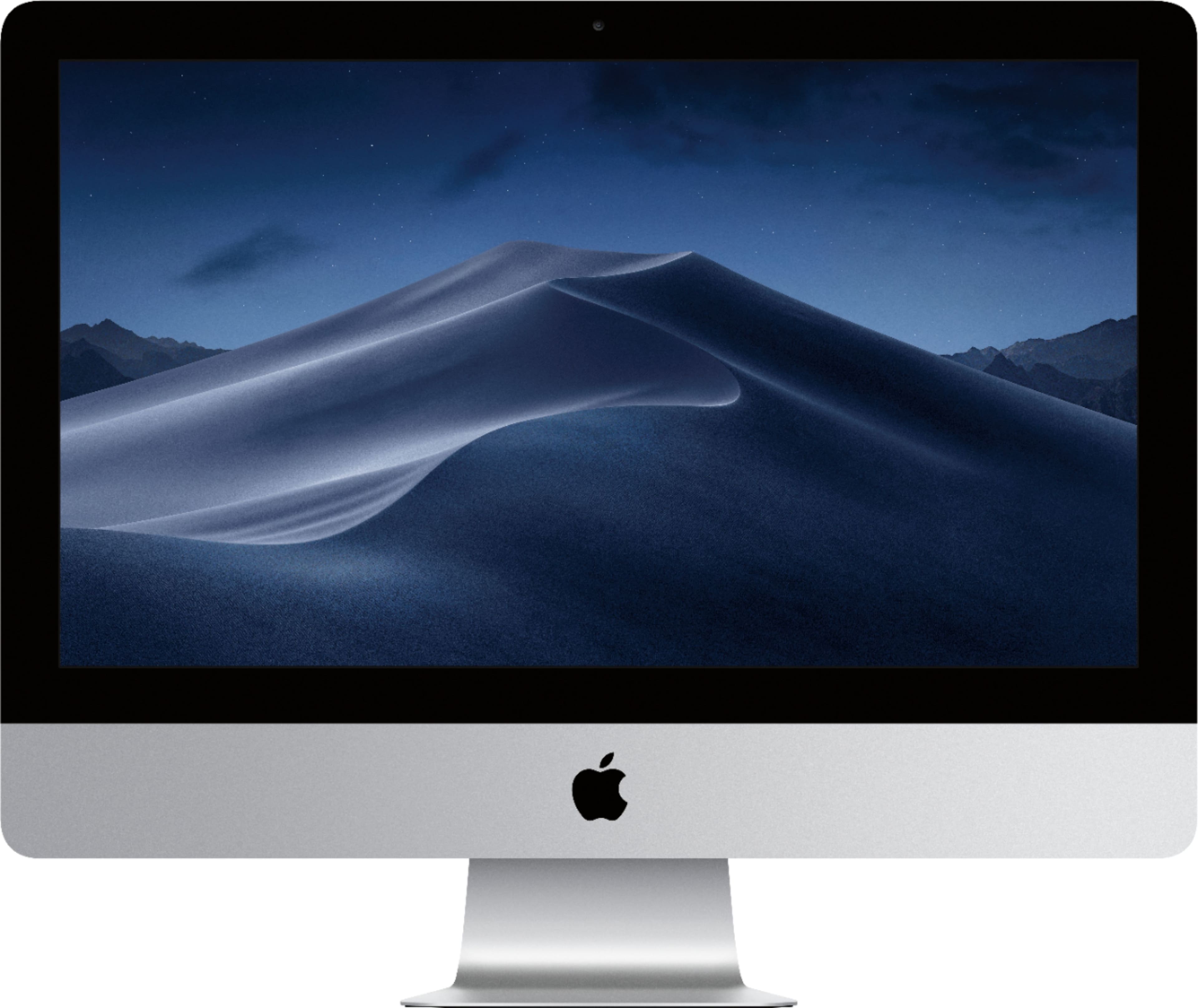
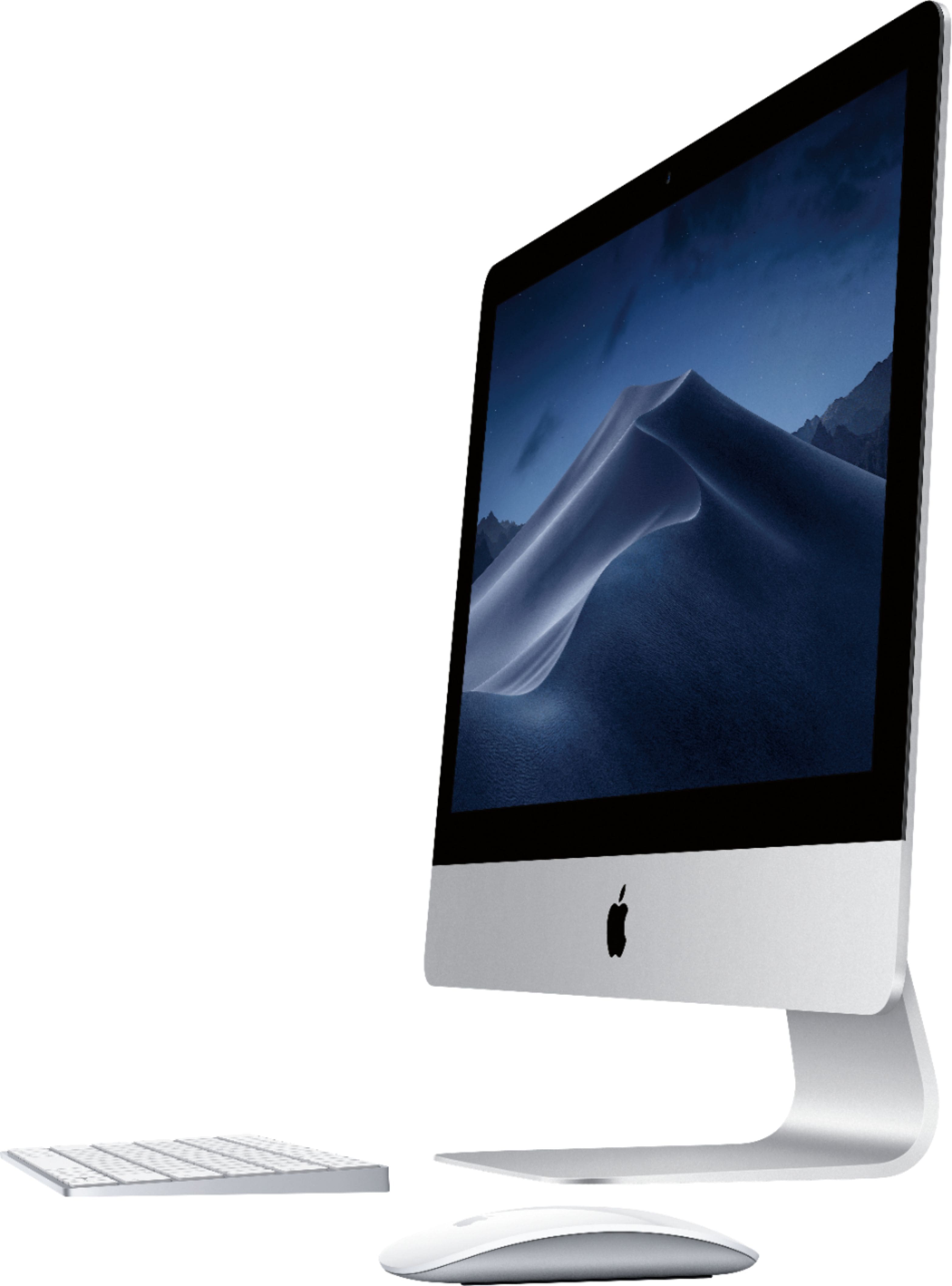
A:AnswerThese, my friend, are the year 2017 models. From 2017 til now, nothing internal has really changed, but how you can get them, such as the Hard Drive Space, RAM, and Processors, it depends on how you configure them or how you want them. But nothing really has changed, whether it's the 4K models or these.
A:AnswerOut of the box, it is MacOS Mojave but I upgraded mine to MacOS Catalina, Can be done through the App Store, or by going to the Apple Logo in the top left of the screen, then click 'About This Mac' then click on 'Software Update'. If it doesn't appear there, you can search for it through the App store, then click 'Get', then it will do the update.
A:Answeryou can use th help menu, but often googling it will be better. Apple supports several user sites- and they will let adverse opinions on- if you are coming from the pc world- remember that they really both work the same, just by different paths
A:AnswerHi, you can get Excel from the App Store, and it already has Safari right out of the box, SUPER FAST BROWSER by the way. As far as photo storage, you can save photos to a SD Memory card, like you can use in a digital camera. Or save it to iCloud, or by plugging a USB Flash drive or External Hard Drive, or to the computer itself.
A:AnswerHello. this model has 4 USB 3.0 Ports, 2 Thunderbolt connectors (USB-C Connectors), one Headphone/Microphone Jack, and a SD Card reader. It doesn't have HDMI natively, but you can get a USB-C to HDMI adapter from anywhere and it will work just the same, with sound and all.