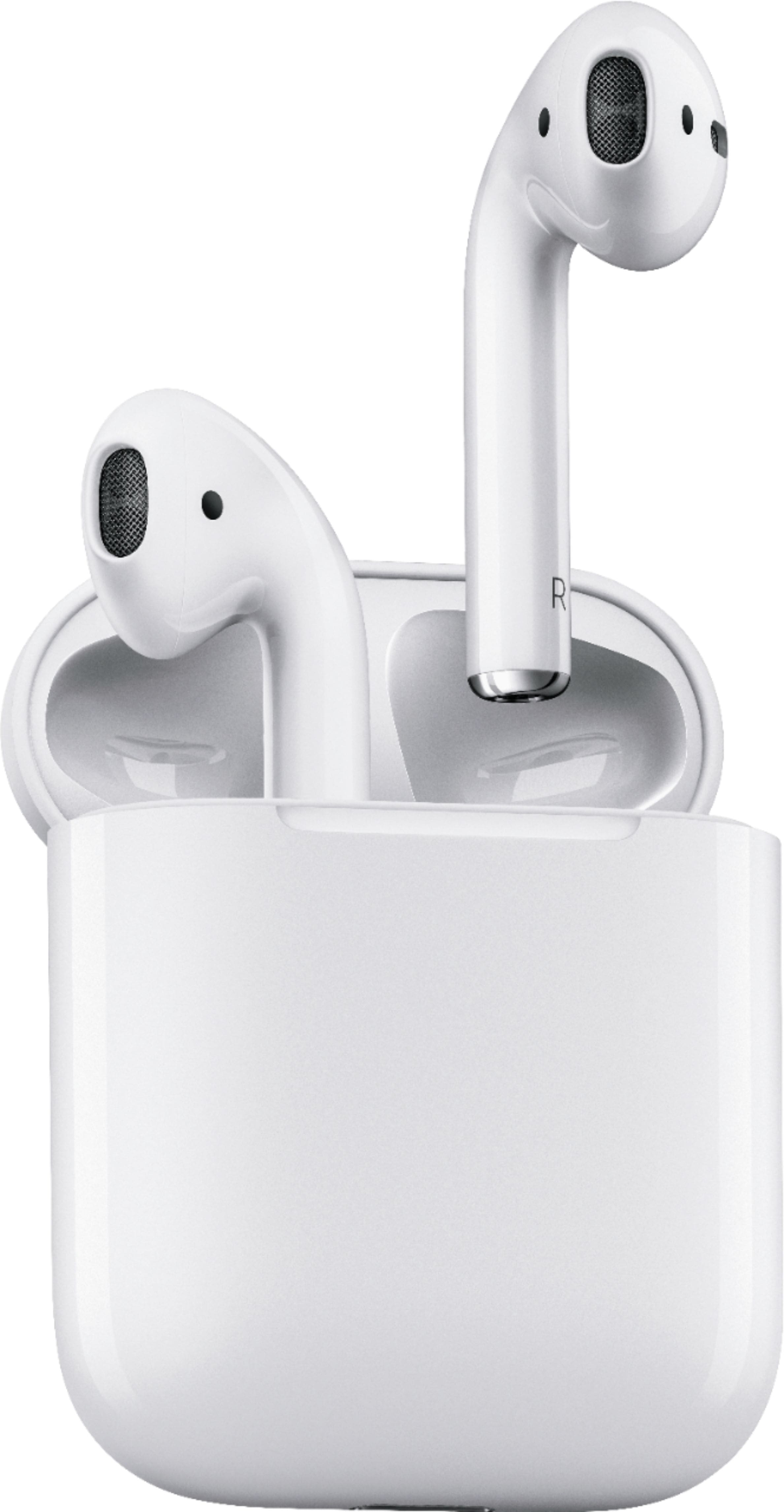
A:AnswerYes, they will pair with any Bluetooth device. There is a small button on the charging case that puts them in pairing mode so they can be seen by the other device. I believe the air pods need to be in the case and the case open when doing this. When you press the button, the green charging light will turn white and the air pods will appear in the other devices list of devices available to pair.
I really like my air pods. I use them for phone calls every day and they limit the amount of background noise a great deal over others I have tried.
A:AnswerYes they do. The pack gets charged then the Air pods charge through that. Pretty cool. They are also small enough to fit in hour purse or pocket
A:AnswerWhen you take it out of case make sure your bluetooth is turned on and it should activate. I keep one in all the time answer calls. I have noticed if remove it from my ear sometimes it will lose the connection with my phone so I just check the bluetooth and make sure it is still in and it re connects.
A:Answerif your phone is able to connect with devices via bluetooth technology they should! I connect mine with my Android Peloton bike just fine. Go into your settings and find bluetooth and hold down the button on the back of the airpods case with your airpods inside and wait for it to light up and it should appear on your phone to connect
A:AnswerMake sure your dad isn't double tapping either of the air pods/touching them when he's talking. Also, check his settings to be sure they are connected. Mine would not answer calls until I did a soft reset. I haven't had any problems since doing so.
A:Answeronly problem is u need to tap the ear bud to answer calls or access Siri while riding if your wearing a full helmet that would be impossible but if u wear a bucket type helmet u will be able to access Siri or answer calls with no problem
A:AnswerI think these are more comfortable than the other kind!! By FAR! But smaller I can’t answer..? If I had to guess without looking at them both I’d say larger?? But definitely more comfortable!! They sit different in your ears..
A:AnswerThey will connect to any bluetooth device... it's an automatic link to an iPhone, but the process is easy to connect to any other bluetooth... leave them in the case with the lid open, then press and hold the circular button on the back till the lights flash, making them "discoverable" On your TV, select the apple AirPods - all done!