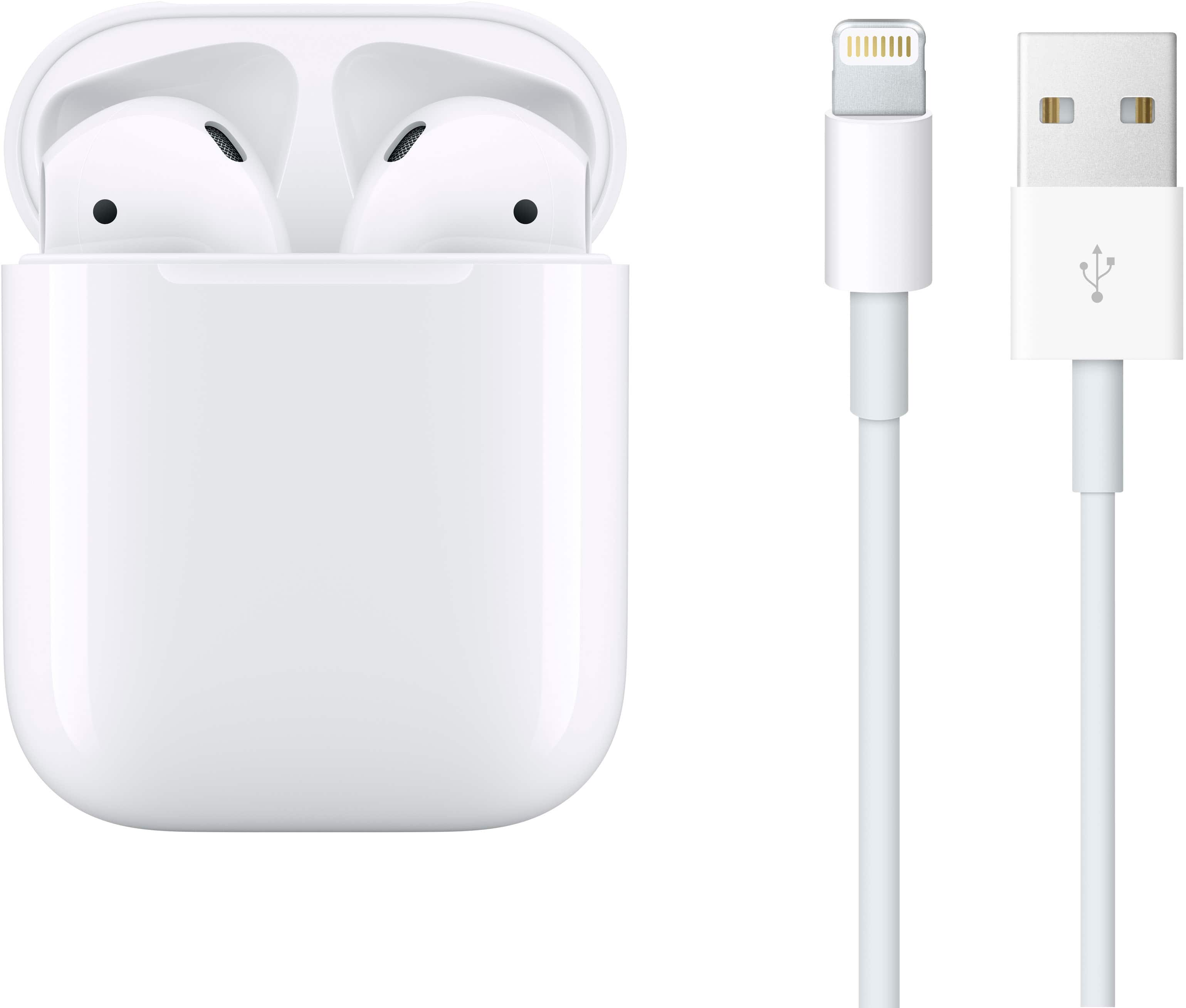
A:AnswerThe typical range of Apple AirPods from the device they're connected to is around 30 to 50 feet (approximately 10 to 15 meters) under optimal conditions. This range can vary depending on factors such as:
Obstructions: Walls, furniture, and other physical barriers can reduce the effective range.
Interference: Other wireless signals, such as those from Wi-Fi routers or other Bluetooth devices, can also affect the range.
Environment: The range may be shorter in environments with a lot of interference or in densely packed areas.
In most everyday scenarios, such as walking around your home or office, the AirPods should maintain a stable connection within this range.
A:AnswerOn the TV remote control, press the INPUT button, select Screen mirroring, then press the Enter button. The TV will go into standby and wait for a connection from a mobile device. ...
Connect your Screen mirroring compatible mobile device to the TV.
A:AnswerIf you didn’t get Apple care or the coverage you might be able to still get them fixed through geek squad but I’m sure you will have to pay some fee but I’m sure they can fix them for you or find the issue and resolve it.
A:AnswerNo, only Apple Care PLUS covers lost parts. However, you can order a single air pod replacement as opposed to having to replace the whole product.