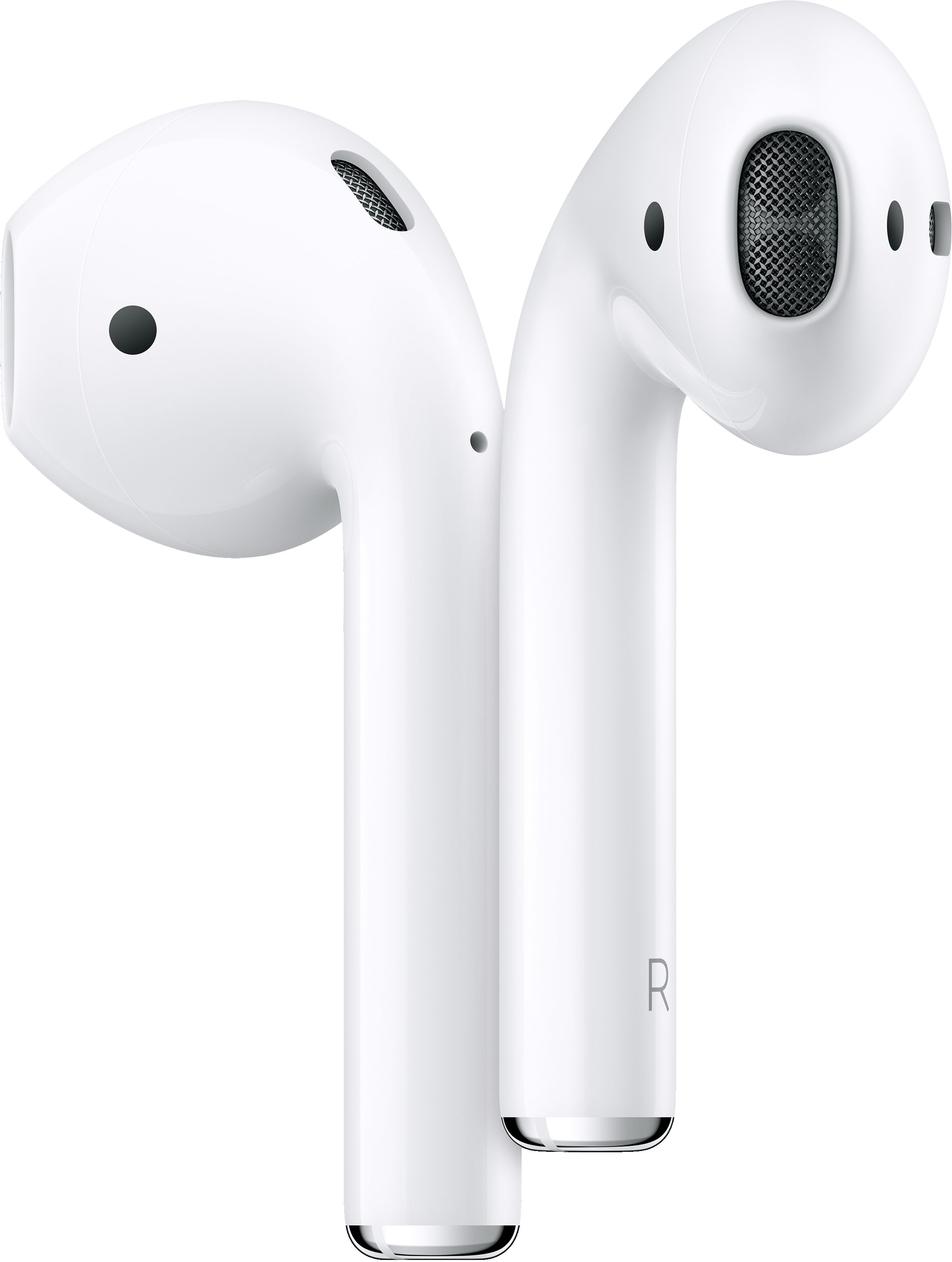
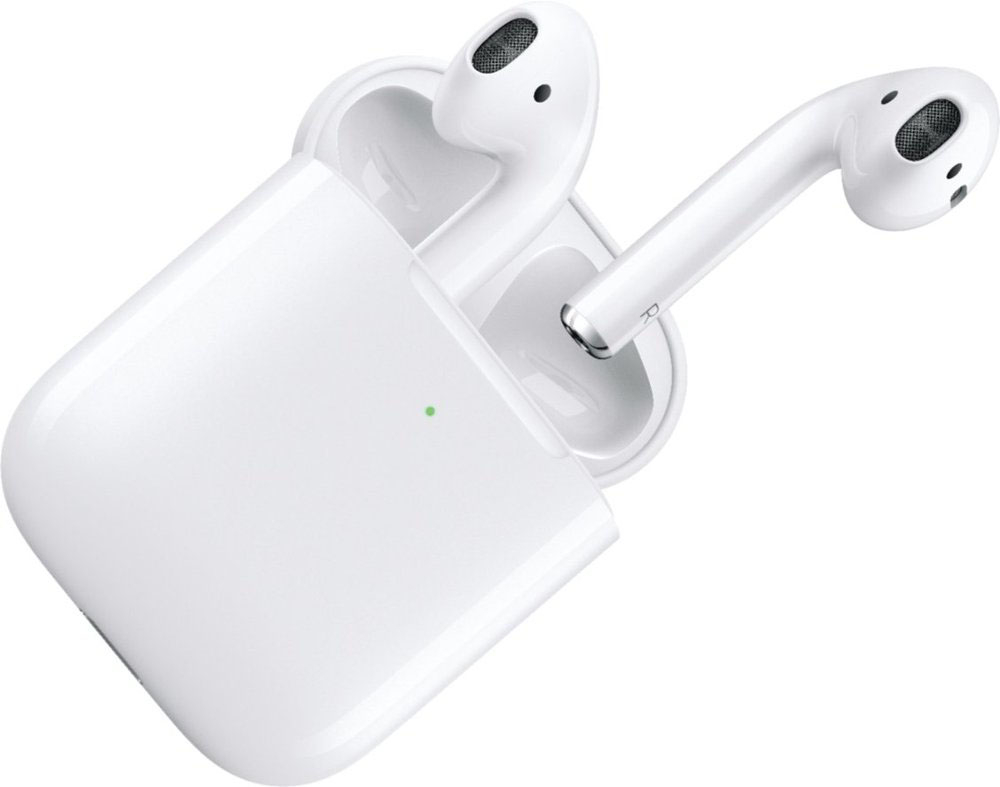
A:AnswerThe $159 Air Pods are either the series 1 or the series 2 (newest model) with the regular charging case from the cord. The $199 Air Pods are the series 2 (newest model) with the wireless charging capabilities.
A:AnswerYou can charge the case either by wire or wirelessly. The case holds the charge and recharges the Airpods. Eventually, both need to be charged. Works simply and well.
A:AnswerThe new one connects faster with its news h1 chip instead of the old a1 chip and the batter life for the new one is one hour longer for talking on the phone.
There is wireless charging in the new case but you can still get it without it if you want.
A:AnswerThe battery life for listening to media is identical. The only change was the H1 chip which increased the battery life for talking. It’s also has a 50% faster pairing to devices and Siri. Those are the differences in the AirPods. However, you can now get a wireless charging case for an additional $50. Even if Siri actually worked half the time (it doesn’t) and wireless charging was actually useful and fast (it isn’t compared to a cable), I still would recommend to avoid the new AirPods and wait for the 3rd gen.
A:AnswerYes. However, features like Siri, touch displays and custom settings are only available to an Apple users. You can still use the headphones with your Android device and they'll work great. Tried them with my own Galaxy device. Just be aware that you'll have to skip, probably pause and play and adjust the volume all from your phone.
A:AnswerIt would start as soon as you pick them up or are shipped to you. You would need to start making payments on the day that you bill is due which you can choose the date by calling or logging in to your online account.