A:AnswerI'd suggest time share backups from you old computer. If you don't have them, set them up. I use 2 redundant external drives for back ups. If you don't already have them, then set them up and use them a couple of days before you migrate to the new computer.
A:AnswerProbably not. I bought my 24" iMac in November 2024 and one was not available then.
Its 24" screen is too tiny for some things I want to do. Unfortunately, I had to upgrade because Apple, Adobe, and Microsoft had stopped supporting my 27" Intel iMac.
If you can live with whatever Mac you have a bit longer, maybe Apple will release a 27" iMac and offer it with a 1TB SSD.
If Apple makes a 27" iMac , I will trade-in my 24" one.
A:AnswerI use 2 redundant drives for timeshare backup and 2 really fast (ssd with thunderbolt connections) for my pictures. Those were hard to find. They are rugged mini ssd by LaCie. The second LaCie drive is just a redundant one. I edit photos using Photoshop right on the drives. It's extremely fast.
A:AnswerI don't think you can upgrade once you have the 512. I use external drives with ssd and thunderbolt ports for speed. They are fast enough to work off directly.
A:AnswerGiven everything you've said, I would look into a Mac mini or a Mac Studio. The apple studio monitor is quite a bit bigger. External drives are also a solution, particularly if they are ssd with thunderbolt ports. It's a cheap fast way of extending your storage space.
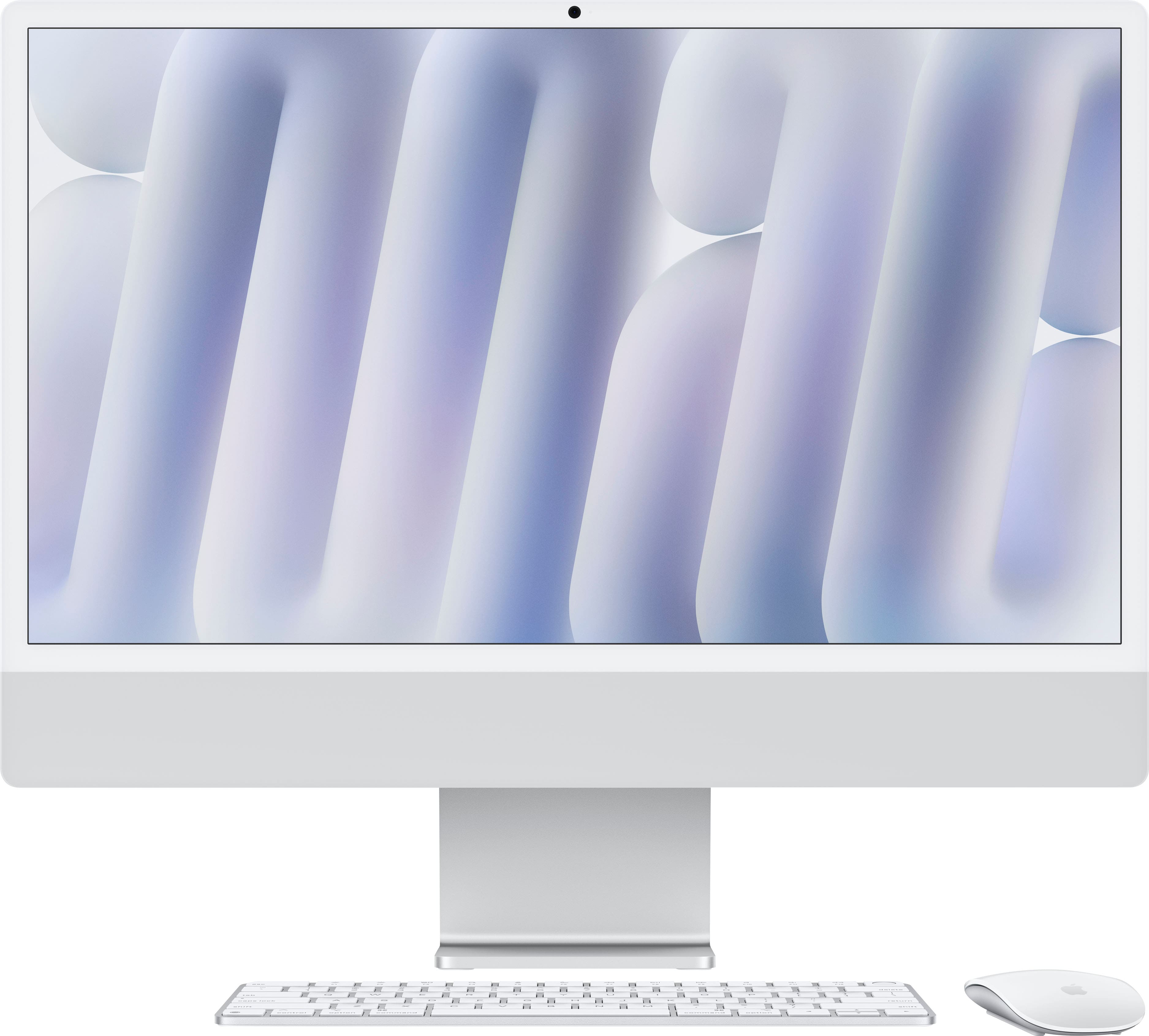
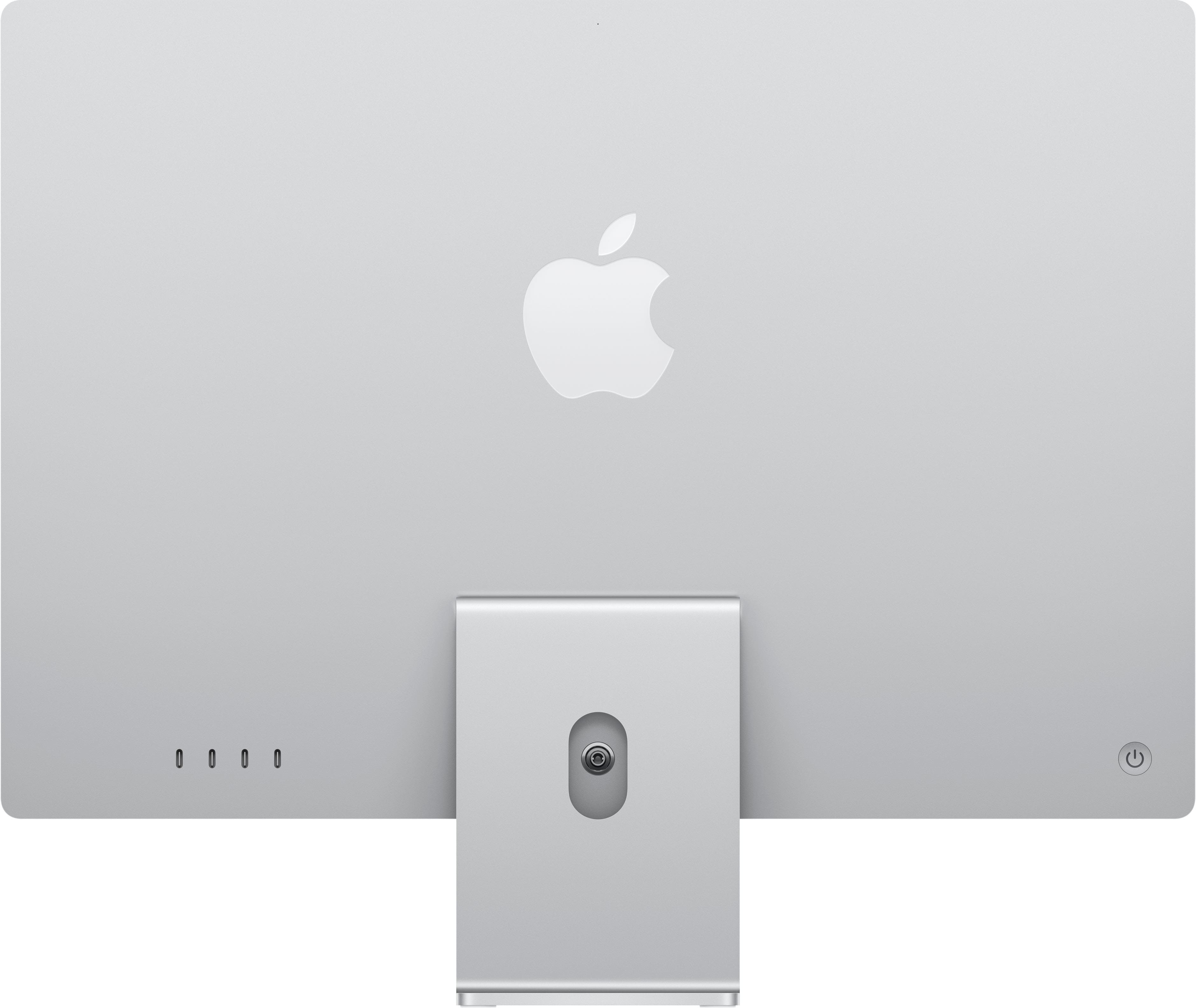
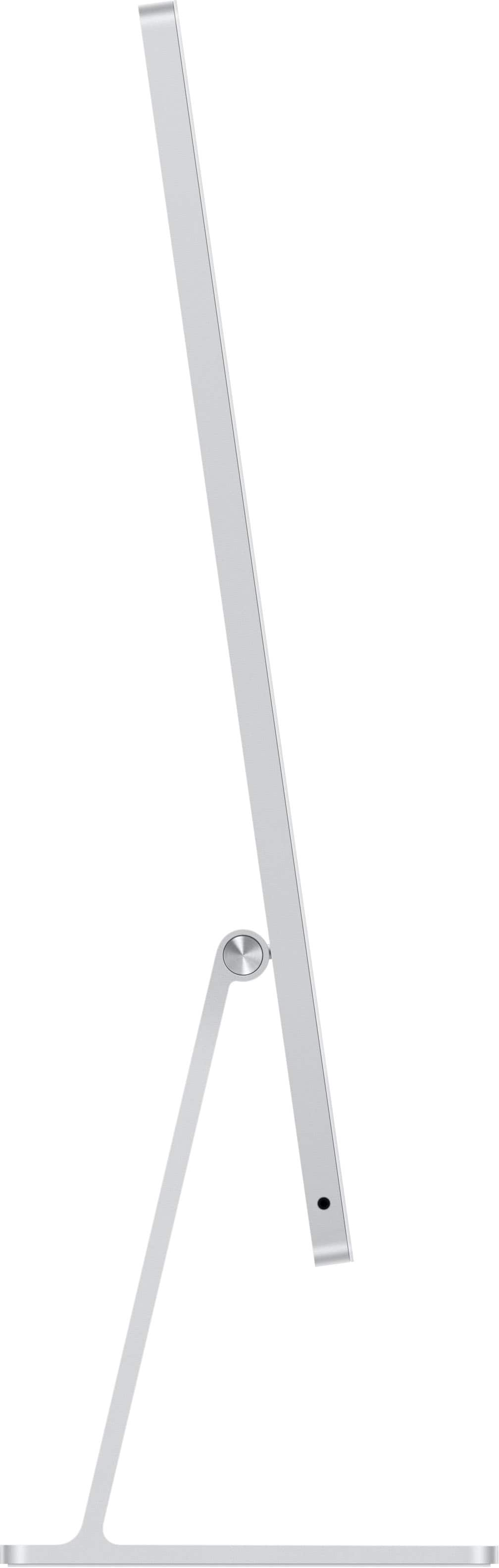
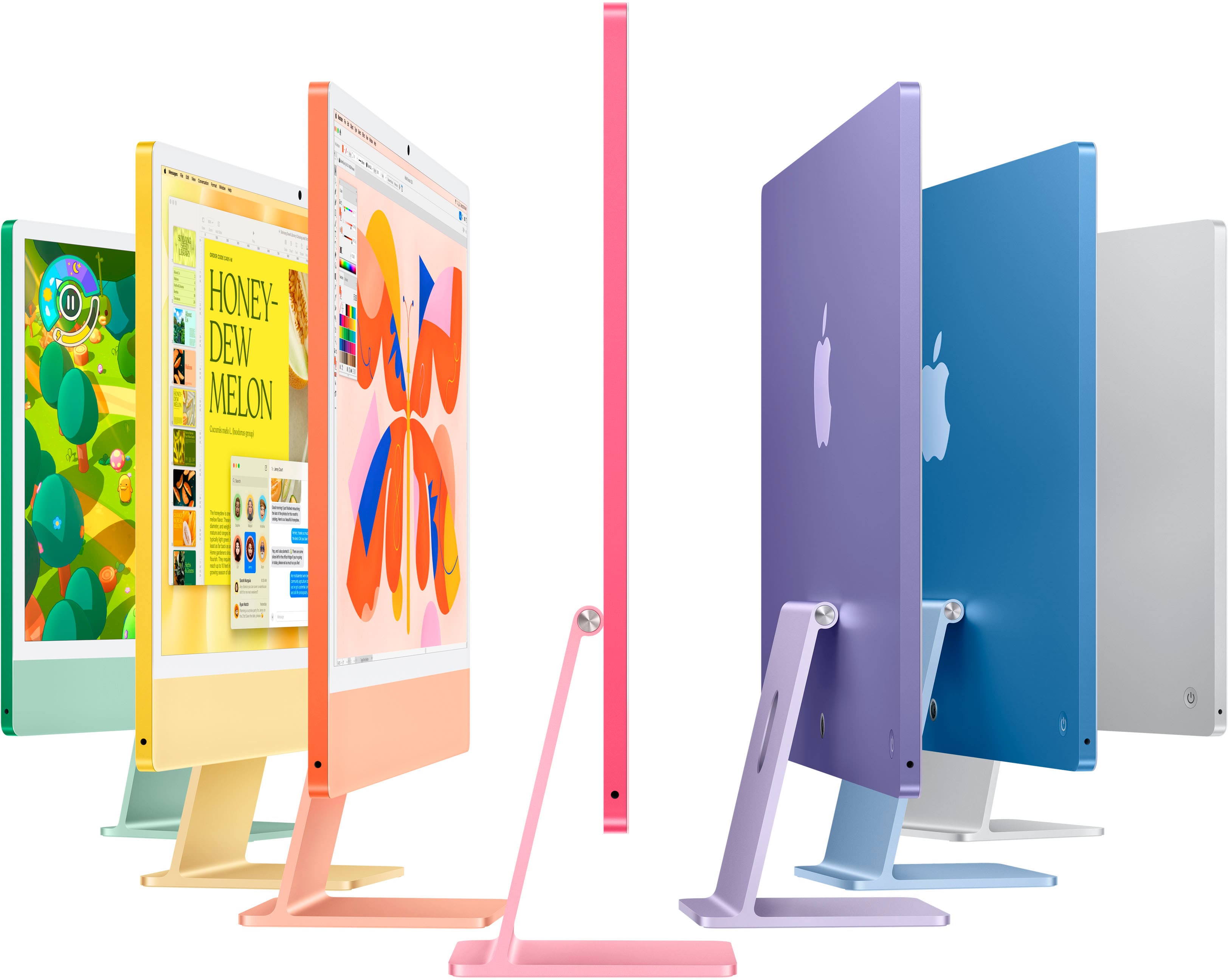
![Apple Intelligence. Personal, private, powerful.
Mail:
Subject: Interpretation follow-up
To: Alison Neale
Hi Alison,
Thank you for taking the time to meet with me at Tea Work. It was super cool to hear about the Silm festival and what's needed for ASIL interpretation. I'm definitely thinking about your needs and I believe I'm qualified to help. I've been signing since I was a kid (I'm communicating with both my mother and little brother) and I've done interpretation for various events in college as a side gig. I would be really happy to assist with the festival and have a network of other interpreters I can also help you with if needed. I'd probably be able to amend the date anyway, so let me know when's good to chat further. I'm looking forward to hearing from you.
Best regards,
[Your Name]](https://pisces.bbystatic.com/image2/BestBuy_US/images/products/f54ef871-e795-4d12-b5dd-a0ce9bb31f08.jpg)