A:AnswerActually there are a lot of differences between the three models. Everything below is based on the most recent models of the iPad:
1) IPad - this is your entry level 9.7” screen size. This has the slowest speed chip, but it still runs great for the cost.has multiple different memory sizes depending on your needs
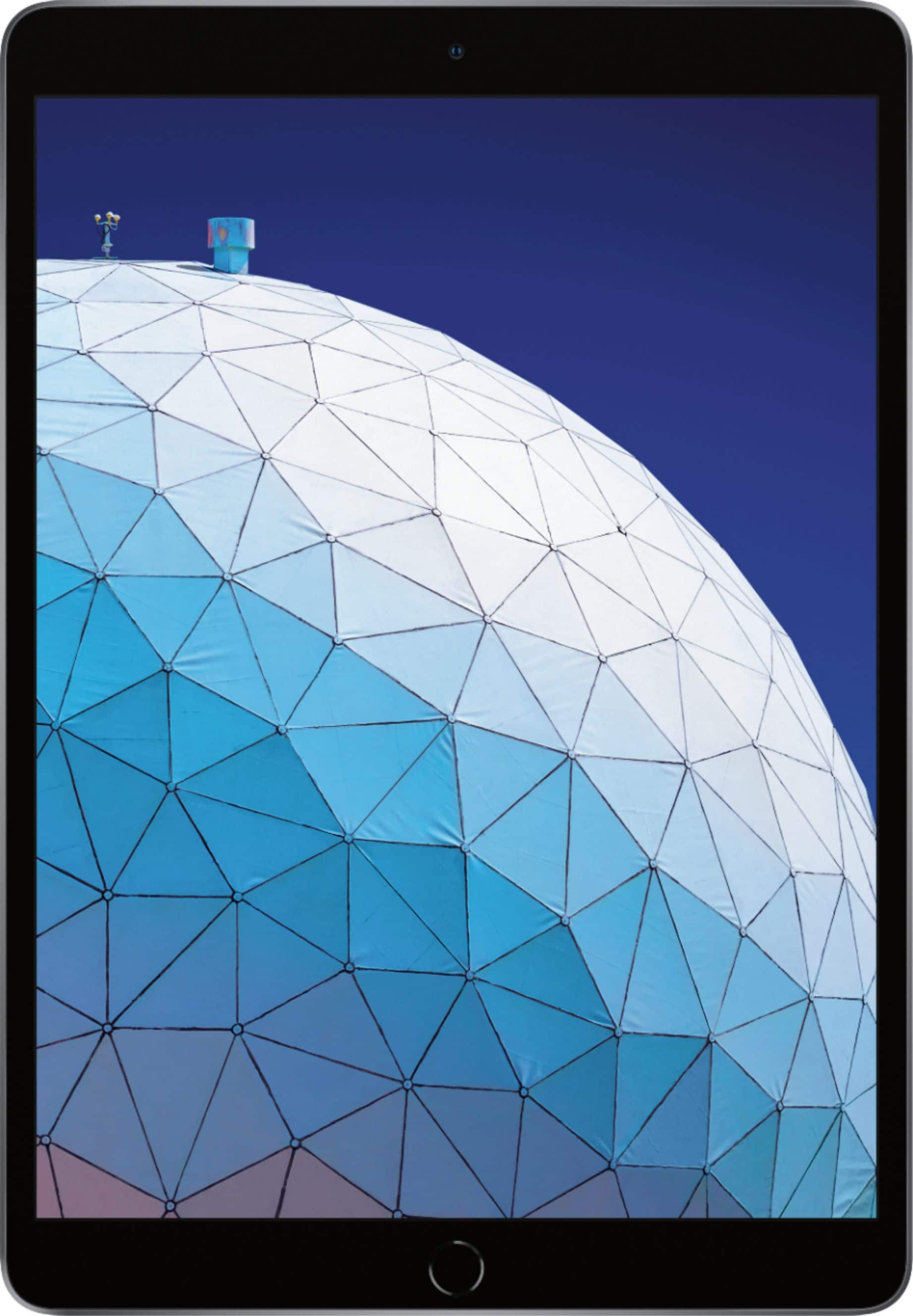
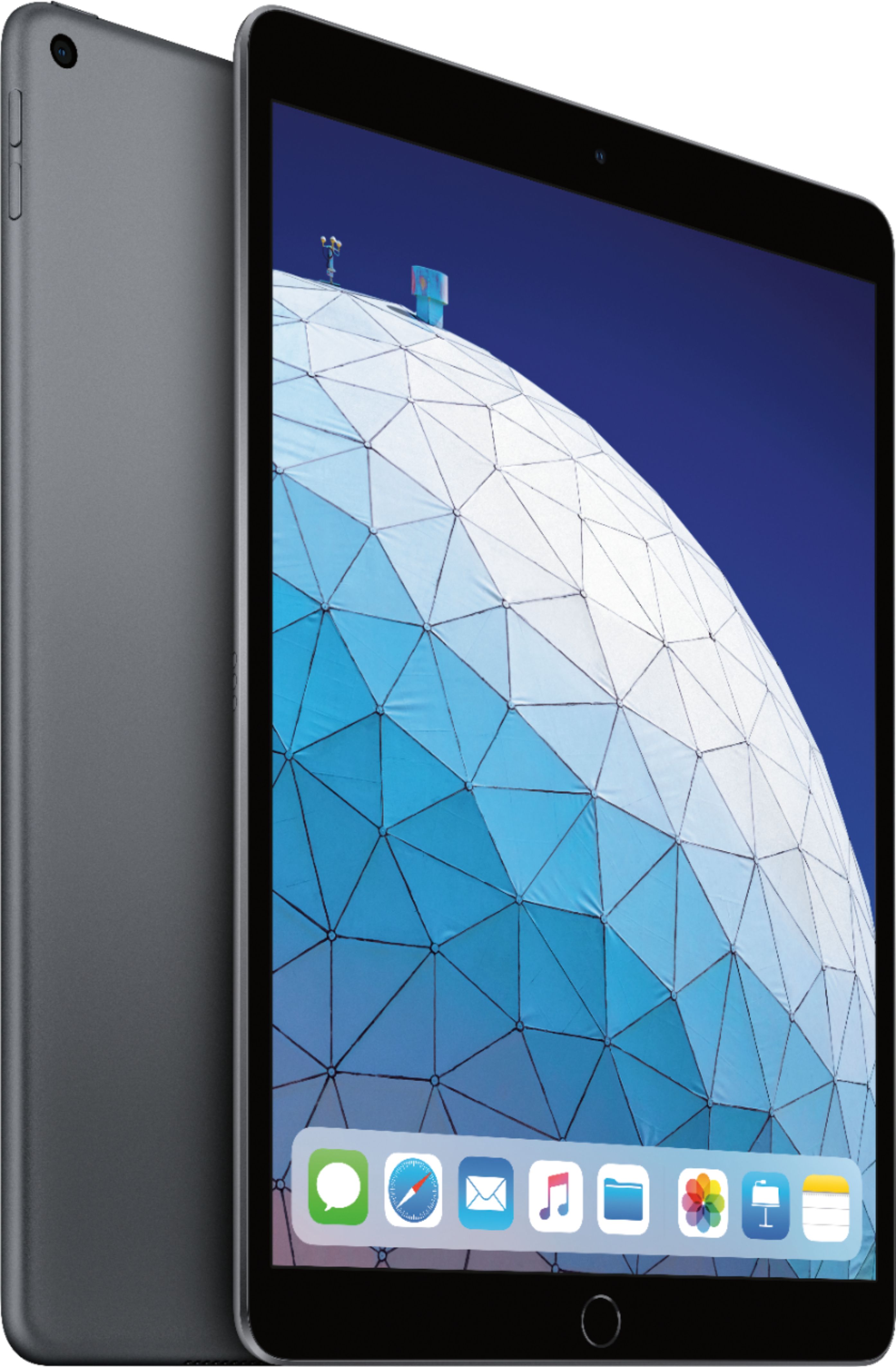
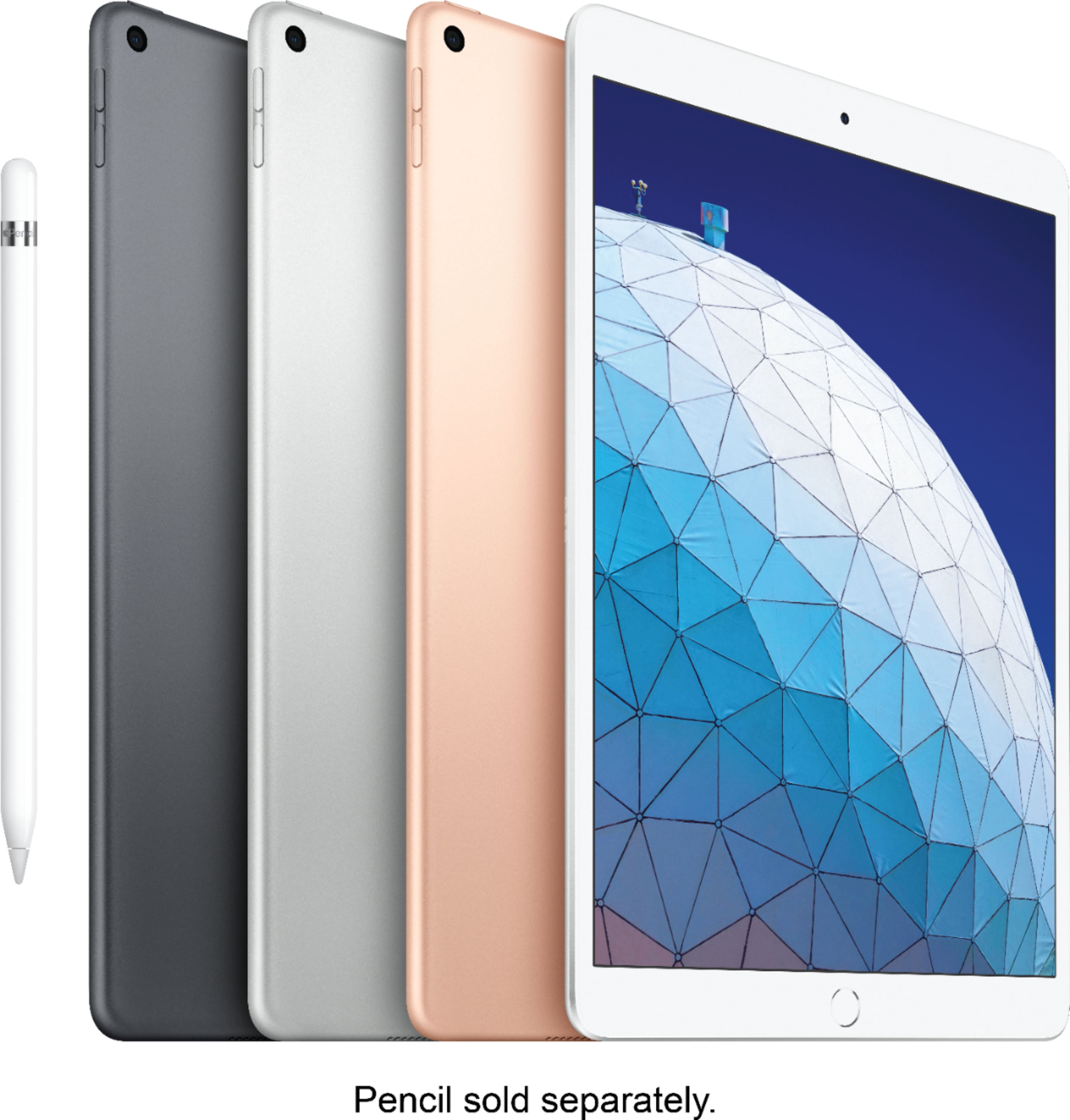
2) iPad Air - mid level iPad has a 10.5” screen. This has a faster chip speed than the regular iPad, and also has multiple memory sizes available as well depending on usage
3) iPad Pro - this one is your top of the line option. It has two different screen options of 11” or 12.5” with multiple memory sizes available. This has the fastest speed chip in it to deliver the best experience on an iPad. This is basically close to if not like a laptop (assuming you purchase a keyboard with it). So if you want your portable device to function close to, if not better, than a Microsoft Surface, this is what you want.
A:AnswerThis iPad is used on wifi only. You can buy one that also uses cellular data but I didn’t want to pay for a monthly charge. I just use at home on wifi.
A:AnswerI wouldn't bother. They all love to crow about there trade in program. But they are so undervalued its better to try and sell them on Craigslist or ebay or better yet do what I did and hand down your old tech to someone who is in need of it.
A:AnswerExactly what it says. The tablet can connect to wifi to access online features. LTE models connect to cellular also but you have to pay for that through a cellphone carrier.
A:AnswerMy old iPad completely died on me. All I had to do was place my iPhone next to the new iPad, answer a few questions and all my data went over. No connections. Very quickly.
A:AnswerThe Lightning connector is the plug at the bottom of the iPad Air that you would use to either charge the device or connect certain accessories to it. It uses the same charging cable as the iPad Air 2. I understand that the wall charger in the newer Air’s box is 12 watts, versus 10 watts for the Air 2. Apple says it will work, but it may take longer to charge the newer device with the older charger.
A:AnswerStandard applications are email, clock, messaging, iTunes, photos, Safari web browser, etc. Anything in the "App Store" can be downloaded or purchased, eg bank apps, restaurants, games, and other business types of applications. If you have another Apple product (iPhone or Mac), they communicate pretty much seamlessly. I believe tha Microsoft 10 is also offering a connection to Apple products now. It is an Apple product, as opposed to an Android/Google product. I love it!!