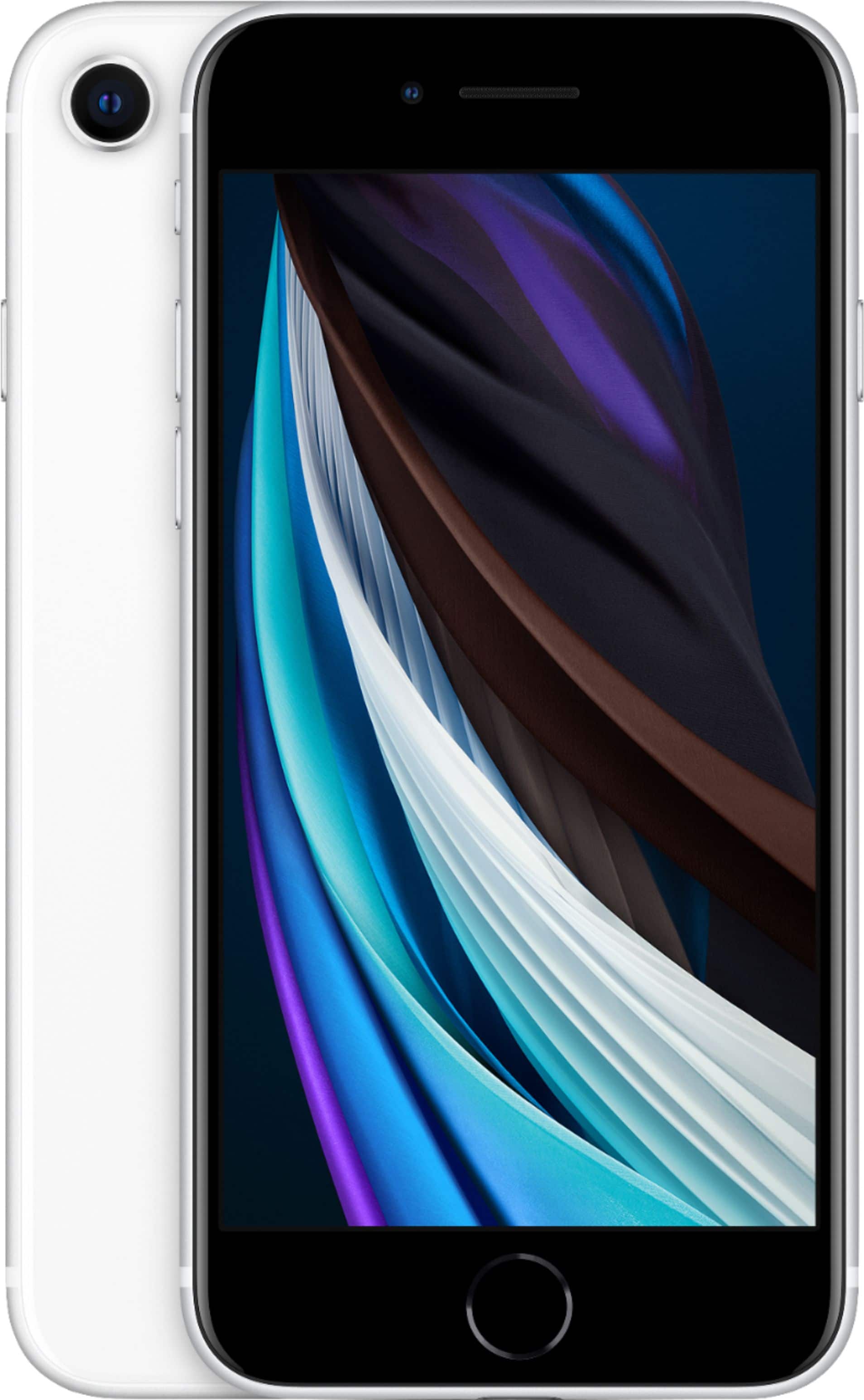
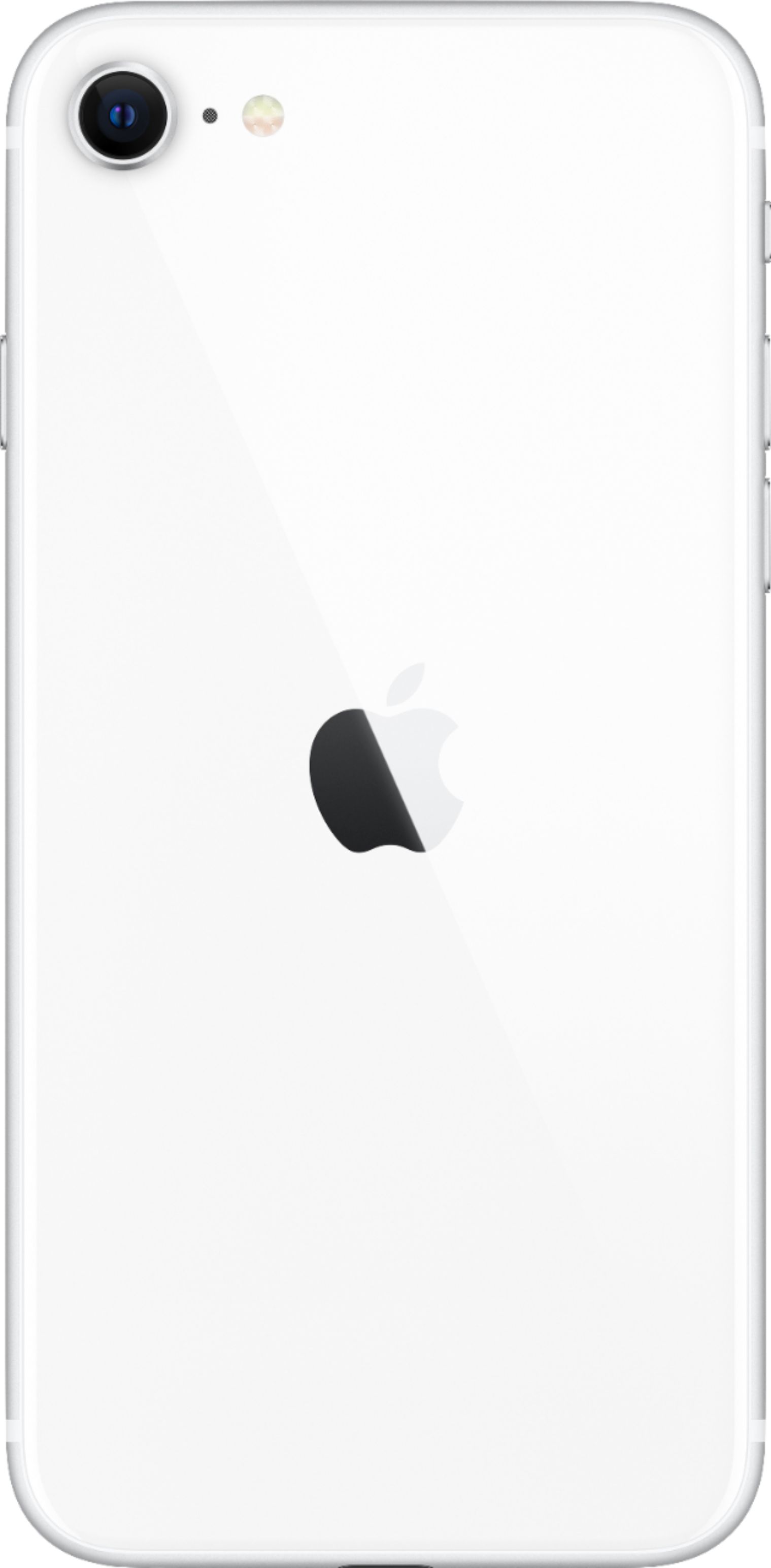
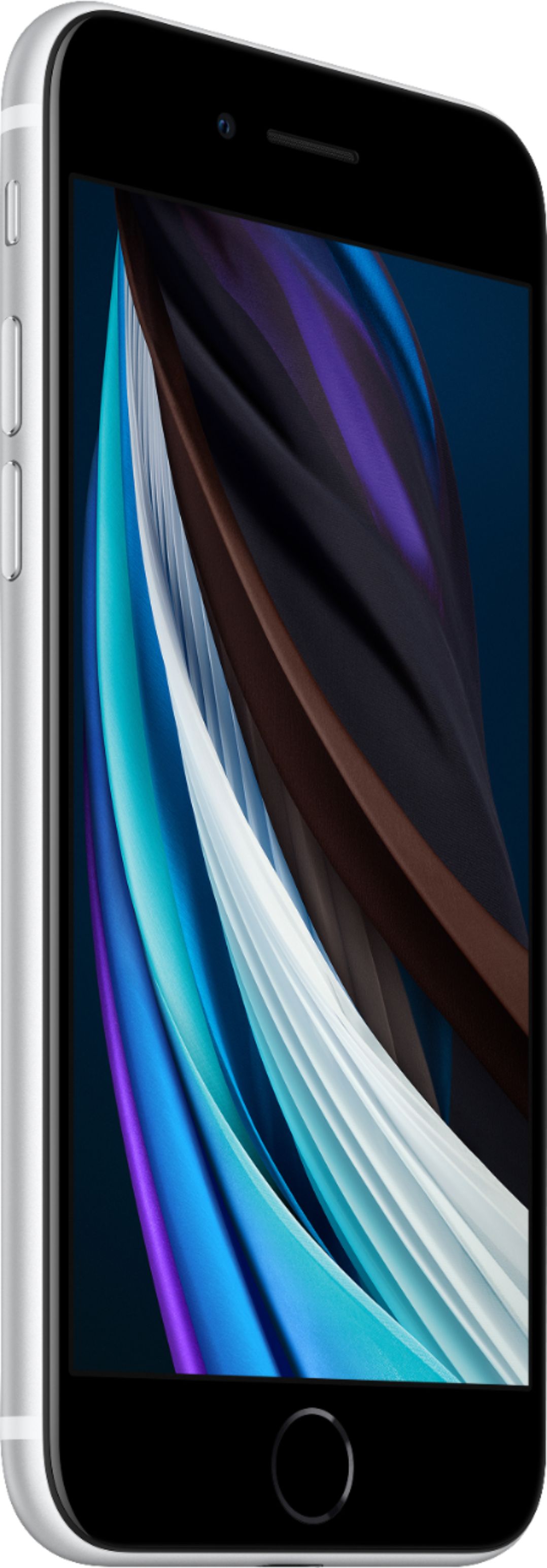
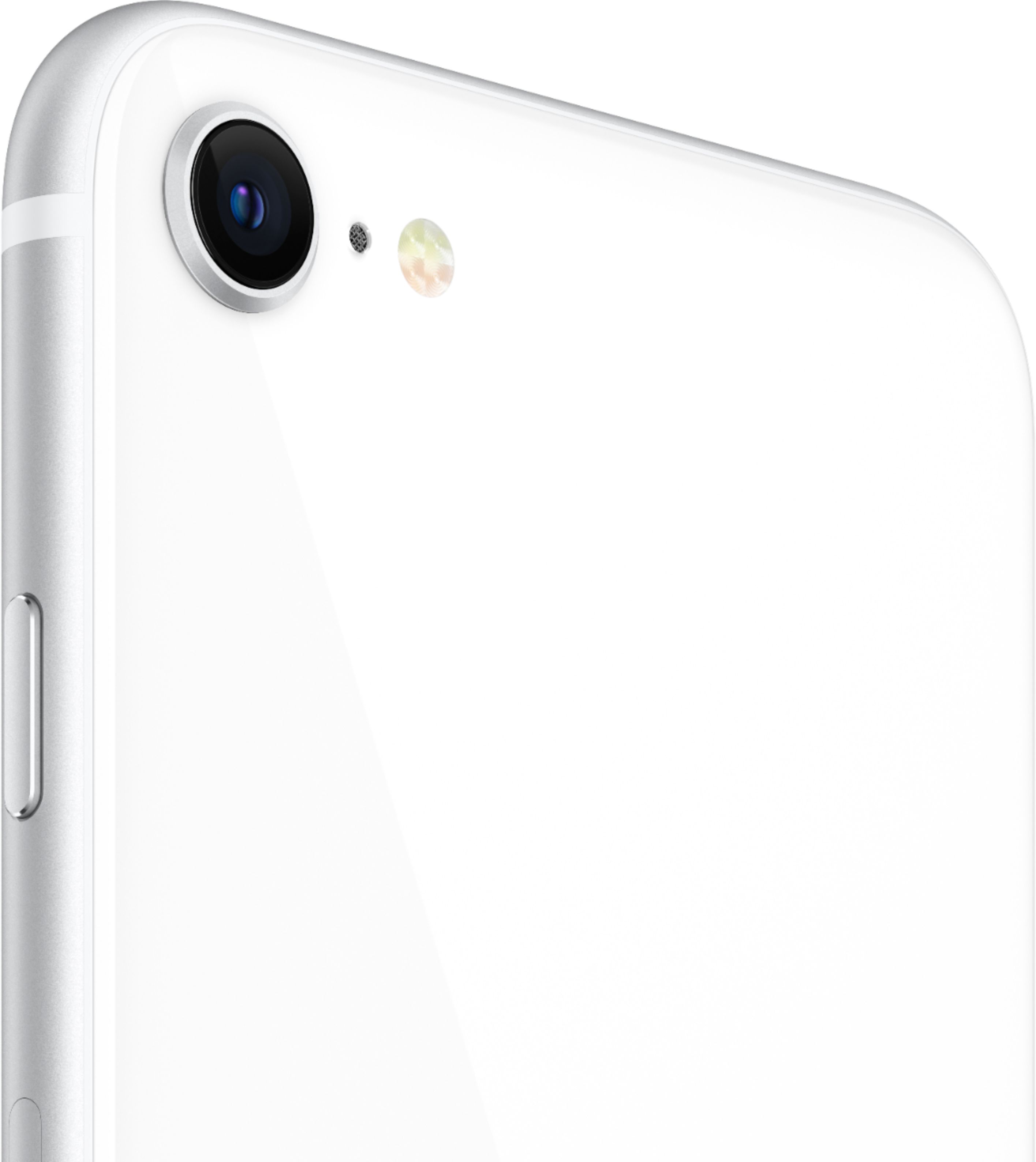
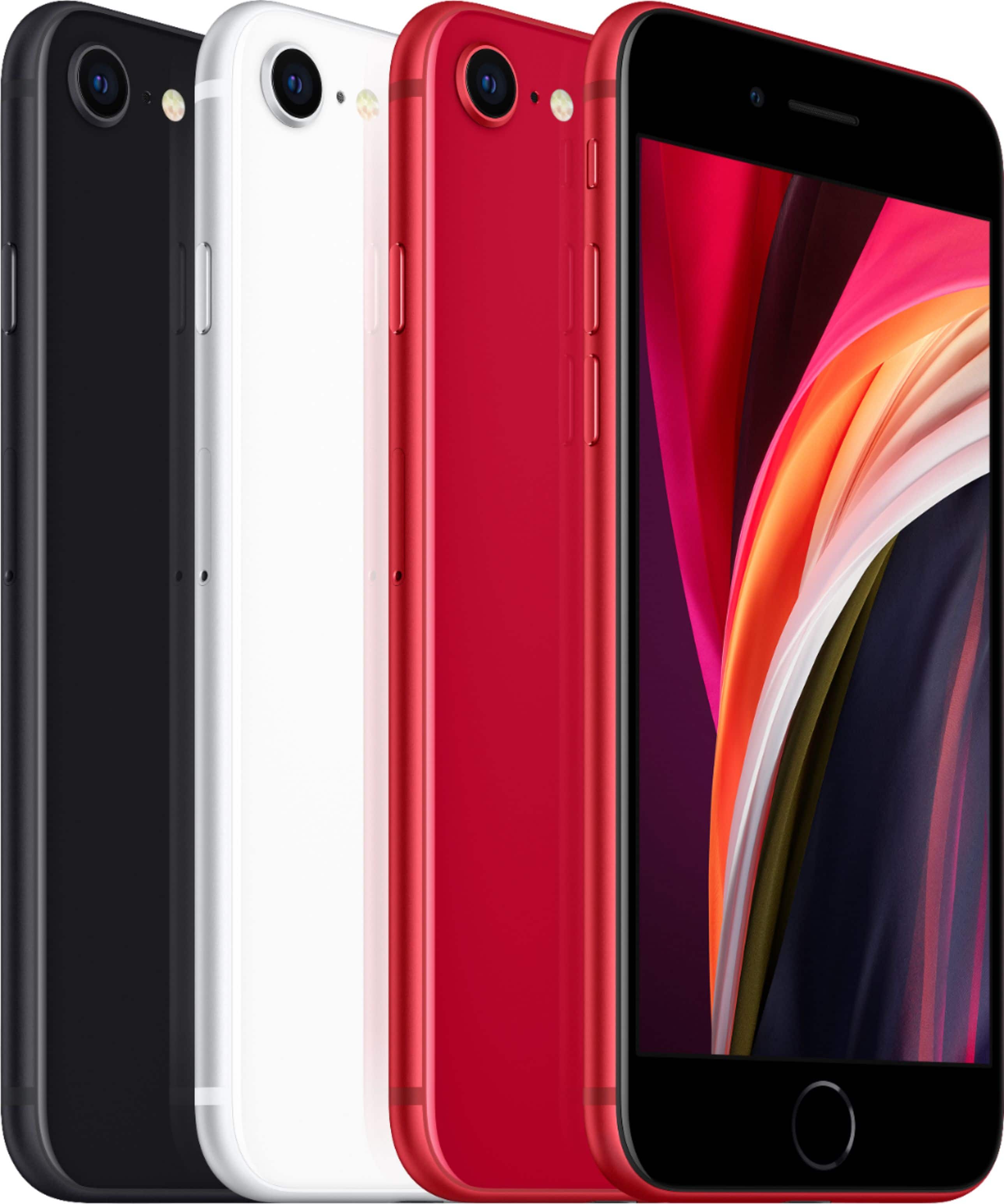
A:AnswerSecond generation means that this is the 2nd version of this phone. They made the first generation iPhone SE a few years ago, and they updated the software and design with this new model.
A:AnswerAs the options show at the top of the page, you may pay month-to-month or pay for the phone outright.
Your monthly payment options are through the major carriers, the myBestBuy Credit Card, or Progressive Leasing.
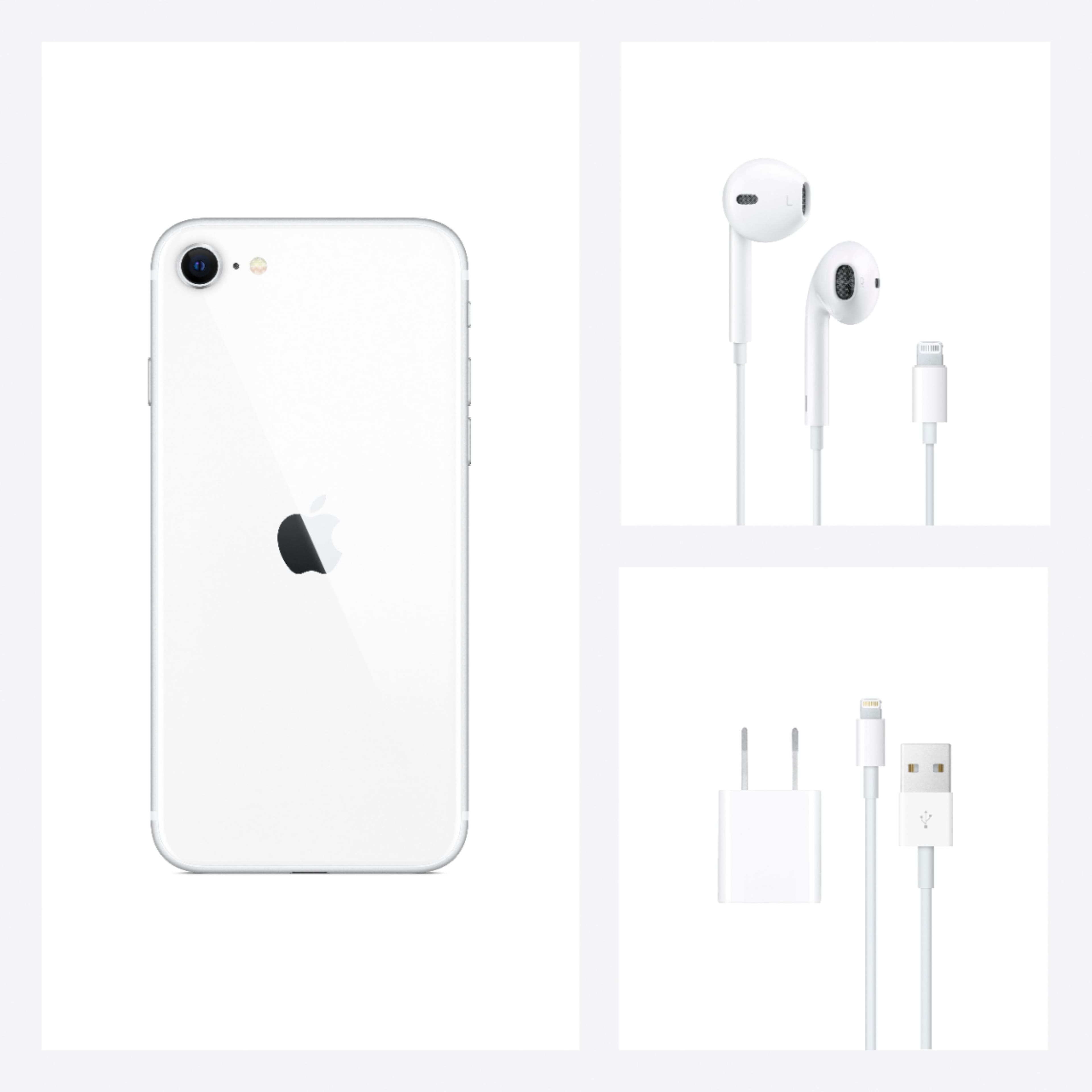
And yes, the iPhone SE uses the same charger as the iPhone 7 and 8.
A:AnswerIt most definitely will work. I bought the SE for my girl who had an IPhone 6 & she took the Sim Card out of her old phone & placed it into the SE & it worked like a charm
A:AnswerYes I believe you can do that. If I am wrong please let me know so I know the correct answer as well. I am with Cricket I just bought a SE iPhone and I took my Sim card out and everything transferred over.
A:AnswerIf it’s unlocked you can use it anywhere. My girlfriend bout 2 for her family in the Ukraine. You just purchase a SIM card from your phone carrier. You must make sure it is unlocked.
A:AnswerSet up - yes. The Best Buy staff were very helpful. They installed the SIM card, got phone activated on my Verizon account, helped me choose and then they installed my glass screen protector, helped me choose and they put on my case.
Transfer - no. They are not allowed to handle old phone. However they gave pretty clear instructions on what to do and I had already made sure everything was backed up to the cloud.
A:AnswerBetter internals (faster speed), better camera, and probably longer term support for future iOS updates. You will be able to use the new iOS updates instead of iOS 12, which is what the iPhone 6 is now stuck on. It’s a great budget phone if your iPhone 6 is getting slow, but you don’t want to spend ludicrous amounts of money on an X or 11.
A:AnswerYes it's truly unlocked. Just make sure whomever you go with gives you a 5g SIM card as this is what this phone runs off of. Learned that the hard way after 2wks of no connection