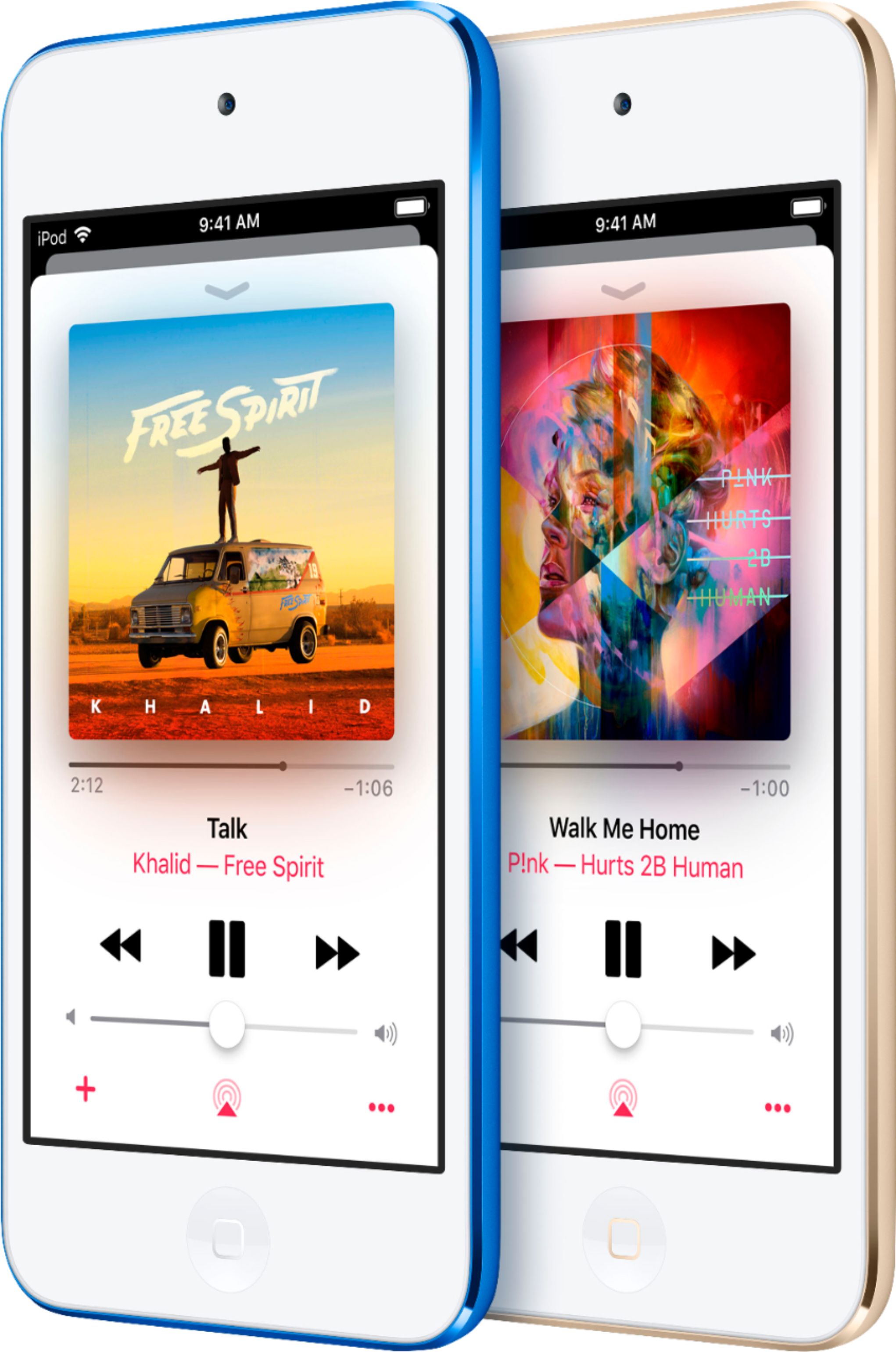
A:AnswerThis happened to my daughter’s iPod after she dropped it. I let the battery run out until it was completely dead. I then charged it again. The screen eventually came back to it’s original format. This might be something you want to try.
A:AnswerI found the vibrate settings on my iPhone. It's located at settings-sounds. The first two options on my phone pertain to vibrate settings, and those settings do not exist in the iPod. Also- there's no hardware ringer silence button like on the iPhone.
For these reasons, i do not believe the iPod touch has vibrate functionality.
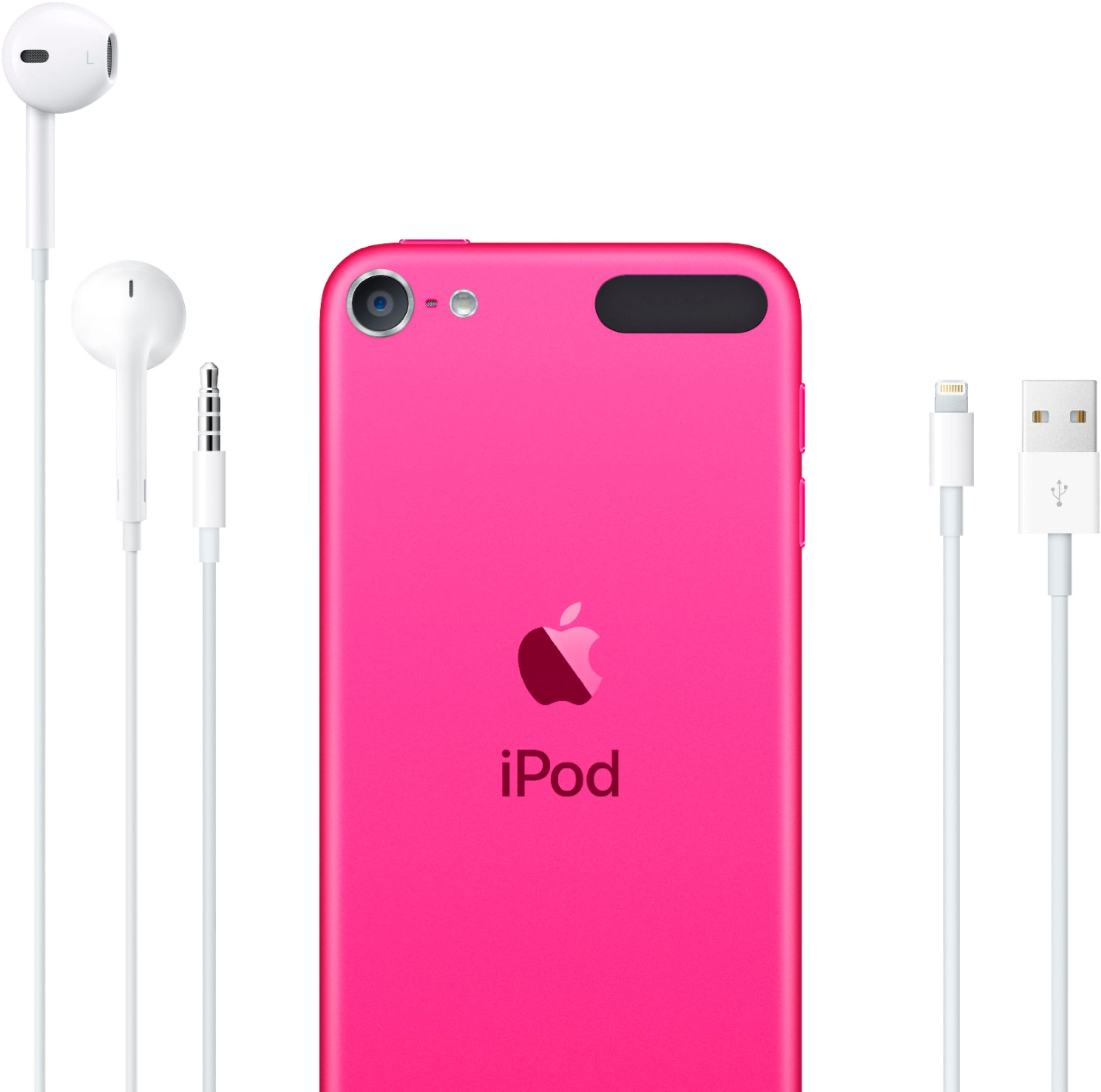
A:AnswerYou may have to buy different ear buds with a mic/ better mic but you can get the app and use it like an iPhone. Some features may need to be connected over WiFi to work.
A:Answerthe iPhone is a phone. the iPod can make and take calls if it's connected to an iPhone and if it's connected to wi-fi. there is no monthly plan/bill to use an iPod unless you plan on using Apple Music (which is also available for the iPhone and not the same as iTunes) whereas you have a monthly bill with any phone. people mostly use this for things like music on the go.