A:AnswerWhether or not you can transfer programs depends solely on the version of the programs and the version of your existing operating system, you must assess each program you need individually. Your 2018 Adobe products will work just fine. Office 2011 will need to be updated. iDvd reportedly will not work on High Sierra.
A:AnswerAlmost any of the newer models. I would recommend 8gigs. iMovie works pretty well considering it is free. I would recommend laptops over desktop.
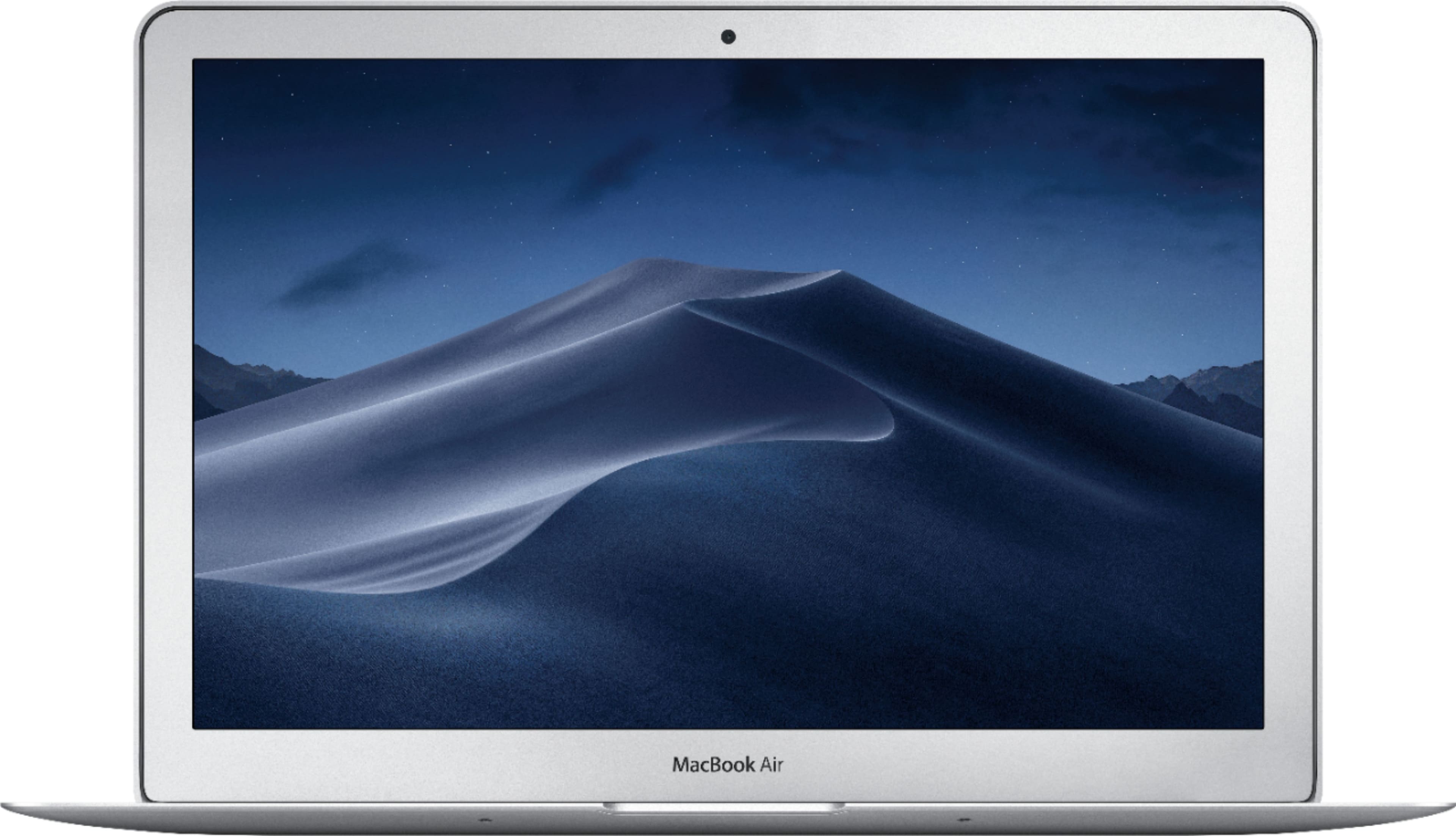
A:AnswerIf it has the sand-dune screen then the software is from 2018. Apple just sent me a link to update just this week.
I have long learned (Mac User since 1984) to avoid upgrading from one major system to another. Sierra decided that I should have my entire document folder on the cloud. Thank goodness I was at a coffee chop and didn't use up my iPhone minutes limit.
So, I'll be dropping by Best Buy to get the latest MacBook Air. The 2018 version has twice the memory of my 2015 MacBook Air.
A:AnswerIt has a one year limited warranty from the date of the original retail purchase. This includes: defects in hardware product materials, accessories and workmanship. So basically anything that wasn't accidental (like dropping the laptop) or normal wear and tear use. Those things are NOT covered under warranty.
A:AnswerI believe you have to purchase Final cut pro separately. The reason why I am pretty sure on this answer is because when you build out a mac desktop or laptop on Apples website, Apple always asks you at the end prior to payment, if you want to add Final cut pro to your device for an additional fee....which leads me to believe Final cut pro is typically not included in their finished products and is an add on which you’d have to pay for. Please correct me if I am wrong anyone. Thanks and good luck OP!
A:AnswerThe student discounts don’t apply to open boxed items. But before taxes it would be $749.99 and about $801 after tax when using the discount and already $100 off original price.
A:AnswerSorry, I do not know because I don't have either of them. My laptop has 8GB of memory and a 1.8 GHz processor. I guess the best thing to do is check the specifications of Photoshop and Lightroom and see what the memory space your hard drive needs to install that software.
A:AnswerYes, Best Buy installed Microsoft Office for me before I took my laptop home. I got MS Word, Powerpoint and Excel. They are experts, so it should be no problem for them to install the software.
A:AnswerFor heavy computing power you are better off with Mac, not Mac air. This computer is more than enough for regular office needs, but not so much for video or photo editing.
A:AnswerYes! You can actually download them for free through Microsoft, just search up Microsoft Word for students, or something similar and it should allow you to install all of the basic Microsoft apps that you can use. My friend bought the subscription not knowing that students and teachers are able to use it for free. Hope this helps!!
A:AnswerNo layaway that I know of. But if you qualify for a Best Buy credit card you may be eligible for a 0% interest temporary rate for 6 months, one year or longer depending on purchase price.