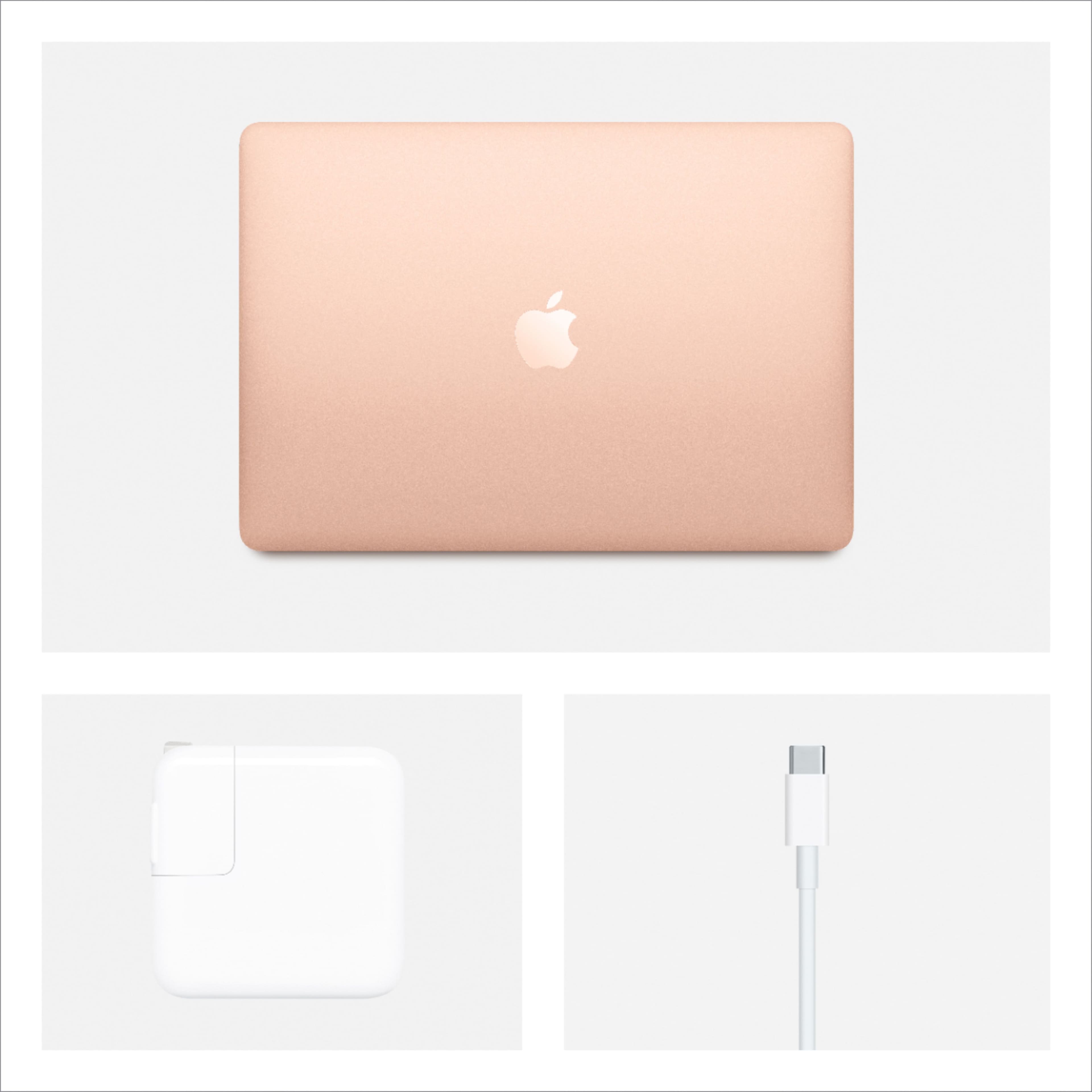
A:AnswerLol there isn't a Mac air 21 this is the latest version at the moment you can read the other reviews if you want it for other things I use it for mostly art to be honest
A:AnswerThe real question is whether you can update your software each time Apple comes out with a new update. I have been updating my 2010 iMac and original 2010 iPad right along for ten years now without a problem. With the big changes just introduced, that may end. I do not know whether an iPad new version in early 2020 will be able to be updated. I have not found any information about that. I may try asking at the online Apple Store.
A:AnswerThe air just has the small screen... but it comes with sidekick or something that allows you to use a iPad as an external monitor. You can also get the adapter to plug in an external monitor. If you want a 16 inch screen you’ll need to go with the MacBook Pro
A:AnswerYou can purchase Microsoft Office for Mac! It should be downloadable on their website. The MacBook Air does have comparable programs at no cost, however - "Numbers" and "Pages." They're both extremely easy to use and format!
A:AnswerI did not purchase the accidental protection but I did purchase tech support and the geek squad are always ready to solve any problems that may arise.
A:AnswerAll of the models are good with photo editing but for my point of view the pro is the one that you need because it has a bigger screen and better resolution
A:AnswerYes you can get credit for a working laptop and the amount depends it’s value which is looked up by the geeky squad guys. I traded in an HP laptop and received a BestBuy card with the money so I used that to purchase my new MacBook Air.