A:AnswerYou can if you order it directly from Apple. I’m not sure about Best Buy though. For the record the number of cores in a GPU has nothing to do with the amount of storage. The last answer was misinformed.
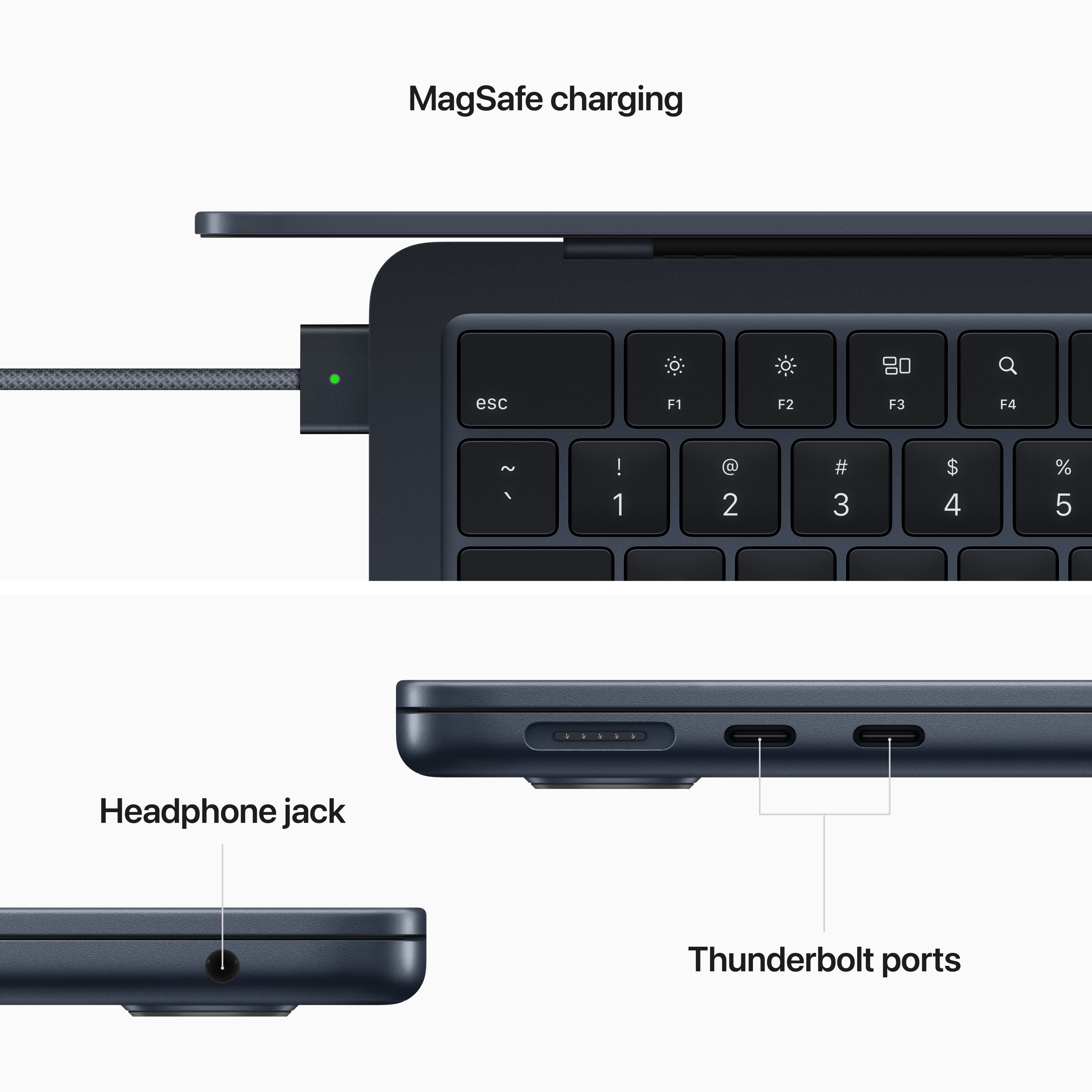
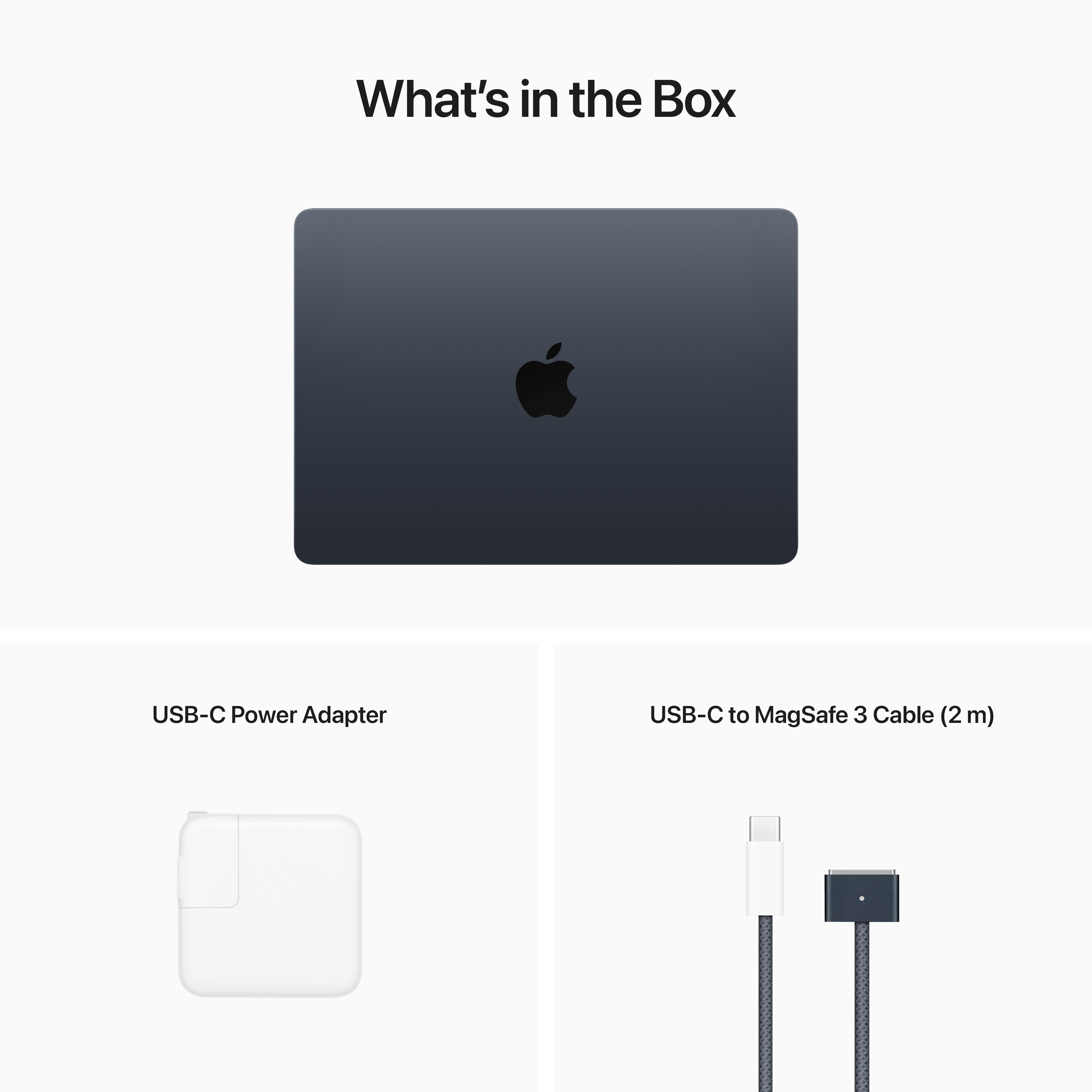
A:AnswerYou'd get the Magsafe one, very similar to the older Macbook chargers. I will say though. The older ones do not work on this one, but you can still use USB-C to charge it.
A:AnswerNot much. I can't tell hardly any difference. I previously had a MacBook Pro. It was going on 8 years old and decided to purchase my new MacBook Air. Got a real good price and a good trade in value for my Pro. The Air has a great lighted key board. The battery charger, the end that attaches to the Air is basically a magnet. Also has a monitoring light, dull orange color when charging then the will turn green when fully charged. So it tells you when it's fully charged. I thought that was cool.
A:AnswerMore internal storage is nice, but if you're on a budget add an external SSD drive. This can add a lot of storage at a low coast, and will have the extra benefit of making it easier to move large files on and off your MacBook and other computers.
A:AnswerHi Maryann
Any bluetooth mouse should work with a new laptop. My suggestion is bring it into the store and try to connect it to the demo version of your new laptop.
Joe
A:AnswerOnly B & H seems to sell the 16GB Model of the Air M2. Anybody else who says they did buy a M2 Air with 16GB of RAM is lying. The Base model MBP 14 and 16 is 16GB of RAM and Bestbuy does sell that.
A:AnswerSorry, I know you need adaptors for certain functions, however, unsure what they are. I did not buy any adaptors. You may want to ask via chat w/Best Buy Customer service.
A:AnswerThey will, but you will have to pay geek squad for the service, if you have total tech it is included for free, as well as appllecare being included. If you dont want to pay for either the Mac does have a tool during setup where you can transfer files but it takes a while for everything to move over