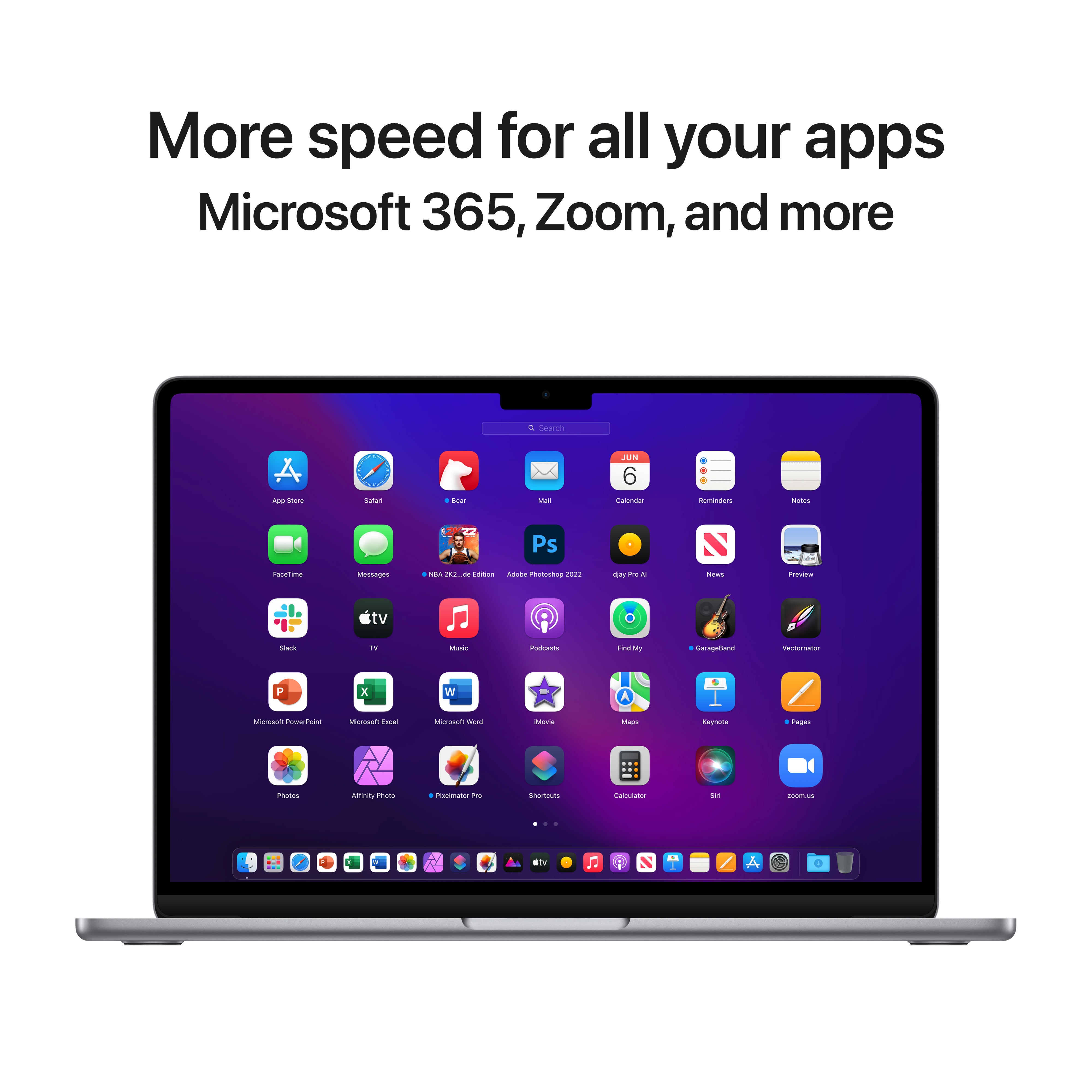
A:AnswerThere are a vast array of apps available for the laptop via apples App Store. You would be able to download those without a problem or access it via the web browser of your choosing. :)
A:AnswerYes of course! If you had it in your past MAC you can just transfer all the software over. Just make sure to download all your info onto a G drive and then have that downloaded to the new MAC
A:AnswerYes, you can transfer your Microsoft 365 subscription to your Mac. Just sign into Office.com with your Microsoft account, download Office, and install it. If you have a one-time purchase version (like Office 2021), you might need to deactivate it on your old computer first before installing it on your Mac.
A:AnswerMacBooks come with free Apple apps like Pages (word processor), Numbers (spreadsheets), and Keynote (presentations). They work well for most tasks and are already installed or can be downloaded for free.
If you need Microsoft Word or Excel, you’ll have to buy Microsoft 365, which costs about $70 per year for one person or $100 per year for a family plan. There’s also a one-time purchase option for $150, but it doesn’t include updates.
If you don’t want to pay, Google Docs and Sheets are free and work online. For most people, the free Apple or Google apps are enough unless you specifically need Microsoft Office.
A:AnswerMake a backup via iCloud
Click on the Apple logo in the bottom left and click on System Preferences.
Click on Apple ID.
Click on iCloud on the left, and click on what you want to store in iCloud on the right.
Also select iCloud Drive and click on Options. ...
iCloud Drive is now available in Finder.
A:AnswerI think you mean warranty. Usually when purchasing new (not refurbished or pre owned), you will get 1 year limited warranty from Apple. this applies in USA, maybe different in other countries. You can also purchase extended warranty or Applecare through Apple or some resellers.