A:AnswerYou can purchase the laptop with that amount of storage, so yes.
However, it is NOT user upgradable so you have to purchase the amount of RAM or storage you would need or anticipate needing at the time of purchase as Apple solders these components to the motherboard.
A:AnswerI am confused to your question.
It does not have cellular capability and has to be connected via Wifi- so in a way I guess it is technically "unlocked" in that regard.
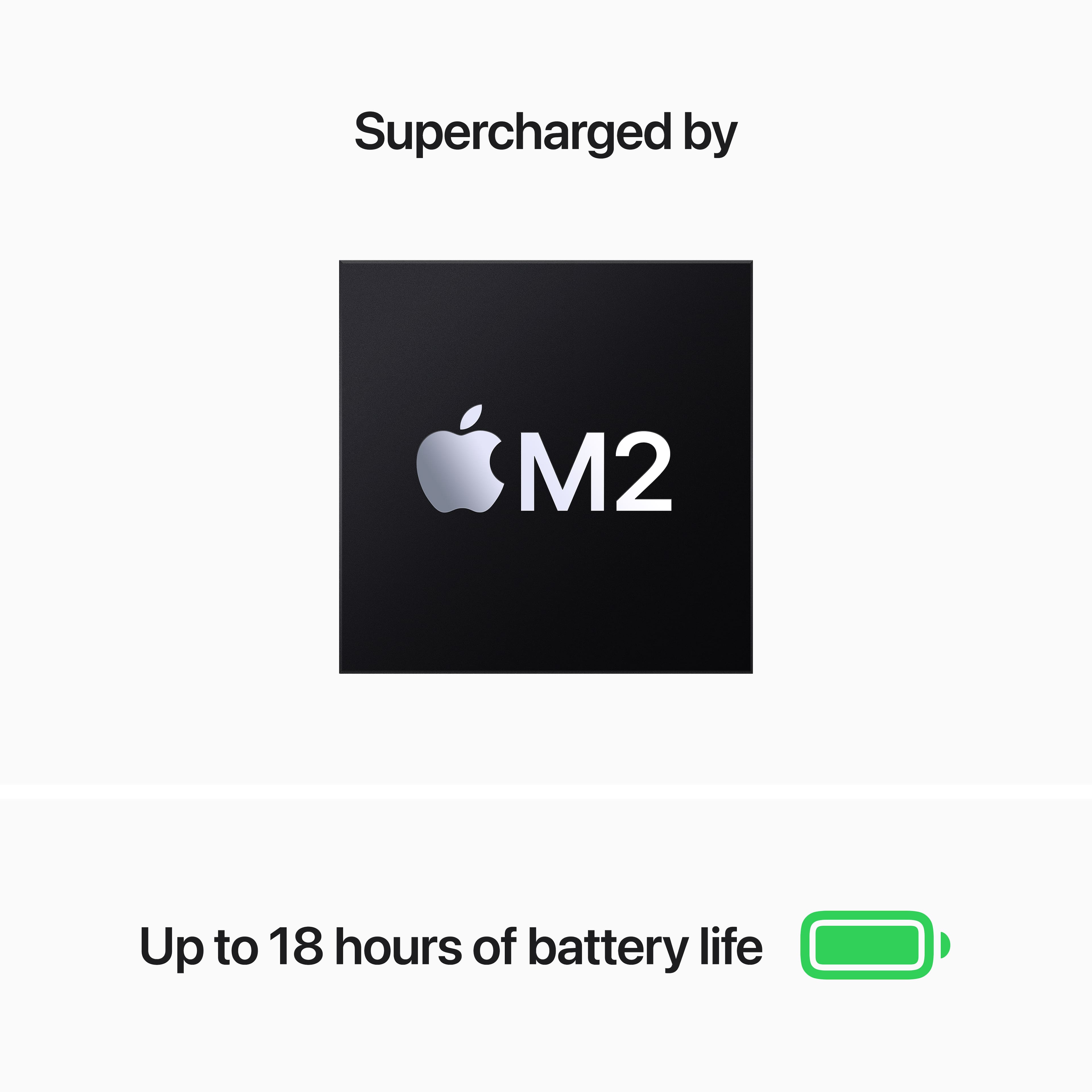
A:AnswerM2 with 16gb. The performance will be more than enough with either the M2 or M3 but the extra ram will keep it running smoother for far longer.
A:AnswerI do not think that any current technology exists that would allow one to print out apples. That would be kind of cool though I cannot lie.
Maybe look into niche 3D printers for that sort of task.