A:AnswerHi Carl,
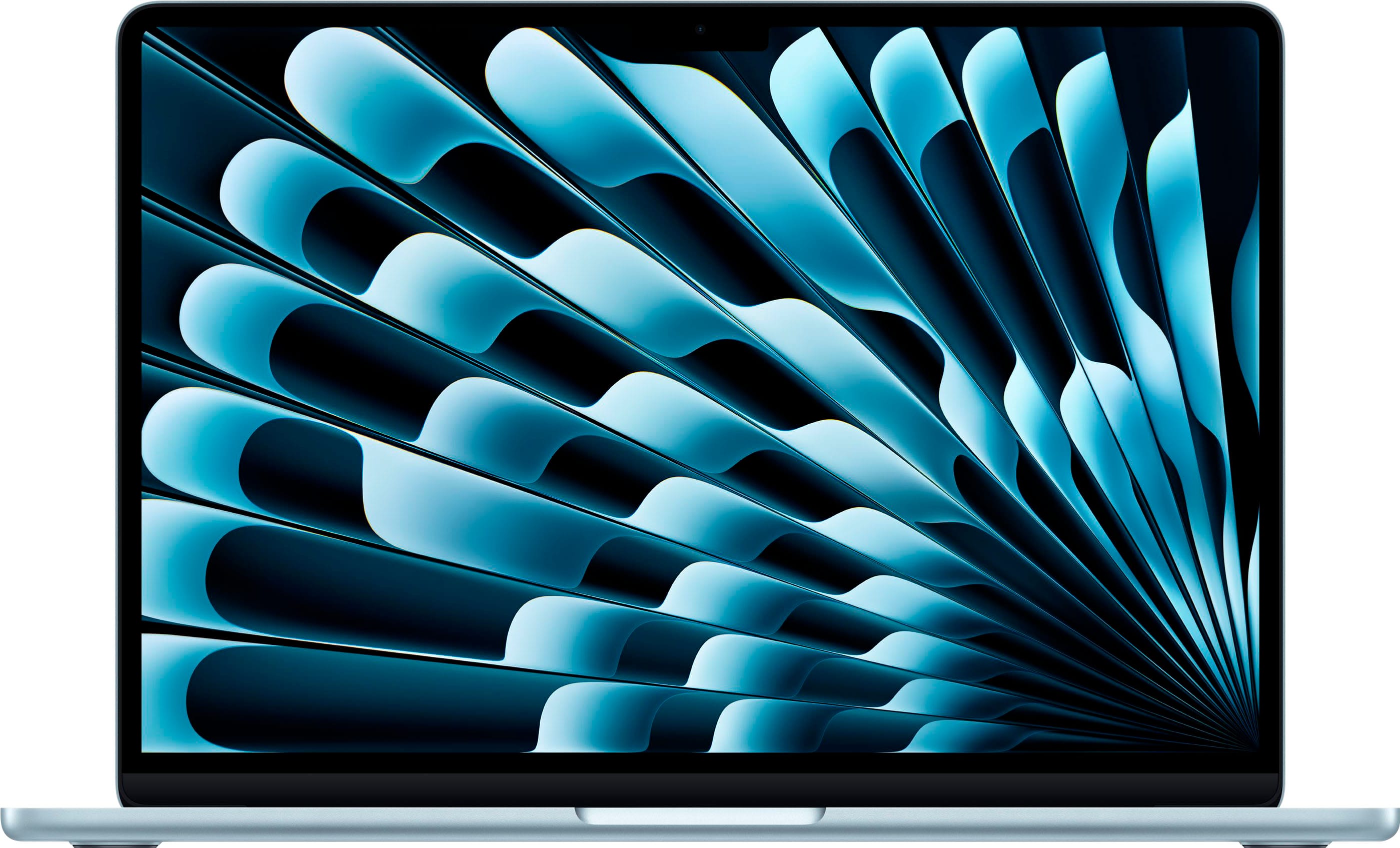
This MacBook Air M4 comes with the standard English (US) keyboard layout. However, macOS allows you to easily switch to the Spanish (Latin American) keyboard layout in the system settings for typing in Spanish.
If you specifically need a physical Spanish (Latin American) keyboard layout with the Ñ key printed on the keyboard, that usually has to be ordered directly through Apple or a custom configuration.
Hope that helps!
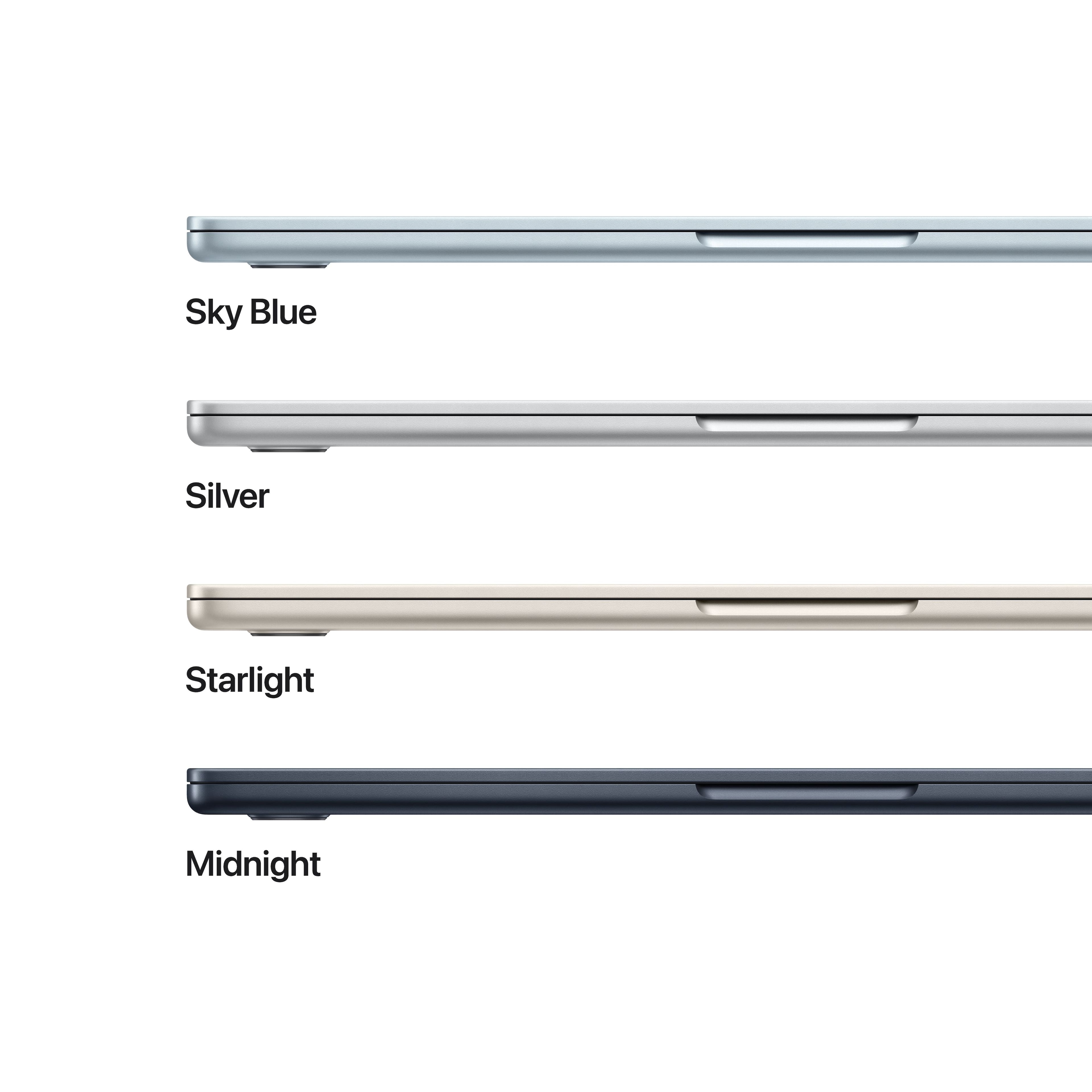
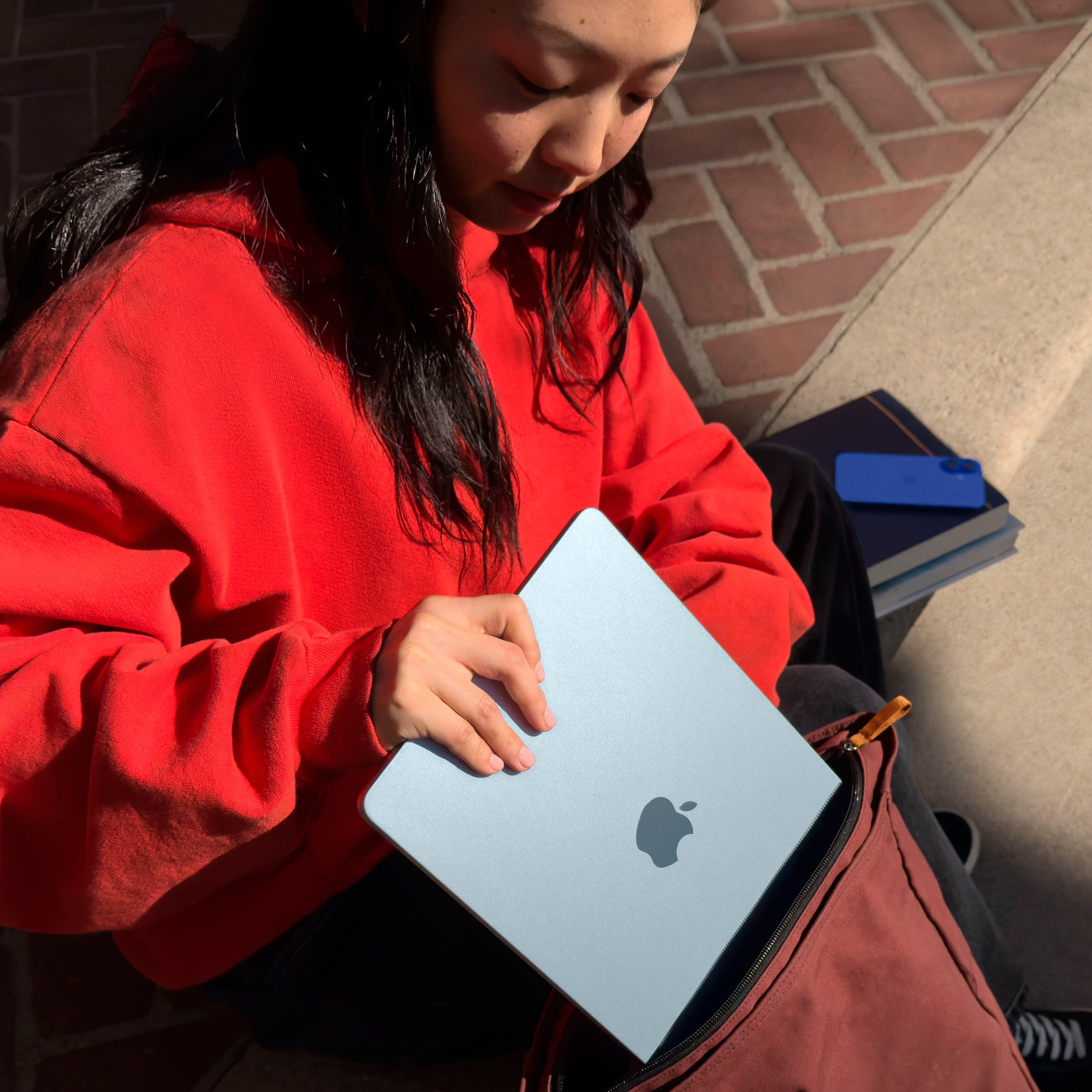
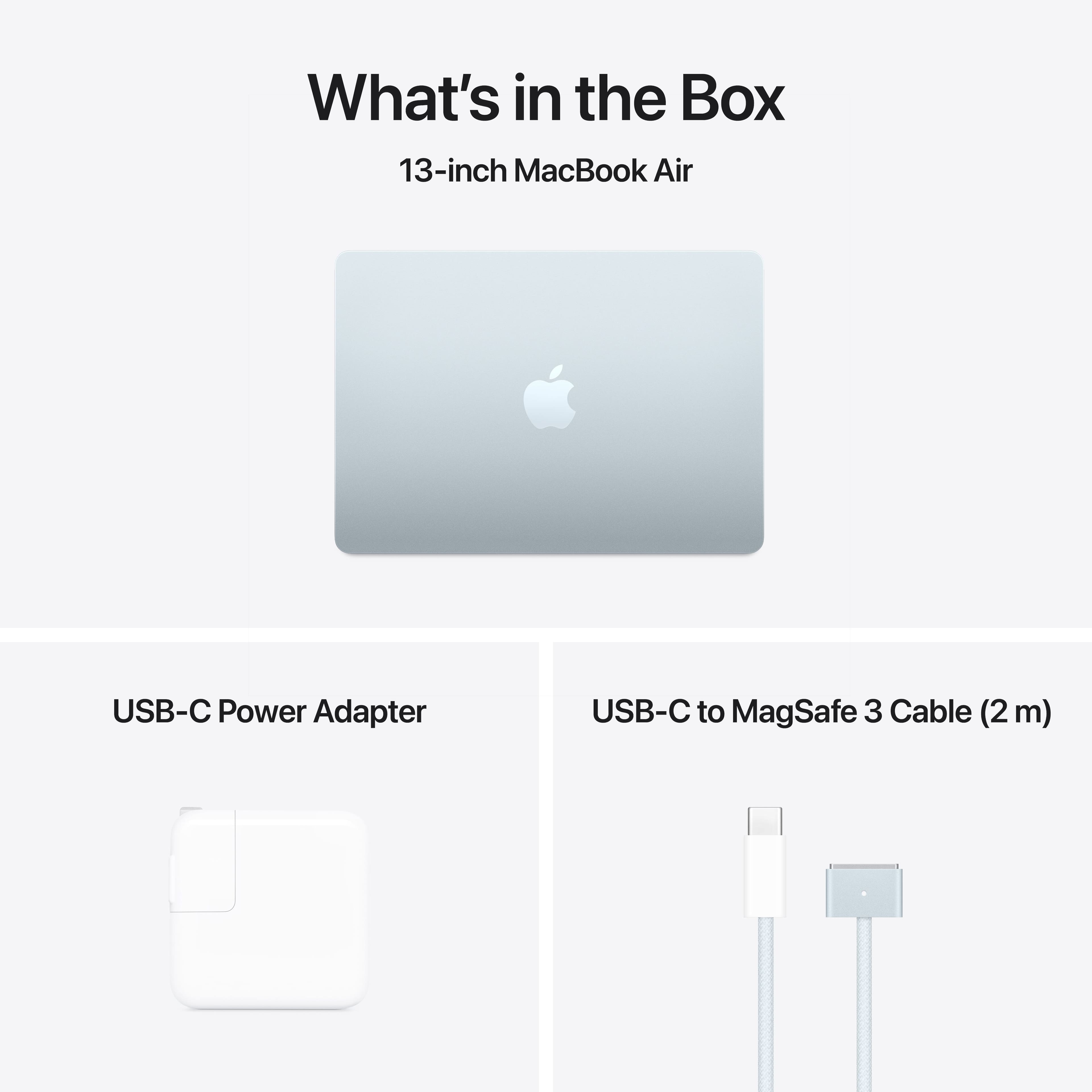
A:AnswerThe M4 MacBook Air (2025) is available in four aluminum finishes: the new Sky Blue, along with Midnight Starlight, and Silver. All models feature a color-matched MagSafe charging cable. Sky Blue is described as a metallic light blue, while Midnight is a deep navy that is almost black.
Available Color Options:
Sky Blue (New): A subtle, light metallic blue.
Midnight: A dark, navy-blue finish.
Starlight: A warm, champagne-gold silver.
Silver: The classic, standard silver.
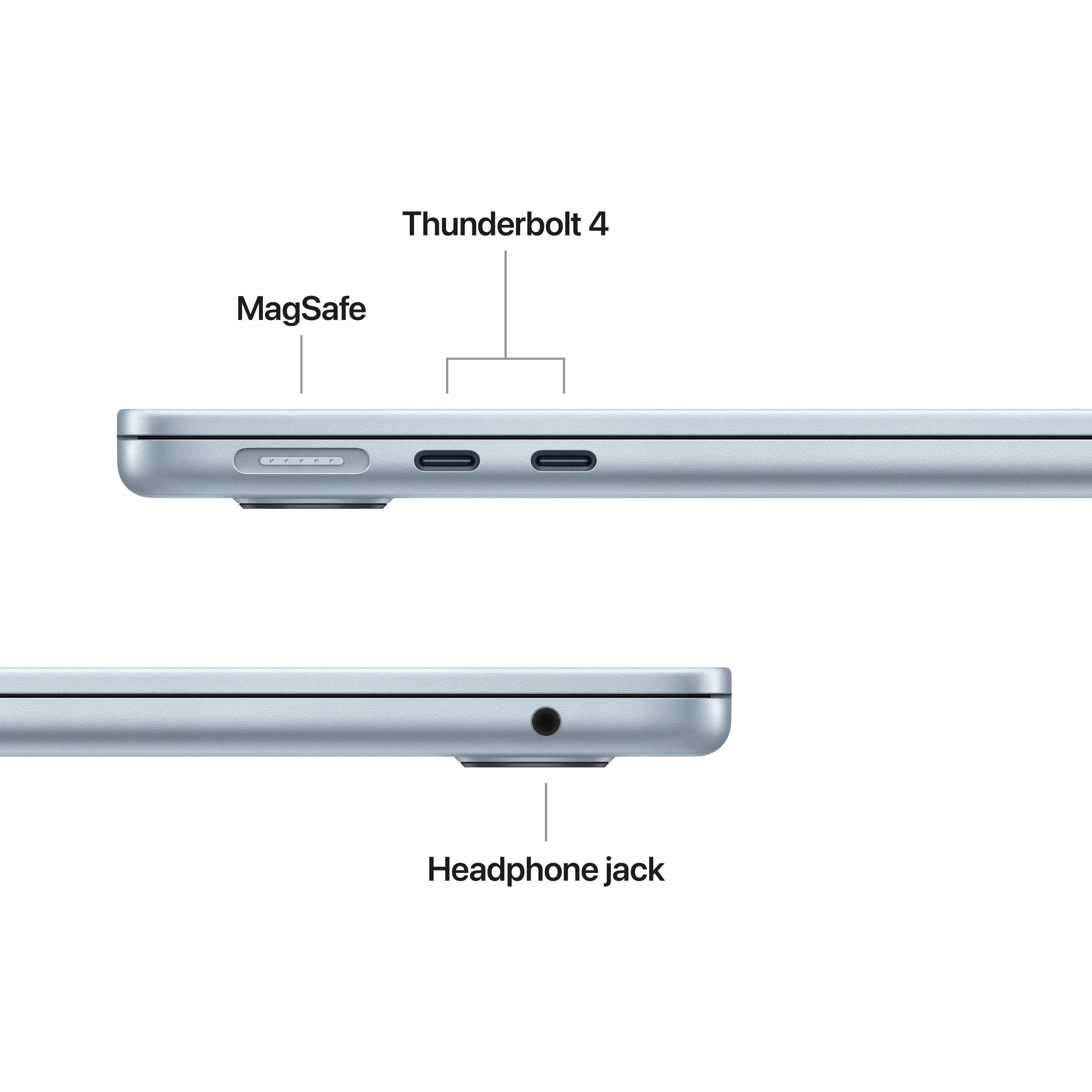
A:AnswerYes, you can use a USB device on a MacBook Air M4, but you will need an adapter or hub because it only features Thunderbolt/USB 4 (USB-C) ports. You can connect standard USB-A drives, mice, or keyboards using a USB-C to USB adapter or a USB-C hub/dock.
A:AnswerTo power off your M4 MacBook Pro, click the Apple Menu () > Shut Down. Closing the lid only puts the Mac to sleep. To turn it back on, open the lid, press any key, or press the Touch ID/power button.
A:AnswerYes — it can run After Effects, but how well it handles it depends on what kind of projects you’re doing and for how long. Easy stuff runs pretty smoothly — layers, simple effects, 2D animations, basic animation work feels responsive.
![esc F1 F2 F3 F4 F5 F6 F7 F8 F9 F10 F11 F12 ! 1 2 # 3 $ 4 % 5 6 & 7 * 8 ( 9 ) 0 - = delete tab Q W E R T Y U I O P { [ } ] | caps lock A S D F G H J K L : ; " return shift Z X C V B N M < > ? / shift command command option option control fn](https://pisces.bbystatic.com/image2/BestBuy_US/images/products/5edb7909-66bc-4796-a9a2-fd91e67957bb.jpg)