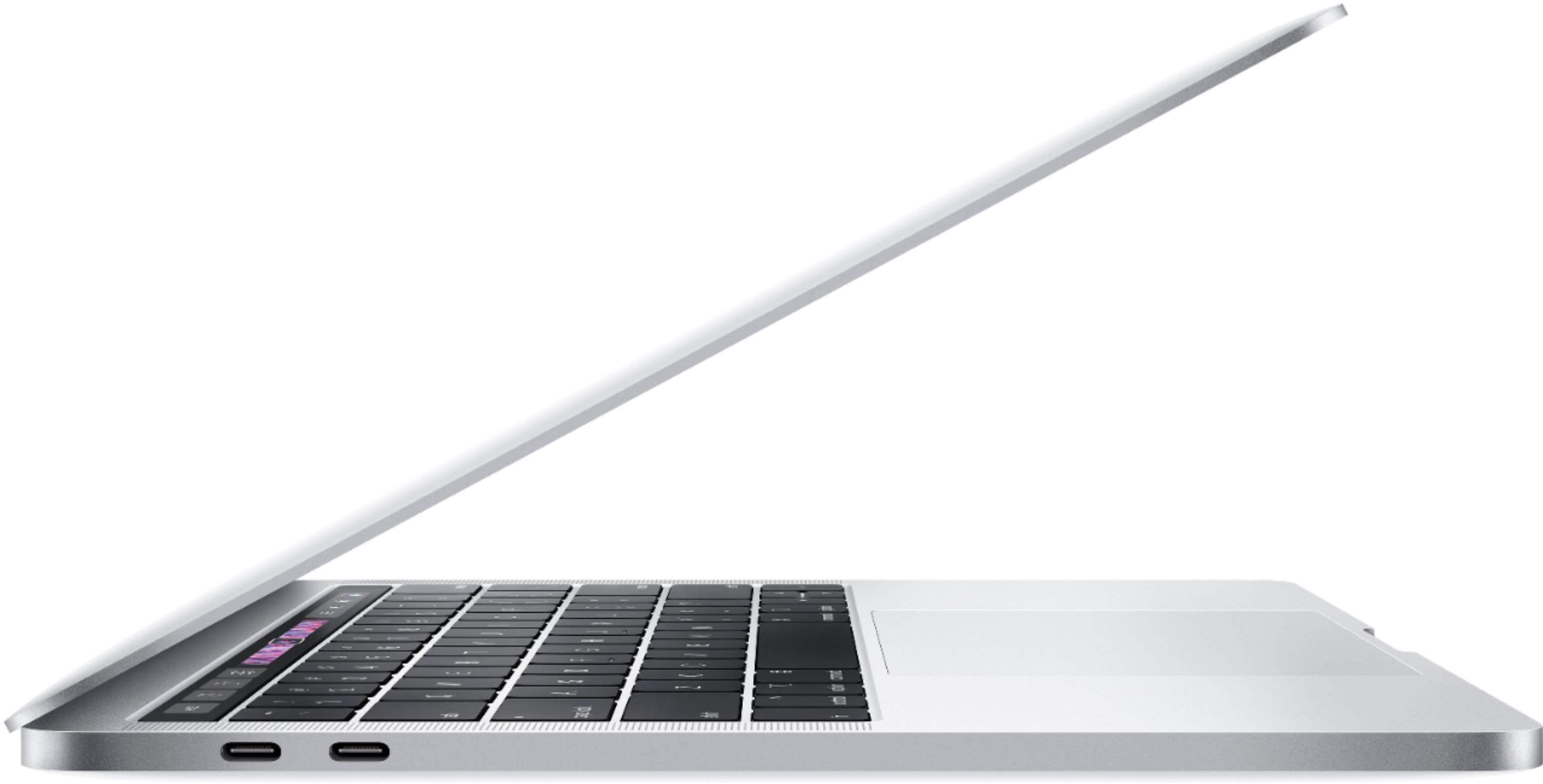
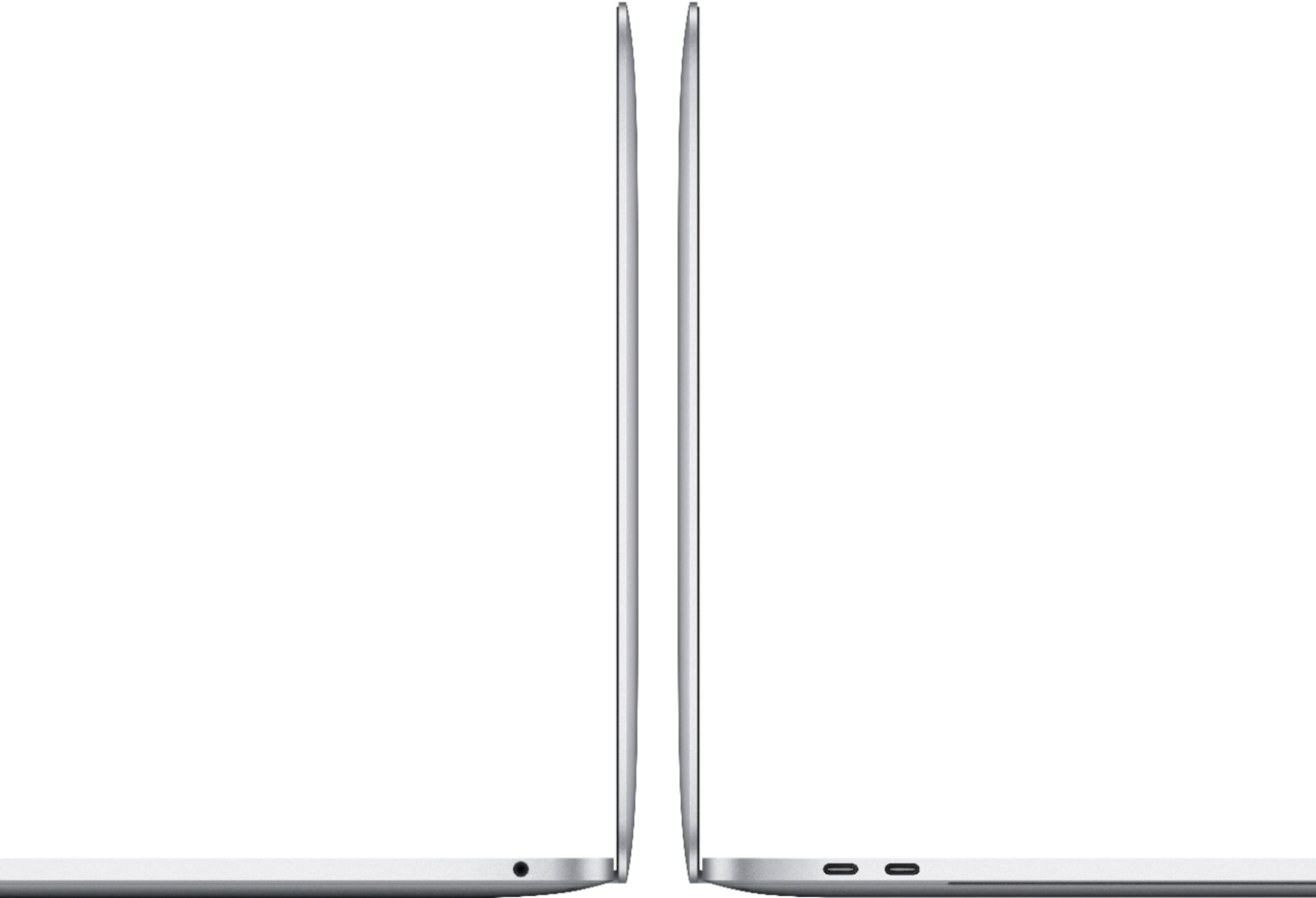
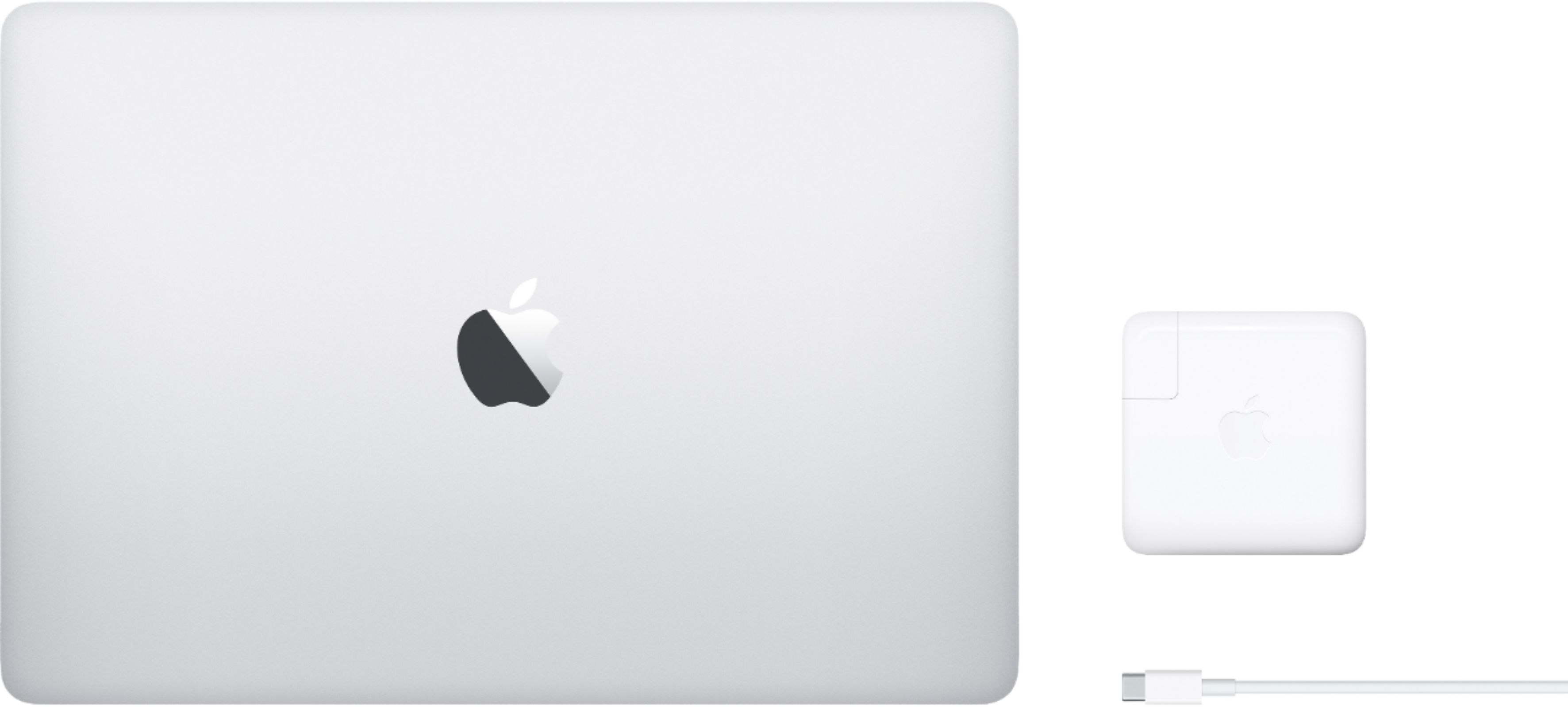
A:AnswerA lot of accessories go with a macbook. My recommendation is buying a nice hyperdrive, these new MacBooks only have a usb-c and I 100% know at one point you’ll want a female USB port or a memory card...
A:AnswerI believe you get a 4 or 7 day warranty from the store but you can also buy the Apple care for the computer which will last you up to 2 or 3 years
A:AnswerNo. MACBOOKS (Air, Pro) have not allowed additions since inception. I buy a new laptop, APPLE and PC's almost every year. Kind of my hobby. Friend's and family benefit when I pass them on. Blessed I can afford it.
With the exception of the older Dell XPS, most if not all, laptops now, will not allow DDR3 or DDR4 additions. I just purchased the latest DellXPS 13 and can no longer add DDR memory. My two year old model Dell XPS allowed me to go from 8gb to 32 gb. Check with the retailer for PC;s. It doesn't hurt to ask.
NO on APPLE laptops.
A:AnswerHi in response to your question the programs that come on the computer are the main basic ones Apple provides Apple Music find my iPhone etc. I recommend that if you’re in the market to buy watch some YouTube videos or see if you can look at the demos in stores once allowed to do so! That’s what I did and I’m highly satisfied with my purchase best of luck !
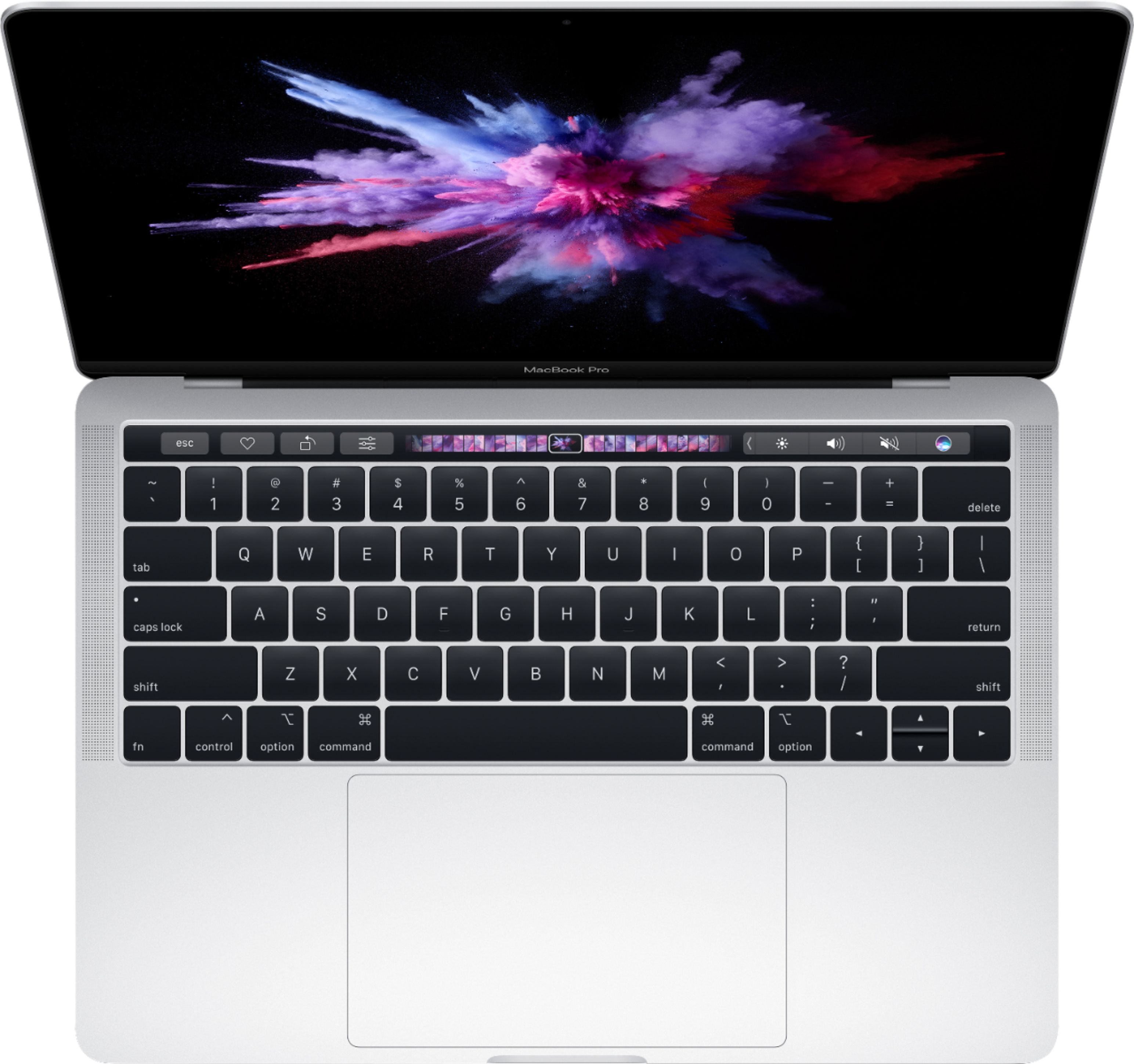
A:AnswerThe Touch Bar (currently available on the 13- and 15-inch MacBook Pro) is a touch-based OLED bar that replaces the row of function keys on your keyboard.
A:AnswerYou can purchase a 13” MacBook Pro with additional memory; this is not something the average person will be able to add. You might check with the Apple Genius Bar to see if they can assist you with adding memory to a machine you already own.
A:AnswerYes. My experience has been that you can upgrade the MacOS several times over the years that you own the MacBook Pro. And an upgrade from 10.14 to 10.15 is a “step” upgrade, not a major upgrade.