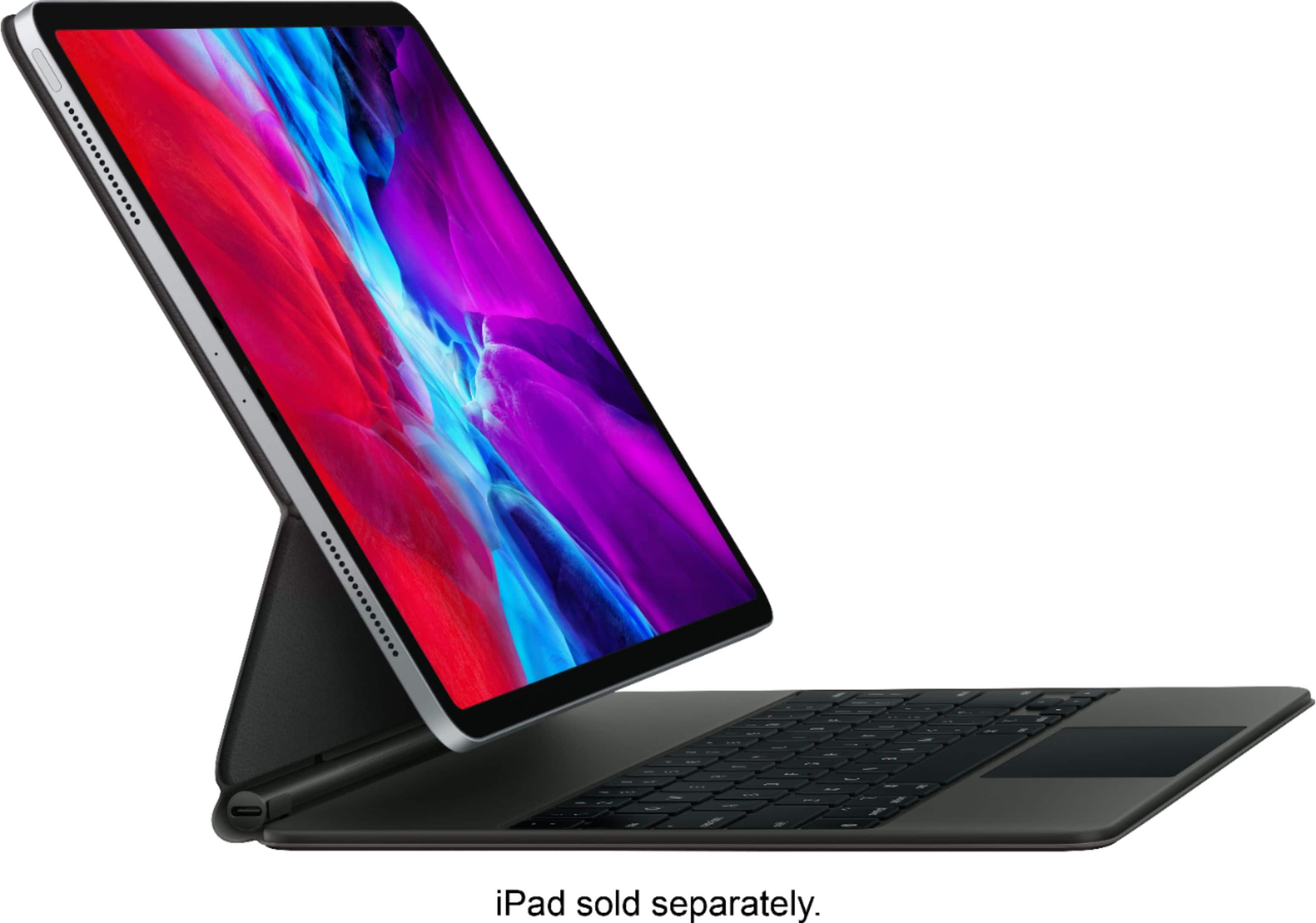
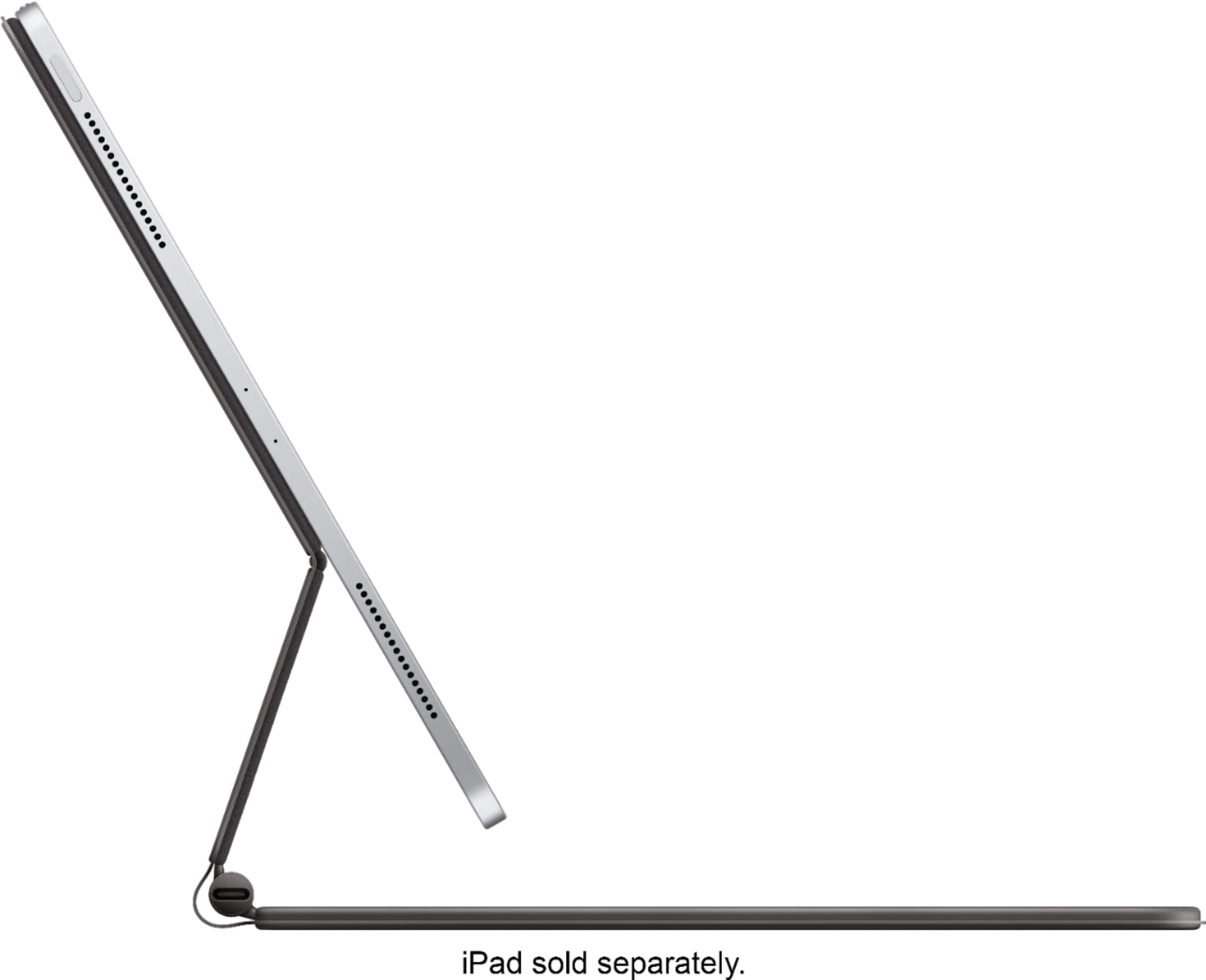
A:AnswerIt does not, but it doesn’t impede the magnetic docking of the keyboard to the iPad itself. As far as a stand-alone pencil holder on the case, however, no it does not have one.
A:AnswerThe exterior seems like the same rubberized material used in the smart covers, so remains to be seen how well it will hold up over time. The keys are a hard plastic—basically similar to a regular computer keyboard (the backlighting is nice). As for the overall rigidity of the keyboard—excellent. It does not bend or flex, and with the iPad in it and closed, feels like a laptop. Open, it feels like a laptop, but top heavy. Overall, very happy with the build quality and glad I bought it as I had been using an external bluetooth keyboard which was problematic for me.
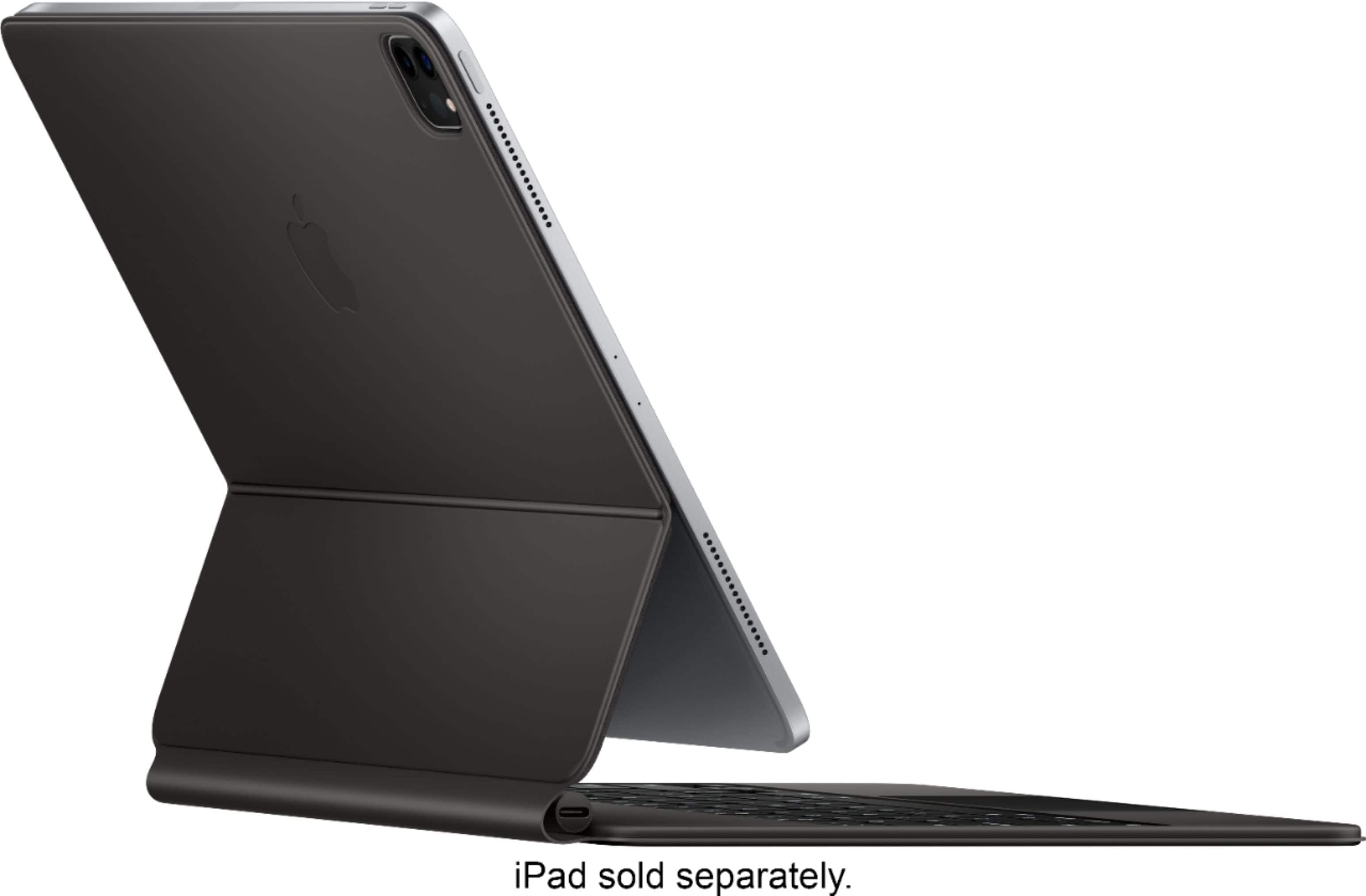
A:AnswerThe 1st and 2nd Gen 12.9 inch iPad Pro models (those with Home Buttons) have their smart connector port for keyboards on the left edge of the device, while the 3rd and 4th gen iPad Pro’s have their smart connector on the back of the device.
The Magic Keyboard is setup so the smart connector must be on the back of your device for this device to gain power/function.
A:AnswerYes it does. It works with both the 2018 iPad Pro and 2020 iPad Pro (3rd and 4th generation). But BEWARE there is a software glitch involving IOS 13.4.1. If your device hasn’t updated to this latest software update then your Magic Keyboard may not work. When I received mine, it WOULD NOT WORK at all. Apple couldn’t even figure it out after multiple trouble shoots and suggested I return it for a refund since it was seemingly defective. Turns out, after the device was updated, it just MAGICALLY started working! So, update your device for sure if you are having any issues. Now it works flawlessly and I love it. The blacklist is LIT!