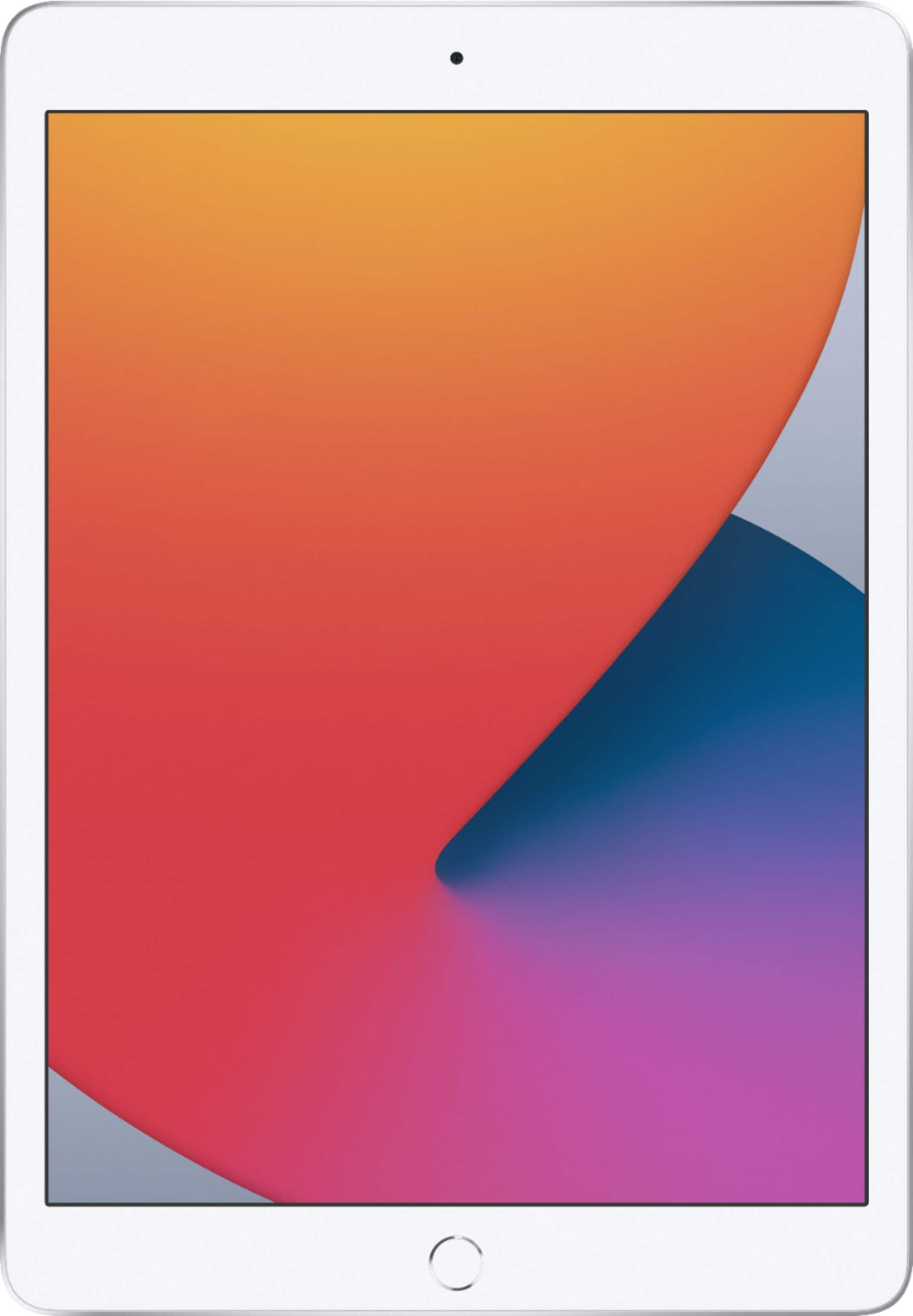
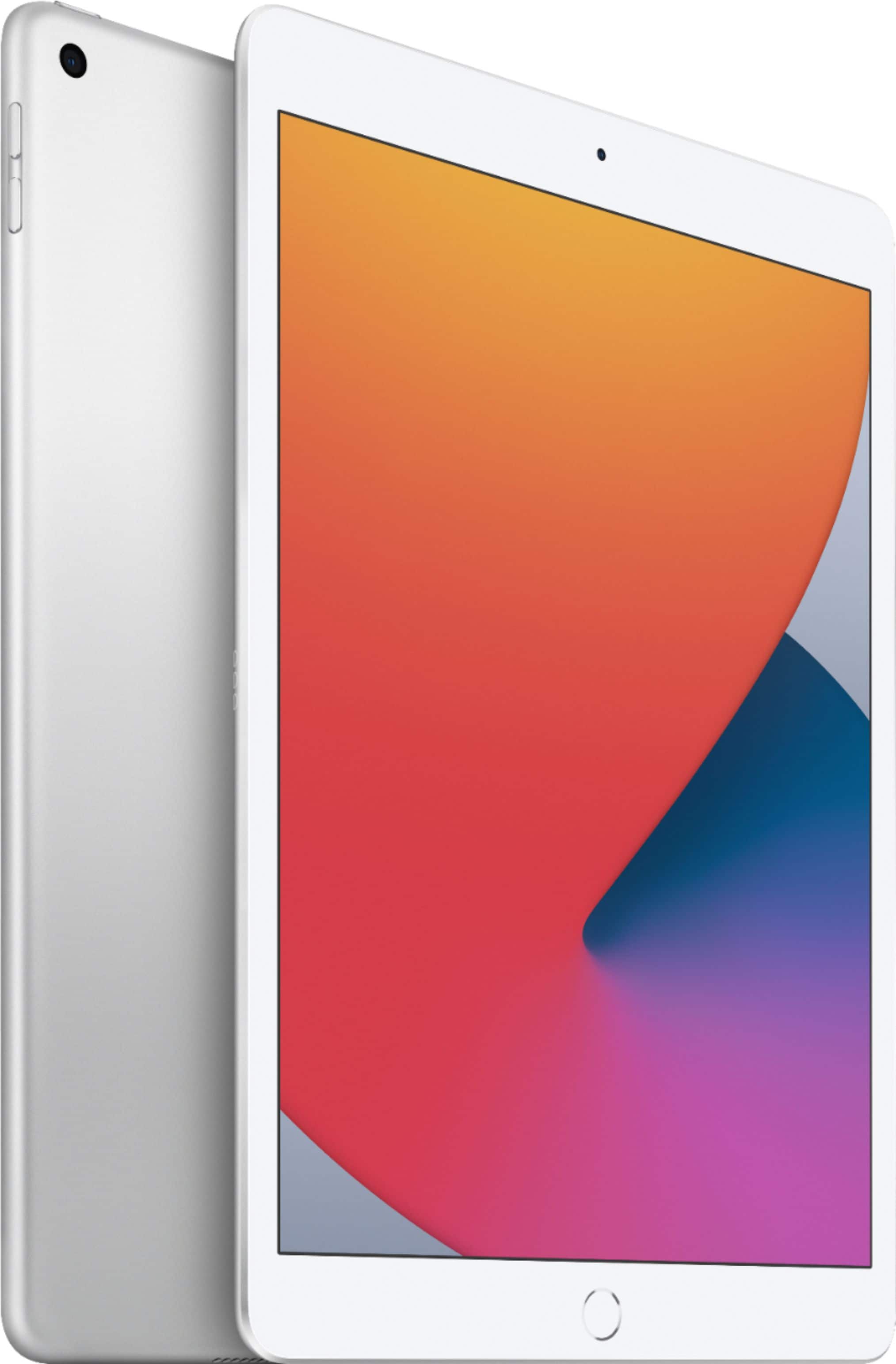
A:AnswerThe only difference is that the 8th gen has the faster A12 SoC compared to the A10. Since the A12 is both the CPU and GPU, graphics and processing speed will be improved. Everything else is the same, though.
If you found this helpful, please click the Helpful button below. Thanks :)
A:AnswerThis isn’t really the place to ask general questions about technology, but I’ll provide an answer as it pertains to iPads.
ALL new iPads are unlocked. If a device is “locked,” it means that its cellular capability is tied to a specific cellular carrier, like AT&T, or Verizon, etc. But every new iPad that has cellular ability works with all carriers, generally, rather than just a specific carrier, so in that sense all new iPads are unlocked. But of course some iPads have cellular capability and some don’t. And, by the way, the phrase is “WiFi and unlocked,” not “WiFi unlocked.” The lock part and the WiFi part are two separate things.
In contrast, cell phones typically DO provide a choice between “locked” and “unlocked.” For example, you might buy an iPhone that is “locked” to AT&T, meaning that AT&T is the only carrier you can use with that phone. Of course instead a phone might be locked to Verizon, or T-Mobile, etc. When a phone is said to be “unlocked,” that means it is NOT limited to a specific carrier. It can work with all carriers.
A:AnswerTo be of much use, your iPad must connect to the internet. The iPad designated as “WIFI” connects wirelessly to your WIFI network. The model with cellular feature has a radio much like the one in your cell phone to connect to the internet, just as your smart phone does, through the cellular network you must have. You either add it to your existing cellular plan or create a new cell account with AT&T, Verizon, or whomever. Cellular feature costs $130 more and you may have to increase your data plan if you use it heavily.
I have the feature called “Hotspot” on my cell phone that allows my WiFi iPad to connect to my iPhone and to the internet. That would probably;y save you money over purchasing iPad with cellular capability.
A:AnswerYes, it is. The most recent generation of iPad for the 32 GIG WiFi only is priced at $329.99
The 7th generation is less.
So this IS the iPad 8
However, with iOS 14.0.0 and 14.0.1 taking up a significant amount of space, I exchanged and got the 128gig for $100 more. I would recommend doing the same depending on what you’re plans for this device are. I got it for work, as did my brother and after a few apps, he ran out of space.
I believe the iOS takes up roughly 14-17 gigs so really you are only getting a 15-18 gig capacity
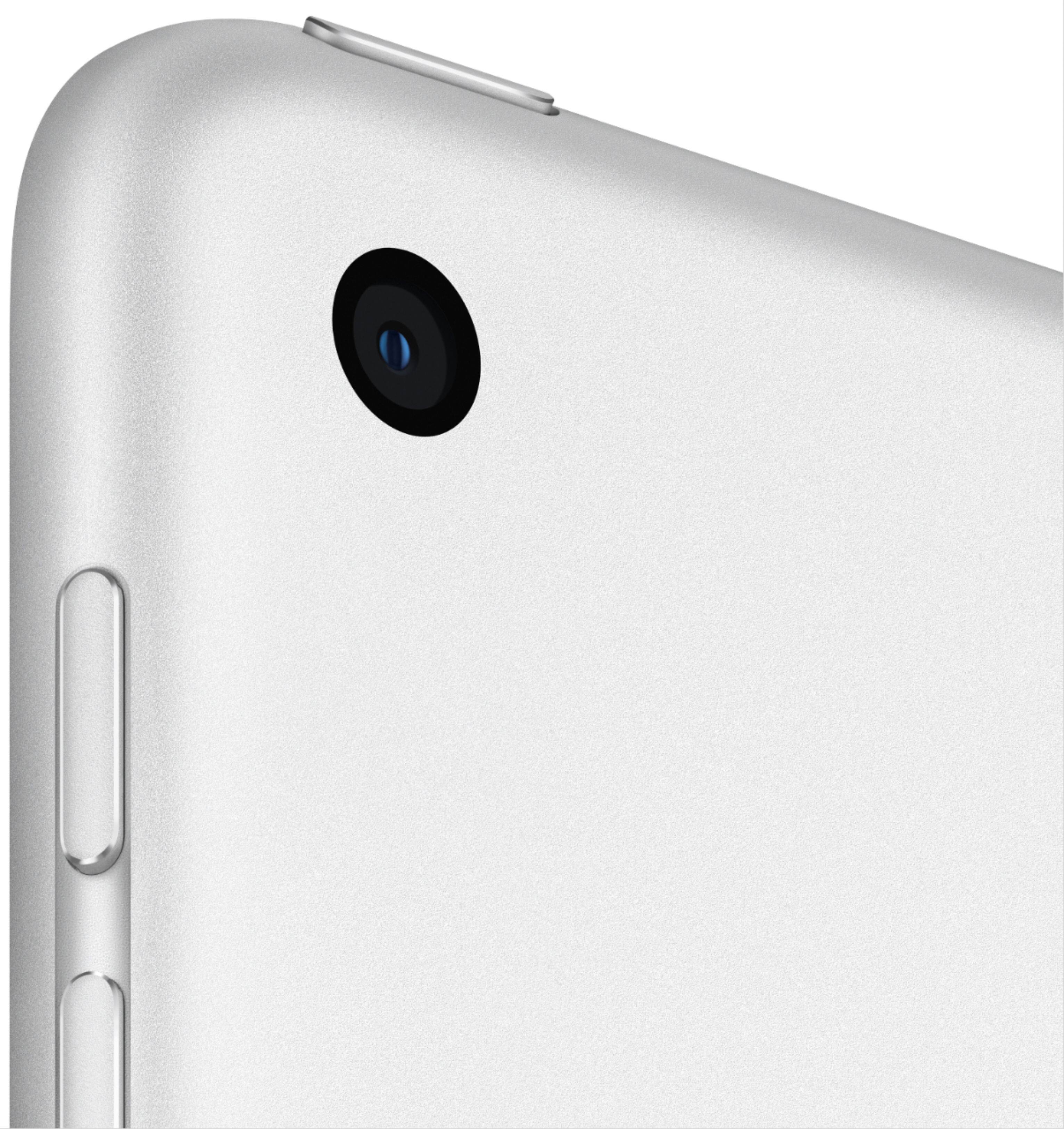
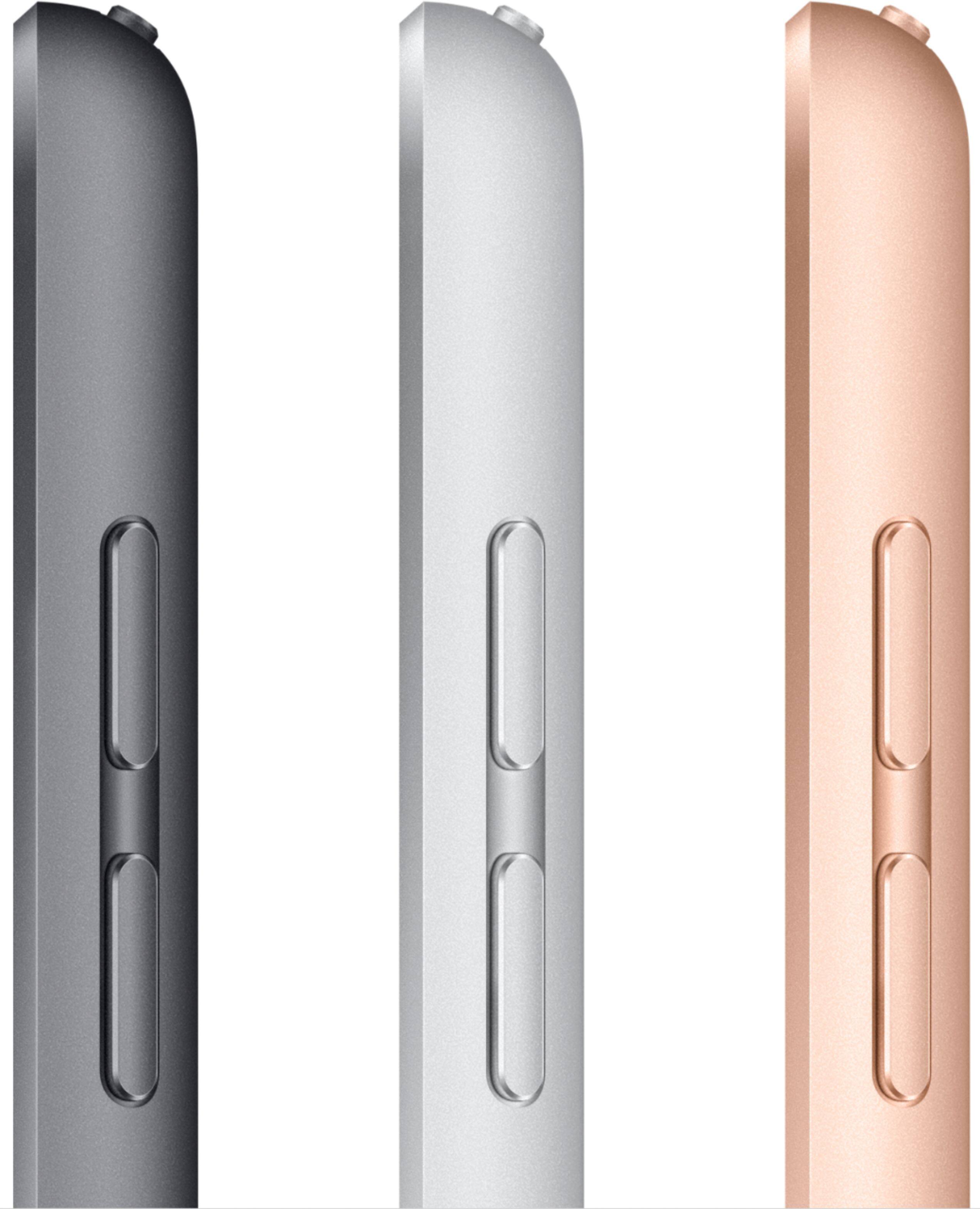
A:AnswerYes. On the top left is a 1/8” headphone jack/port if that’s what you mean by a “speaker” jack(port)
The standard size for plugging in headphones or other audio connection
A:AnswerThis particular model is WiFi ONLY. However, if you have a compatible iPhone you can make and receive calls from this iPad as long as you have the settings correct to allow it. Both the iPad and iPhone would need to be on the same WiFi network and with Bluetooth turned on (I believe it needs Bluetooth, but definitely on same WiFi and with phone nearby) both devices must be logged into the same Apple ID as well for this to work.
A:AnswerSomeone should be able to help you with it, provided the Apple specialist is at the store. Almost all the recent Apple devices come with a built in “Tips” app that can show and teach you how to use many of the newest features. I used this to learn how to use some of the features that I hadn’t ever used before. And you can always check YouTube for many “how to” videos.