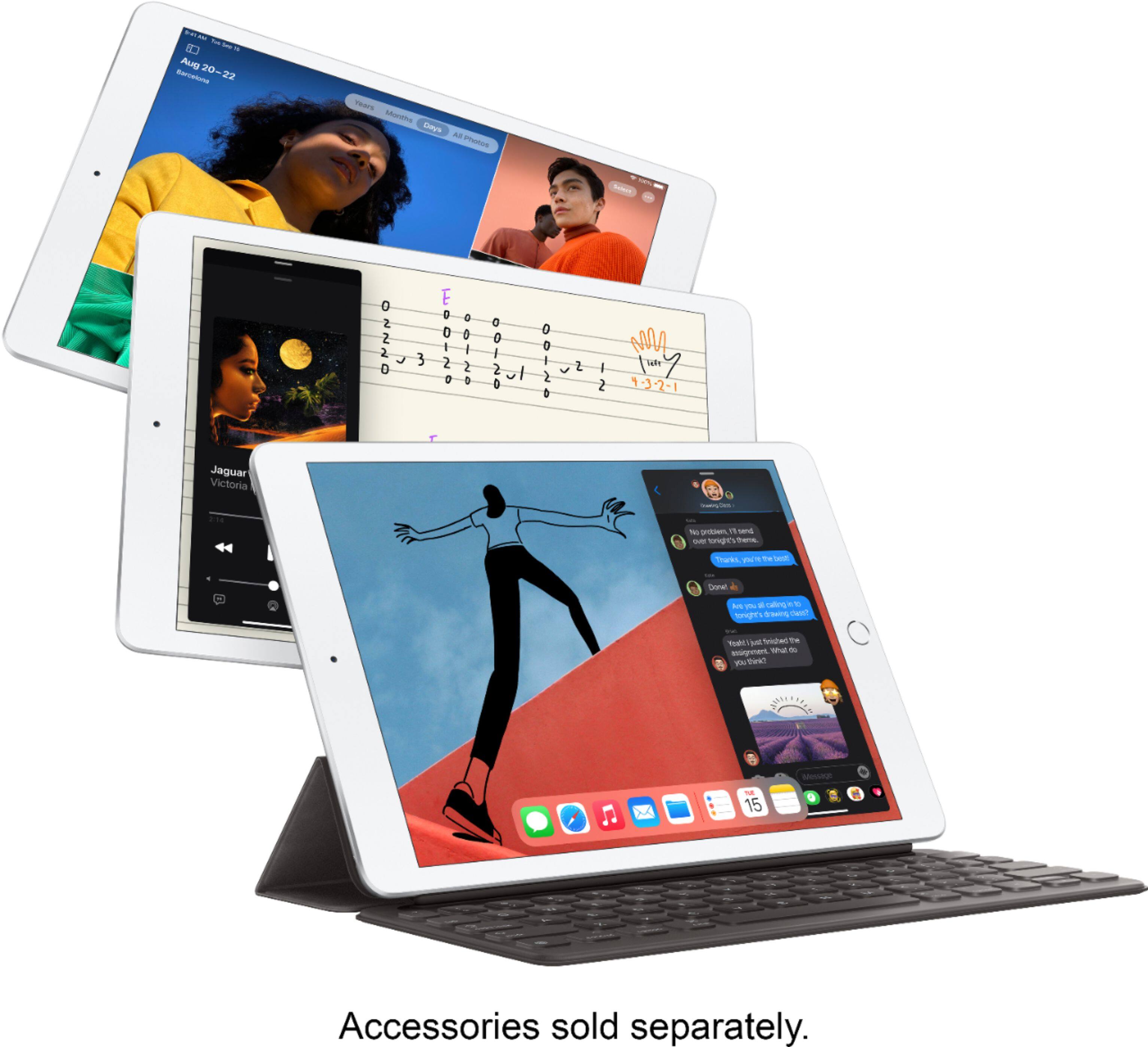
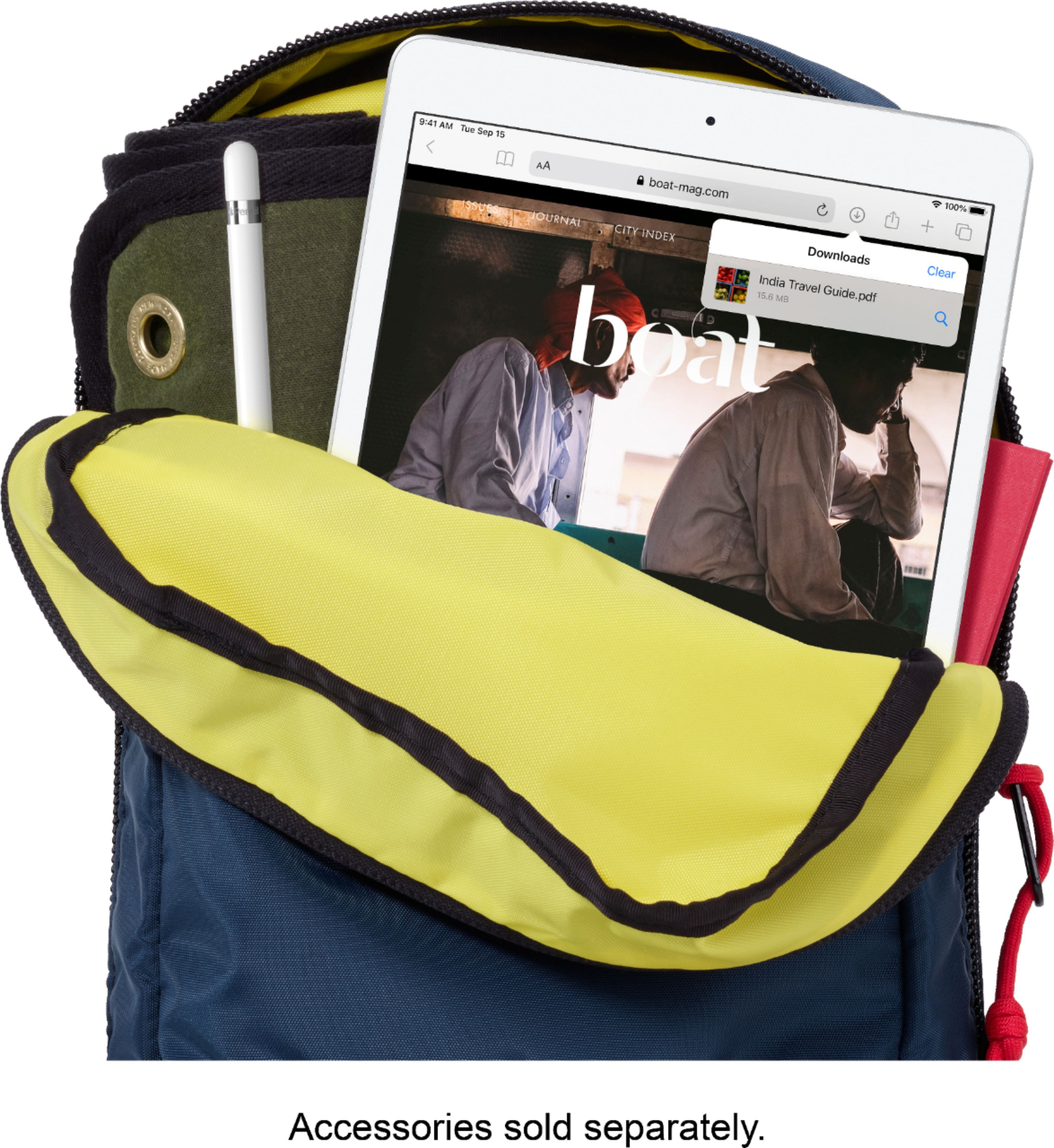
A:AnswerYes. The 8th Generation iPad is compatible with the Logitech Crayon and the Apple Pencil first generation. There are a multitude of art and design apps available for the iPad 8 and it’s only a matter of checking the App Store and looking at some reviews of the various apps to see which will work best for you. Adobe does offer photoshop for a monthly fee, there are also some basic free apps and some that are one time purchase. With the Apple Pencil, this latest iOS has a setting where it will “only draw with the Apple Pencil” so that you can use your finger to scroll around the screen, but only the pencil will “draw” this is also subject to the app. Some apps are compatible with that setting, while others will still allow your finger/hand/normal stylus to be used to draw on the screen.
A:AnswerMy husband uses his for clash of clans and has it synced to his phone as well and he switches back and forth with no complaints. He does keep the brightness not at 100 so the battery lasts longer.
A:AnswerYes, using the Files app on the iPad you can access files saved to an external storage device. Connecting a USB-A device, use the Lightning to USB Camera Adapter, or Lightning to USB 3 Camera Adapter. (sold separately)
A:AnswerYou will still need to connect the Ipad to a wireless connection. It would say cellular connection, which means you do not need wifi in order to use the iPad outside of a wireless connection.
A:AnswerYes, you can download the Hulu app from the Apple App Store on the iPad, just like you can on an iPhone. But you can’t watch anything on that Hulu app unless you have a Hulu account. If you already have an account, then when you open the app you’ll have a chance to sign in and watch Hulu content. If you don’t have an account, the app will provide an opportunity for you to sign up for Hulu service, which of course costs money.