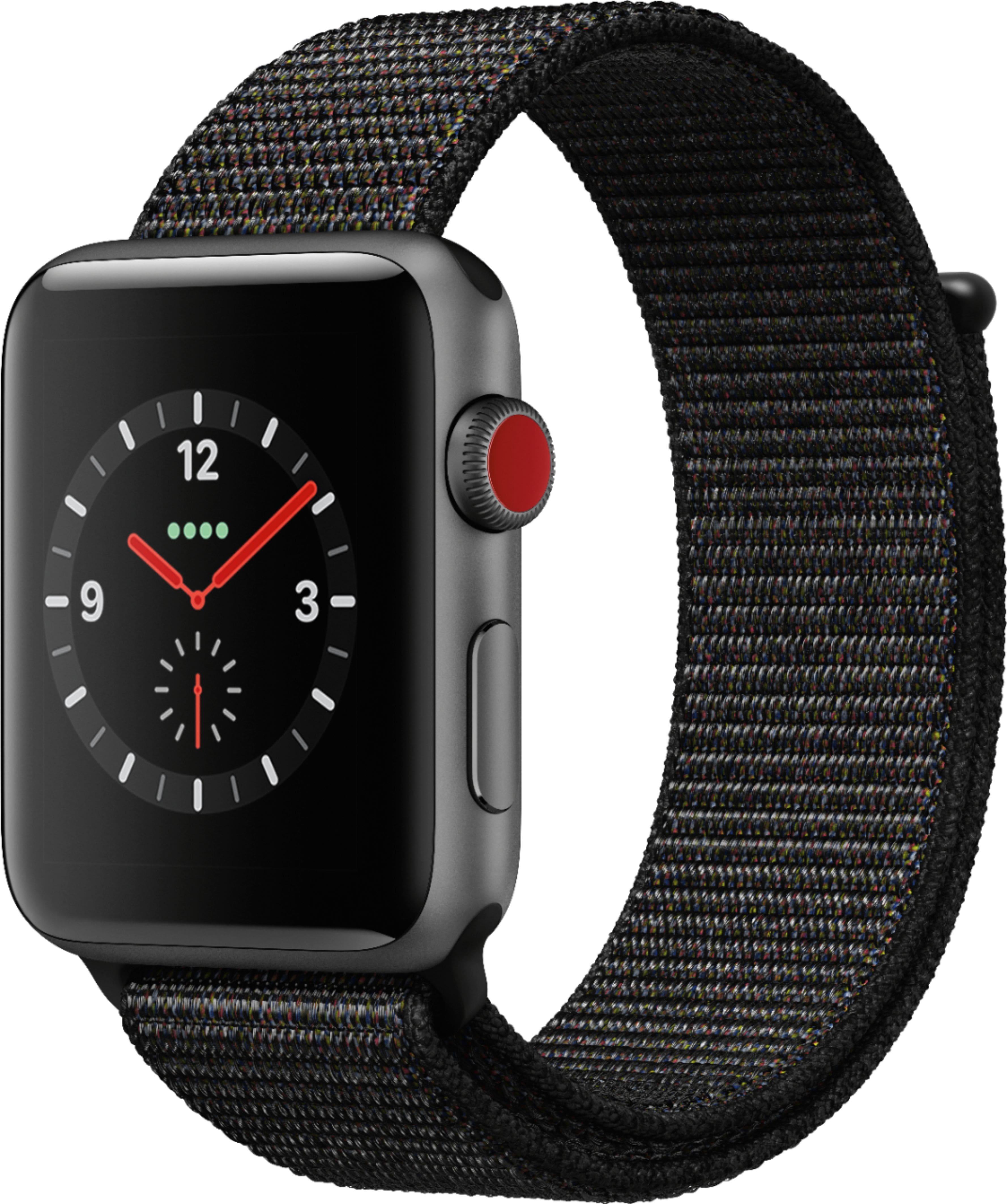
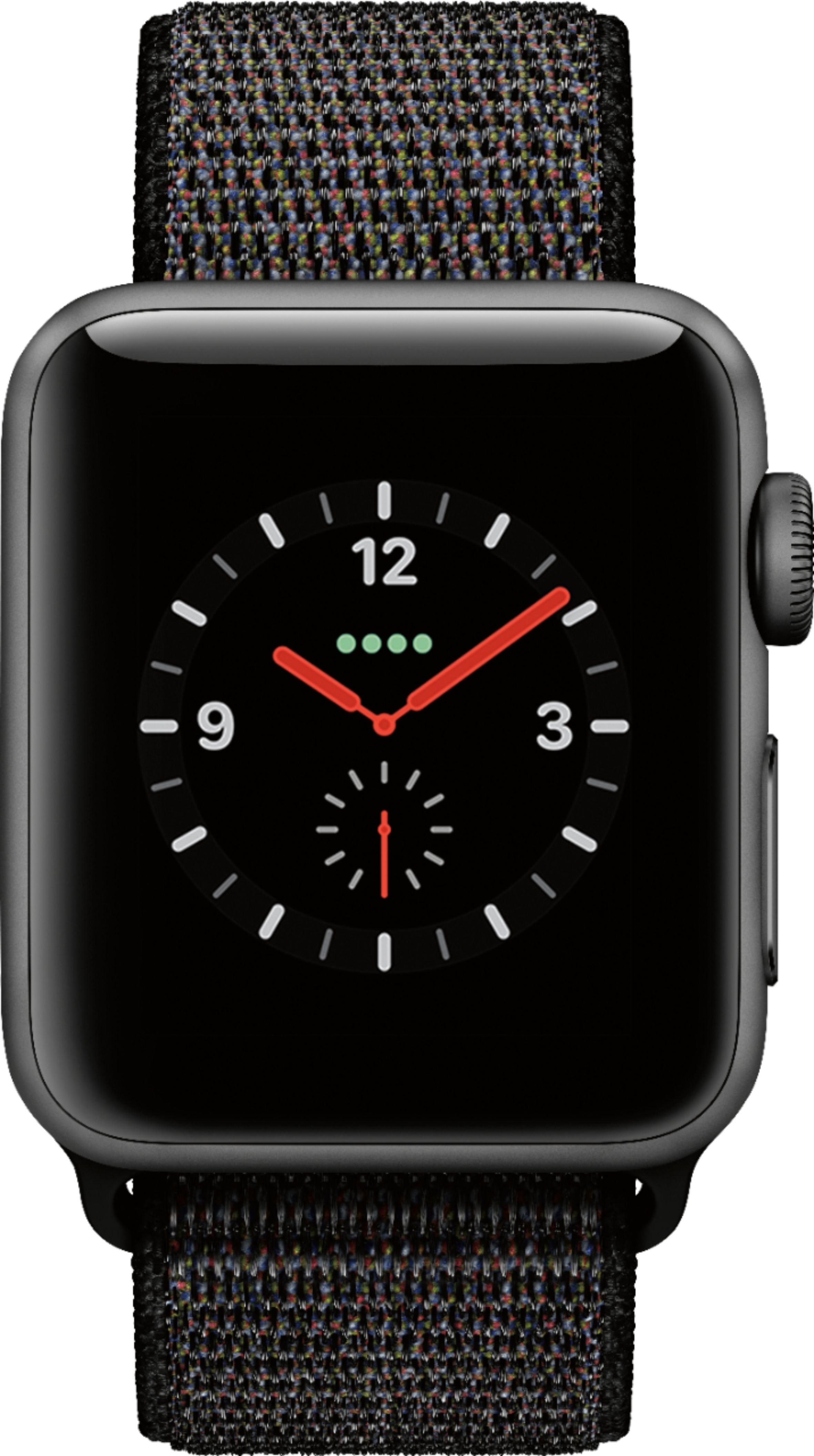
A:Answerwith just GPS. you don't have the option to use it without the phone nearby. With the cellular, you pay $10/month extra to Verizon but can leave your phone at home.
I don't use the cellular yet, but am glad I have it as an option in the future.
A:AnswerYes, but it's best you get the version with the specific sim for your carrier. In other words, go to a dealer that is a franchised agent for T mobile.
A:AnswerI think it depends on what the policy and service limitations are through AT&T and Verizon. The watch will have to have its own phone line, so the short answer is yes. But if you want the watch paired to one of your phones, that’s where you may run into an issue, especially when it’s concerning two separate cellular providers. Again, check with Verizon on their policies for that if you are attempting to pair the watch with a phone using the AT&T service.
A:AnswerThe watch will run on home wifi, and when you leave the wifi signal it will then run through your phone's signal, or through cellular if you have added that option onto your cell phone plan. It does not come with a sleep tracker option on it, but you can download a sleep tracker (I downloaded the free version of the "Pillow" sleep tracker app onto mine and it works well). I don't think the watch can be paired with an Android device, only iPhone 5 or later, but if you have cellular then I don't think you'd need to use your phone at all to use the watch. I haven't noticed any notable difference in battery life on my phone since it's been paired with the watch.