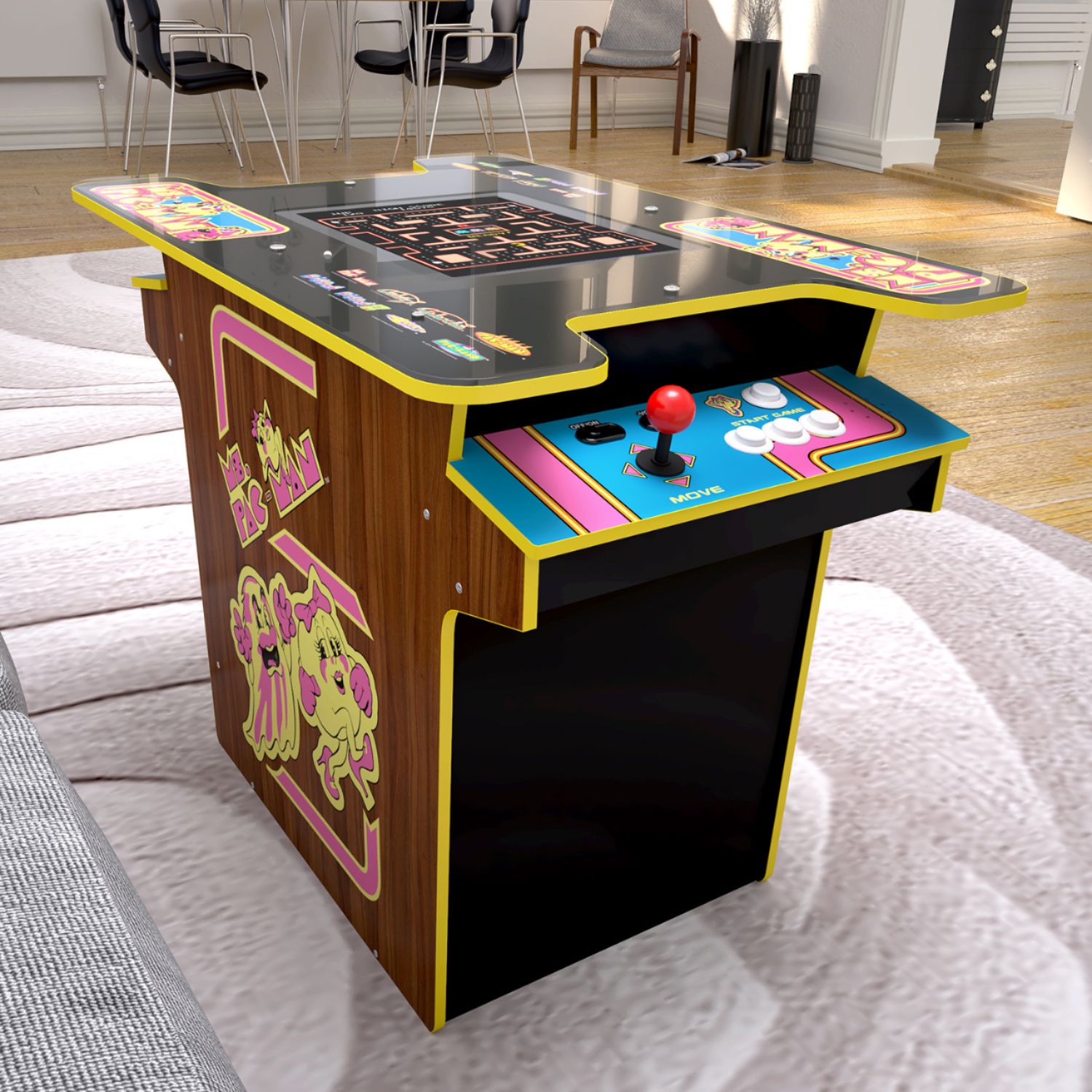
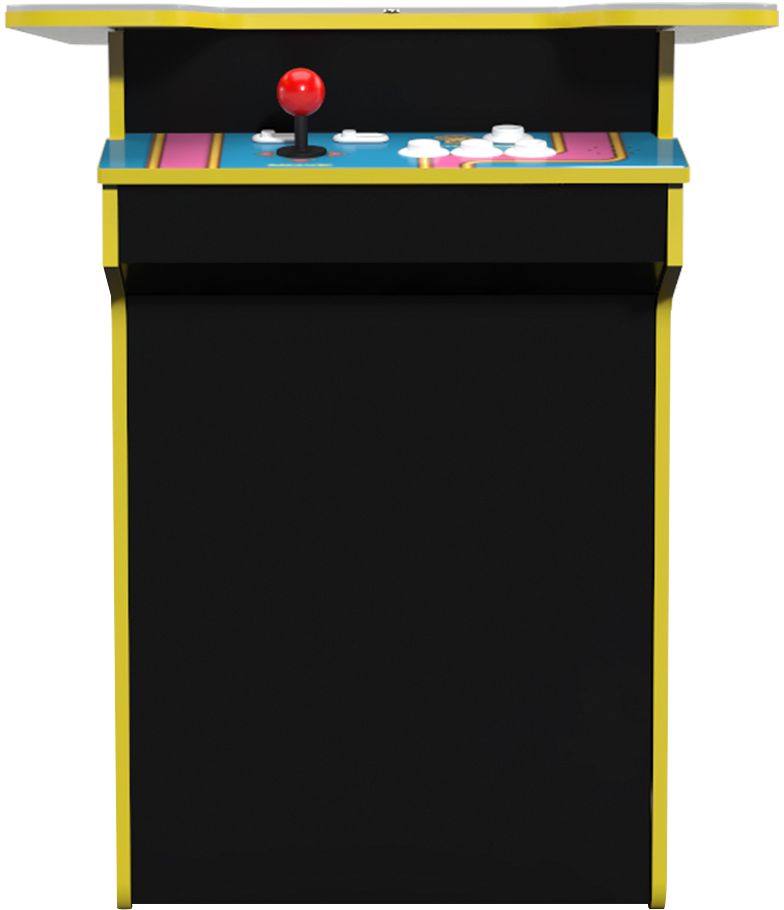
A:AnswerThere is a volume switch next to the power switch on the Player 1 control deck. When adjusting the volume, a volume bar will flash on the screen, like on most TVs.
A:AnswerNot sure if this will help you out or not- From what I have experienced so far, I have not seen Ms. Pac Man speed up. The ghosts do get smarter and make fewer mistakes and seem to get faster. It would be nice if the "turbo" option was available or at least someway to balance it out as the ghosts get faster.
A:AnswerPick the game you want to play first, then hit the 2 player button. I found that it misses sometimes so you only get one player. But it works most of the time.
A:AnswerAs far as I know they don't. It's supposed to be a sitting game console. Unless you can find someone who makes a custom made one. Not hard to do, I am just not handy. I found 2 chairs at Wayfair for $40 each which are height adjustable. They come in many colors and are quite comfortable.
A:AnswerNope. Assemble and play. There is a firmware update. Check Arcade 1up's site. Don't screw the top on yet if you intend to update right away. Watch the video on how to install updates before attempting it.
A:AnswerThere are no game instructions. We went on You Tube and watched people playing the games, sort of a visual manual. Took many hours watching each game. Some of the videos are excellent, some are not, so you will have to spend time going through each until you find the one that fits you best