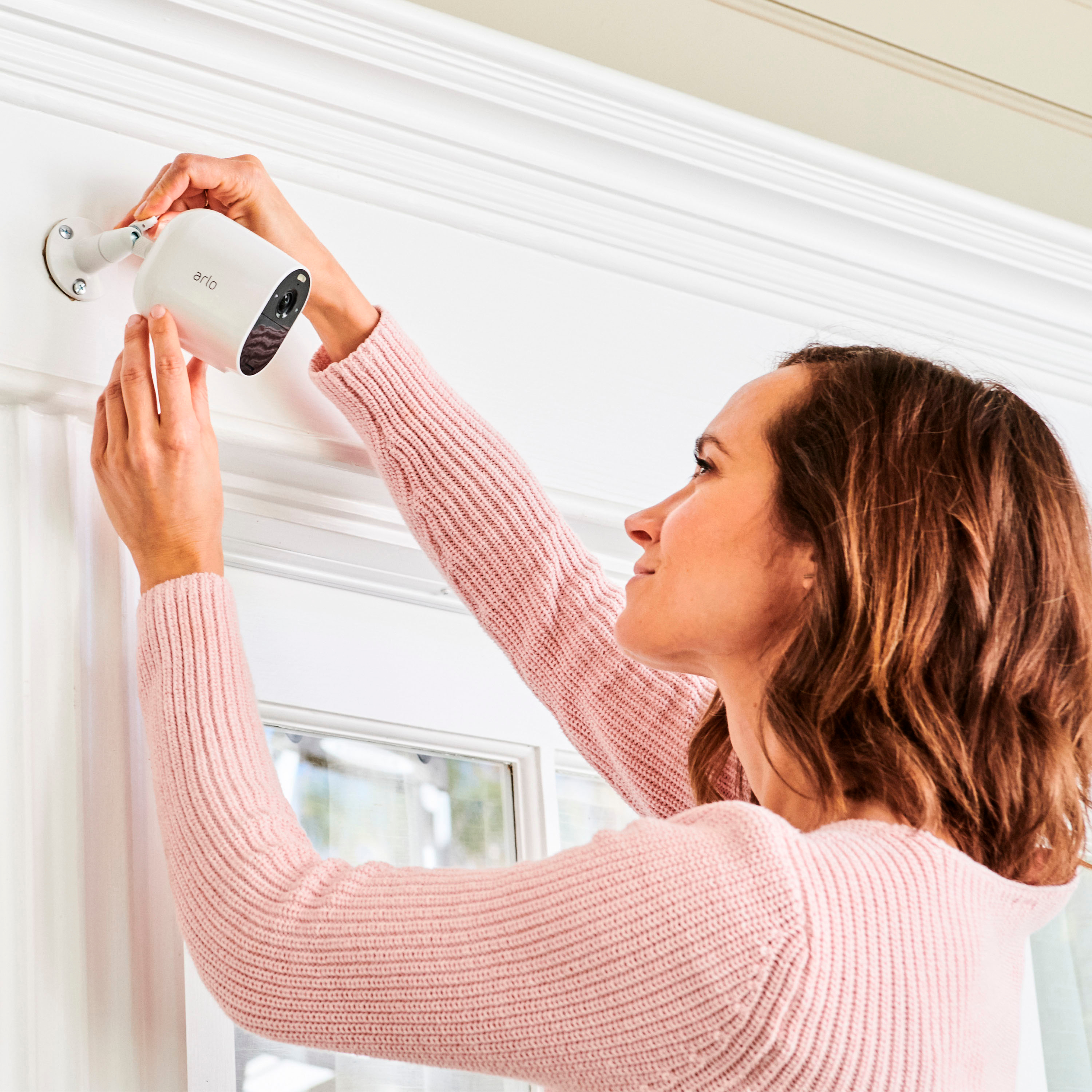
A:AnswerYes, you can opt to plug the camera directly to power outlet using its power cable and adapter. Alternatively, you can use its supported Arlo Solar Panel to maintain its battery life. ^RM
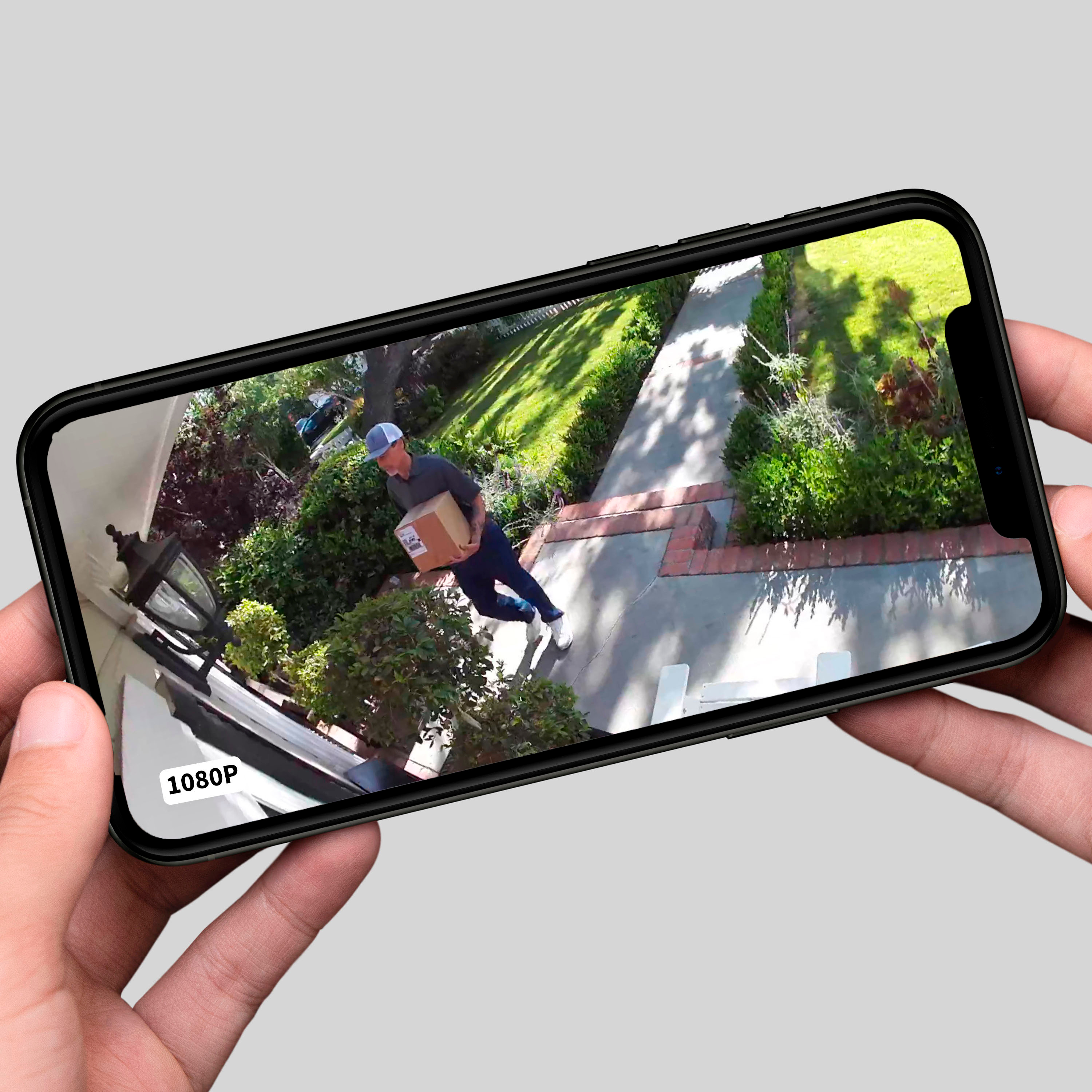
A:AnswerYes, I can view one camera live on just my cell phone. Without a base station, or SmartHub, you will not be able to record or save videos. Arlo also has subscription plans that will save videos, if you desire. However, if your intent is to just view live, then yes, you can view the live mode from just your cell phone (you need to install their app).
A:AnswerI have plugged them in to recharge them in place. Two of my cameras used up battery in two to three weeks. Rather than popping them off the mount and taking them inside, I left them on the mount and charged them while in their mount. You'd need to be careful related to water and connections. My assumption is that there could be a short if the connectors get wet.
I had one camera plugged in to an electrical outlet outside. The connection place was protected from rain, water, the elements. It worked, and the camera detected motion and noise, plus recorded video. Again, I prefer the wireless approach and worry about an electrical connection with open, unprotected electrical connections.
Overall, I'd say use the wireless function, or get the wired versions.
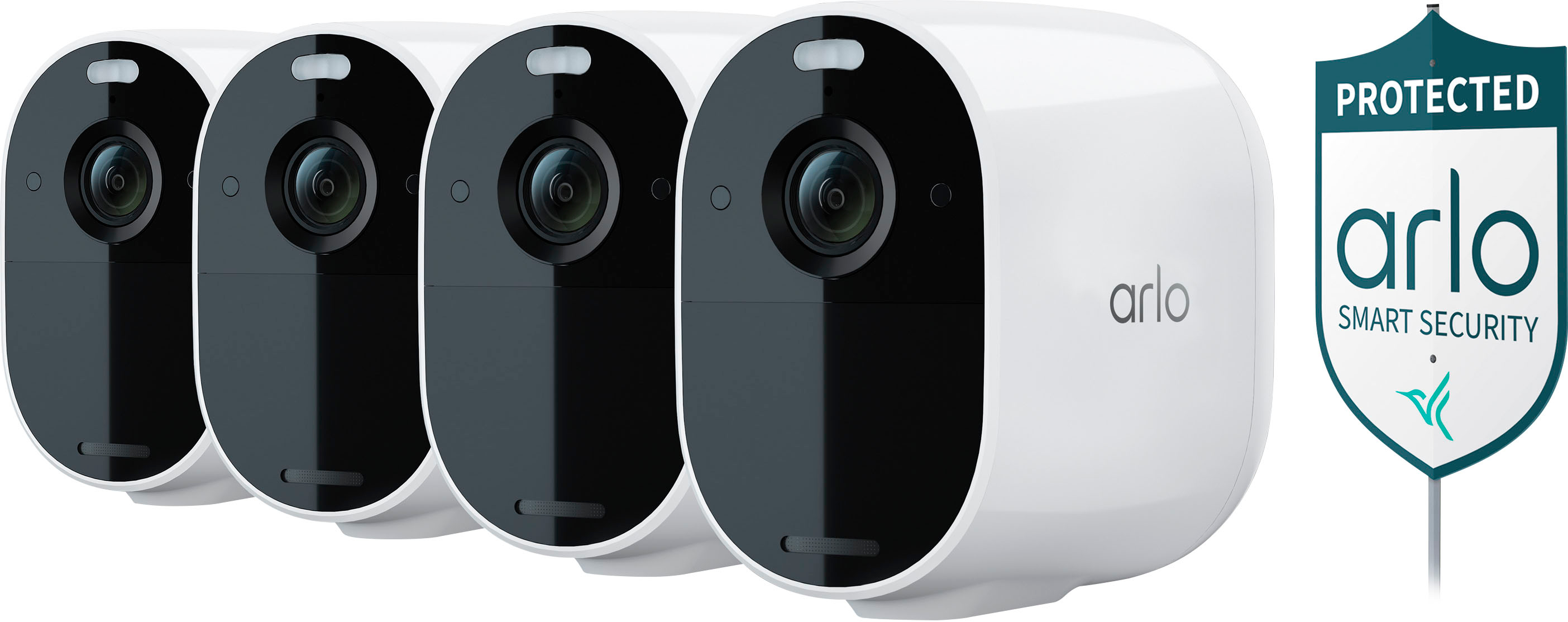
A:AnswerIncluded in the Arlo Essential Spotlight Camera 3 camera pack are the following:
(3) Arlo Essential Camera
(3) Wall Mount and Screw Kit
(1) Charging Cable
(1) Quick Start Guide
This does not include the magnetic wall mounts you are inquiring about as they are not compatible with the Arlo Essential Spotlight Camera.
A:AnswerYes all cameras turn of and on separately. When doing yard work for awhile I turn off to save battery. Very easy to turn on and off using the app.
A:Answerthe cameras work off of port 80 and 443 those port have to be open if in your router you already have those ports forwarded to run an application you will need to set up a load balancer to leave those ports open for cameras and forward you app or server request to your servers had to do that myself when installing at a location that also operates it own http and https servers
A:AnswerNo, it’s motion sensitive. Only records when it senses motion. It will either tell you animal detected, car detected, person detected or if it’s not clear it will say motion detected. You can live view it from your smartphone also.