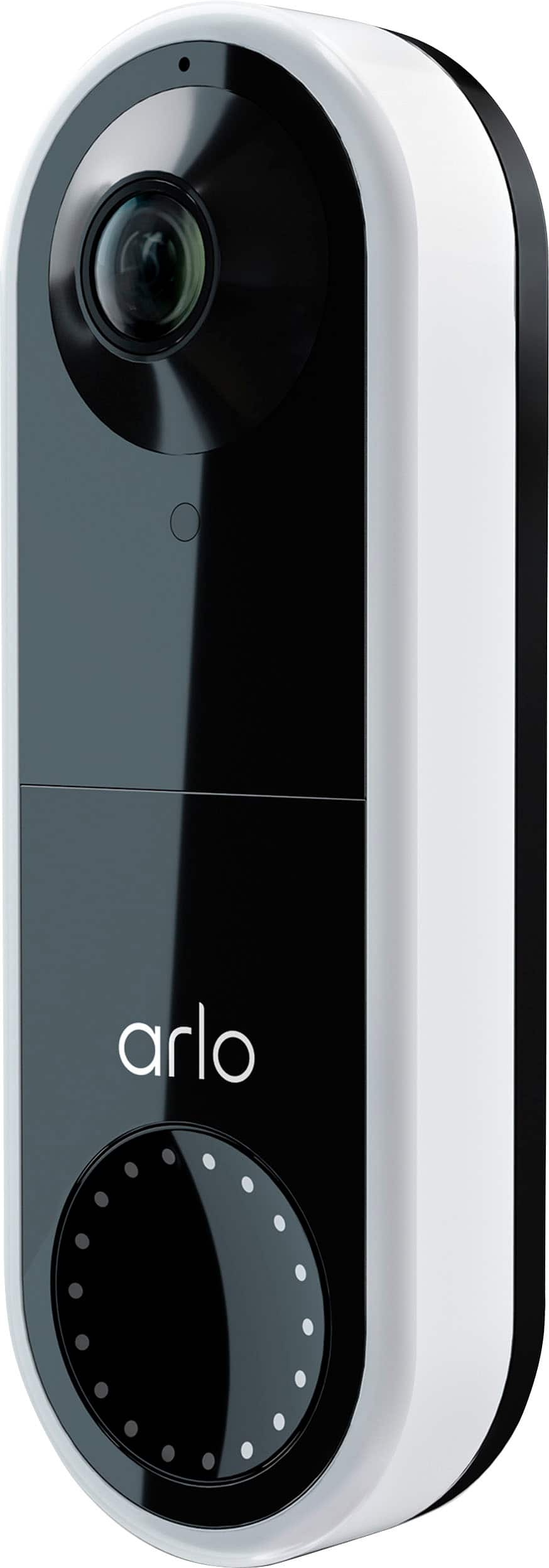
A:AnswerWhat do you mean by a backup? Arlo offers a subscription service to store video recordings in the cloud up to 30 days. If you want to save the recording for more than 30 days you can download the video clip. If you have an Arlo base station you can set up local storage to a USB device.
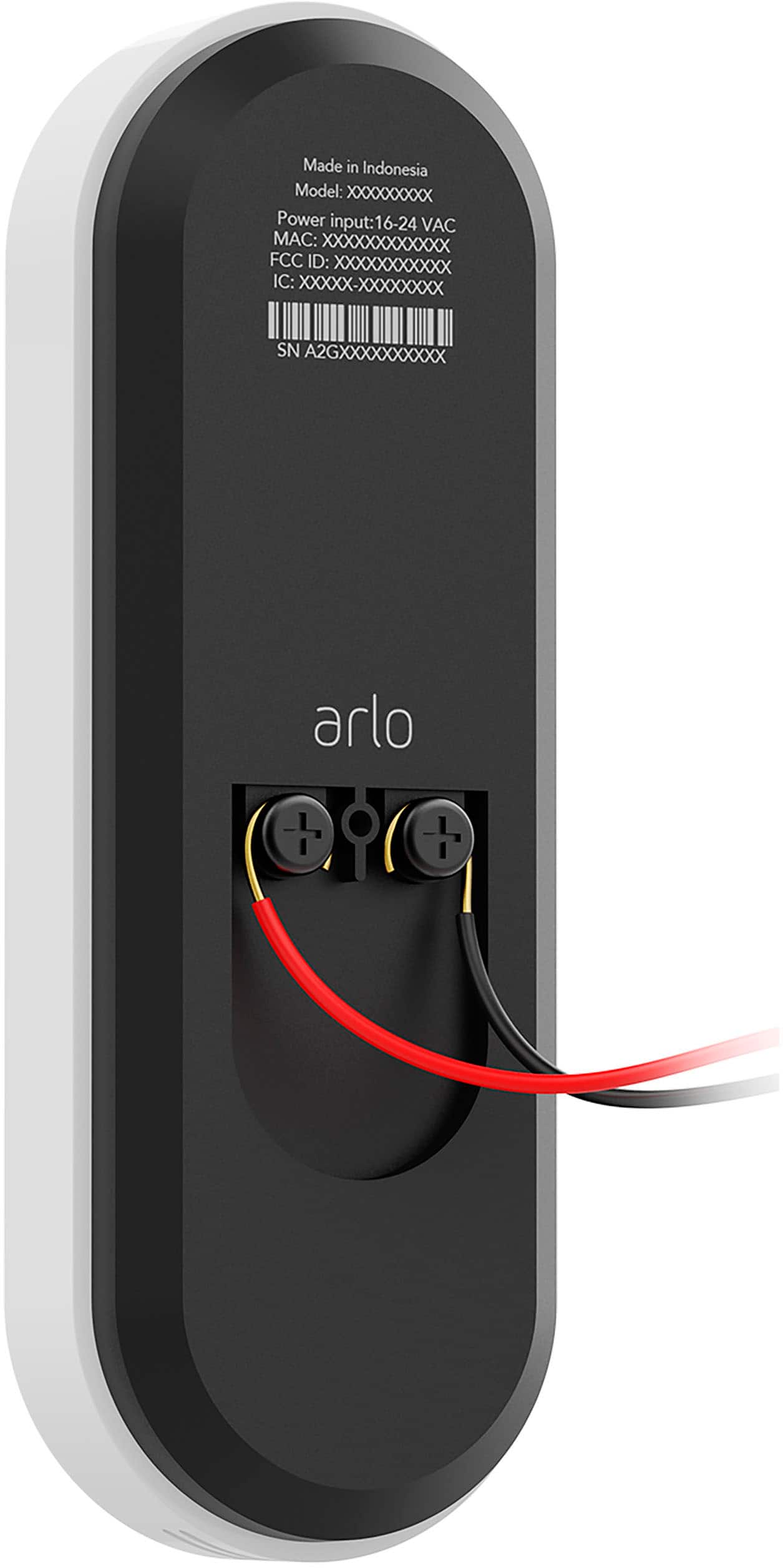
A:AnswerDid nyou install the little jumper thing that came with the doorbell? It is directly wired inside your doorbell, and it just sticks anywhere there that is convenient. Also, you need to check and see that SILENT isn't on - if it is, you can choose to have Arlo ring your chime and/or call your cell phone. It's not intuitive, but once you click SILENT to gray (off) everything should go off, and if SILENT is green (on), you have the choice of re-enabling the chime (turning from gray to green).
A:AnswerThe Arlo Essential Video Doorbell Wire-Free comes with a rechargeable Li-ion battery. The expected battery life for the Arlo Essential Video Doorbell (wire-free version) is 6 months. Battery life is based on usage of 4000 seconds motion streaming per month, 30 seconds per two-way call daily, and day/night event splits 2:1. This will vary with device settings, use, activity captured and environmental factors. ^KN
A:AnswerThe Arlo Video Doorbell camera can connect directly to your router's wifi network or through a supported Arlo SmartHub. When connected to an Arlo SmartHub, you will be able to utilize the local storage feature detailed here : https://kb.arlo.com/1146857/. ^RM
A:AnswerIf the wireless chimes are IOT enabled you can use IFTTT to write a skill to make the doorbell chime when the doorbell button is pushed or if you use google or Alexa you can do the same without IFTTT scripts.
If both devices are IOT you can make it work. Hope this helps.