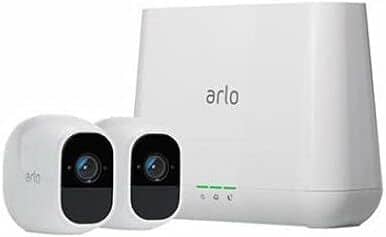
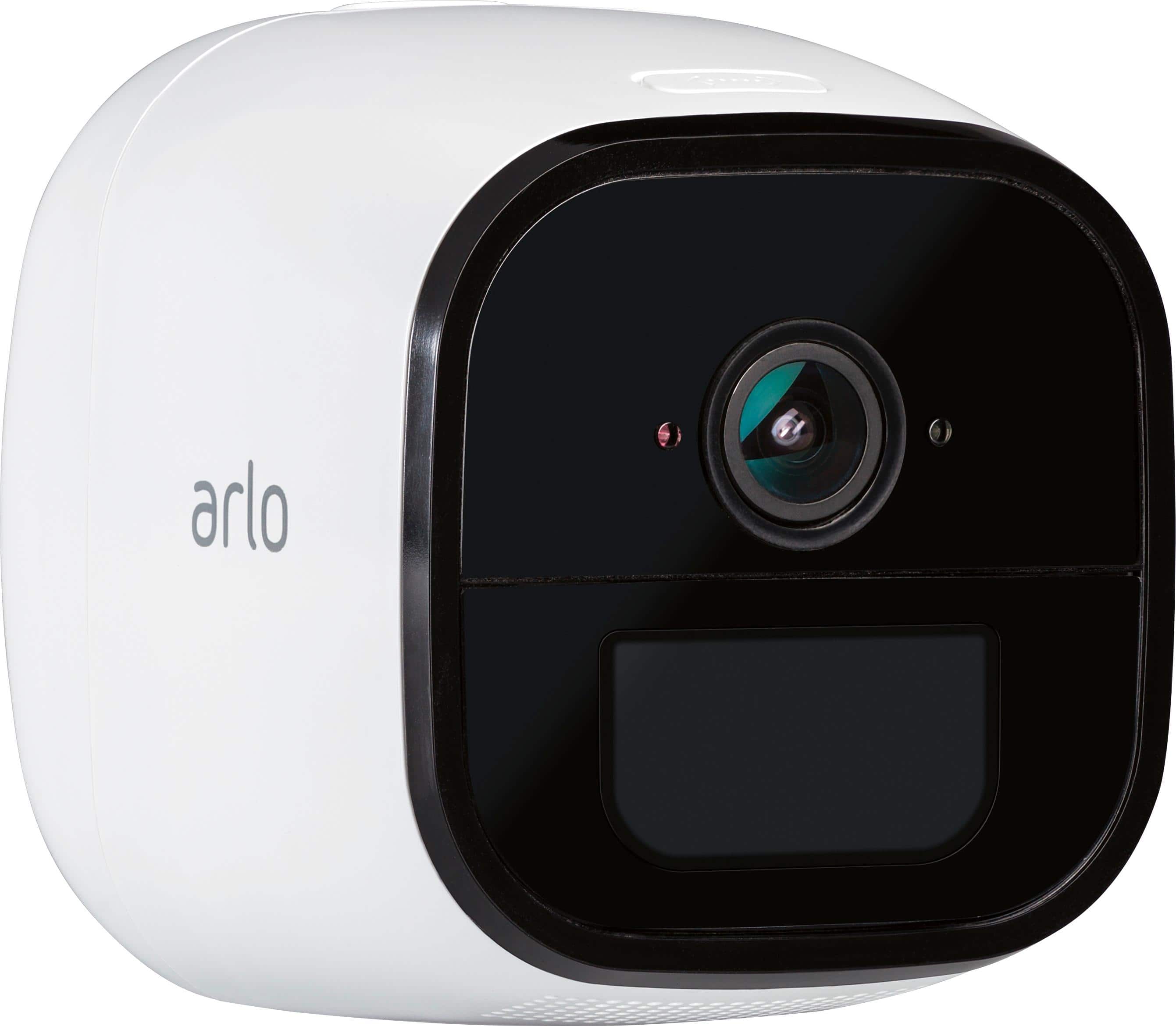
A:AnswerThe Arlo Pro 2 base station requires a physical connection to a router. The RJ45 cable is included. In locations that do not have reliable wifi try Arlo Go and a cellular plan. I have two different Arlo Pro 2 systems and two Arlo Go Cameras using cellular and they all work very well.
A:AnswerYes, you may choose to add all cameras in one base station or install two base stations with 4 cameras each and be able to monitor them on the same Arlo account. Please ensure that your Arlo Smart subscription plan will support the total number of cameras in the account. Please check this article to learn more : https://kb.arlo.com/88/. ^RM
A:AnswerArlo Pro 2 camera comes with 7-day cloud recording, live streaming, 2-way audio, local storage, and activity zones on up to 5 cameras detailed here : https://kb.arlo.com/88/. ^RM
A:AnswerArlo Pro 2 system is equipped with microphone and speaker use to utilize the push to talk feature detailed here : https://kb.arlo.com/1004319/. ^RM
A:AnswerThe Arlo app is compatible to Android devices with Android version 5 or higher. To help you with the installation, please contact Arlo support at http://bit.ly/2Hx22a1. ^RM
A:AnswerI read on line in the reviews, that the max is 5 cameras that can be set-up on one system. That's why I didn't understand why they sell a package with 6 cameras. I haven't installed my Arlo cameras yet. I just purchased them a couple of weeks ago. I have to wait until I can purchase a newer upgraded phone to handle this security system.
Here is the answer I found on-line: five Arlo cameras
On the Arlo web client, you can stream simultaneously from a maximum of five Arlo cameras that are connected to a single SmartHub or base station. To start streaming a sixth camera, you must pause one of the active streams.
https://www.google.com/search?q=how+many+arlo+cameras+can+you+have+on+one+system&rlz=1C1CHZL_enUS717US717&oq=how+many+arlo+cameras+can+you+have+on+one+system&aqs=chrome..69i57j0.30522j1j7&sourceid=chrome&ie=UTF-8
A:AnswerIf you are an Android user, you will have an option to customize your Arlo notification sound by going into your phone's Settings > Apps > Arlo > Notification > Sound. If what you meant is to enable the siren feature when a camera detects motion, please check this article for steps : https://kb.arlo.com/1145364/. ^RM
A:AnswerShould be able to set up dedicated notification sound for cameras that's different from other notifications. Otherwise, same notification sound...
A:AnswerI live on second floor and it picks up motion pretty far depends on how much light the camera is also picking up too. Too much light might not pick up motion