A:AnswerIt depends on the strength of your WiFi signal. My furthest camera is 50’ from my router with no problem. I typically get over 200 mbps near that camera.
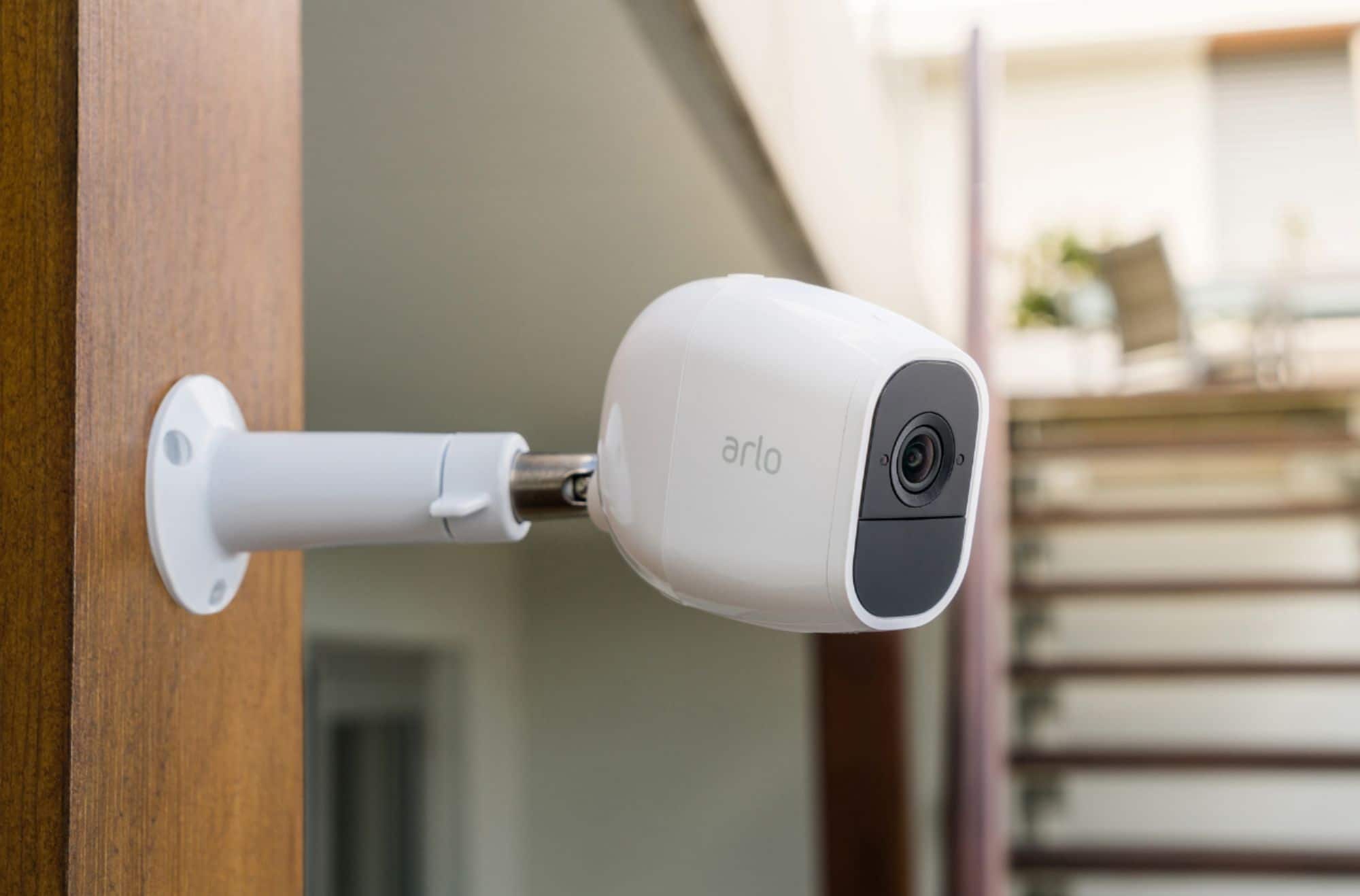
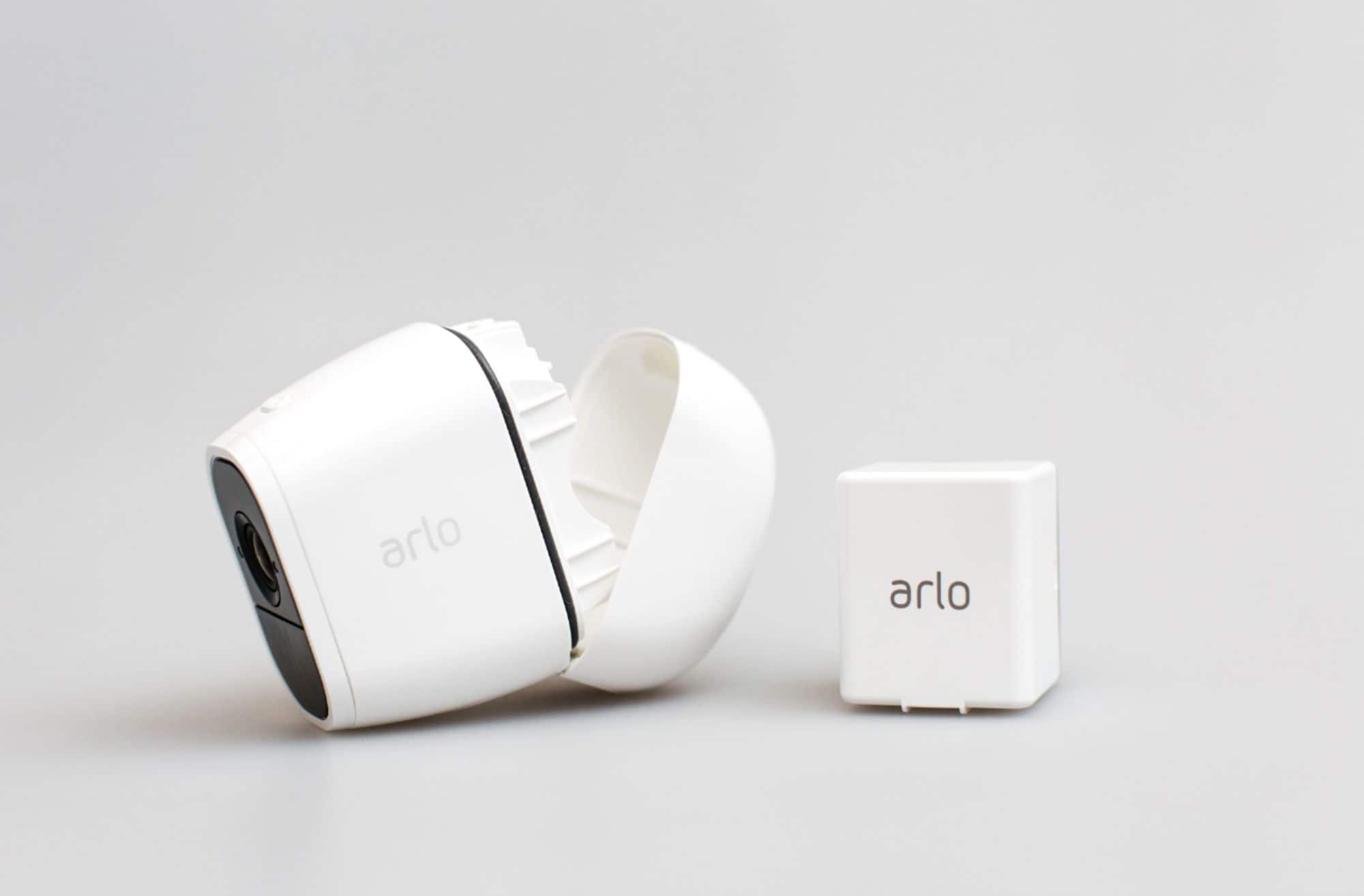
A:AnswerThey come with 1 permanent mount that screws right into the back of the camera or magnetic. I use the magnetic and just have them put high enough that they are out of reach. The battery last long enough that only every few months with normal movement in that area that you’ll have to recharge them. Recharging them takes no time at all.
A:AnswerYes. When you set up your system, you becthe administrator. You can grant access to review the cameras and get notifications to another family member on another device. They have accto the system but only to view footage and live feed, not make changes to your set up.
A:AnswerFirst, a basic question... Did you delete the old App and install the new one? The Netgear version will not work.
If not, search Arlo in your Apps store and uninstall the existing app then re-download and install the latest version. Since your configuration is stored on in the cloud all of your cameras/lights (bridges)/doorbells/modes/etc should remain intact.
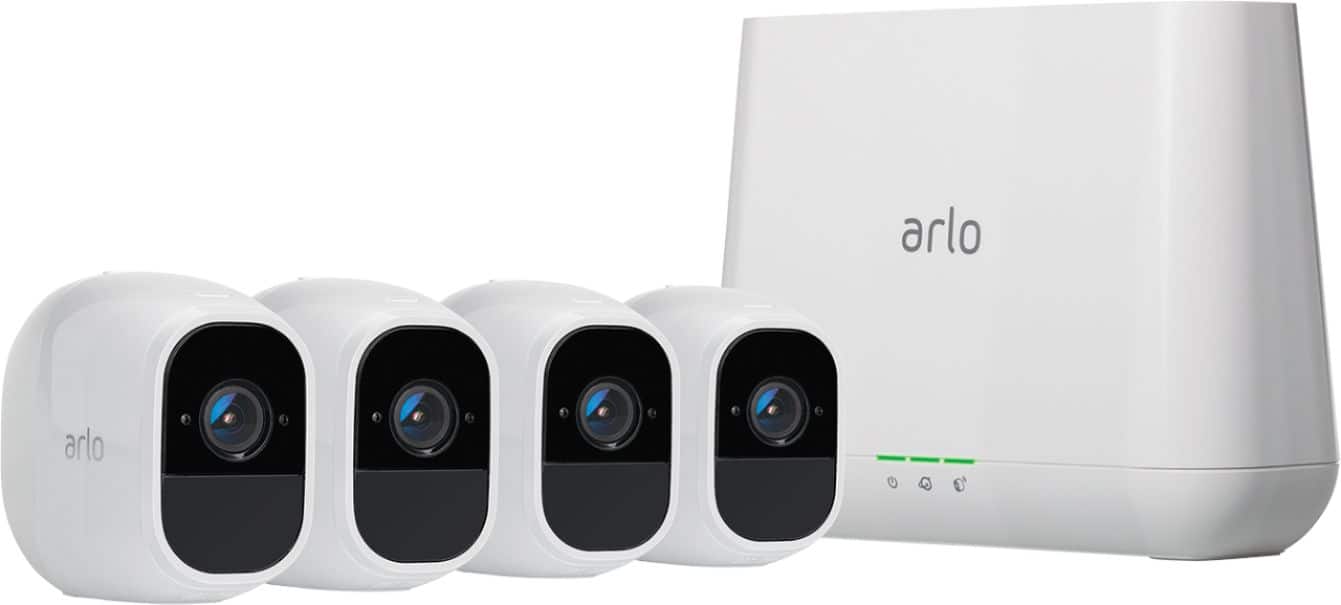
A:AnswerI paid $120.99 for an extra camera. If you have 5 then the extra camera will come in handy. If you add more than 5 you have to a an extra service fee. The camera will pair with the others. Be sure you purchase the right camera for your box.
A:AnswerThe base station requires an Ethernet connection to the router. It could be possible to use a WiFi Ethernet adapter to connect it to your hotspot. However when I attempted something similar to this using an airport express as a WiFi Ethernet adapter to connect to my Verizon hotspot on my iPhone and then running the Ethernet cable from the airport express to my actual airport router for my house it worked briefly before Verizon throttled the speed to near nothing.