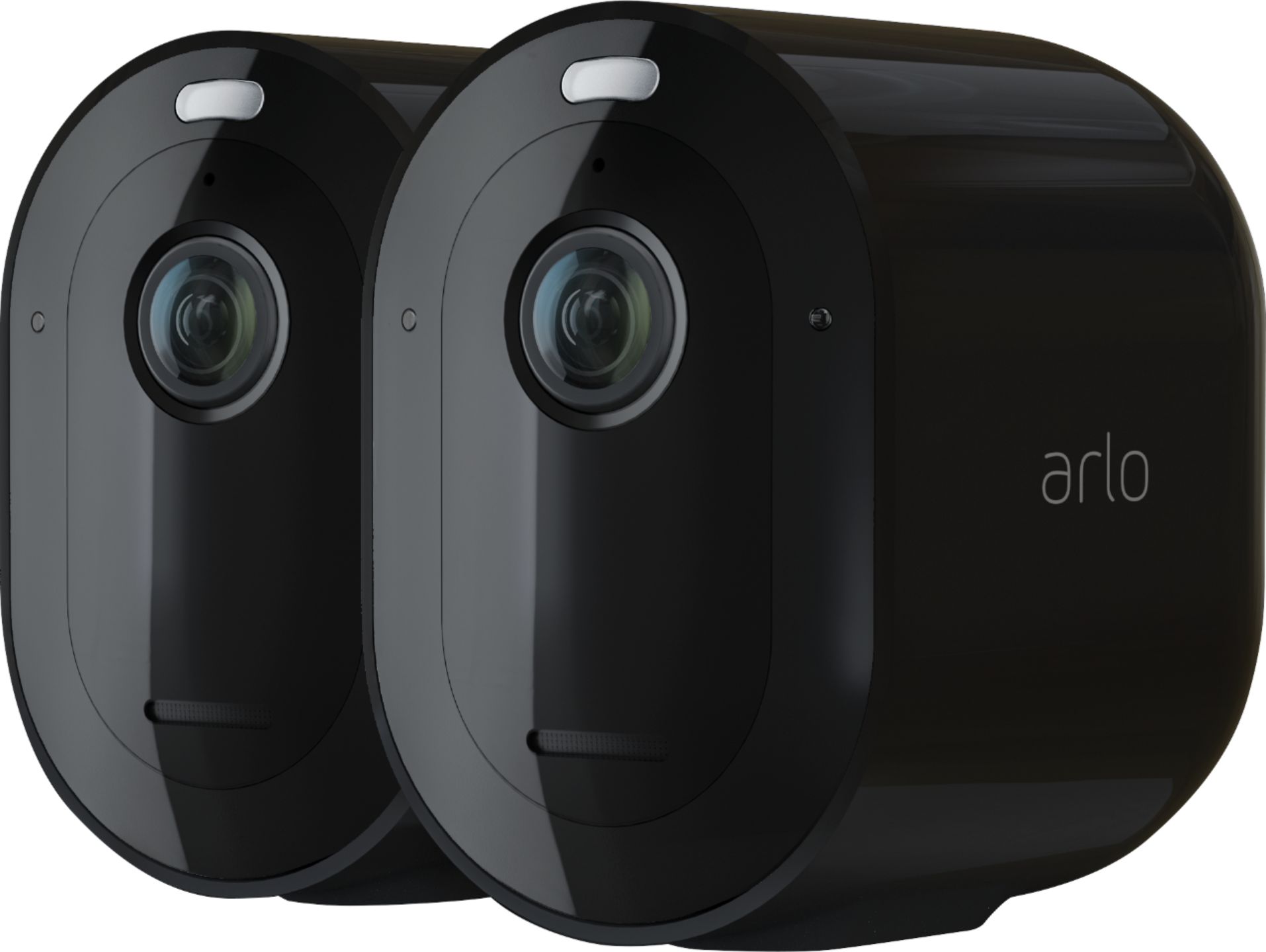
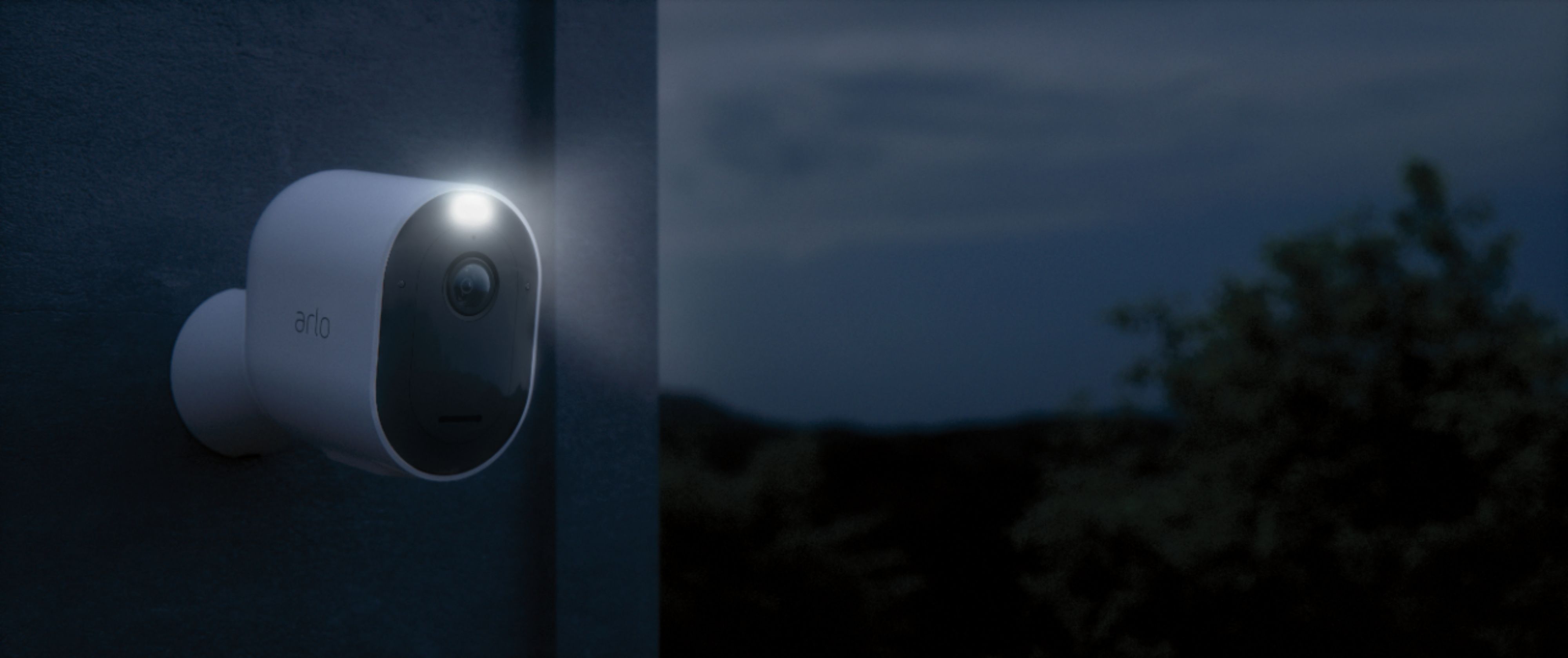
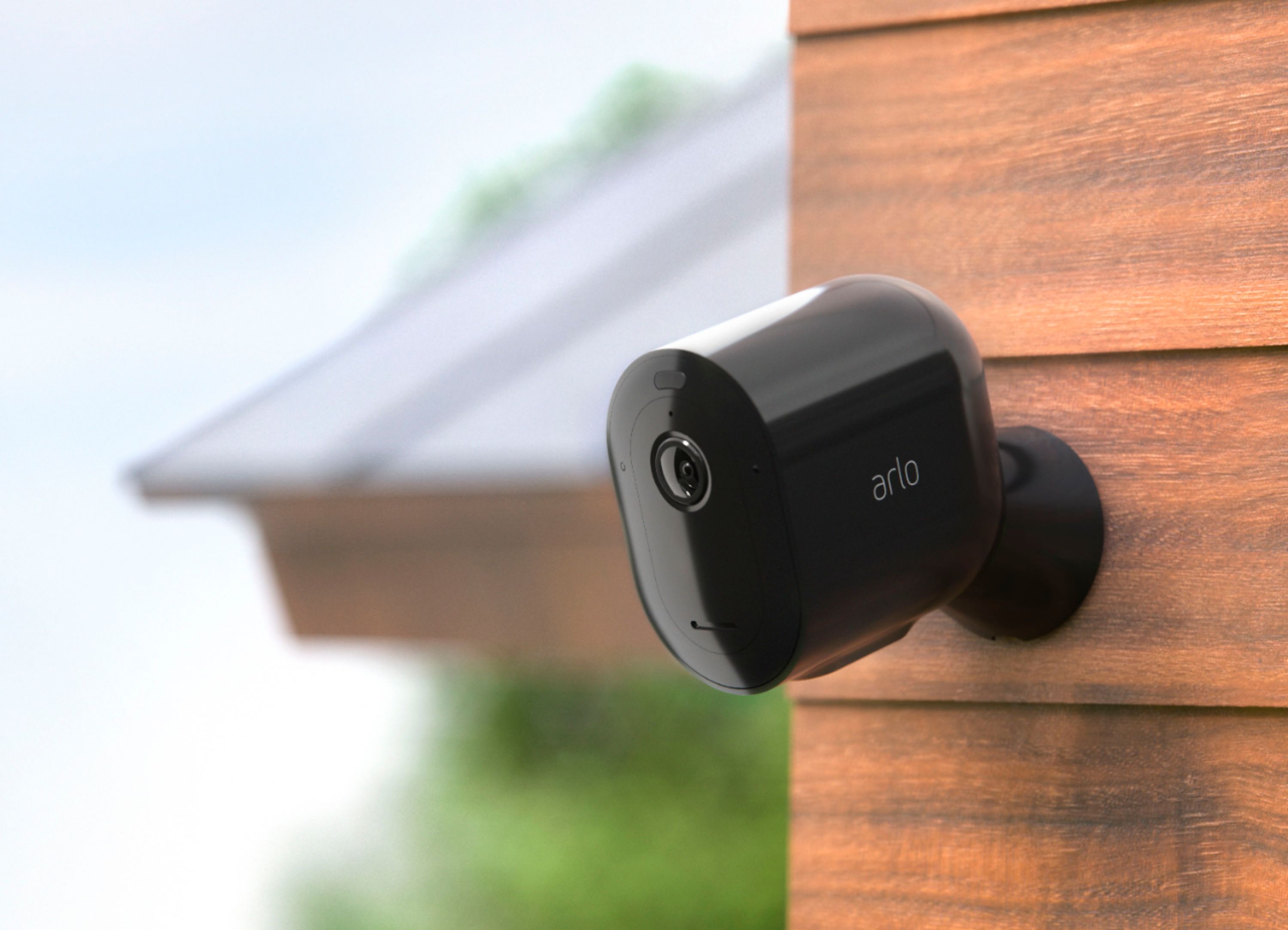
A:AnswerThe Arlo system can only be associated to one Arlo account but you may invite as many as you want to have access with the same cameras by utilizing the grant access feature detailed here : https://kb.arlo.com/000039122/. ^RM
A:AnswerYou can place your Arlo camera a maximum of 300 feet (90 meters) from the SmartHub or base station. The maximum line-of-sight range of 300 feet is reduced by each wall, ceiling, or other major obstruction between the camera and base station. Please check this article to learn more : https://kb.arlo.com/35/. ^RM
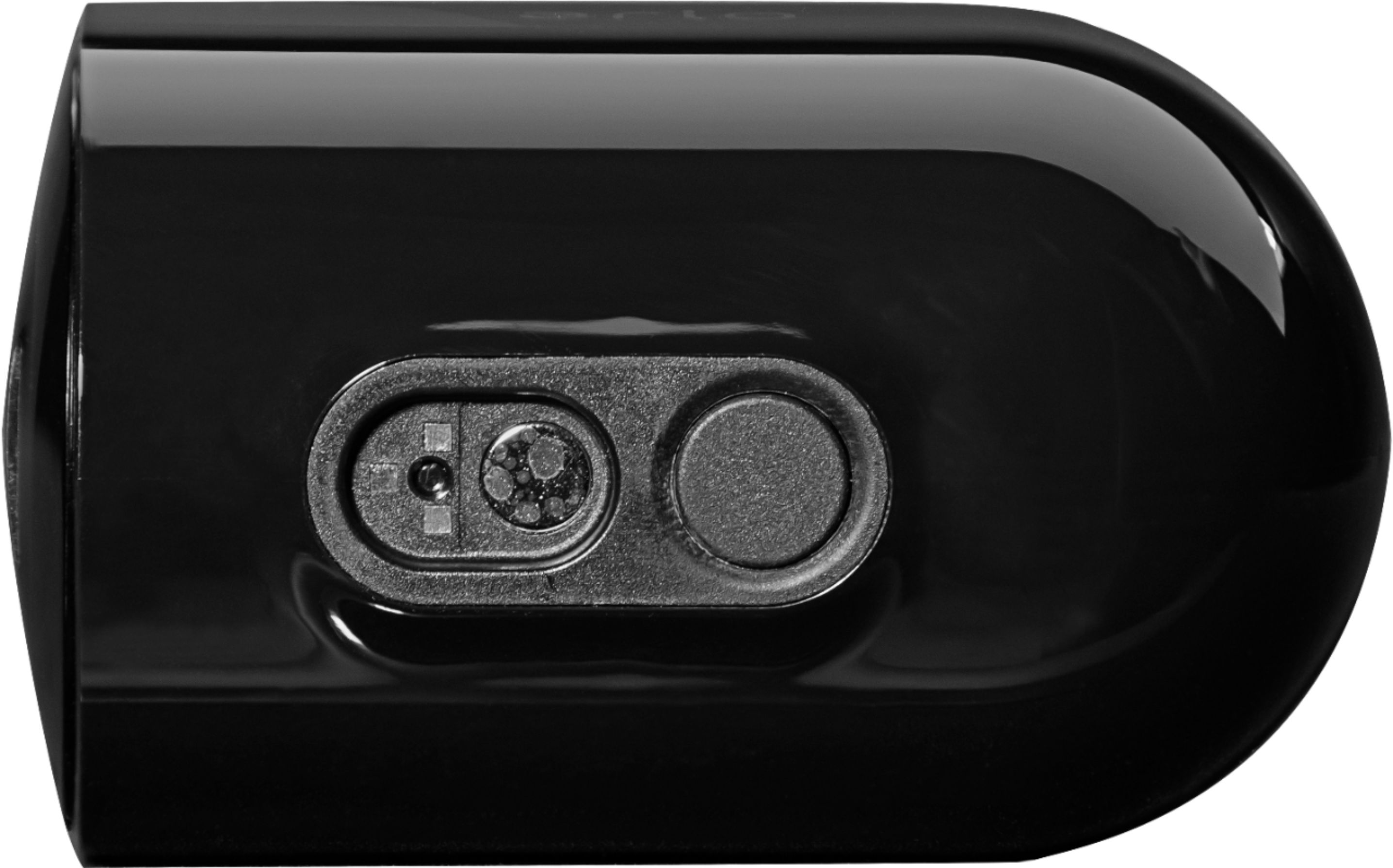
A:AnswerPlease note that expected battery life for Pro 3 cameras is approximately 3-6 months with average use as detailed here: https://kb.arlo.com/1202753. We also want to mention that there are three ways in which your Arlo Pro 3 camera may be powered : (1.) Rechargeable battery (included) (2.) Outdoor Magnetic Charging Cable (sold separately) and (3.) Solar Panel Charger (sold separately). Learn more about optimizing your Arlo Pro 3 camera’s battery life here: https://kb.arlo.com/291. ^RM
A:AnswerYou drill a whole outside to connect camera and solar panels separately (sold separately). There is a wire that connects camera to solar panel. Or you can just use batteries and keep recharging them as needed.
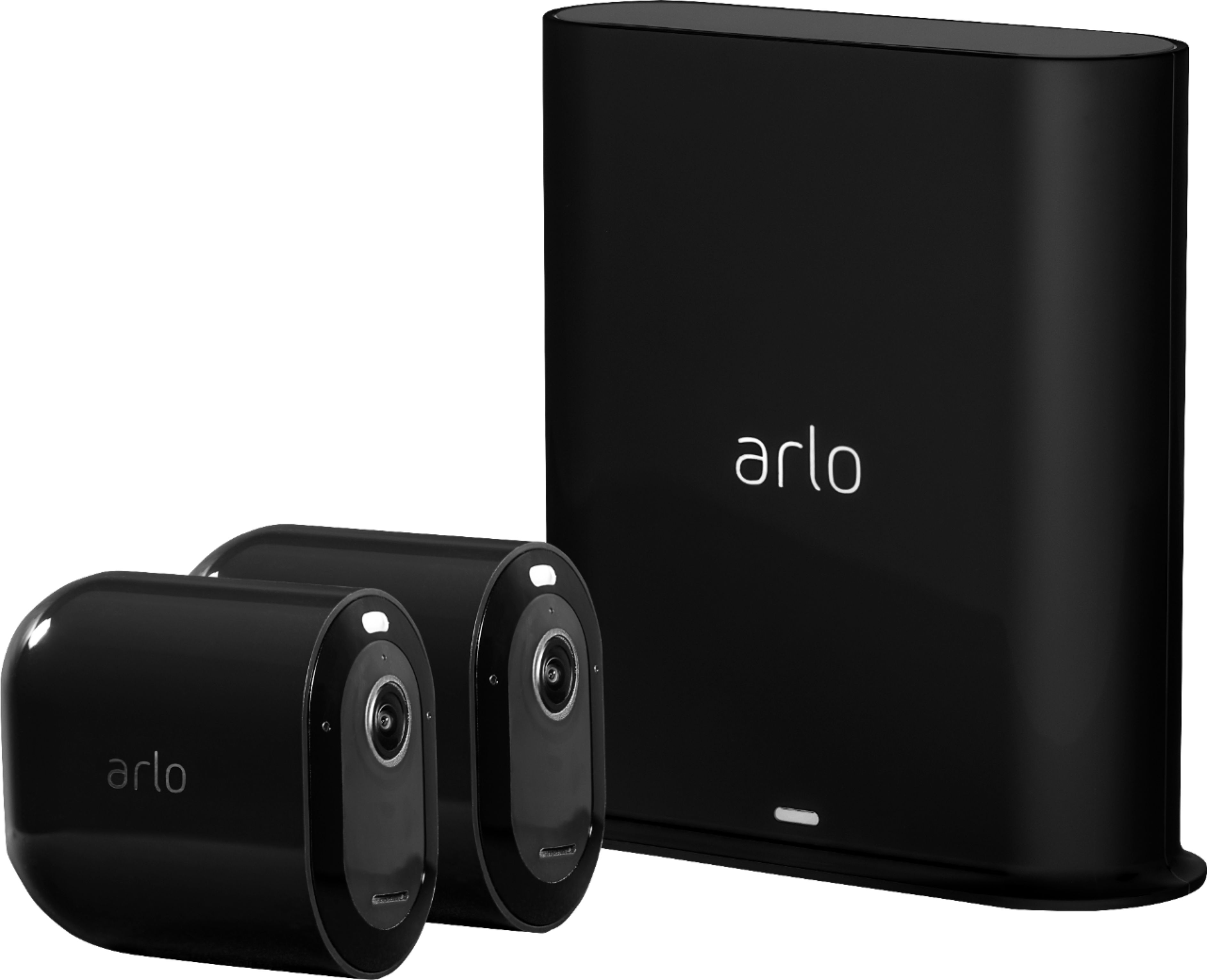
A:AnswerYes, the Arlo base station that an Arlo Pro 3 camera system comes with can work with Arlo wire-free camera model. Please check this link to learn more : https://kb.arlo.com/000062284/. ^RM
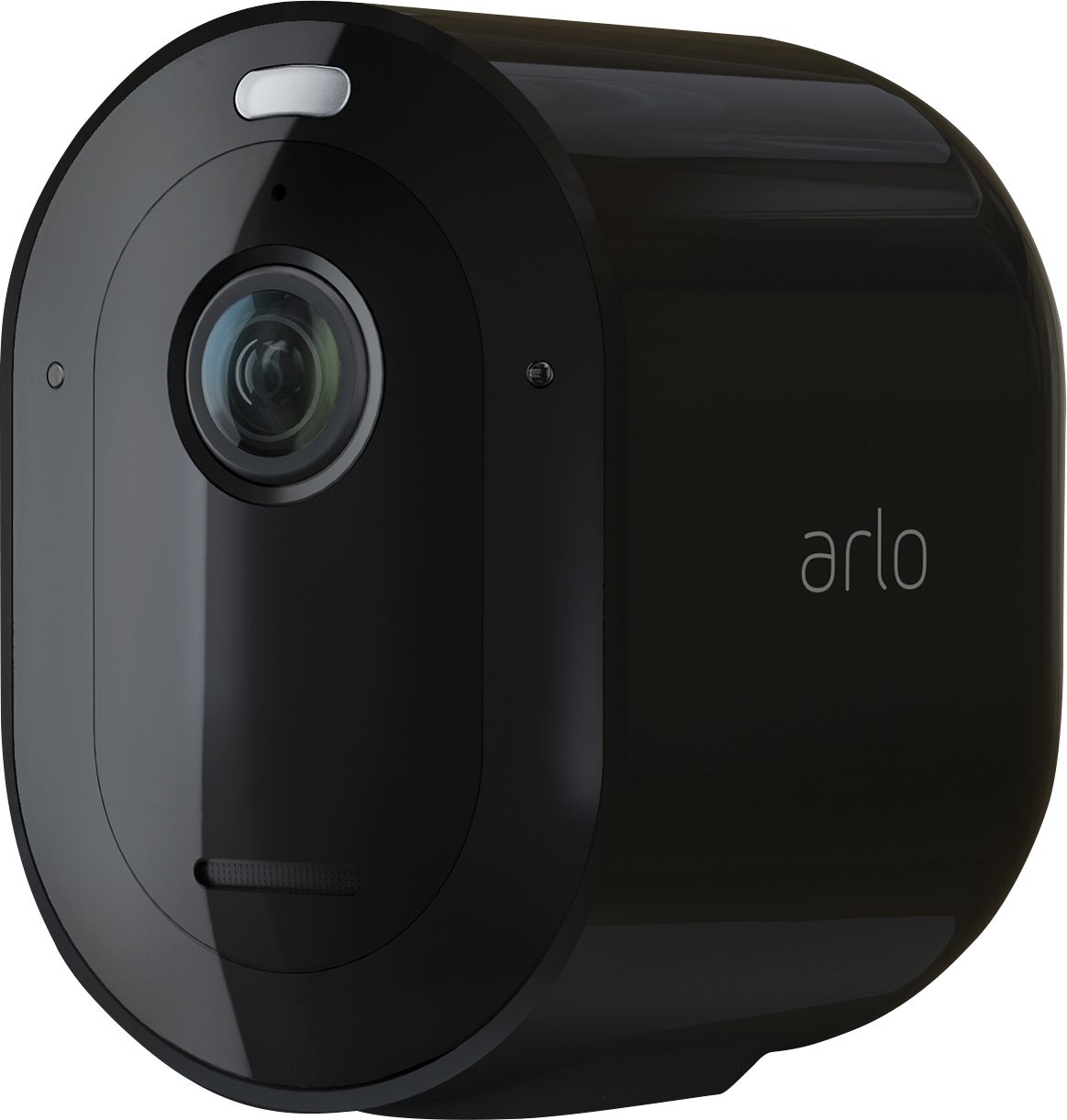
A:AnswerArlo Pro 3 cameras has an integrated siren that can be activated manually or set to activate when motion or sound is detected. If you want the siren to trigger when motion or sound is detected, ensure that your camera’s siren is set to activate in its currently selected mode.
A:Answeryes. once you download the cameras to your device (laptop, desktop, or ipad) you can view on these devices just like you can on your phone. This isn't an easy task. However, the technical support is awesome. They will walk you through the process. A live person and not a recording. Imagine that!
A:AnswerDON'T BOTHER! Best Buy is terrible...I JUST had them 'try' to install them...you would be better off NOT USING Best Buy...I found out the hard way. Never again! I can definitely do it better...and I don't know technology!
A:AnswerYou may get add-on Arlo Pro 3 cameras to complete the total cameras needed. Please ensure that your Arlo Smart plan supports to number of cameras in the account as detailed here : https://kb.arlo.com/88/. ^RM
A:AnswerYes you can. Login to the Arlo website and select myarlo. The Arlo website will send an authorization notice to your phone. Once you confirm on your phone the website will open your account for viewing.
A:AnswerYes, but it is through a website instead of the app. Still looks the same, but I don't think you can see the library of saved files on the website.