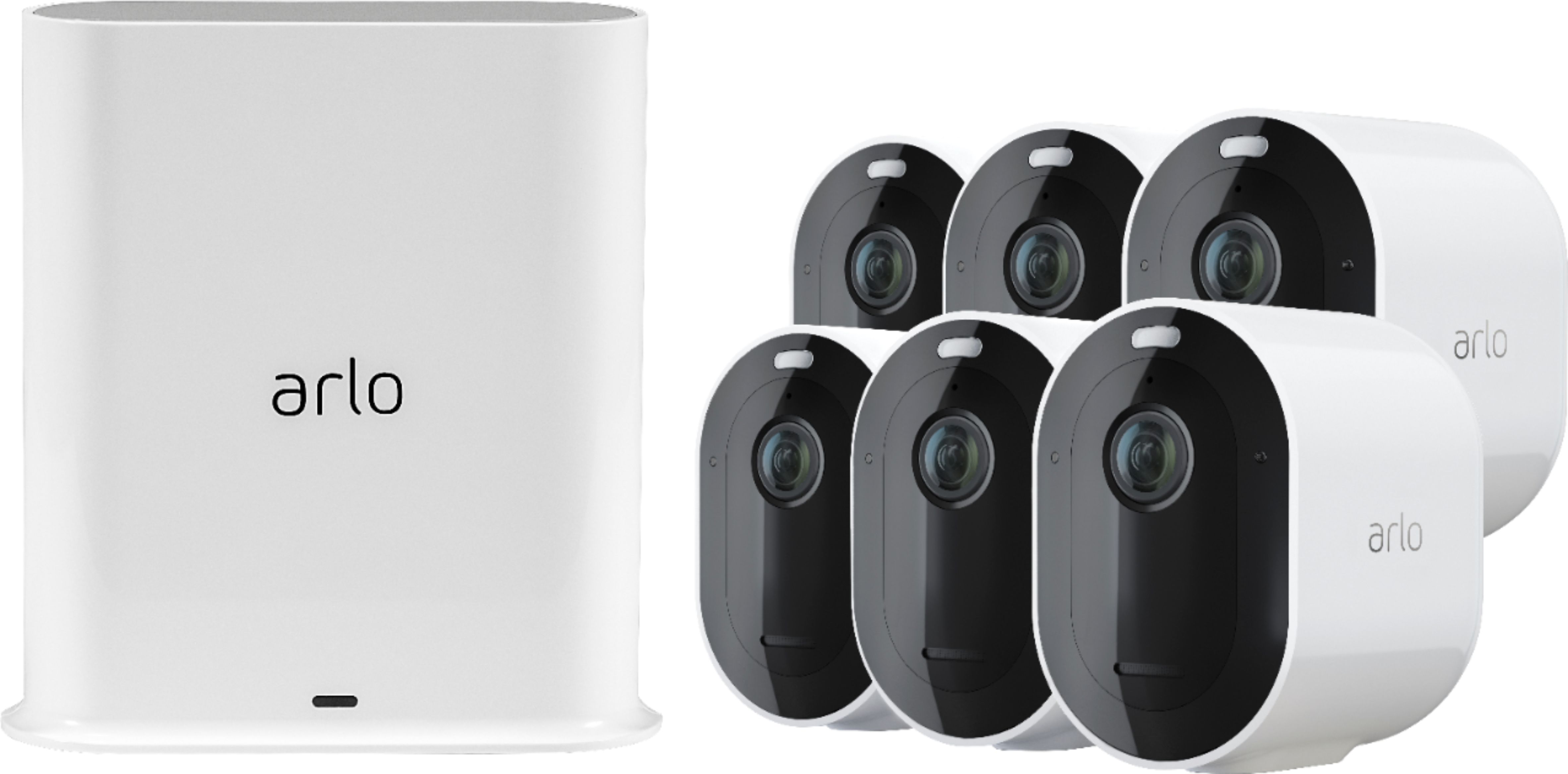
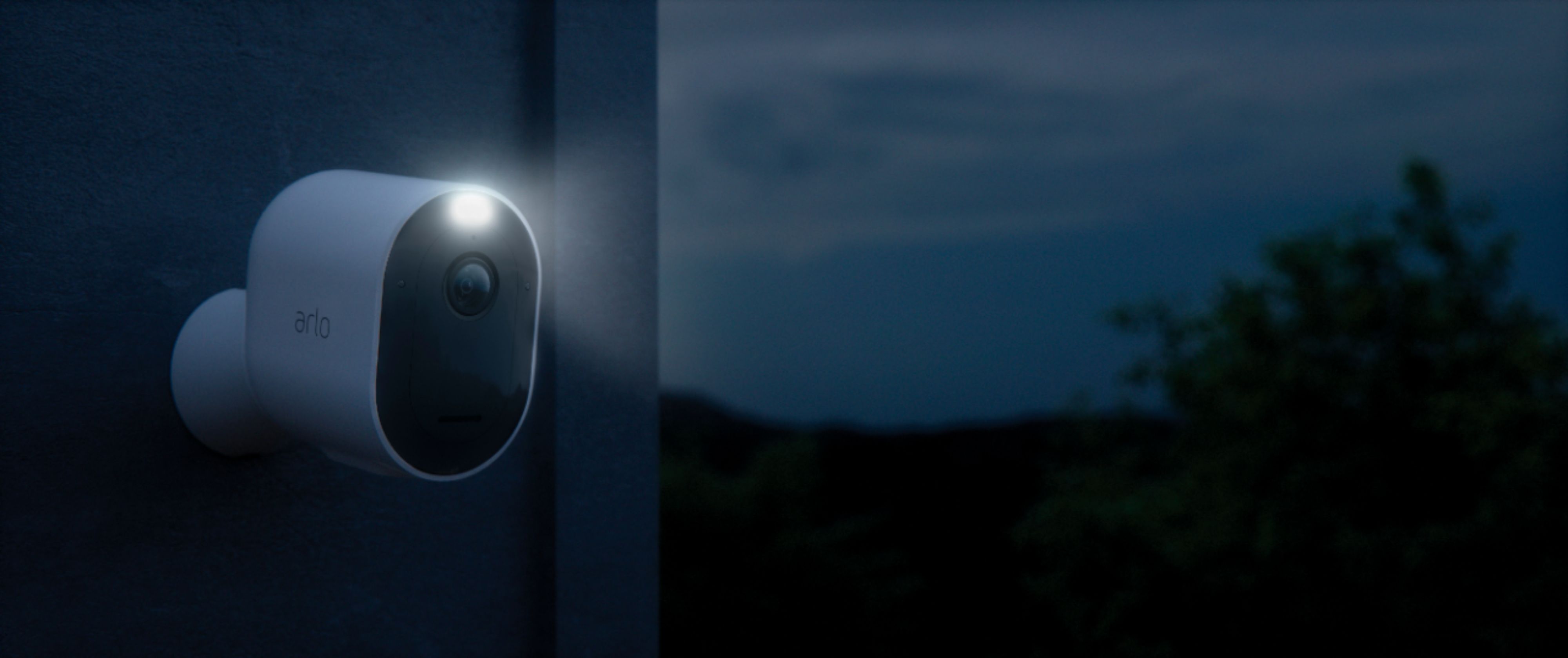
A:AnswerYou can add up to 15 cameras in an Arlo SmartHub as long as they are compatible and the Arlo Smart plan in your account supports the total number of cameras you will have. If you will add Arlo Pro 3 cameras, they will come with a free Arlo Smart trial. When the trial expires, you have the option to purchase an Arlo Smart subscription. Without an Arlo Smart subscription, you can still live stream, and receive motion and audio notifications. Please check this link to learn more about the Arlo Smart plans : https://kb.arlo.com/88. ^RM
A:AnswerYes, you may mix and match the Arlo camera models you want to have in your Arlo ecosystem as long as they are compatible. You may add up to 15 cameras in a base station. To learn what Arlo camera models can work with specific Arlo base station/SmartHub, please check this link : https://kb.arlo.com/000062284/. ^RM
A:AnswerThe Arlo Pro 3 camera is capable of recording up to 2K video quality. Here's a link that you may check to learn how you can optimize the image/video quality of the camera : https://kb.arlo.com/1179147/. ^RM
A:AnswerArlo Pro 3 camera is a different Arlo camera model to Arlo Video Doorbell. The first one will be wirelessly connected to an Arlo SmartHub while the latter requires users to have an existing wired doorbell and chime with electrical wiring to a chime box but connects wirelessly to the uers's wifi network or to a supported Arlo SmartHub. The voltage of the doorbell transformer must be between 16-24V AC. ^RM
A:AnswerArlo Ultra camera has Auto Zoom and Tracking feature that when the camera detects motion, it zooms in and tracks the movement while the object is within Arlo Ultra’s field of view. ^RM
A:AnswerArlo Pro 3 camera system requires an Arlo base station/SmartHub to operate. Each base station can provide up to 300 feet wireless range for the camera. The range is reduced by each wall, ceiling, or other major obstruction between the camera and base station. ^RM
A:AnswerIf subscribed to an Arlo Smart plan, you will be able to utilize features like Smart Notification feature that allows you to only receive notification that matters. Please check this link to learn more : https://kb.arlo.com/000058833. ^RM
A:AnswerYou can check the Arlo cameras by logging into the Arlo account that they will be associated to via the Arlo app or through Arlo web portal on PC. ^RM
A:AnswerYes, you can mix and match Arlo cameras as long as they are compatible to be connected to your Arlo base station/Smarthub. We recommend to check this article to learn what Arlo cameras can work with specific Arlo base station/SmartHub : https://kb.arlo.com/000062284/. ^RM
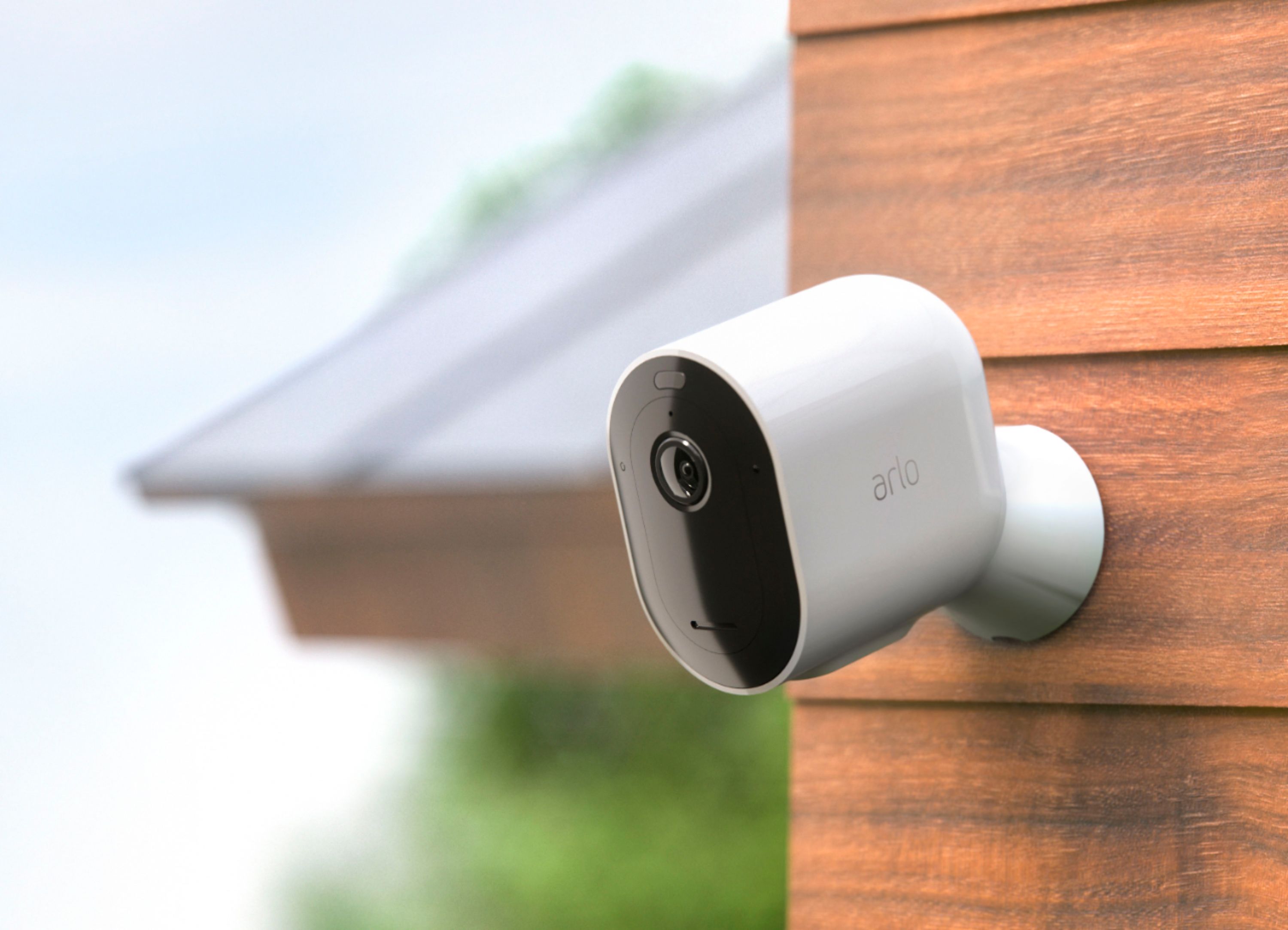
A:AnswerThe operating temperature of the Arlo Pro 3 camera is -4°F to 140°F (-20°C to 60°C). For tips on how you can keep your cameras charged in cold weather, please check this link : https://kb.arlo.com/000051490/. ^RM
A:AnswerThe distance the signal can transmit is directly affected by any obstructions between the camera and the base hub. The base hub connects to your wifi router via wired ethernet so it must be located nearby the router or cabled to a closer position for best reception.
I have achieved 80' distance with good quality connection in areas that don't require transmission through more than one or two walls. I think you could go farther if you have a clear path. We have closer cameras at approximately 35-45' which are going thru several walls and getting really good reception. One camera is approximately 55' away but has our fireplace between it and the hub and I think this camera has an intermittent connection. The App shows that is has a low quality connection and occasionally the led on the base flashes red.
Other than that, I think this system has very good quality transmission and you may have to get creative with mounting positions while monitoring the reception in the App to find the best camera position with the best reception.