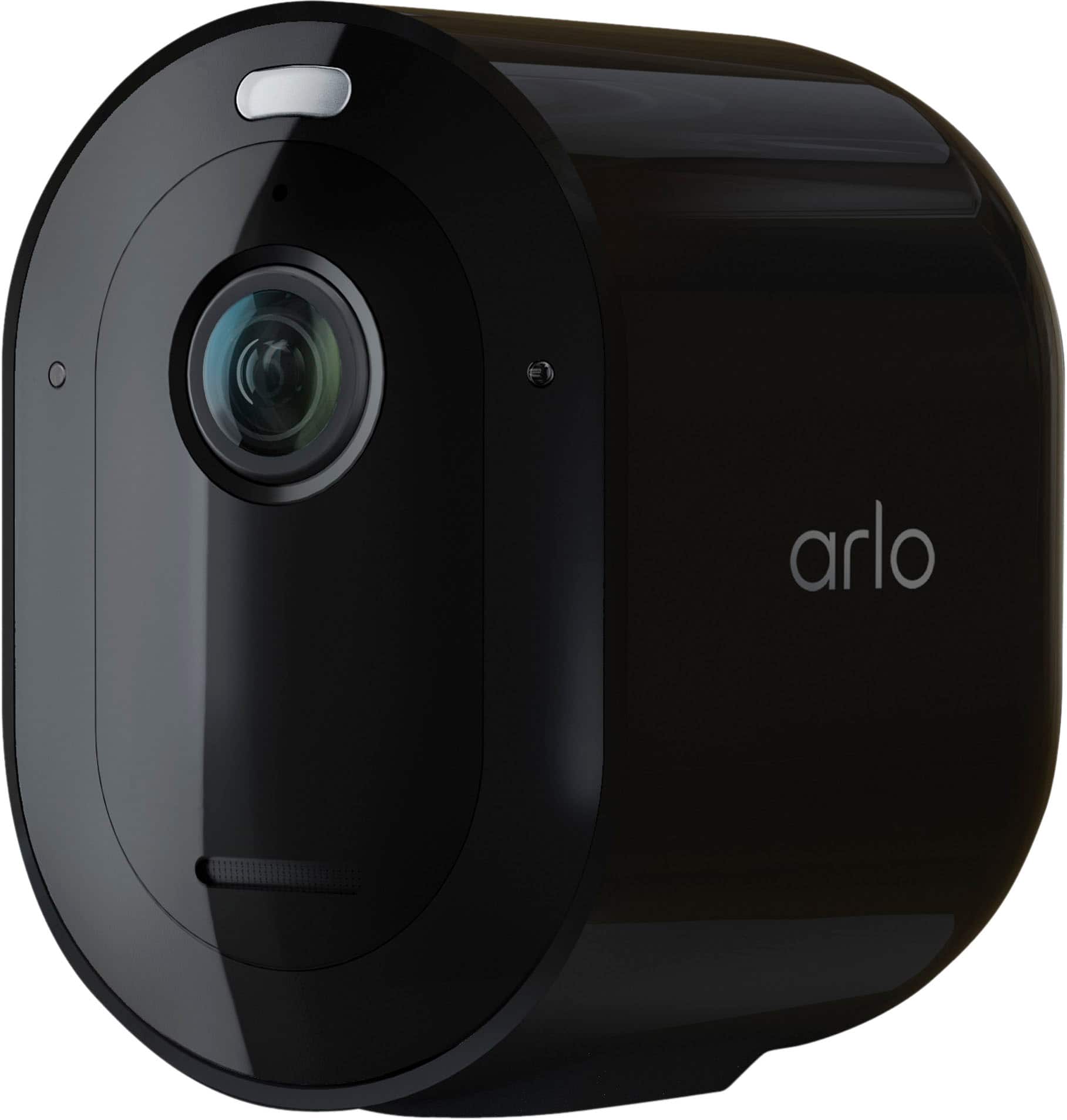
A:AnswerMaximum recording length of the Arlo Pro 4 camera is until motion stops, up to 300 seconds (5 minutes). And yes, cameras can record simultaneously. ^RM
A:AnswerWithout a service plan, your Arlo camera will continue to have local storage recording (USB devices are sold separately). Local storage recording is supported for the Arlo Pro 4 camera when connected to a compatible Arlo SmartHub/base station.
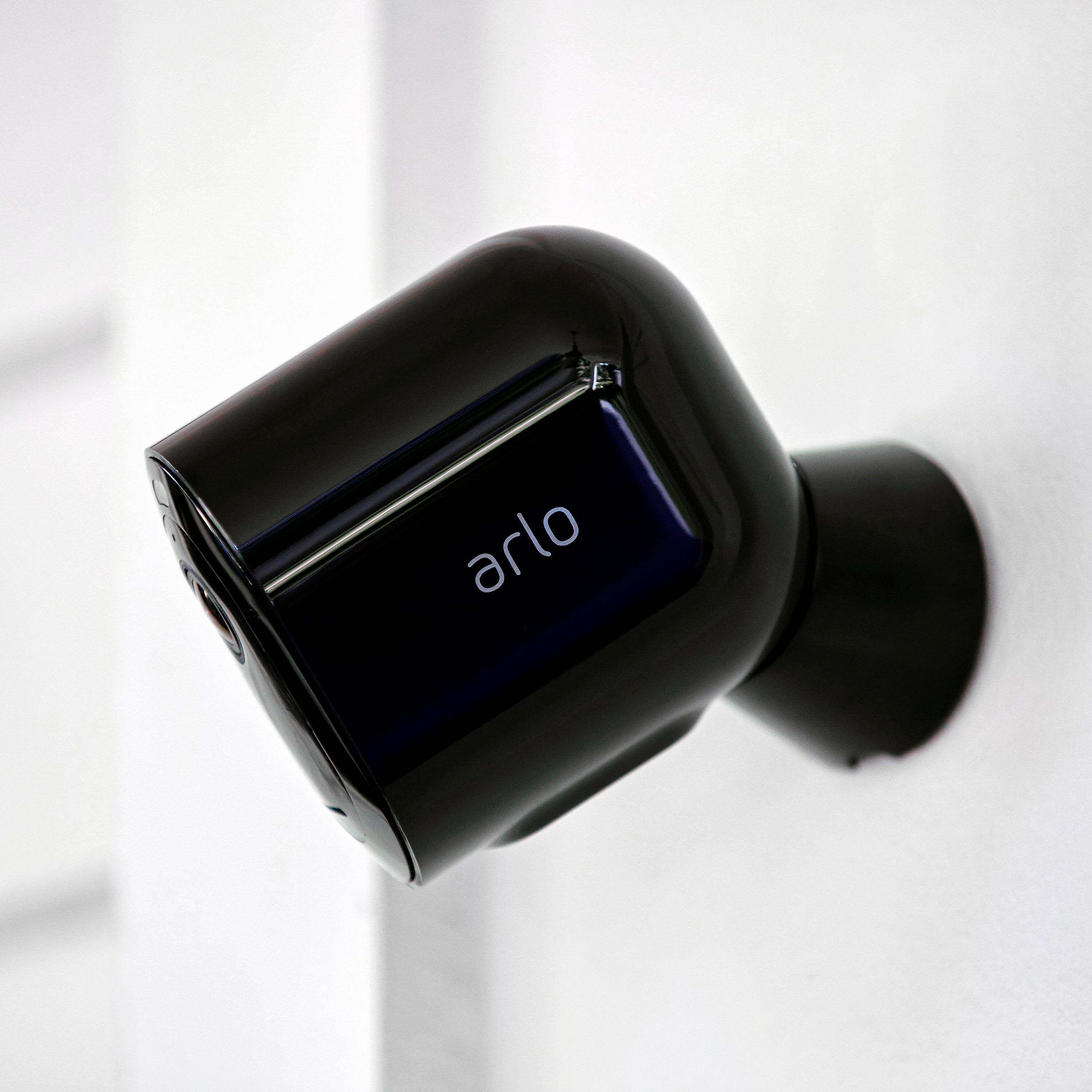
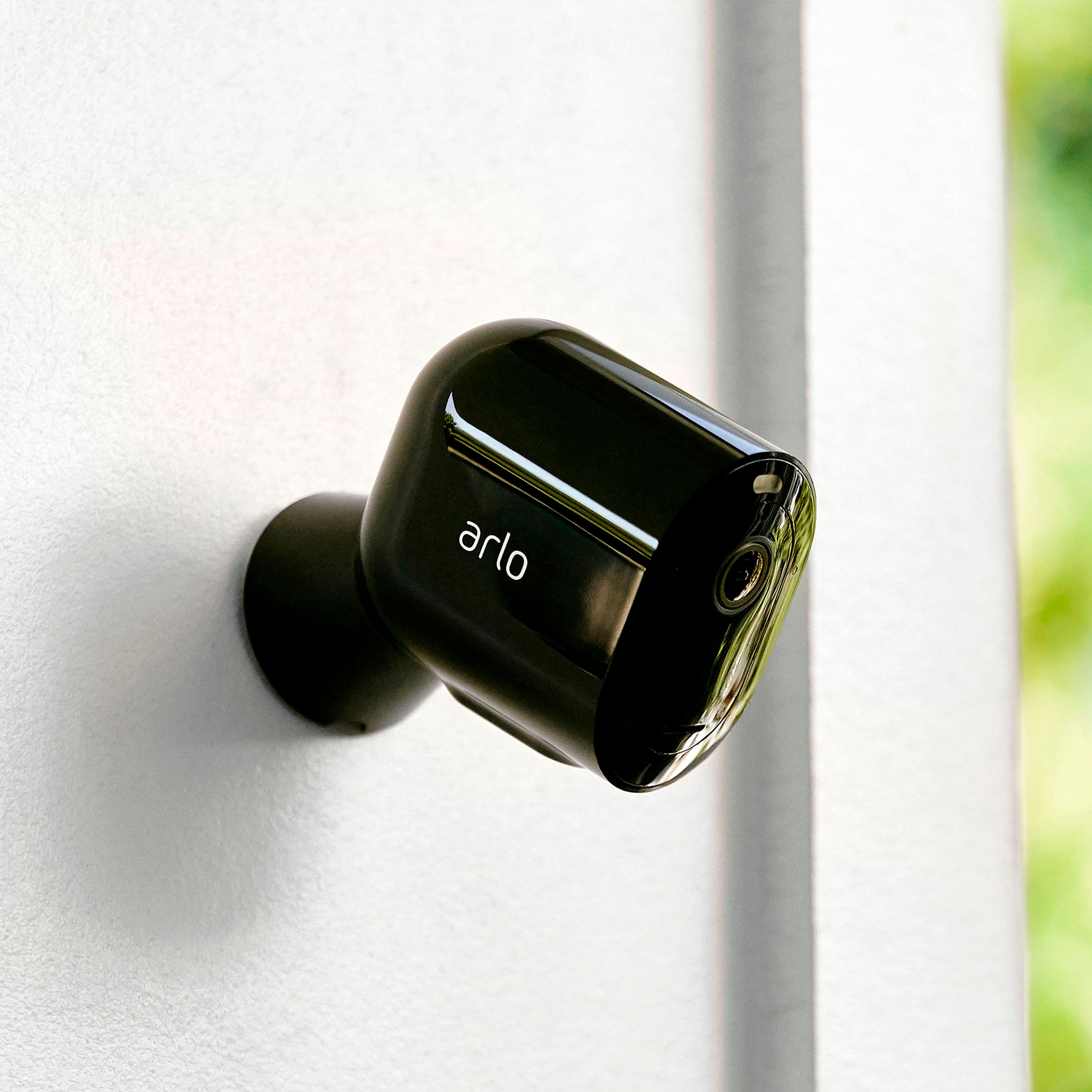
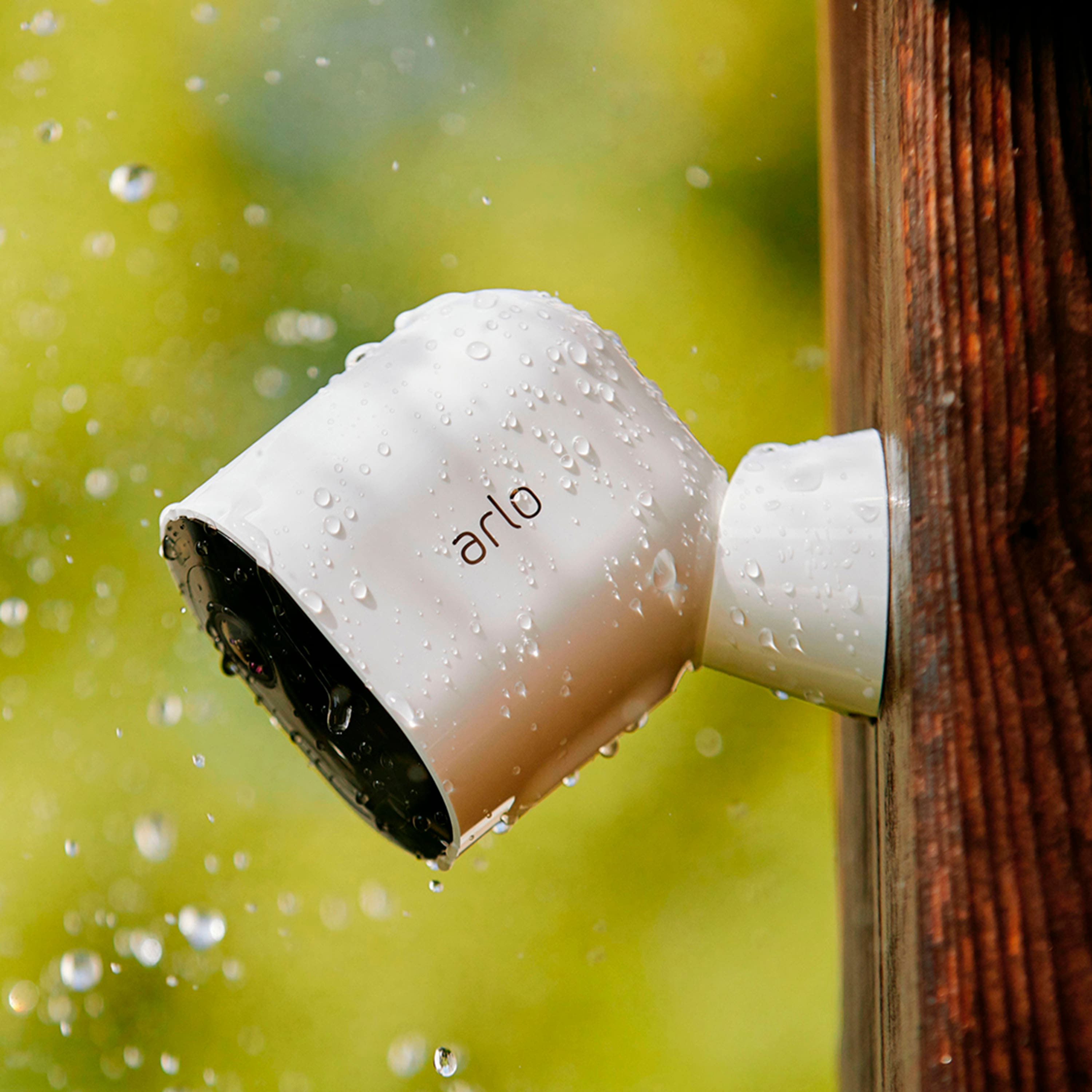
A:AnswerYes. The camera comes with a small magnetic mount and the screws for it. Bestbuy also sells the better adjustable mount which I highly recommend https://www.bestbuy.com/site/indoor-outdoor-mount-arlo-arlo-pro-compatible-white/6132023.p?skuId=6132023&ref=212&loc=1&extStoreId=812&ref=212&loc=1&ds_rl=1268652&gclid=Cj0KCQiA-aGCBhCwARIsAHDl5x_-GbYAF23-ZaXl7ILbNgqfIFKy9eZA0xtmiEofvkdwoamoaEa-0BMaAlSGEALw_wcB&gclsrc=aw.ds
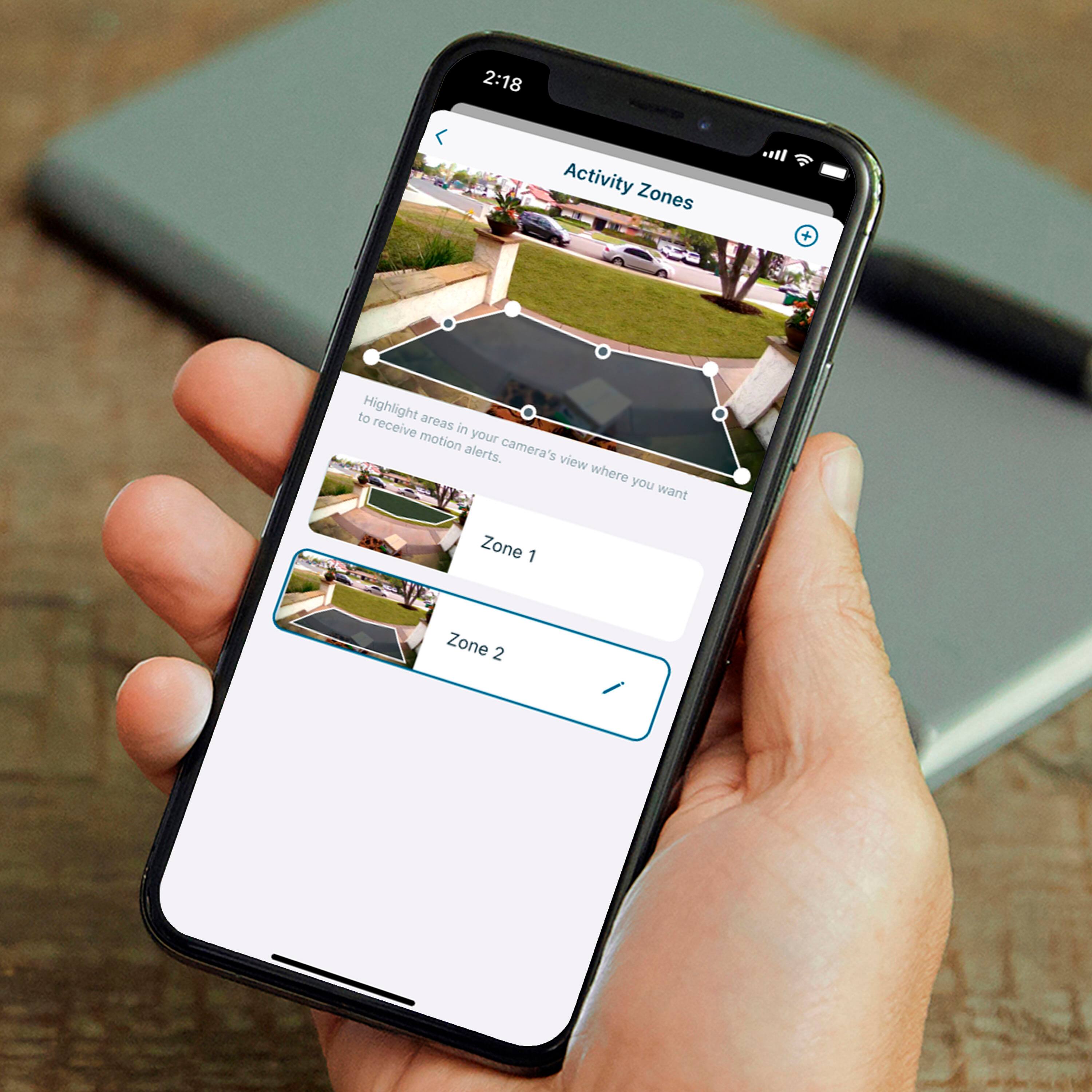
It makes life easier when adjust you view.
A:AnswerThe Arlo Pro 4 camera comes with a rechargeable Li-on battery. The battery life of the Arlo Pro 4 camera is 3-6 months based on average use. Average use assumes that you are using Optimized or Best Battery Life video settings and that your cameras record for approximately five minutes per day. You can charge your Arlo Pro 4 camera with the included magnetic charging cable indoors, an Arlo Outdoor Magnetic Charging Cable (sold separately) or the Arlo Solar Panel accessory (sold separately). Check out these product pages of the two accessories for full information: https://bit.ly/2YDJF8W and https://bit.ly/2LmohCg
A:AnswerYou will be able to use the Arlo Pro 4 cameras when setup via WiFi or Arlo SmartHub/base station. Please note, Arlo Smart Plans are not available in Ghana, West Africa. Without a service plan, your Arlo camera will continue to have the following features: 1) Remote and local live streaming 2) Push notifications 3) Auto Zoom and Tracking 4) Two-way audio and 5) Local storage recording. Additionally, the warranty of your product will only be valid within the country of purchase.
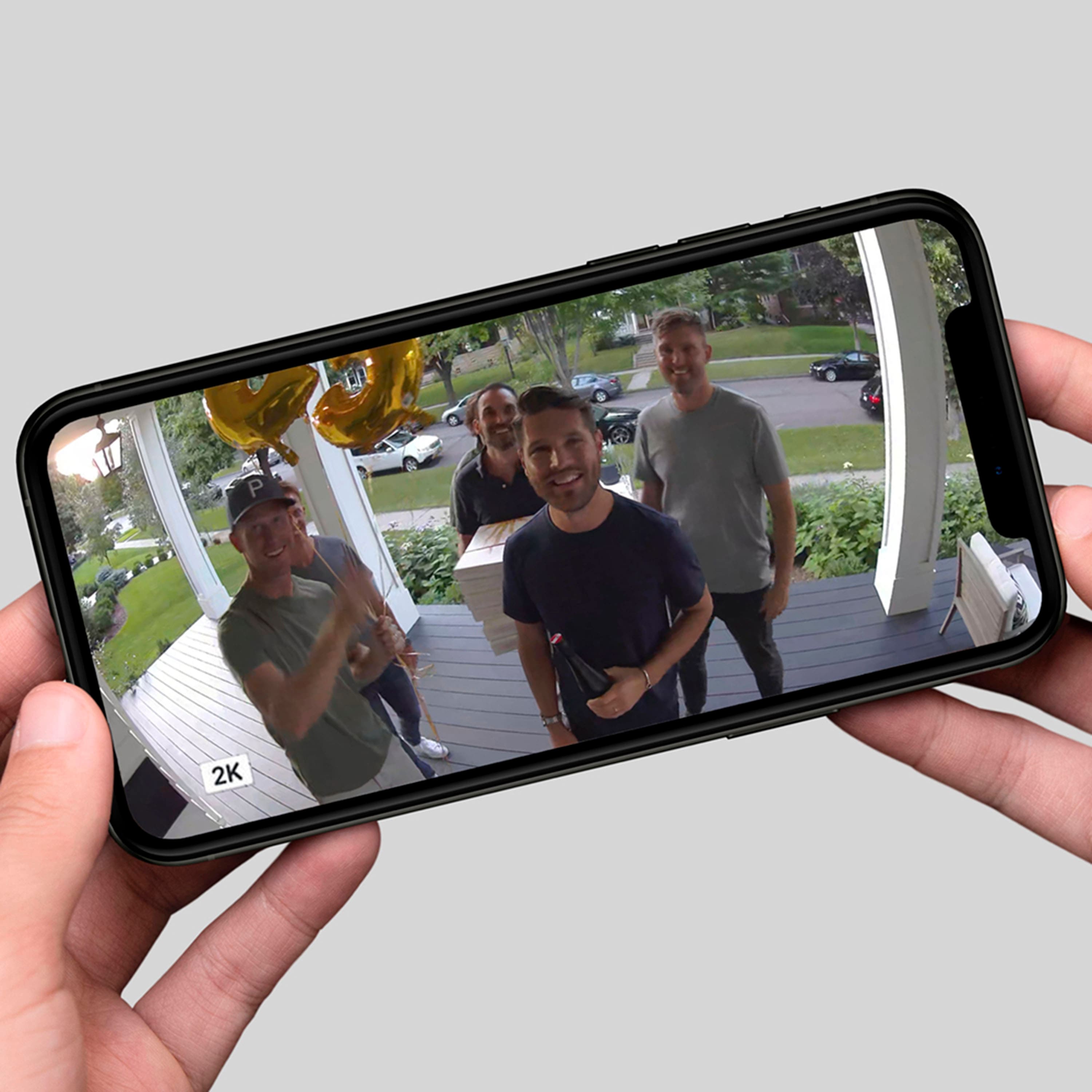
A:AnswerYes you can use desktop/laptop to view the cam system.
The higher the internet speed the better - but being that they are WiFi you will have lag in the video & 2 way audio no matter the speed of your WiFi. It’s about 20 seconds lag - meaning once video captures someone and or speaks to you through video you will receive it about 20 seconds late. Same goes for trying to speak back to them through video/audio. It not possible in real time video/audio due to WiFi.
If you are just requiring an easy, simple and basic motion detection recording camera system this will do just fine.
A:AnswerThank you for your inquiry on Adobe system integration with Arlo. We’re always working with our partners to extend 3rd party integration into Arlo experience, but Adobe systems is not currently a supported integration with Arlo. ^KN
A:AnswerYes. The Arlo Pro 4 camera can be powered by: 1) Rechargeable battery 2) 8 ft. Indoor Magnetic Charging Cable 3) 25 ft. Outdoor Magnetic Charging Cable (sold seperately) and 4) Solar Panel Charger (sold separately)
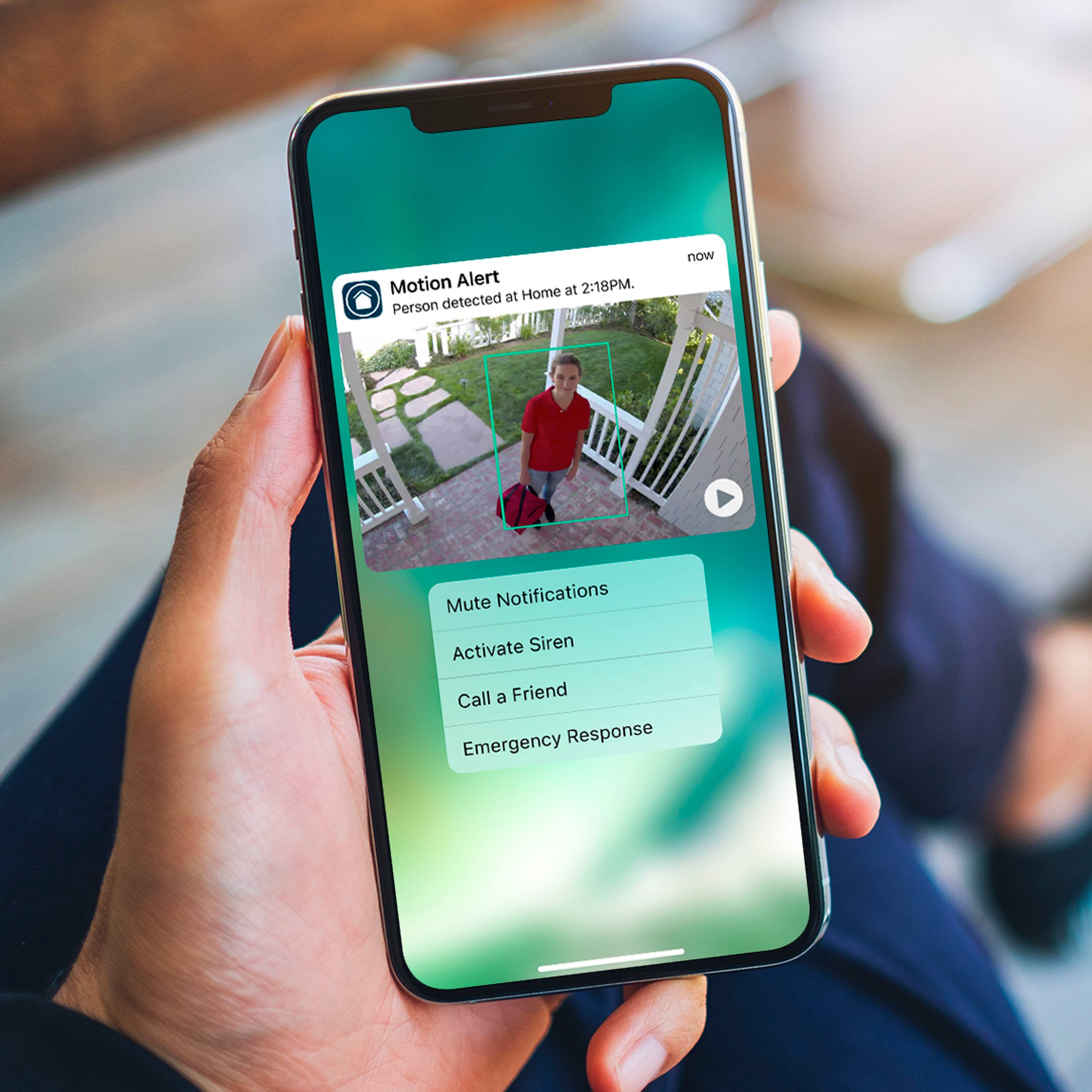
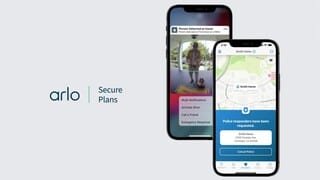
A:AnswerYou will need to purchase the plan if you want it to record for you. If you do not, then your camera is a brick at this point, and will only be useful for viewing "live" feeds. The plan will allow you to record, and receive alerts.
A:AnswerNo hub needed, just need WiFi and space on your phone to save videos. You can also use the cam system on desktop/laptop and route audio/video recordings to which ever cloud you may have or external memory driver.
A:AnswerWith my new system I have 4 Pro 4 cameras. After one week I've had to charge one so far. The other 3 are still at 90+%. I'm told it's because that camera has had a lot of activity and the more activity you have the faster the battery goes down. It comes with a charger cord that you just place on a special spot on the bottom of your camera and it attaches with a magnet. Place the other end in the same type of wall charger that you use for a smart phone or in the usb port outlet on a pc.