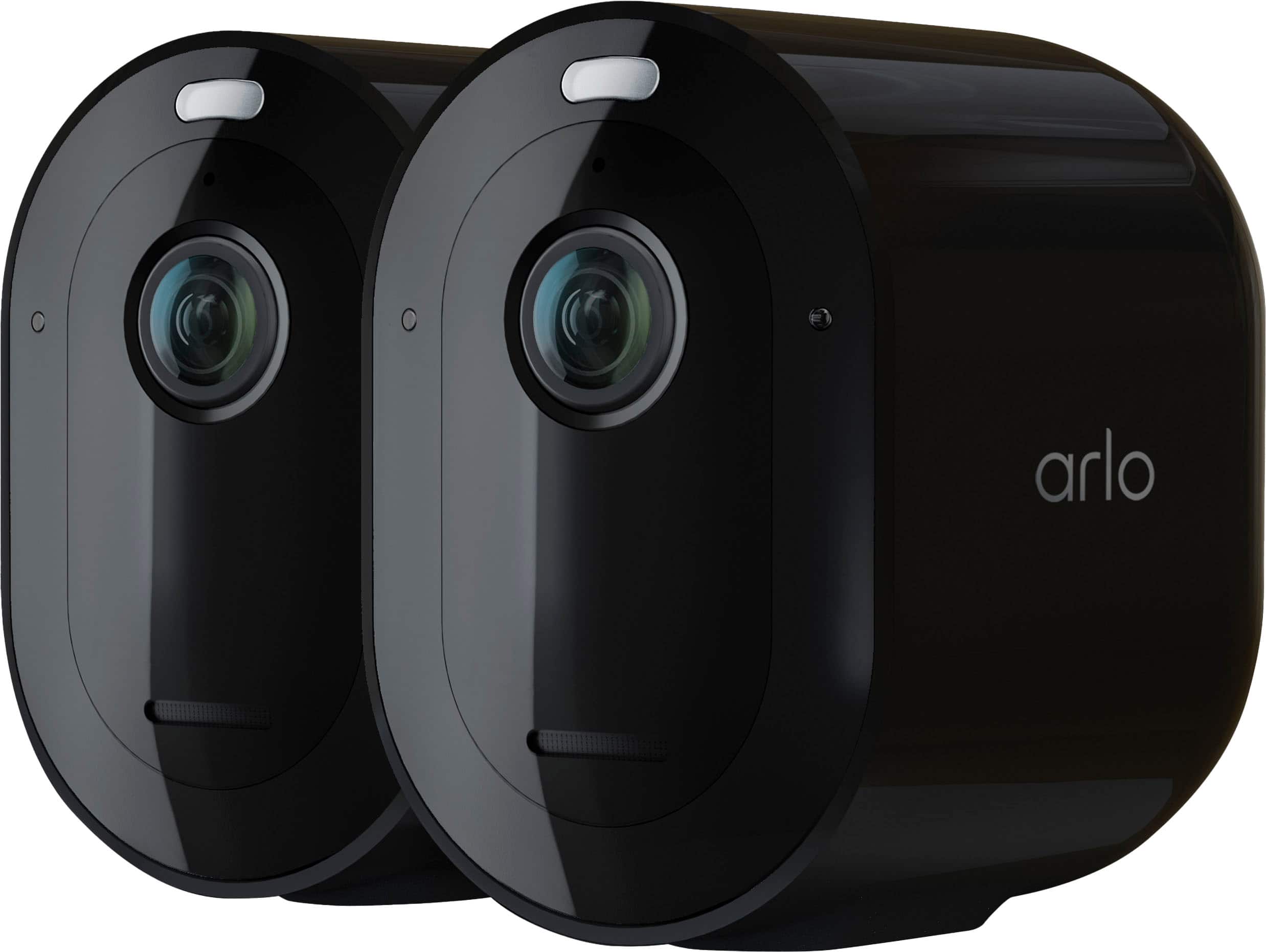
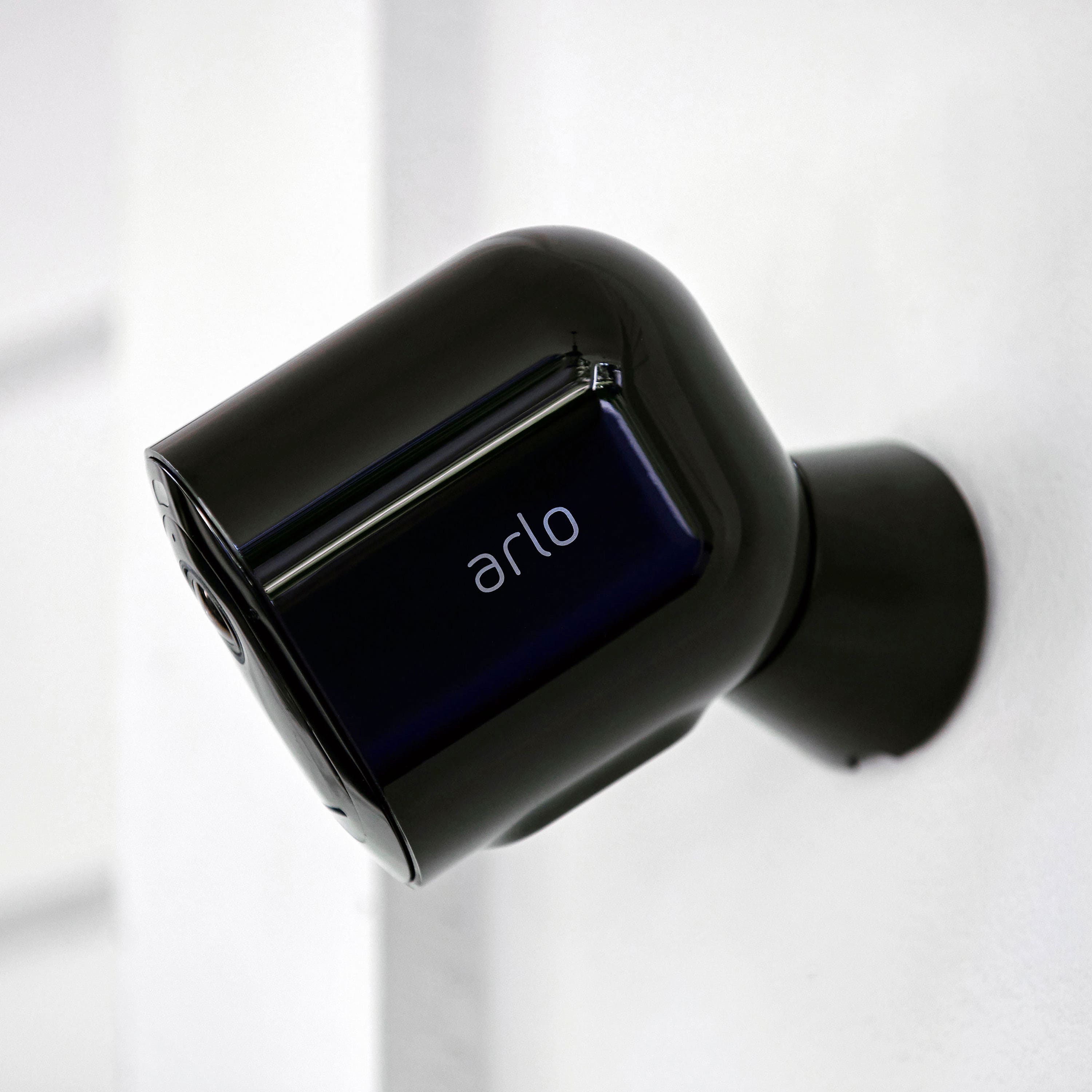
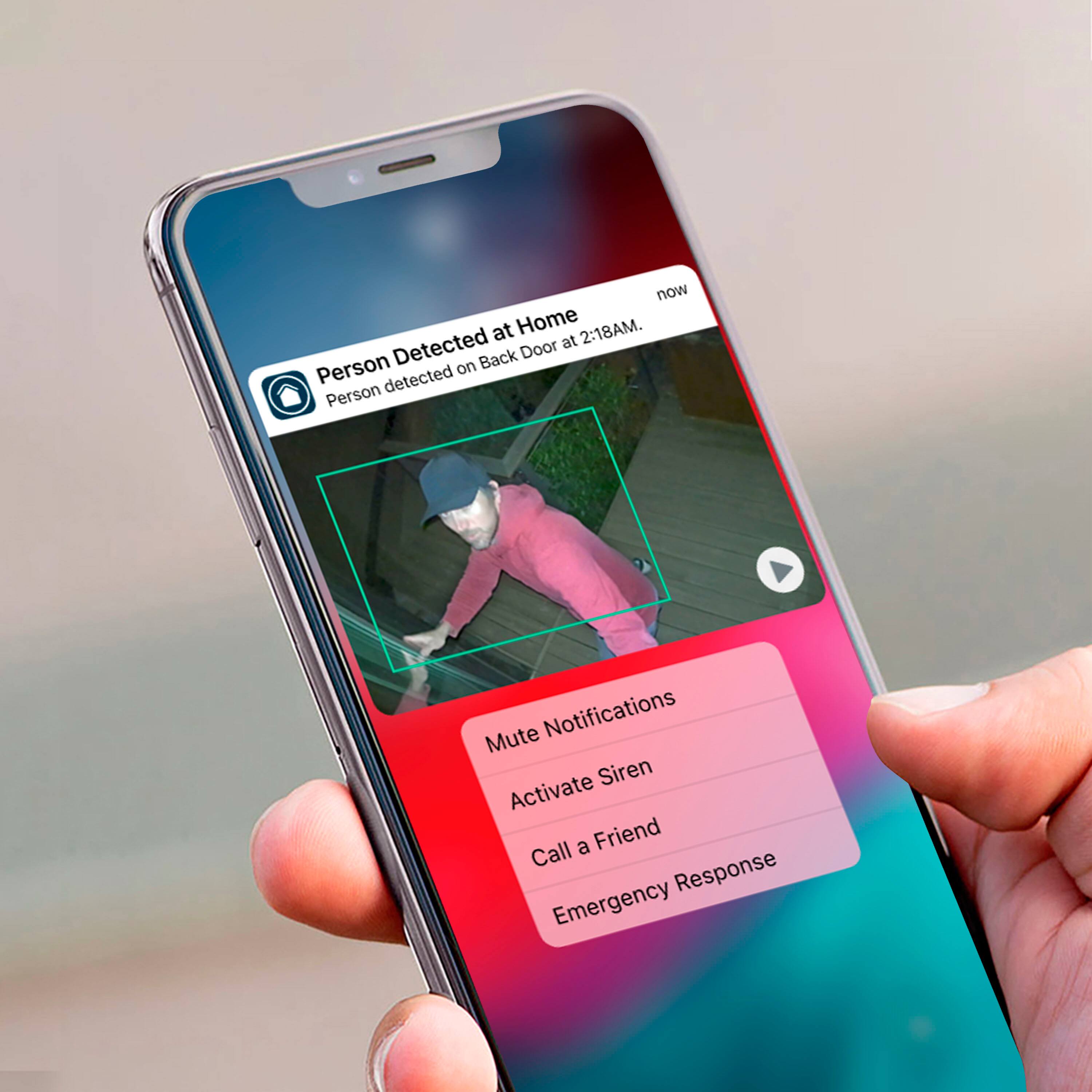
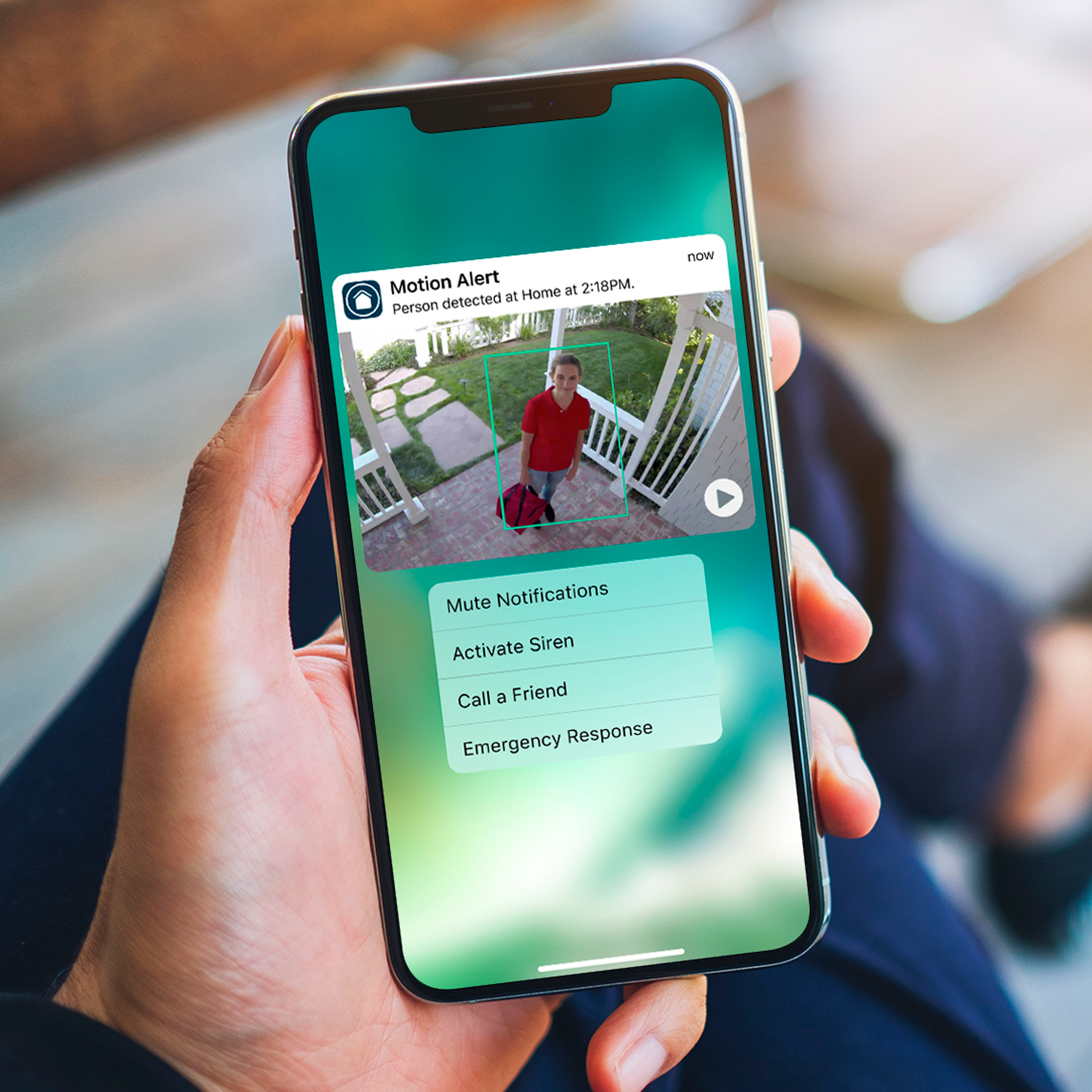
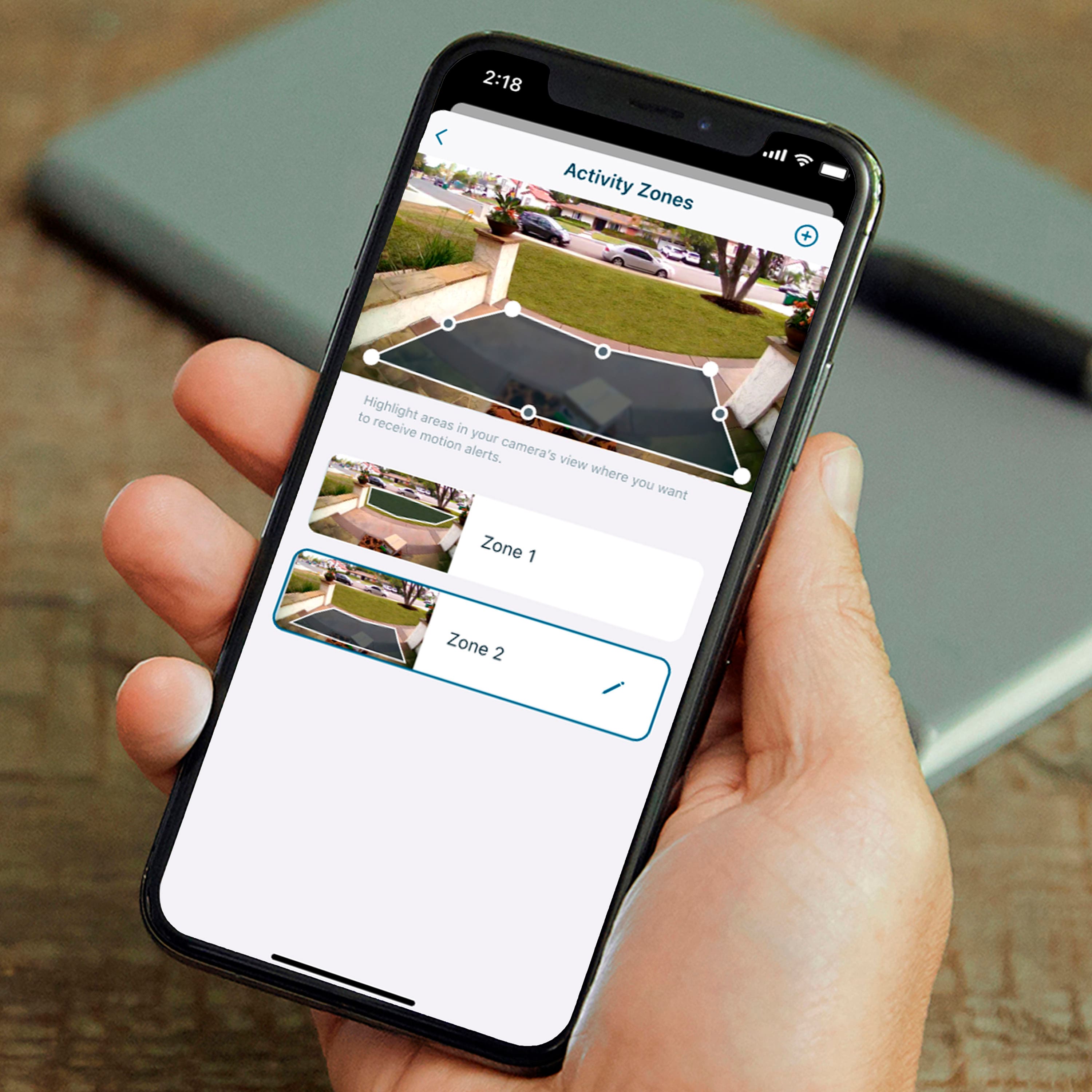
A:AnswerBatter "charge" is not one of the strong element of these type of cameras. Basically, l it depends on the sensitivity settings that you use for alerts/alarms. The higher the level of sensitivity, the faster the battery charge will be depleted. I purchased an extra set of batteries and have change them out every 3-4 days.
A:AnswerThe article on Arlo states that you can. You need to install the Arlo doorbell then scan the QR code from the doorbell to pair up the chime to the doorbell.
A:AnswerSometimes you need to remove the battery & wait 10secs to reboot after a frost or a firmware update or the router lost internet… not great for the high up ones. But easy fix.
A:AnswerI just know that Arlo charges you monthly for a subscription plan, while their competition has a yearly discount plan available, while Arlo does not. It’s more expensive on a monthly basis.