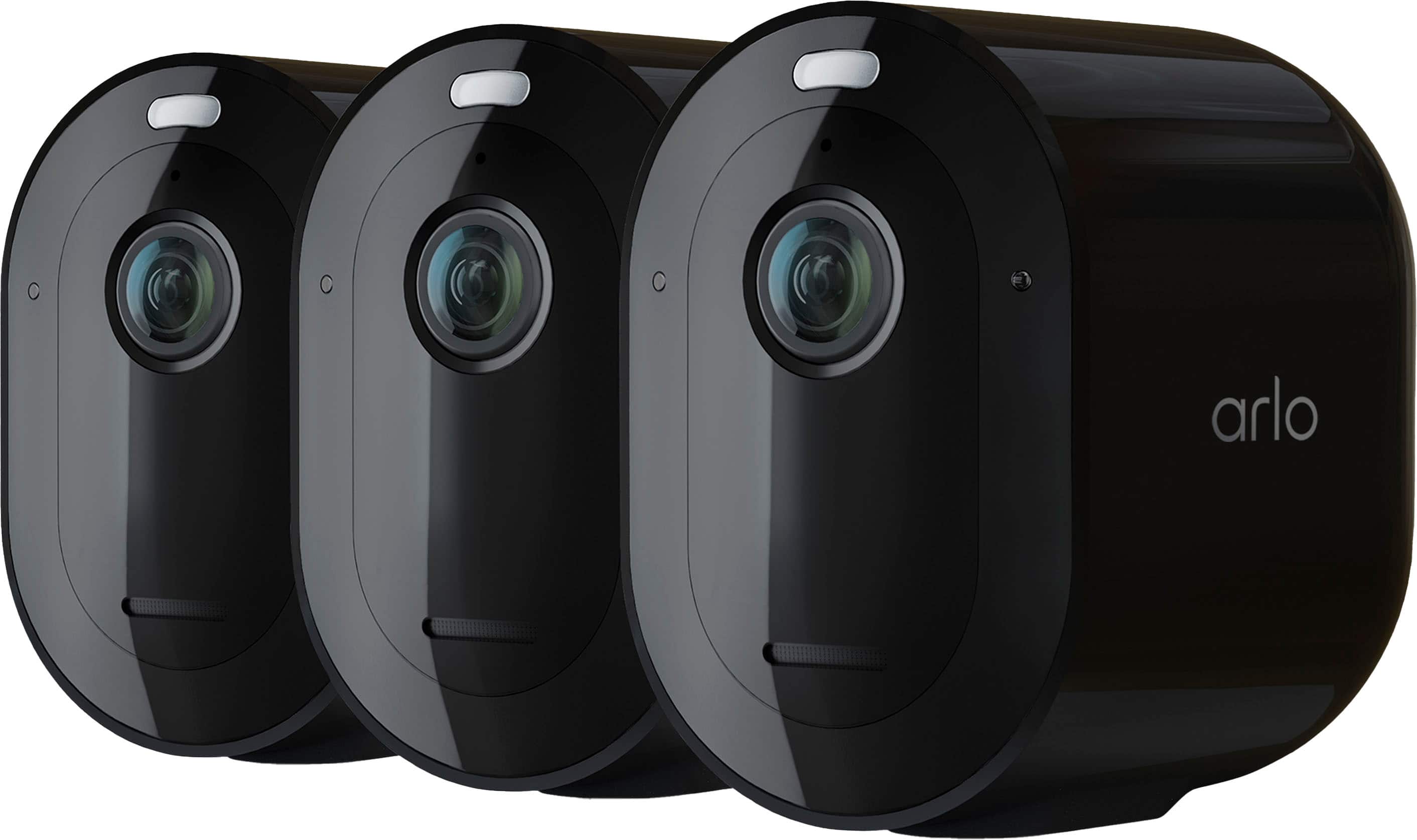
A:AnswerWe'll share more details about the specifications of the Arlo Pro 4 camera once we get closer to launch. For now, you may check the features of the Arlo Pro 3 camera here : https://kb.arlo.com/000062287/. ^RM
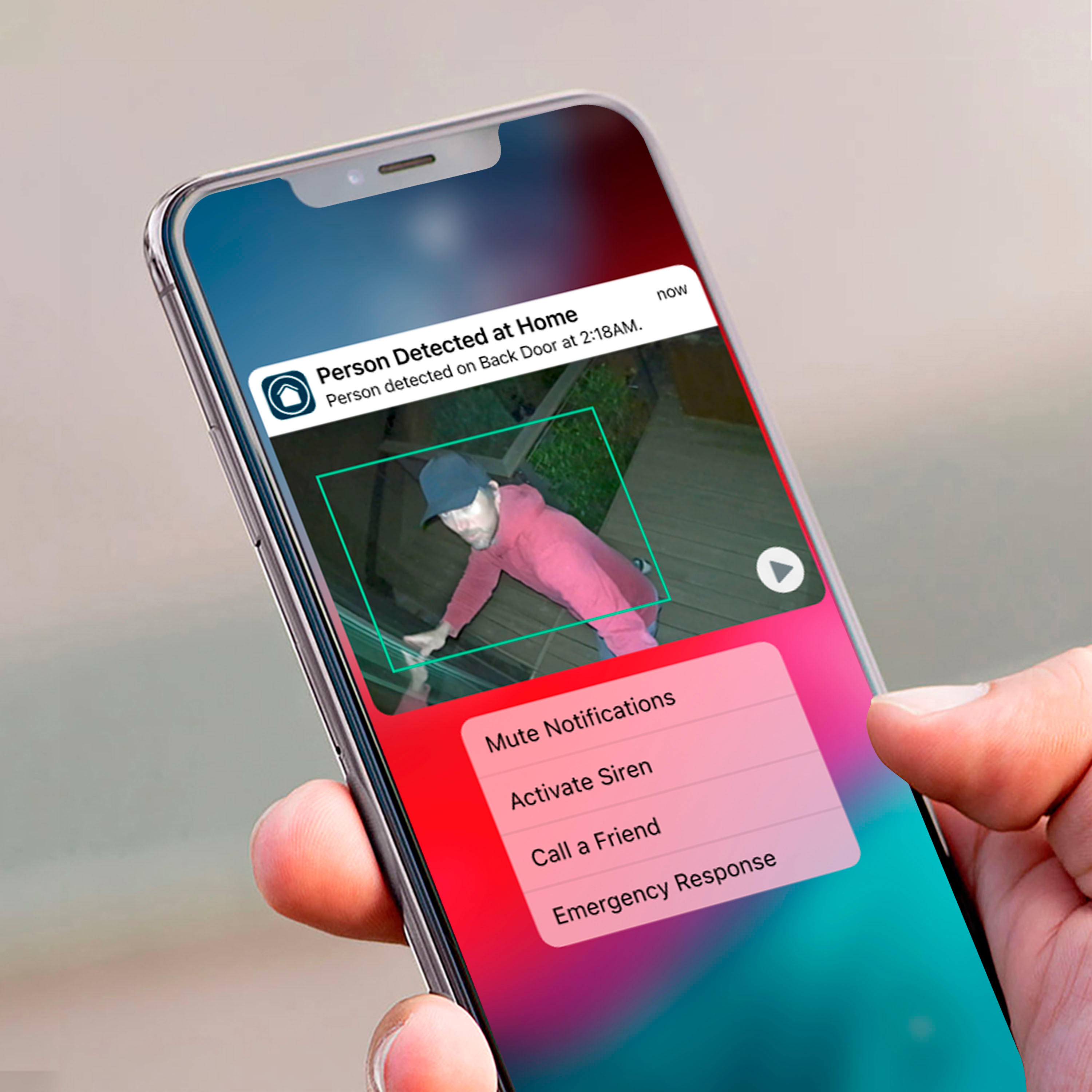
A:AnswerYou can however it would be pointless unless you get a hub for it store the footage. If you want to avoid the subscription you can always add it to your current hub and switch a camera that you may not necessarily need footage from but can view live whenever needed. You will get notifications by Arlo when all the cameras are activated.
A:AnswerIt depends of size of hub the the Arlo pro 4 does not need to be on a hub it goes right into your wi fi from home and it goes to your Arlo app on your phone or tablet
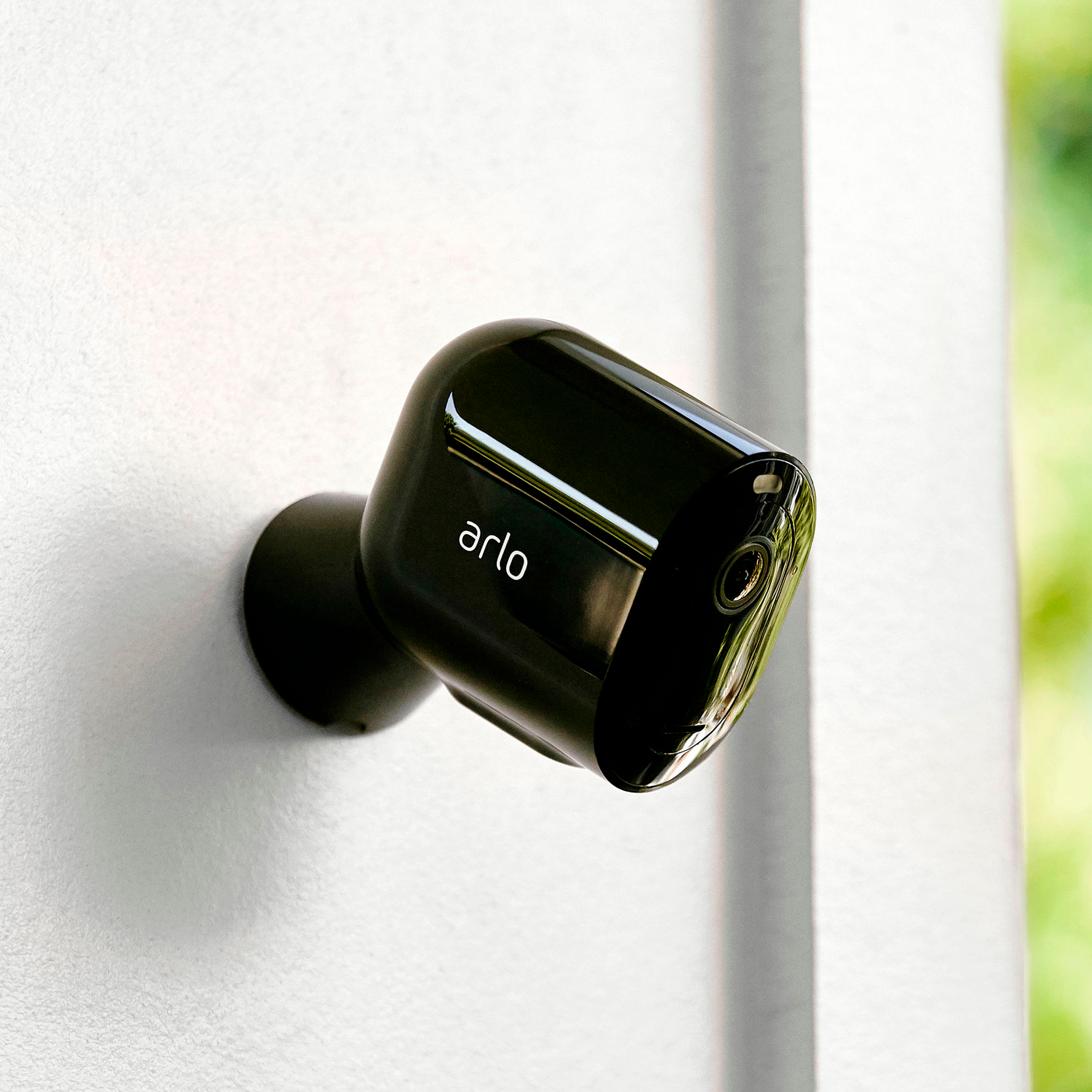
A:AnswerThe hex key is supposed to separate the camera and battery from the plastic housing. You insert it, turn to the right, and it "pops" after which the front is supposed to separate from the housing. It does not. Whoever said "easy peasy" must not have had the camera up for long, because it does not pop out easily after it's been up a few weeks. If you're trying to figure it out in your hands on your kitchen table right out of the box, sure, works like a charm. If you're on a ladder on your front porch and it "pops" but doesn't "pop out" you are stuck. Not the only one with this issue.
A:AnswerNo, it will not, at least not easily. The orbi broadcasts dual band wifi, meaning there is no way for you to choose the 2.4ghz band, you just get whatever wifi band is best. Even when you are on the 2.4 ghz band, it still won't connect for no apparent reason. There are numerous questions about this on the arlo community forum with no real resolution.