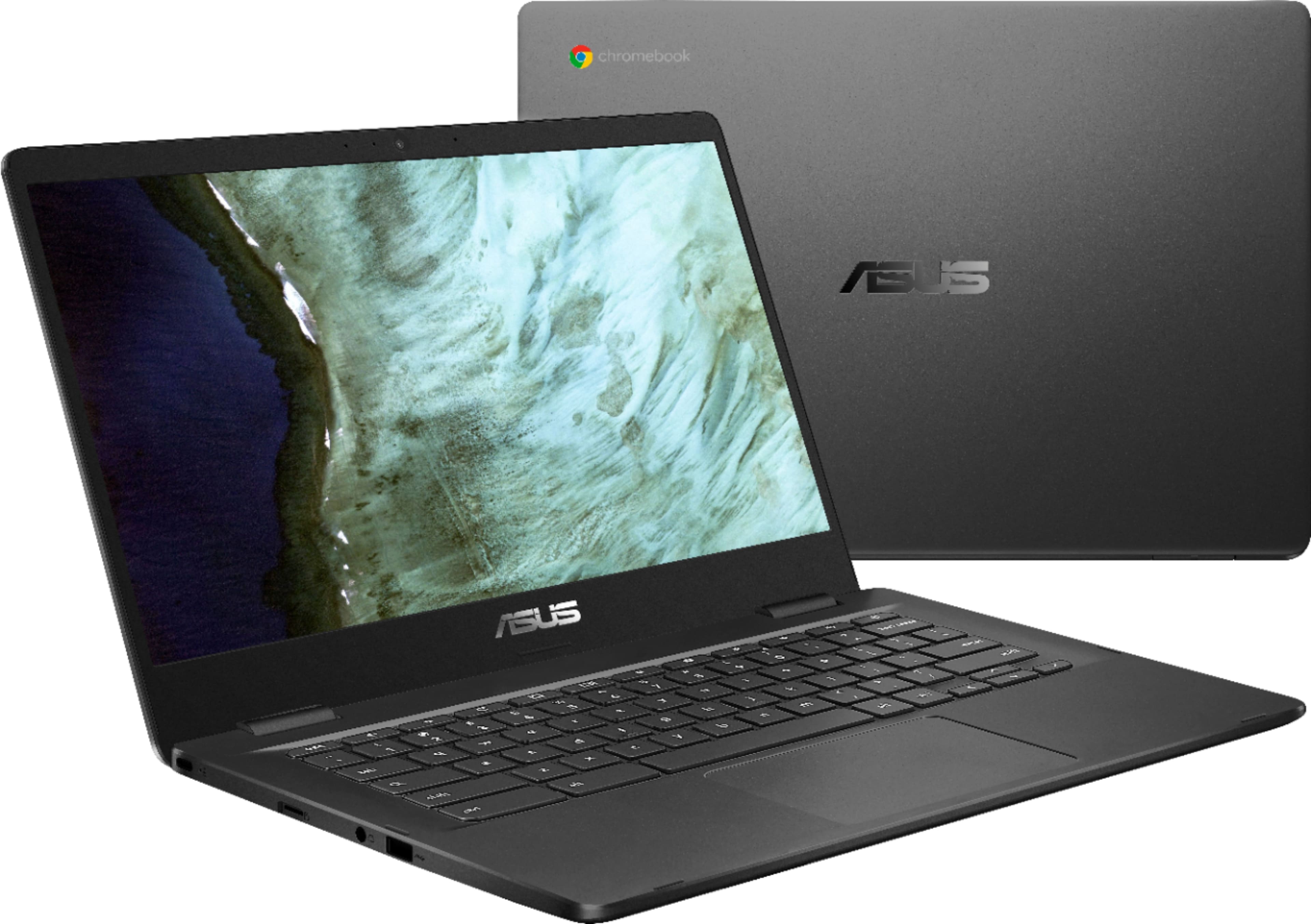
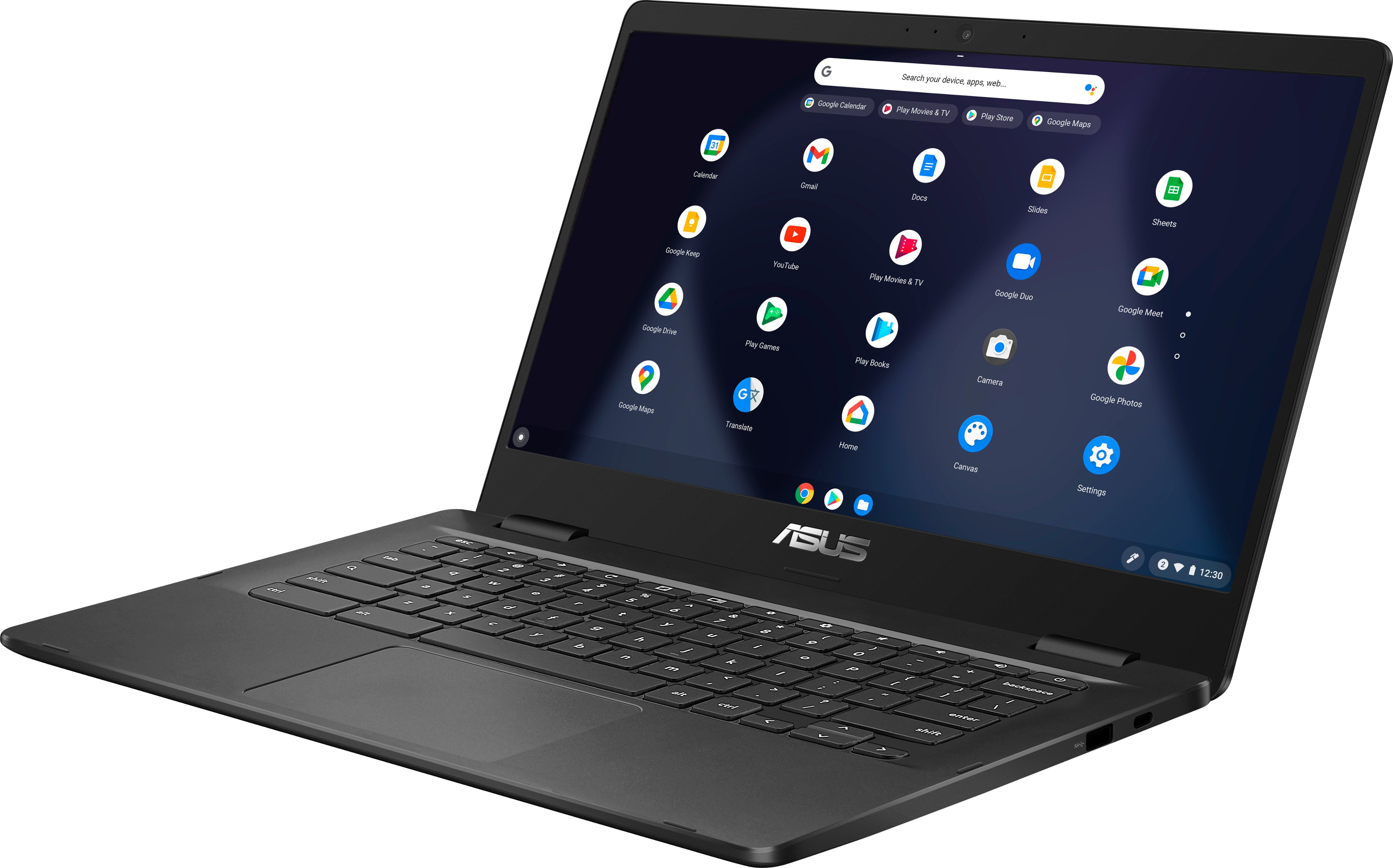
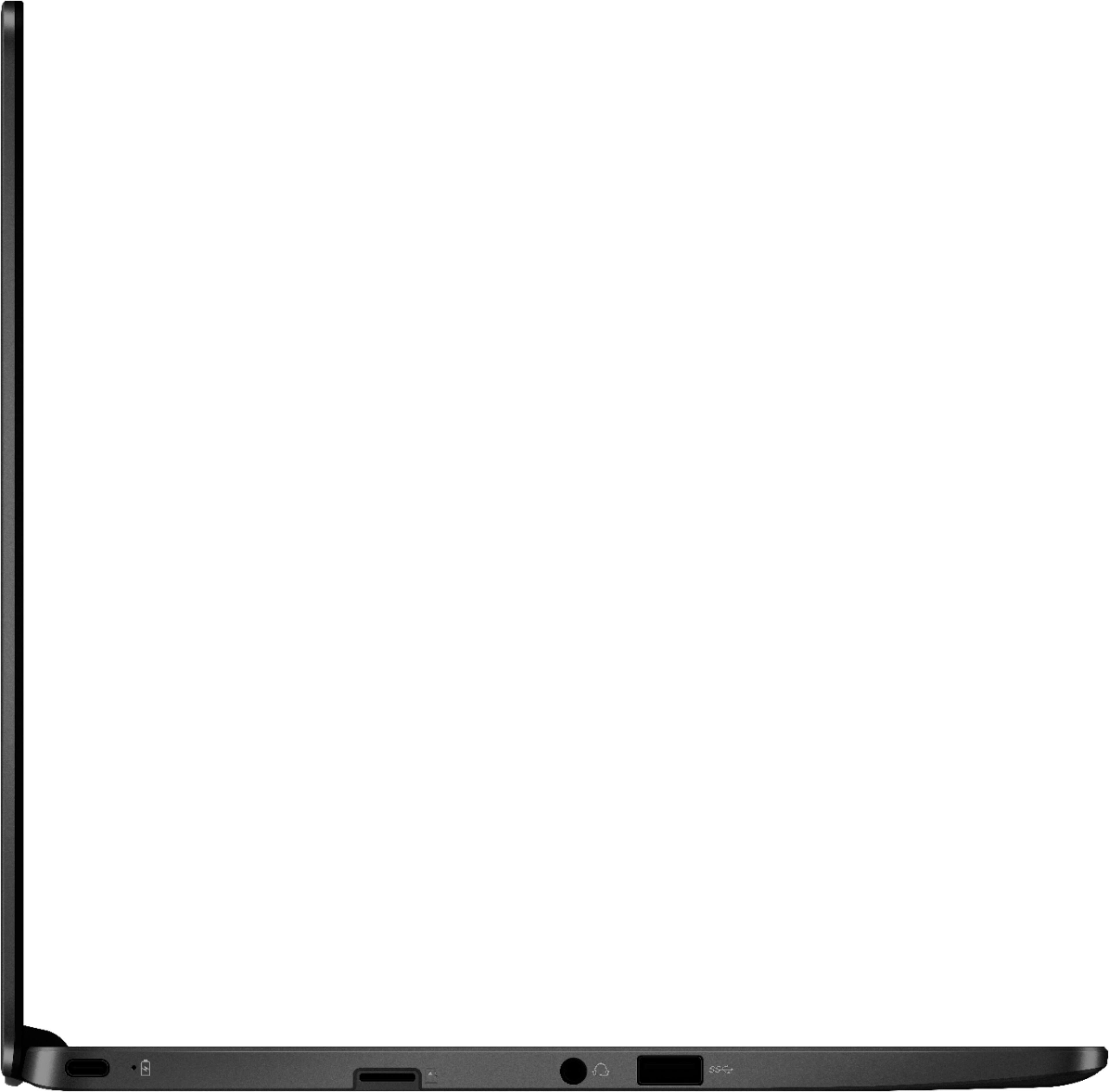
A:AnswerThe Chromebok's Intel Celeron N3350 CPU has an internal L2 cache memory of 2Mb and a battery life of approximately 10 hours of light to medium workload. It supports Android applications from the Google Play Store, weighs 2.7 lbs. with an audio jack, two Type-A USB 3.1 (Gen 1) and two Type-C USB 3.0 (USB 3.1 Gen 1) ports.
A:AnswerYes I bought this recently for my 5th grader who was doing remote learning. This is the same chromebook they have in the schools (maybe not the same brand). The kids are back in school now but it is nice for homework. Very easy to use.
A:AnswerYes you can use a monitor but you have to either use a USB adapter or a USB C adapter that connects to the monitor. No it does not have an HDMI, or VGA connection.
A:AnswerAs long as a printer is on same networked Wifi, your printer should be able to communicate with any Chromebook without having to setup anything.
I use HP printers, and always works for any Chromebook, MAC, PC, and even Linux computers. And I assume all modern Wifi capable printers support this plug-and-play feature too.
A:AnswerYes but you are limited. Roblox downloaded and worked fine. Fortnight won't even down load. Remember these don't have real hard drives, space is extremely limited.
A:AnswerThe battery life is great! I can watch videos, work on stuff with lots of graphics with 3ish things simultaneously for several hours (6?) without charging.