A:AnswerASUS doesn't provide Windows OS support. For tutorials on how to bypass the Windows login screen, please contact Microsoft for expert advice, or go to: https://answers.microsoft.com/en-us/windows/forum/all/how-to-bypass-the-password-login-on-windows-10/9c6f7a66-c70d-4848-961a-444b4d3e970c.
A:AnswerS mode is a setting for security where windows can only run apps from the app store. It can be removed and be regular windows.
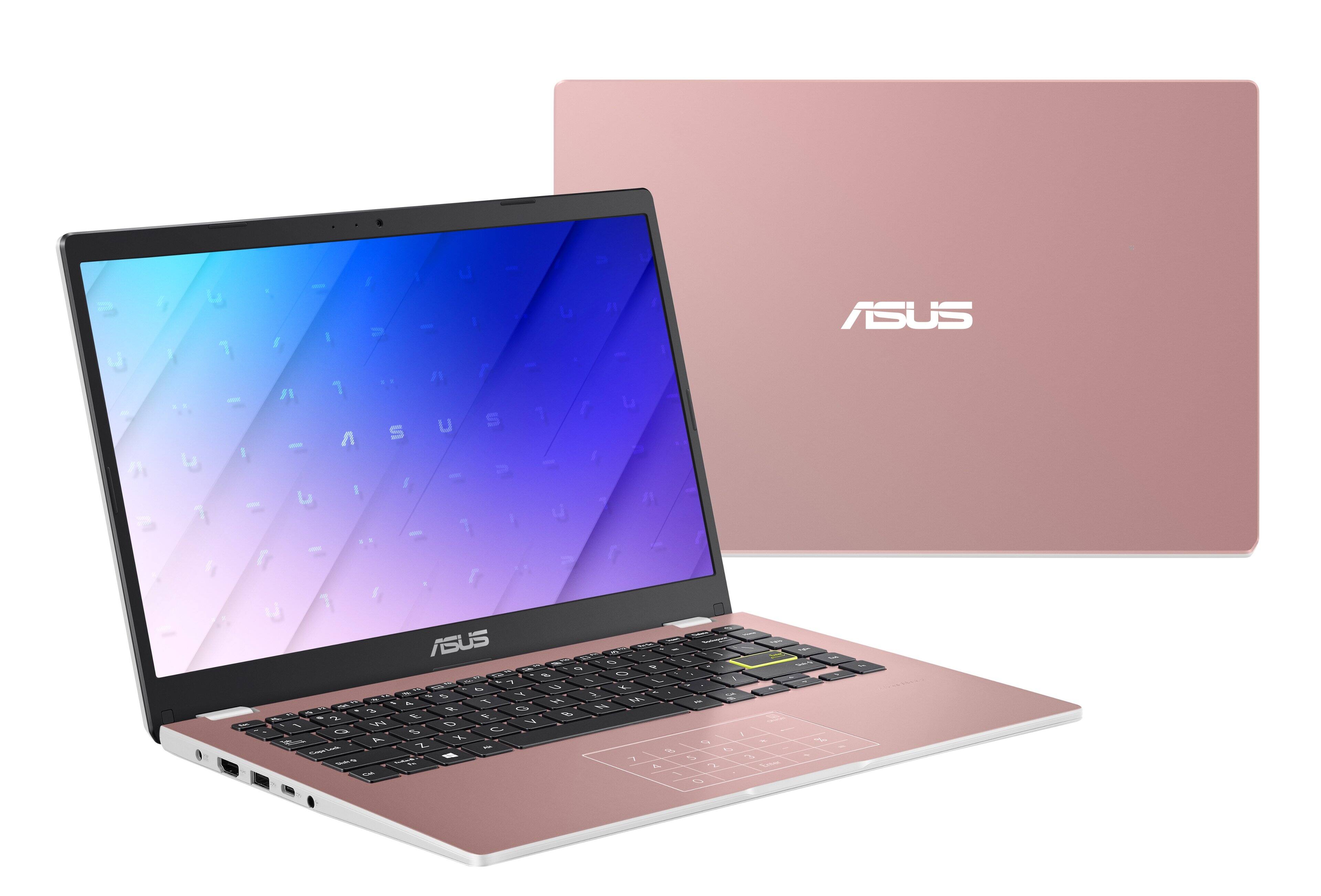
This is a basic computer for office and surfing. It my run the games at the minimum but you would moslikly get dropped frames and be sluggish. Look for AMD Ryzen computers to be able to play.
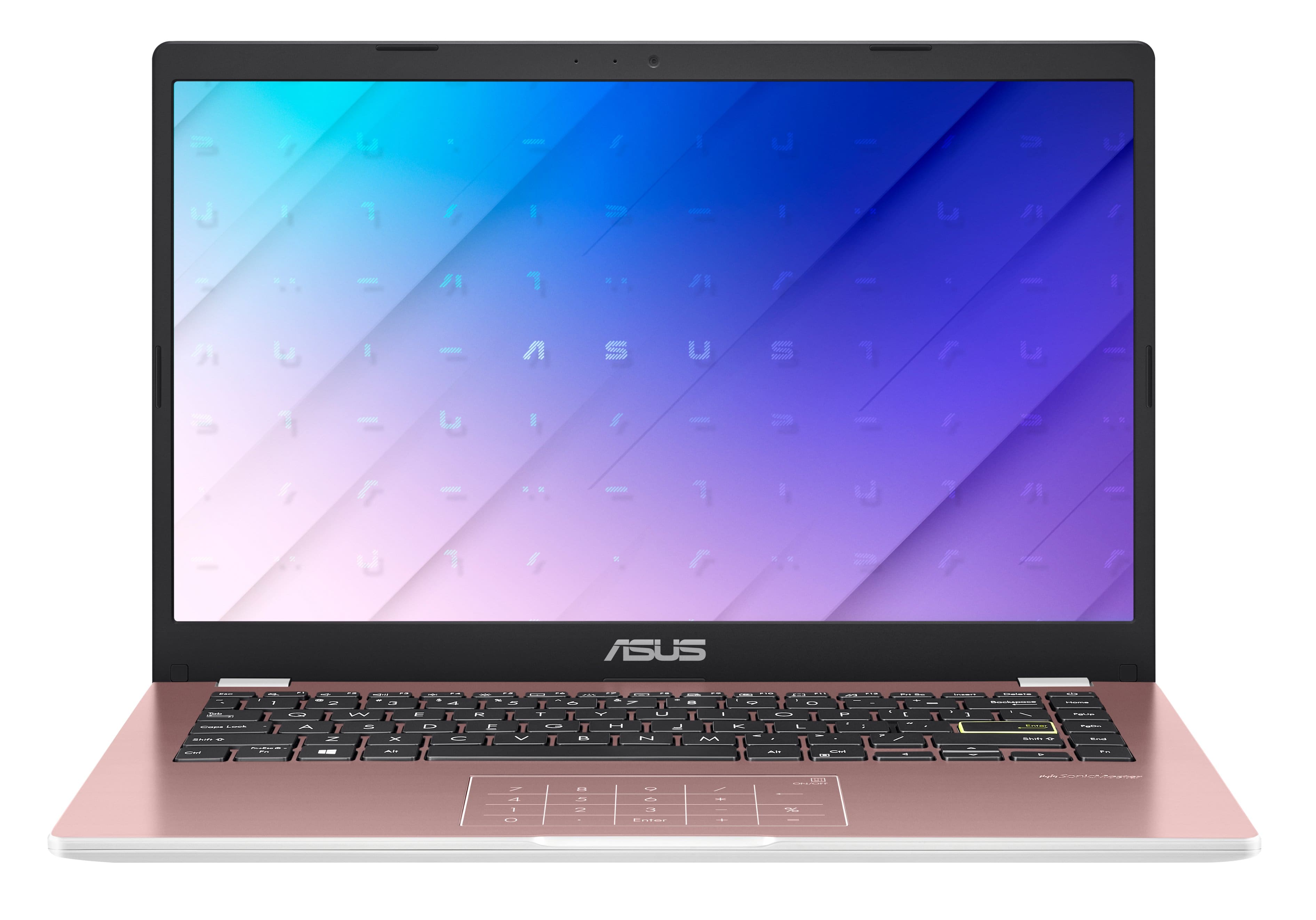
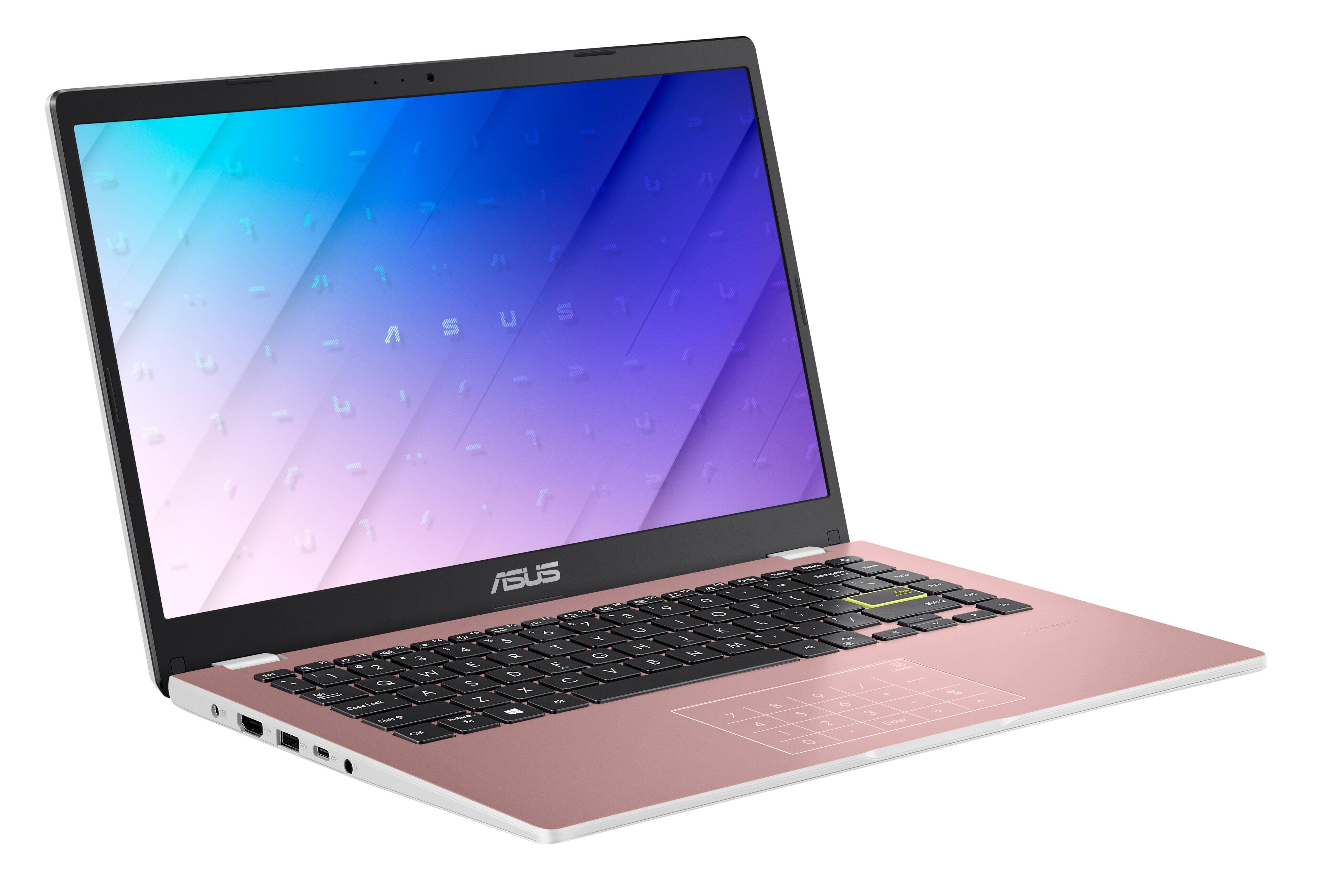
A:AnswerHello Kimmy. Thanks for your question. Looking at the product specifications, it does not seem to come with a webcam. In this instance, we suggest you verifying this information directly with the system manufacturer using the link below:
***https://www.asus.com/us/support/CallUs***
Thank you for choosing Intel!
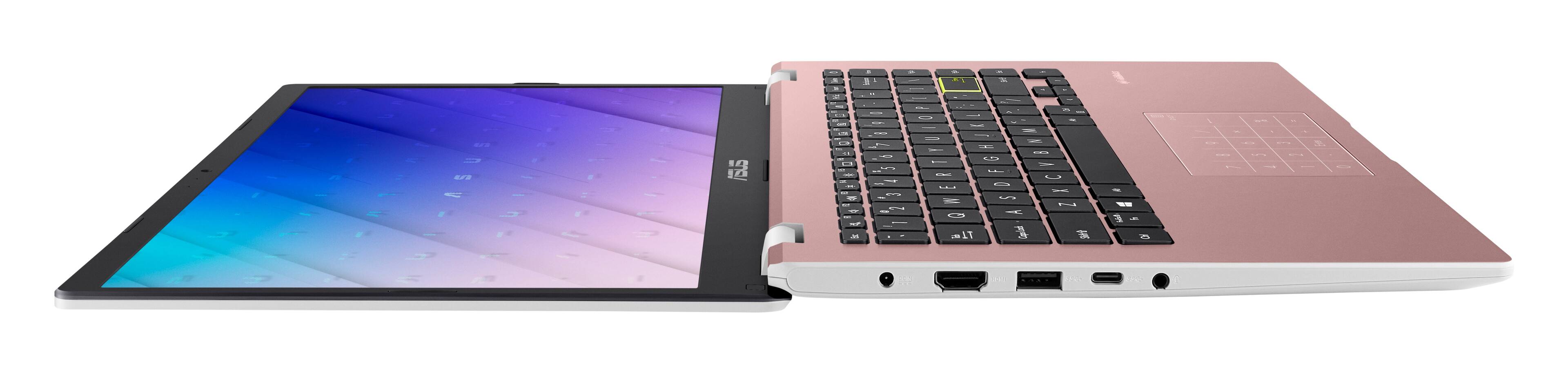
A:AnswerHello there. Thanks for your question. Looking at the product specifications available on the retailer website, this Asus laptop does not seem to come with a mouse, you might need to purchase one separately.
Thank you for choosing Intel!
A:AnswerHello LG. Thank you for your question. No, based on the information provided on the retailer website, this Asus laptop does not come with a front-facing camera.
Thank you for choosing Intel!