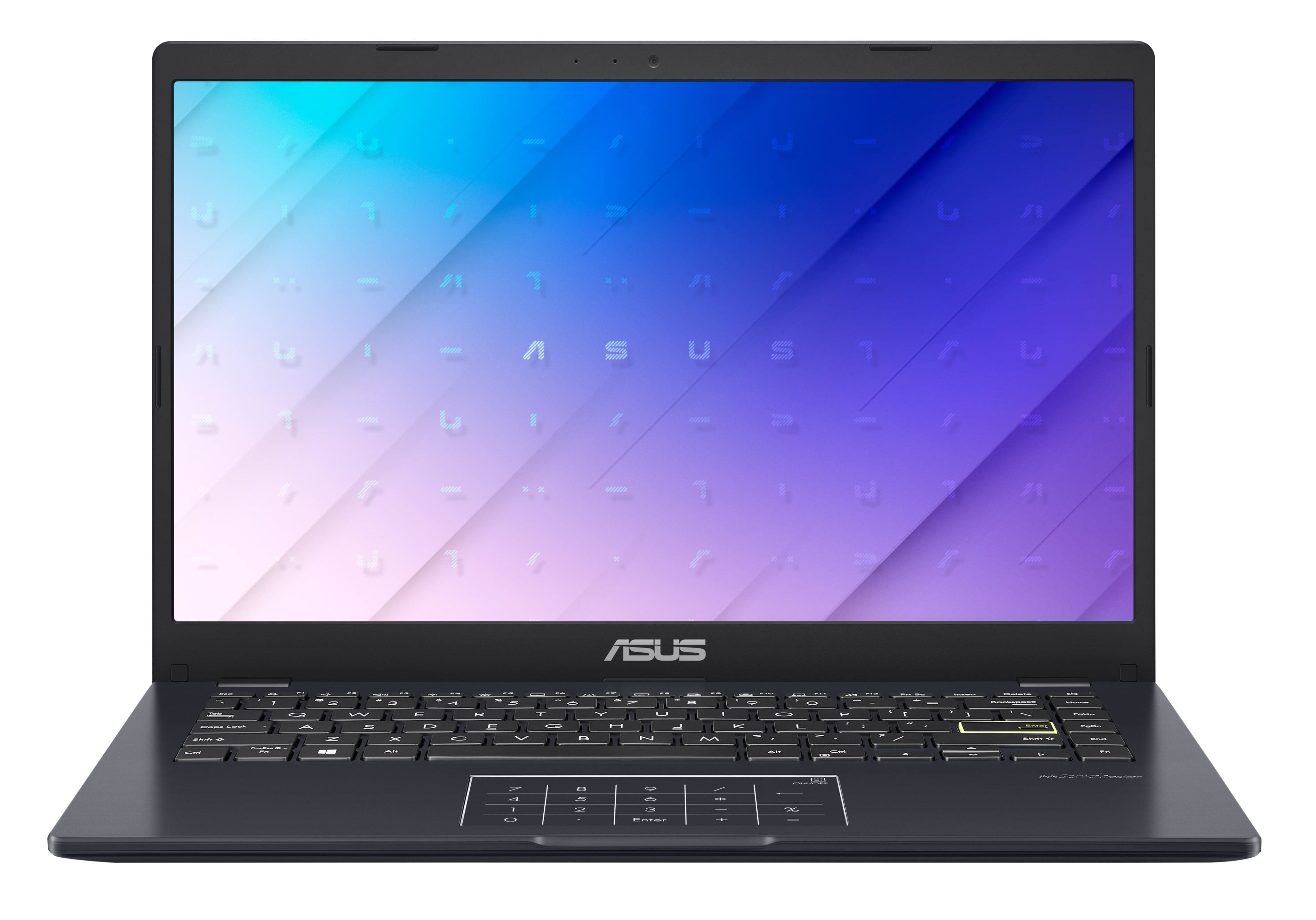
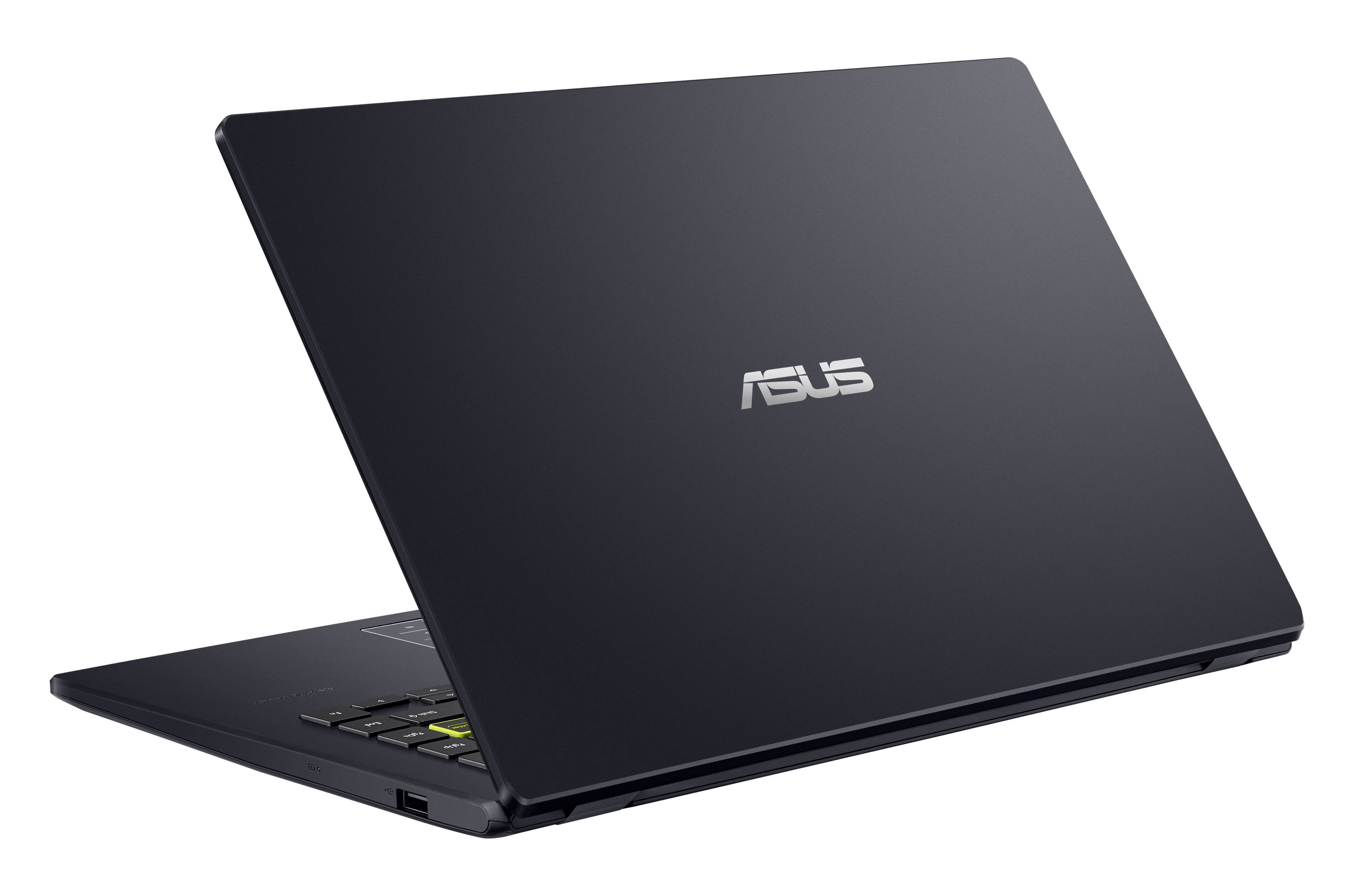
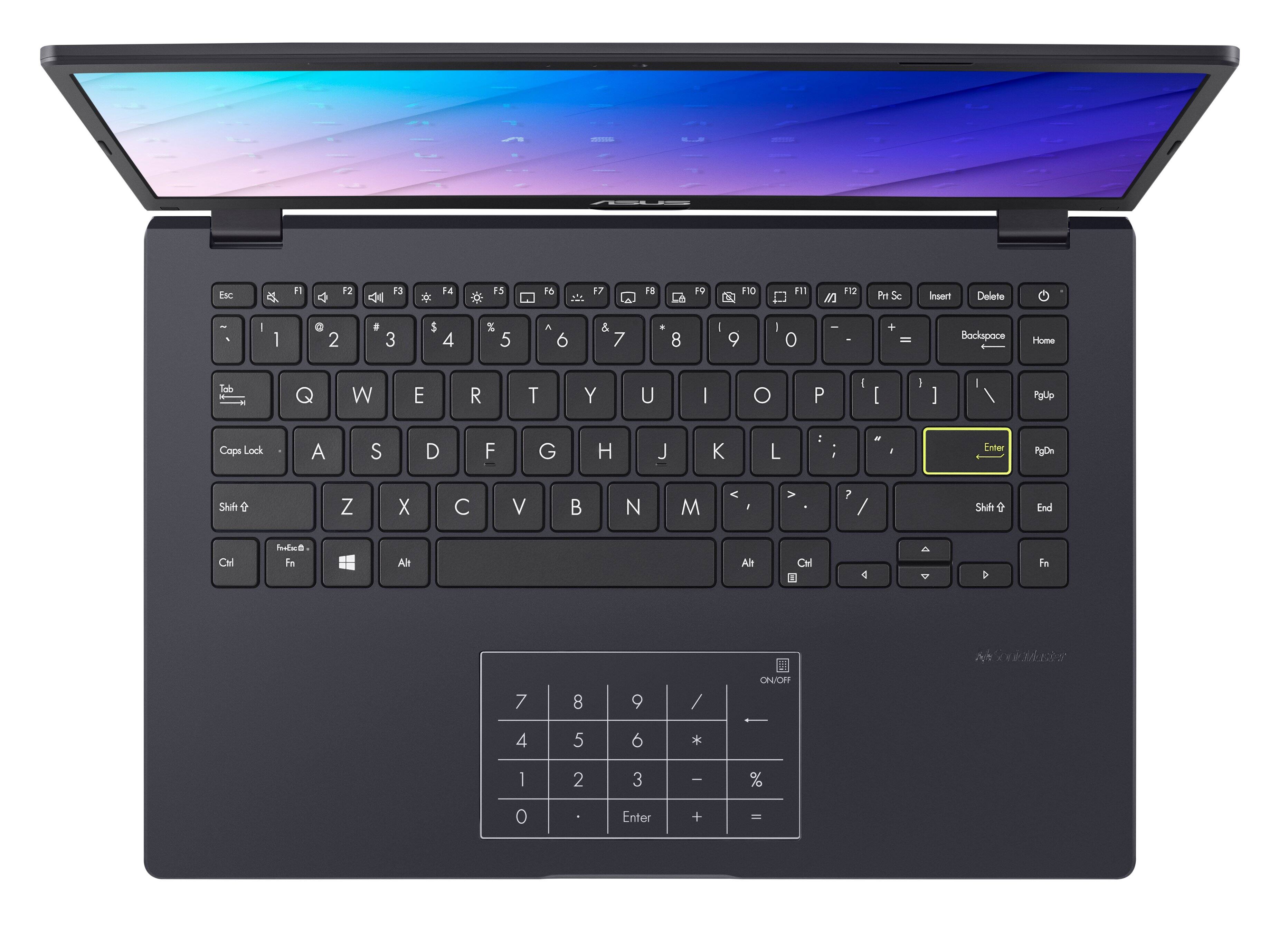
A:AnswerThe notebook includes the following:
Wired optical mouse
Backpack
Carry bag
Sleeve
USB-A to RJ45 gigabit ethernet adapter
Mouse pad
* Included accessories vary according to country and territory. Please check with your local retailer for details.
A:AnswerTo do a screenshot in Windows 11, please go to: https://techcommunity.microsoft.com/t5/windows-11/how-to-take-a-screenshot-in-windows-11-4-ways/m-p/2849736.
A:AnswerIt is a laptop with a web or cloud-base OS. If this is your first experience with a Chromebook, I recommend using the HELP file incorporated within the OS. To access HELP, please click your profile picture on the Notification Bar, located on the lower right-hand corner of the Home screen then click the question mark icon or widget. For more help, please go visit Google Support webpage.
A:AnswerIt’s possible. I’ve been playing a lot of movies on it. But tbh it’s not that fast. Maybe not those type of games. You probably need something with faster processor